Finance
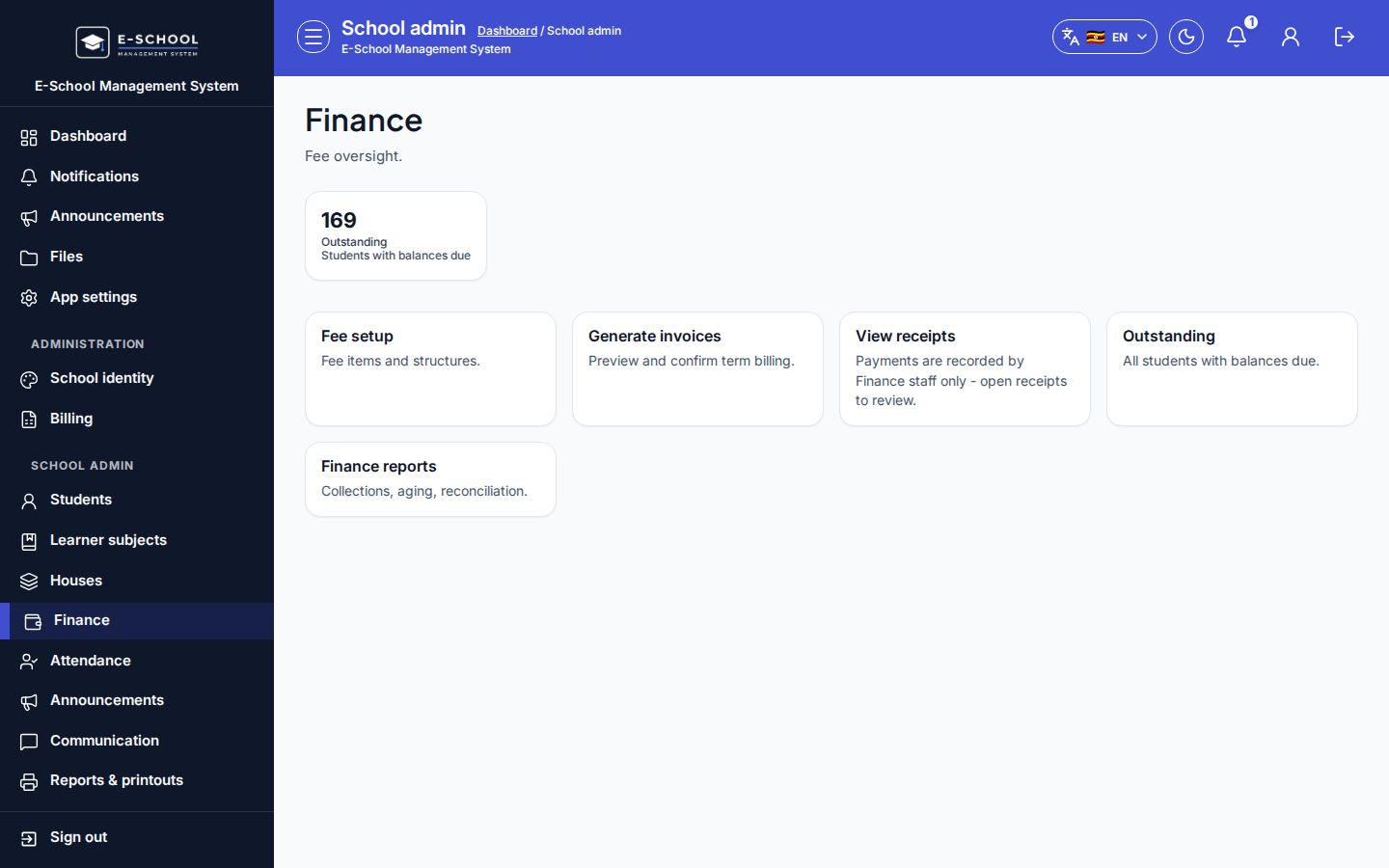
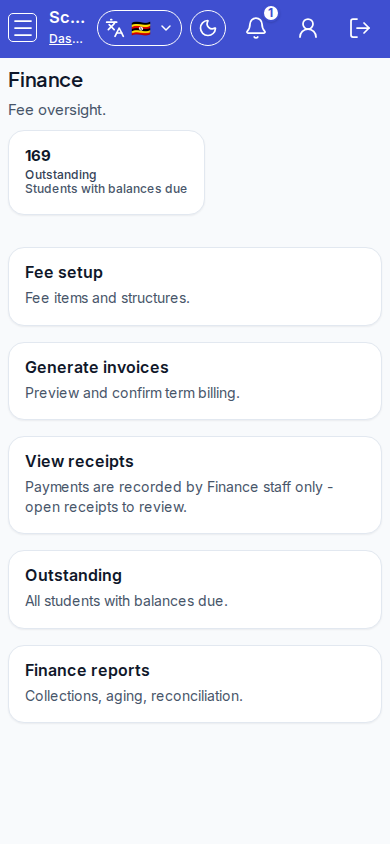
Admin finance hub with outstanding KPI and shortcuts into fee setup, generate, receipts, and reports.
Who can use this
- ADMIN
Path
/admin/finance
Dependencies
- Fee items/structures before generate.
- Prefer Finance role screens for cashier day-to-day.
Screenshot
Steps
- Open Finance hub at
/admin/financeas ADMIN.
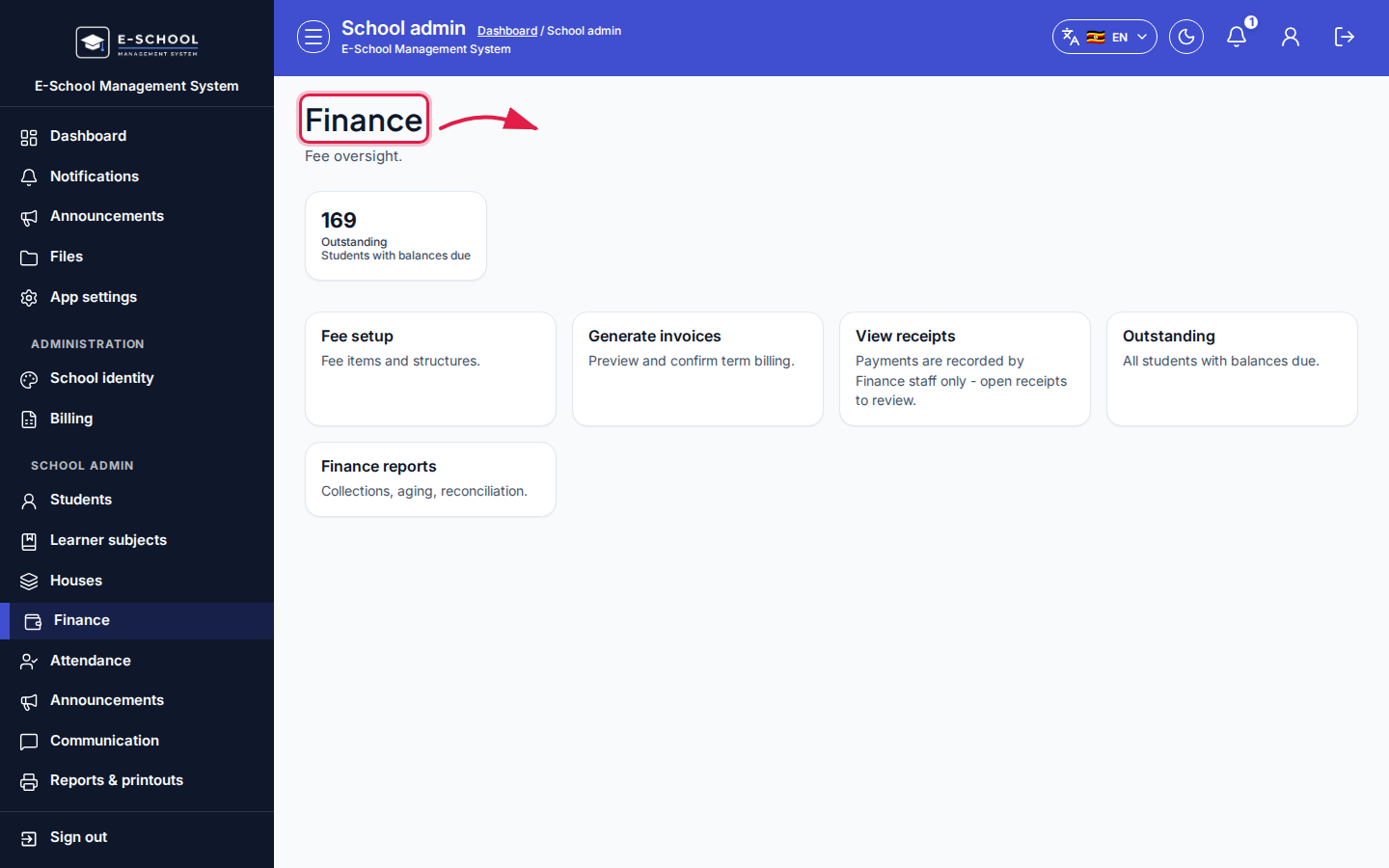 Desktop - focus for step 1
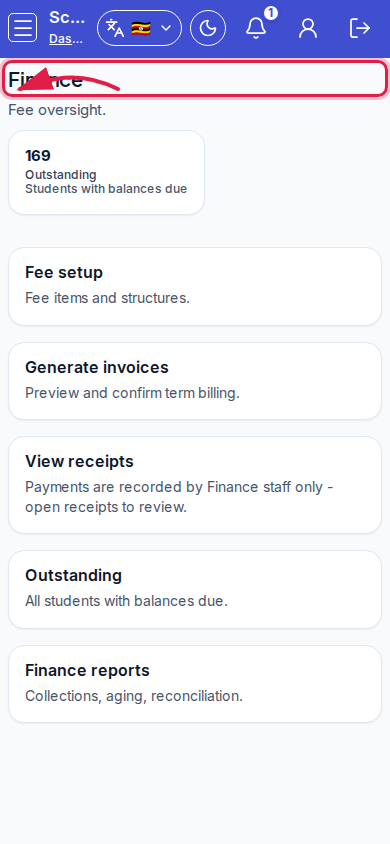 Mobile - focus for step 1
- Note Outstanding KPI.
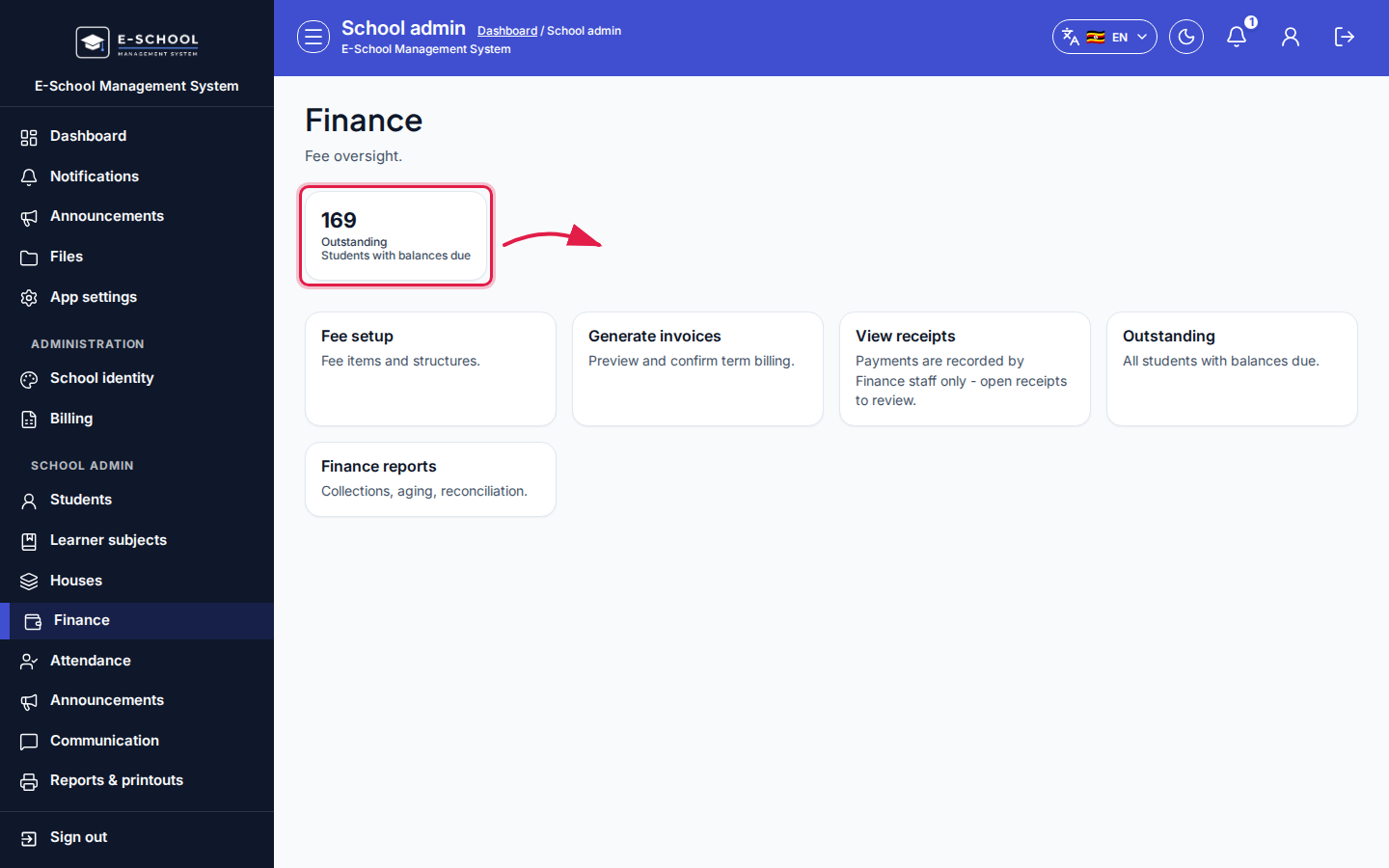 Desktop - focus for step 2
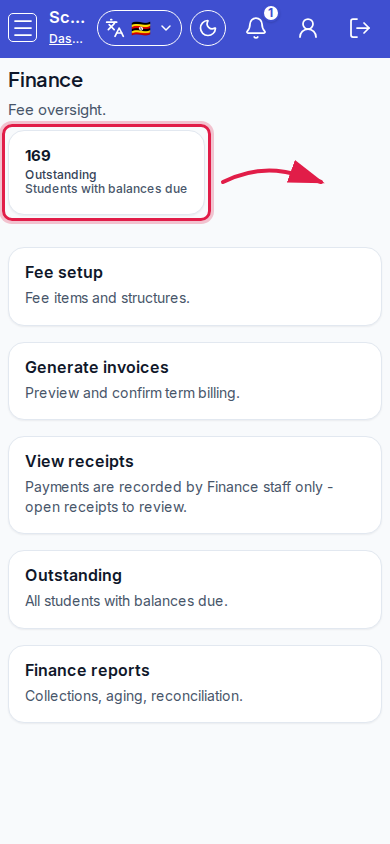 Mobile - focus for step 2
- Open cards: Fee setup, Generate invoices, View receipts, Outstanding, Finance reports.
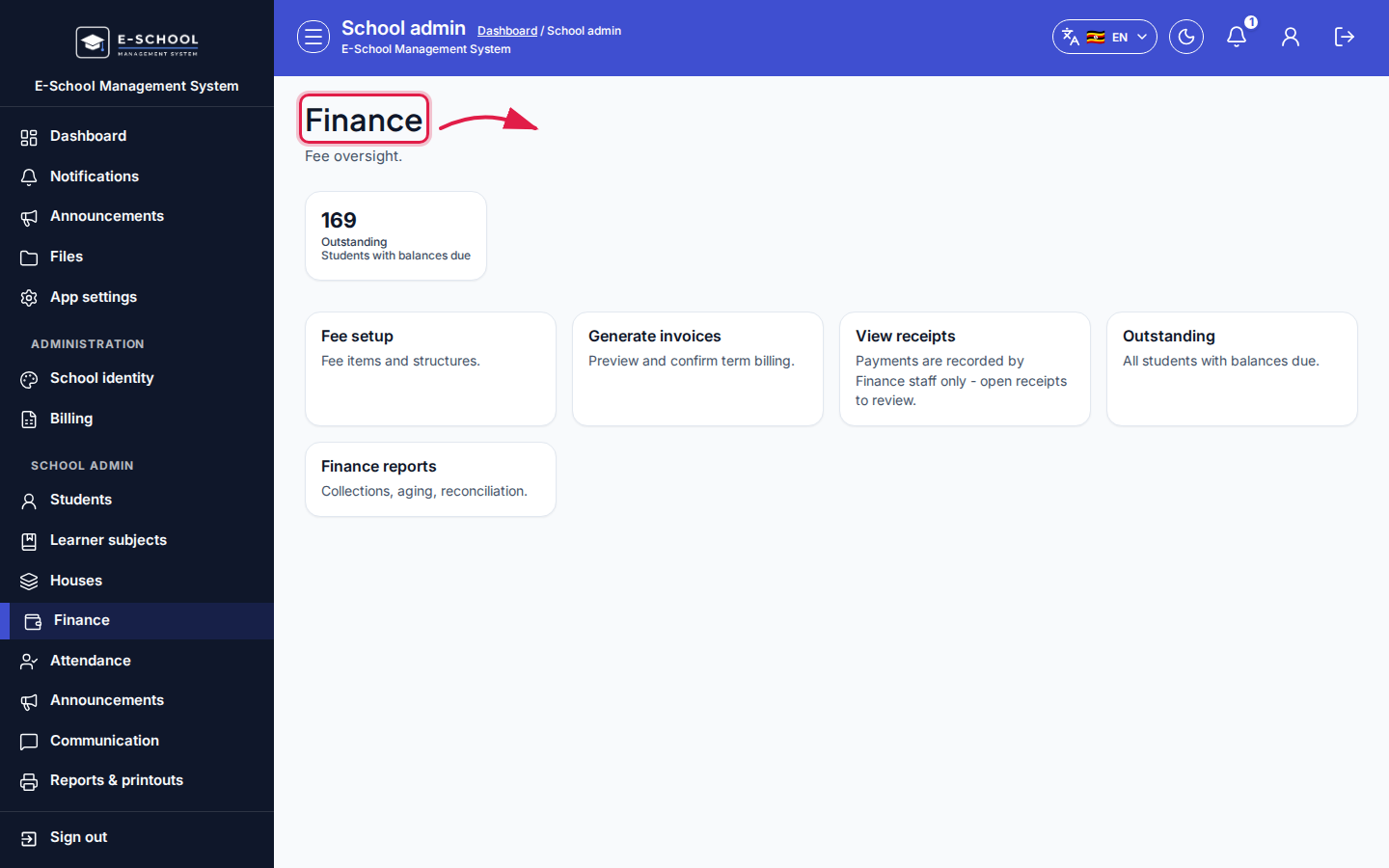 Desktop - focus for step 3
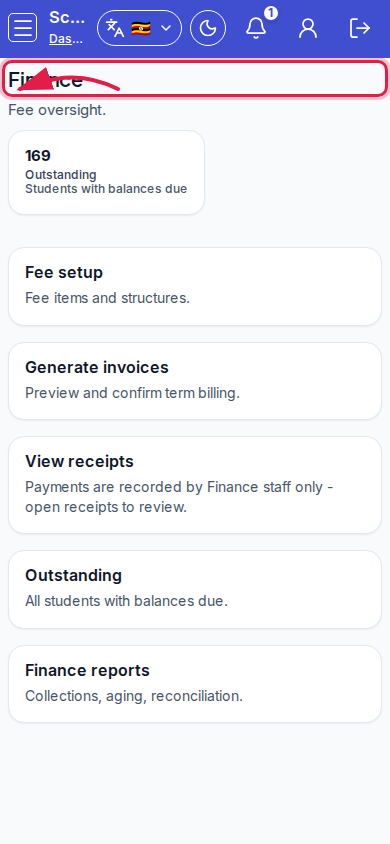 Mobile - focus for step 3
- Complete setup → generate → record payment → receipt before chasing defaulters.
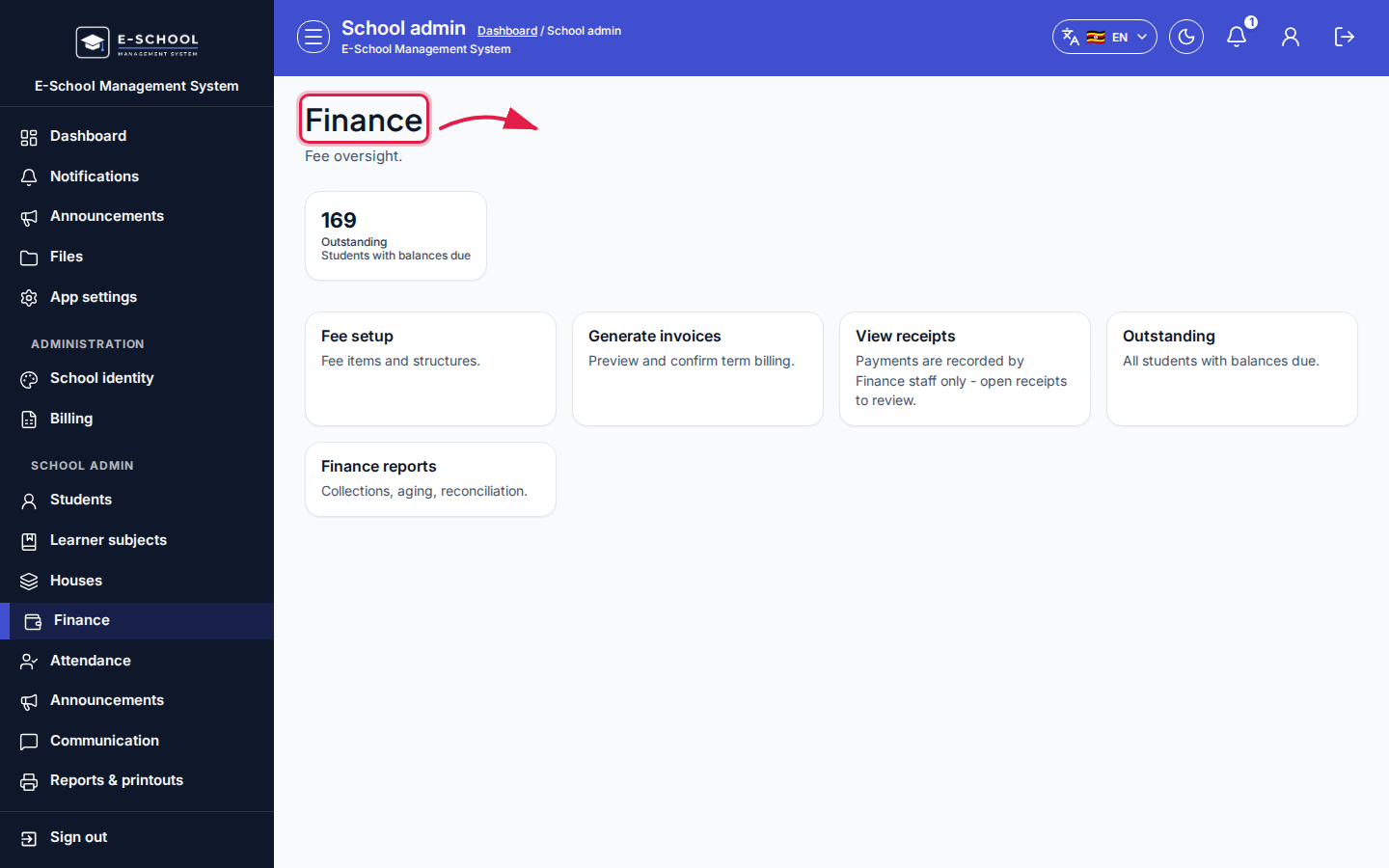 Desktop - focus for step 4
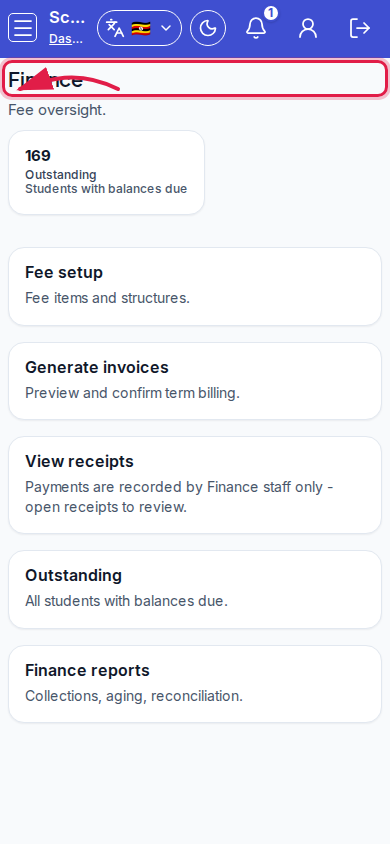 Mobile - focus for step 4
- Use Finance audit when investigating postings.
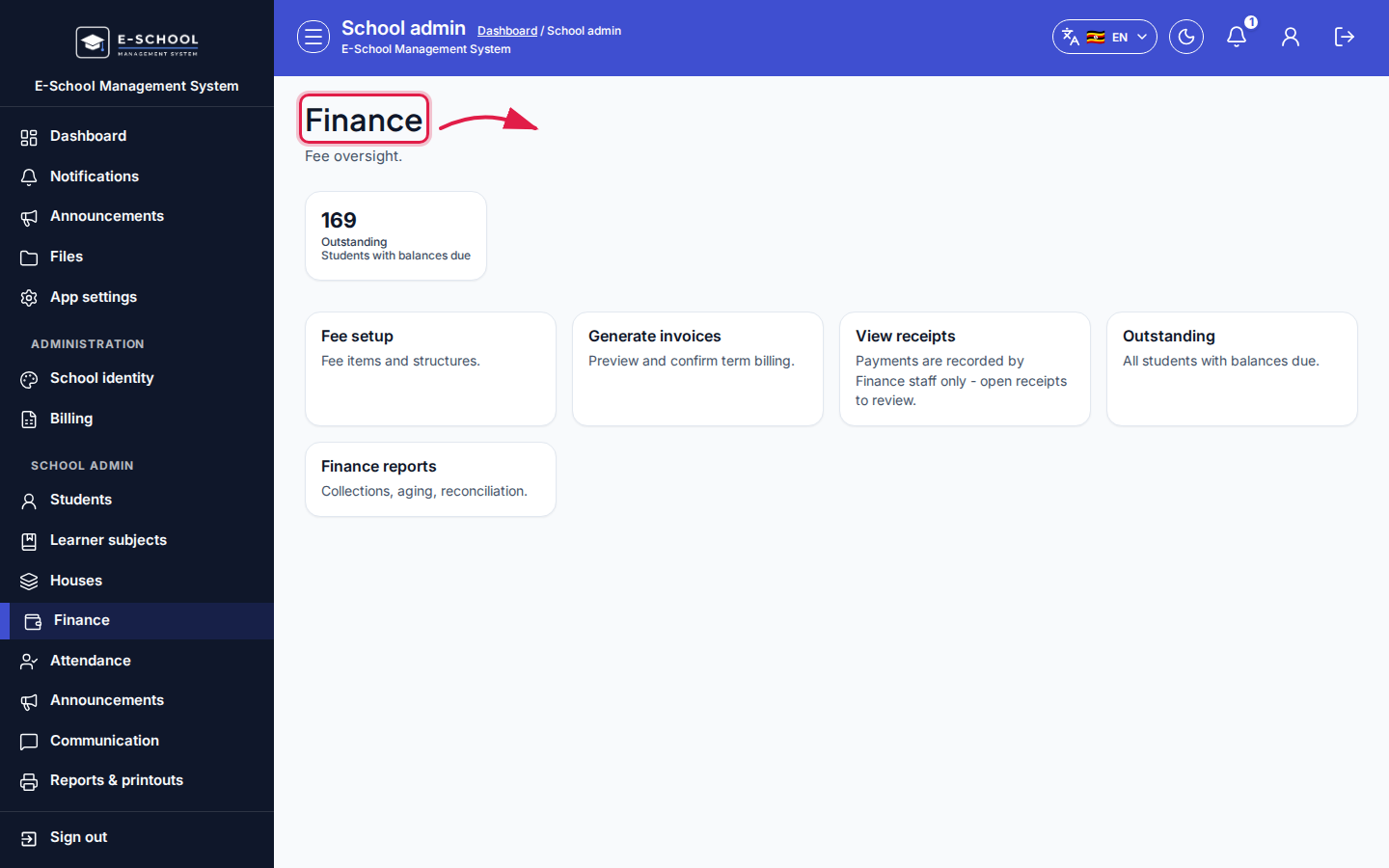 Desktop - focus for step 5
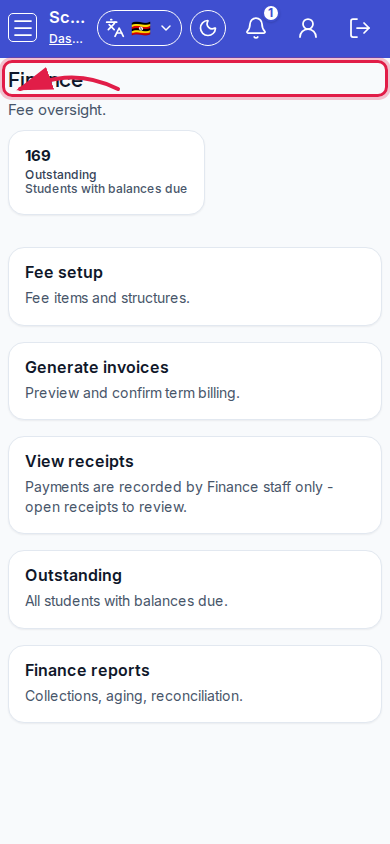 Mobile - focus for step 5
Fields and actions
- Outstanding KPI
- Cards: Fee setup, Generate invoices, View receipts, Outstanding, Finance reports
Common mistakes
- Generating invoices before fee structures exist
- Chasing outstanding without confirming generate ran for the term