Class performance marksheet
Class performance marksheet across subjects for a selected class, term, and stream.
Who can use this
- ADMIN
Path
/admin/class-performance
Dependencies
- Published/entered marks for the term.
- Open Exams & results when scores are missing.
Screenshot
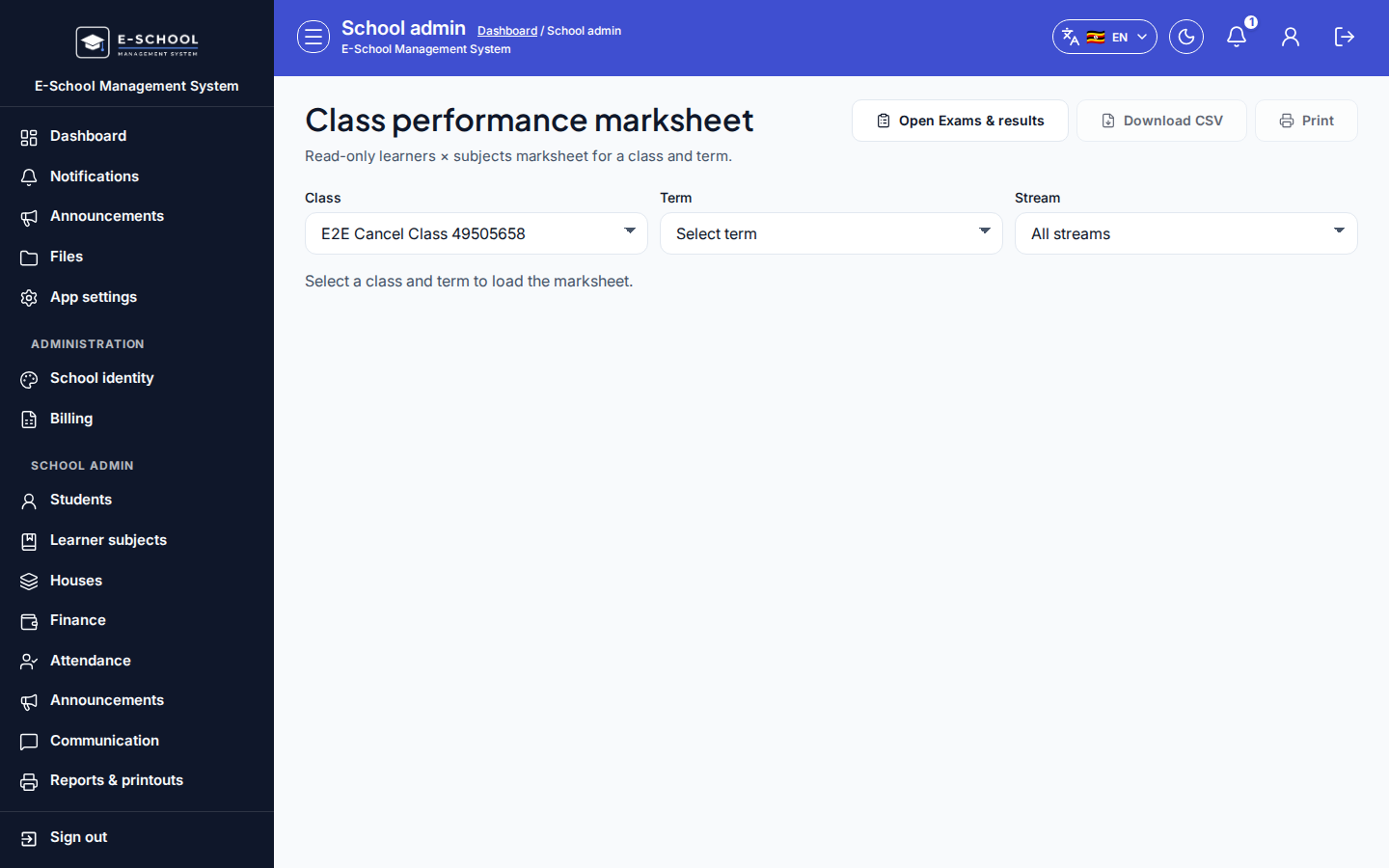
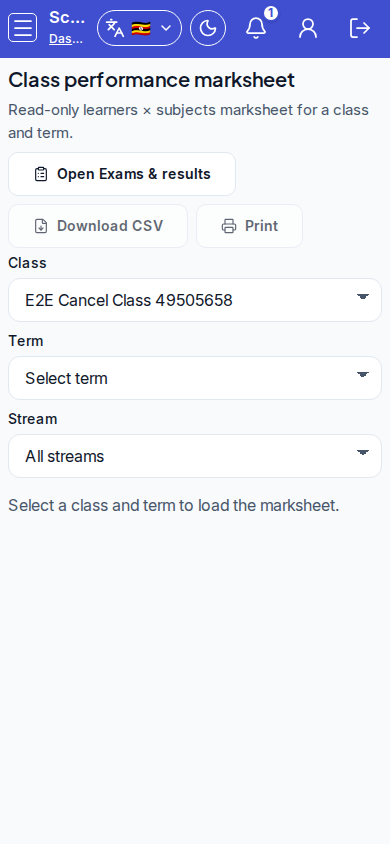
Steps
- Open Class performance at
/admin/class-performanceas ADMIN.
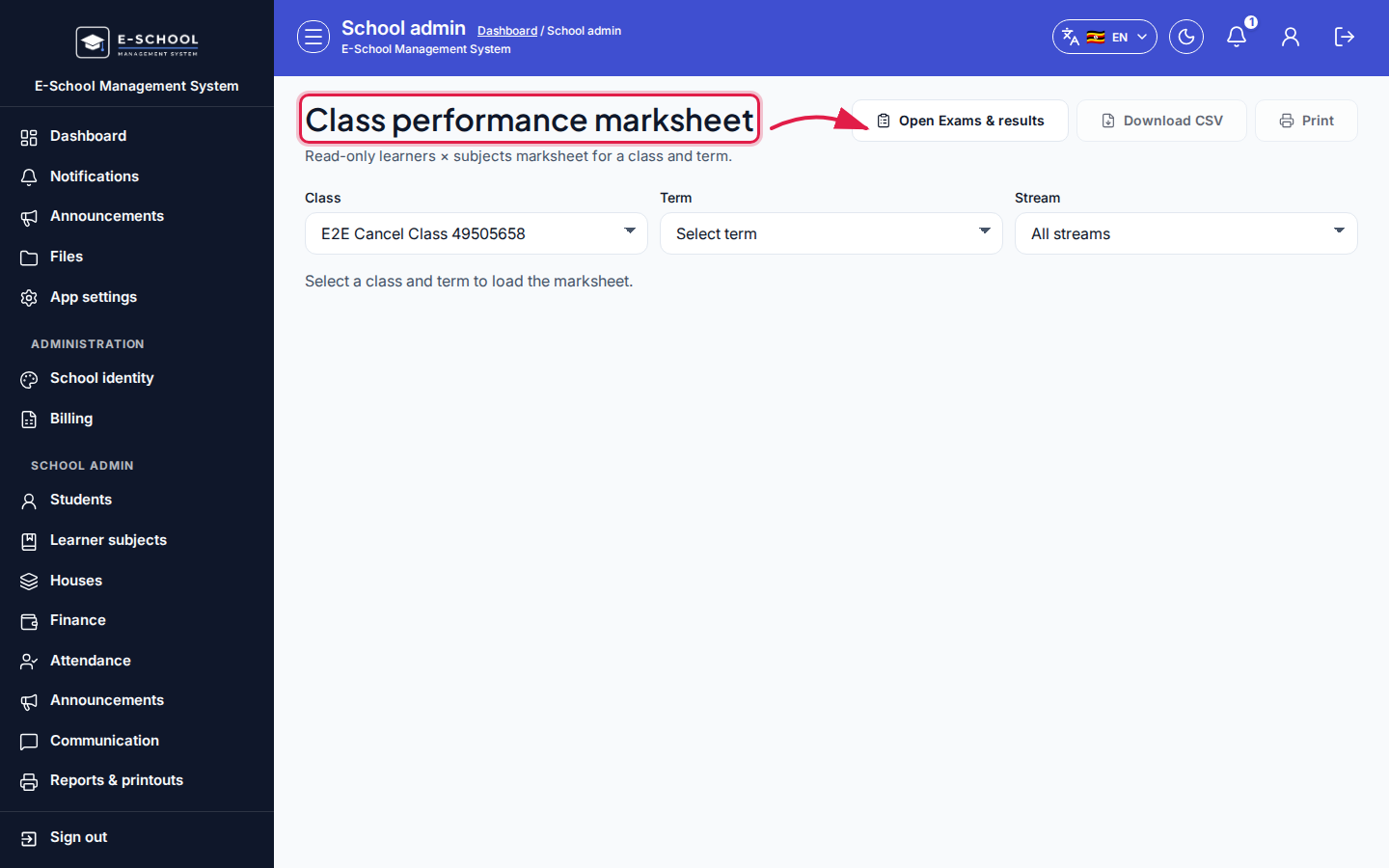 Desktop - focus for step 1
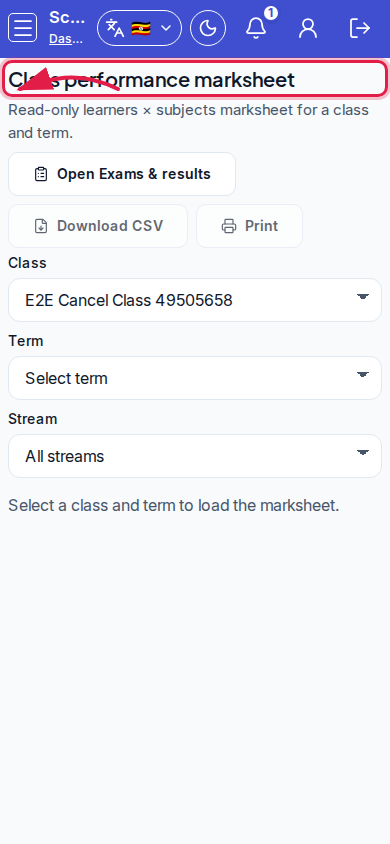 Mobile - focus for step 1
- Select Class, Term, and optional Stream (All streams).
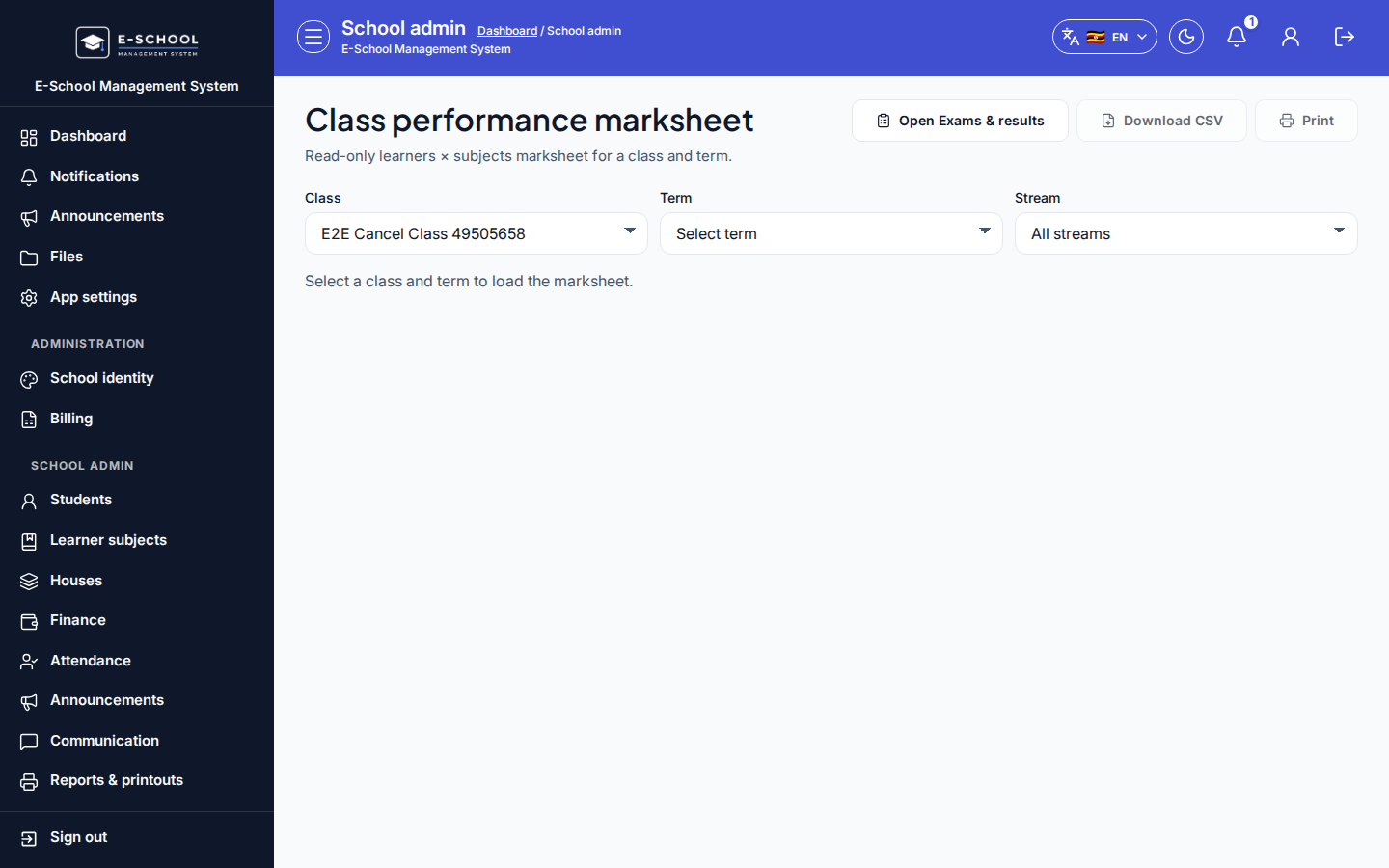 Desktop - focus for step 2
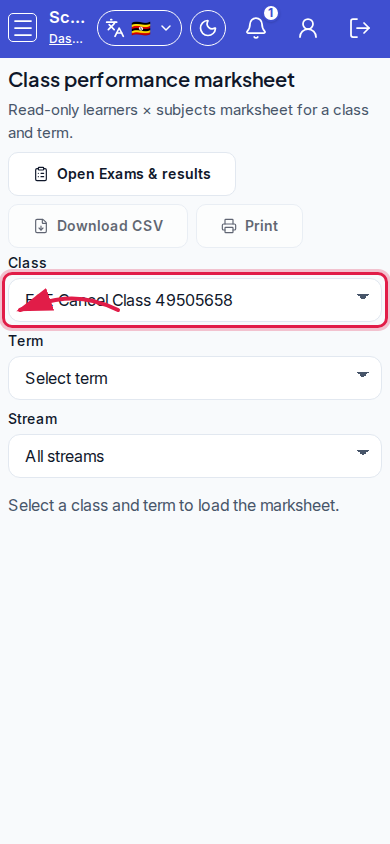 Mobile - focus for step 2
- Review Learner rows with subject columns.
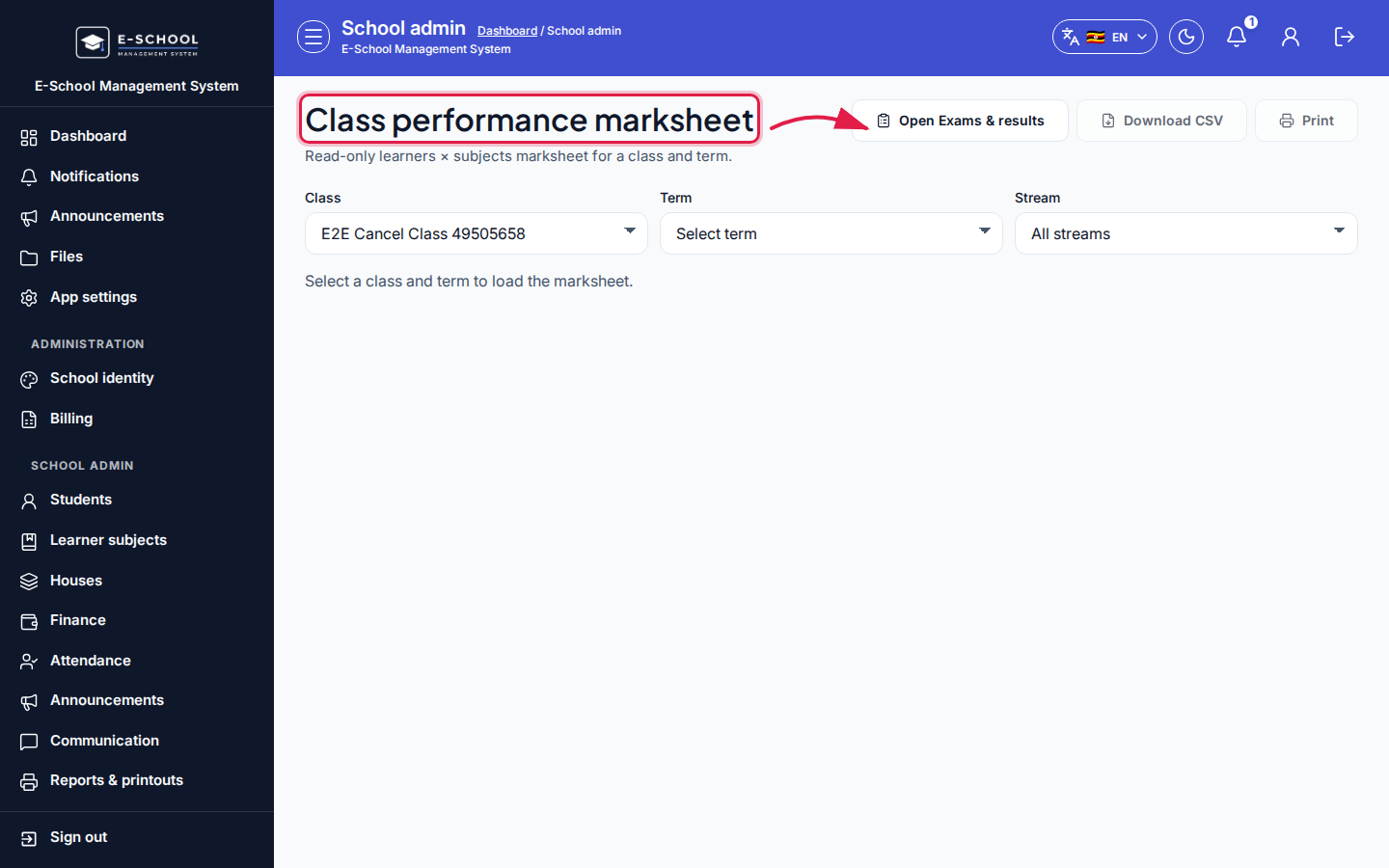 Desktop - focus for step 3
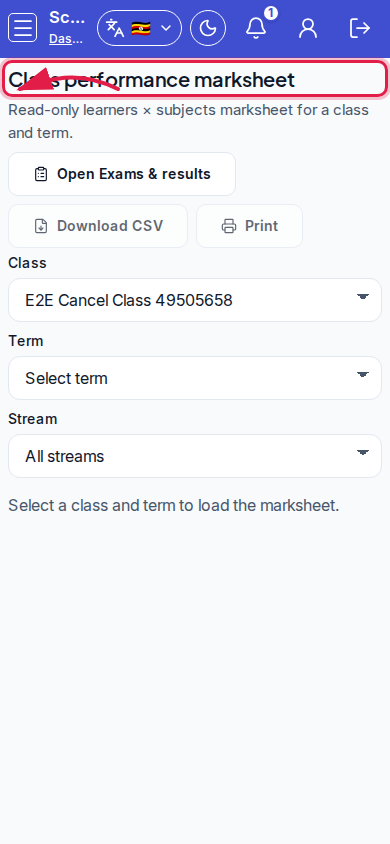 Mobile - focus for step 3
- Use Open Exams & results to fix missing assessments.
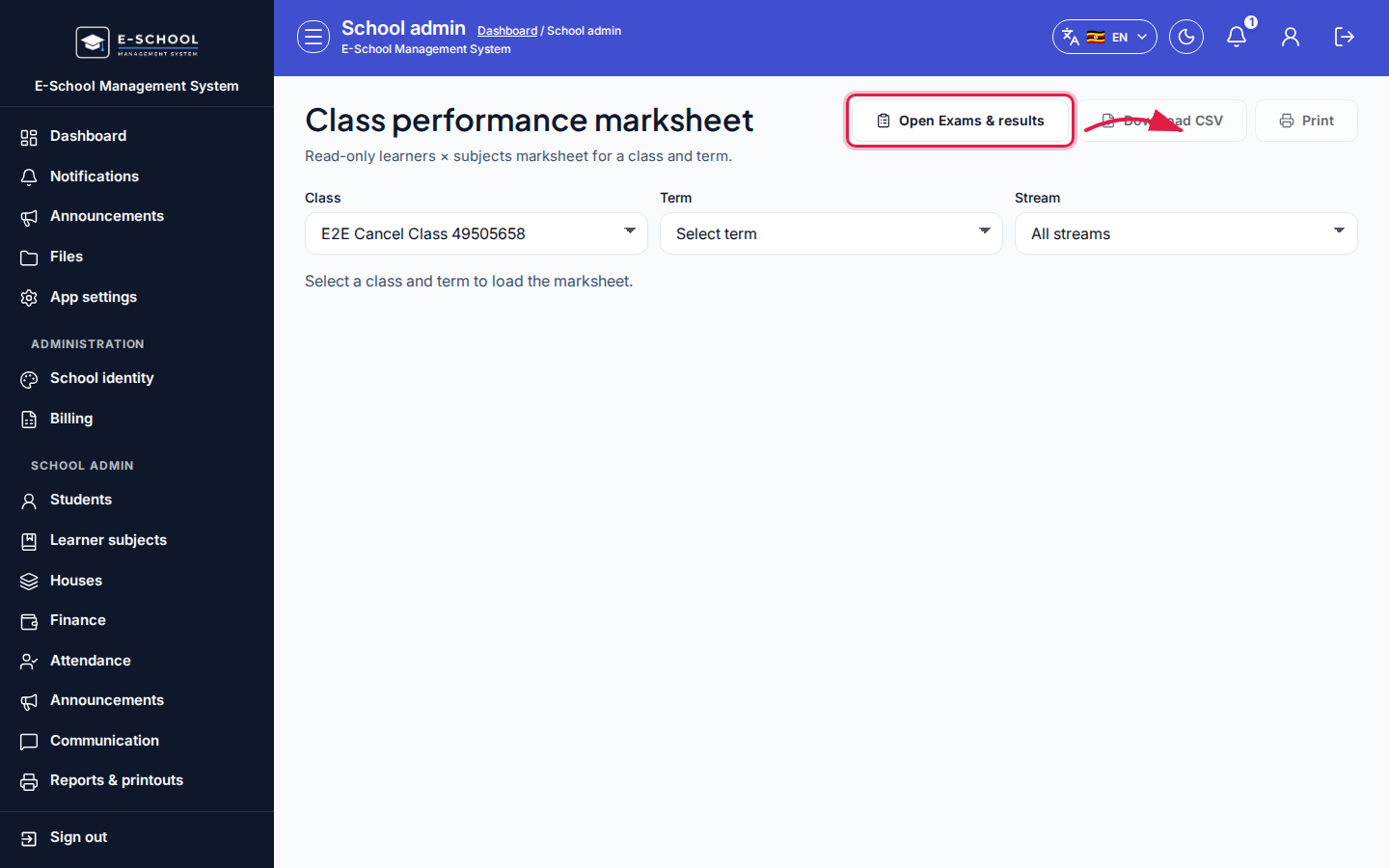 Desktop - focus for step 4
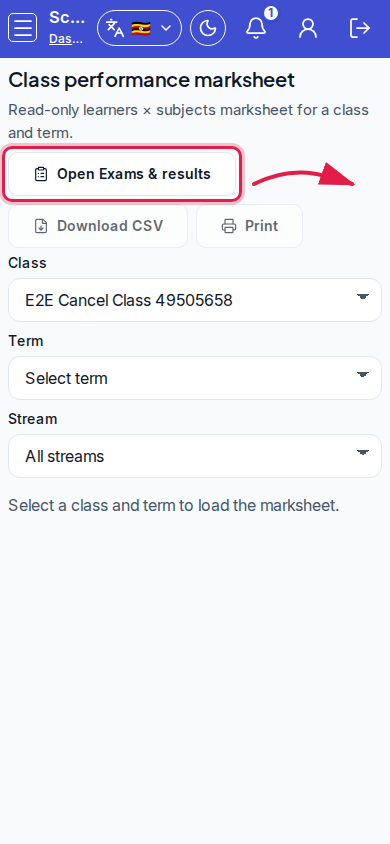 Mobile - focus for step 4
- Print/export only after filters match the meeting pack you need.
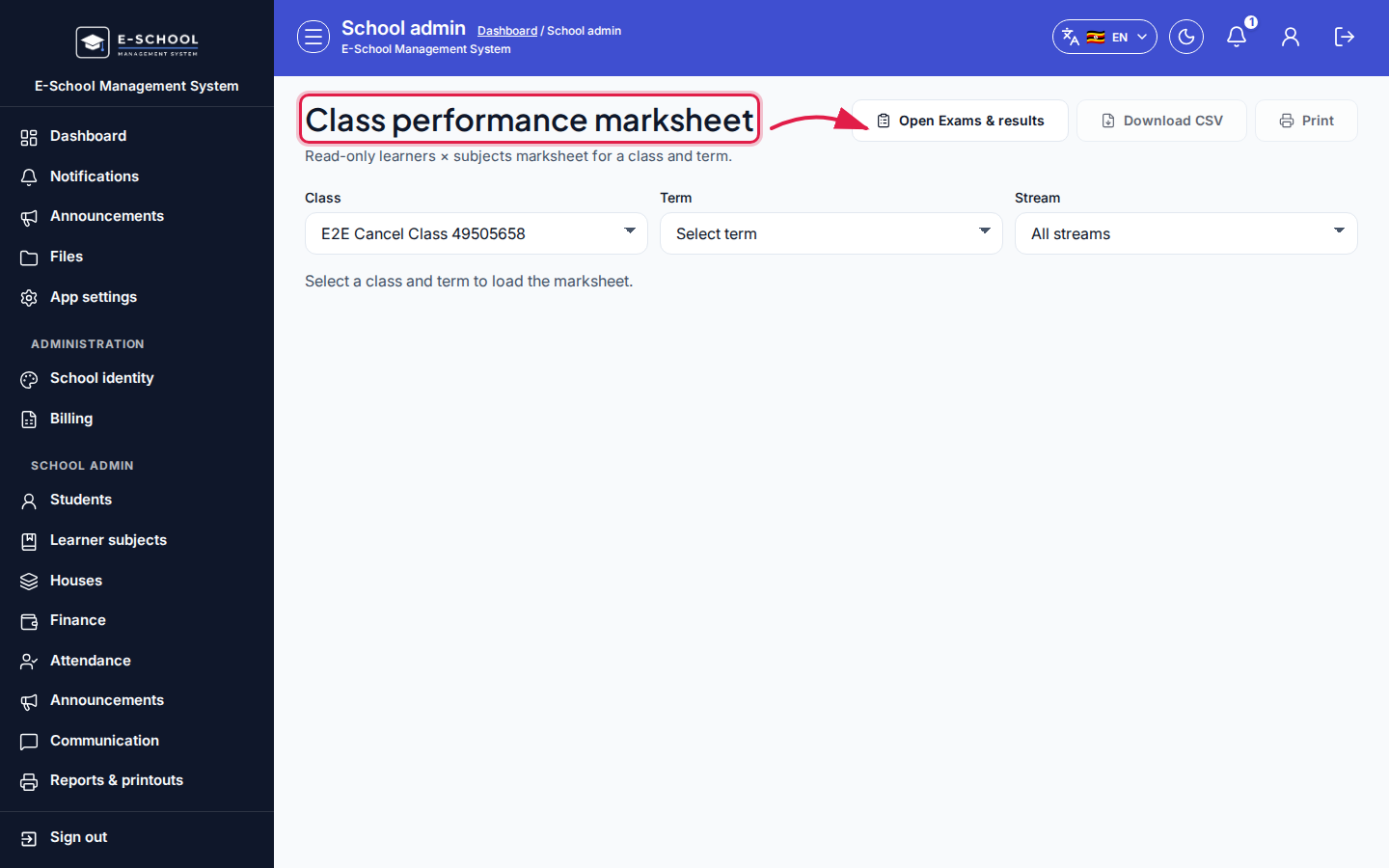 Desktop - focus for step 5
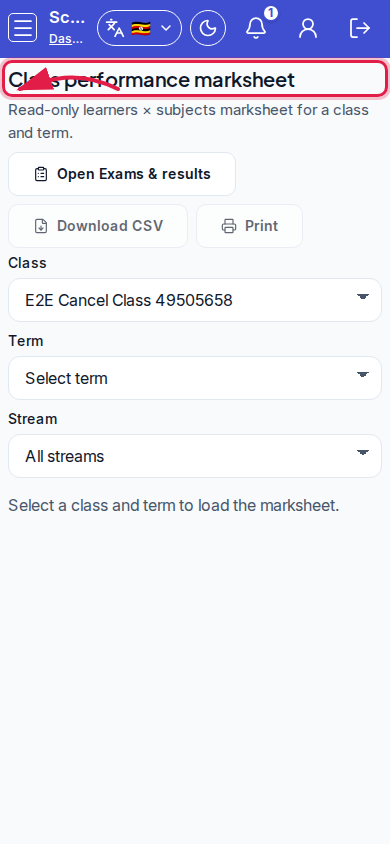 Mobile - focus for step 5
Fields and actions
- Filters: Class, Term, Stream
- Learner + subject columns
- Open Exams & results
Common mistakes
- Wrong term selected
- Comparing streams without setting Stream filter
- Assuming empty cells mean zero (may be unpublished)