House allocation
Assign learners to houses by class and stream in bulk or one row at a time.
Who can use this
- ADMIN
Path
/admin/house-allocation
Dependencies
Screenshot
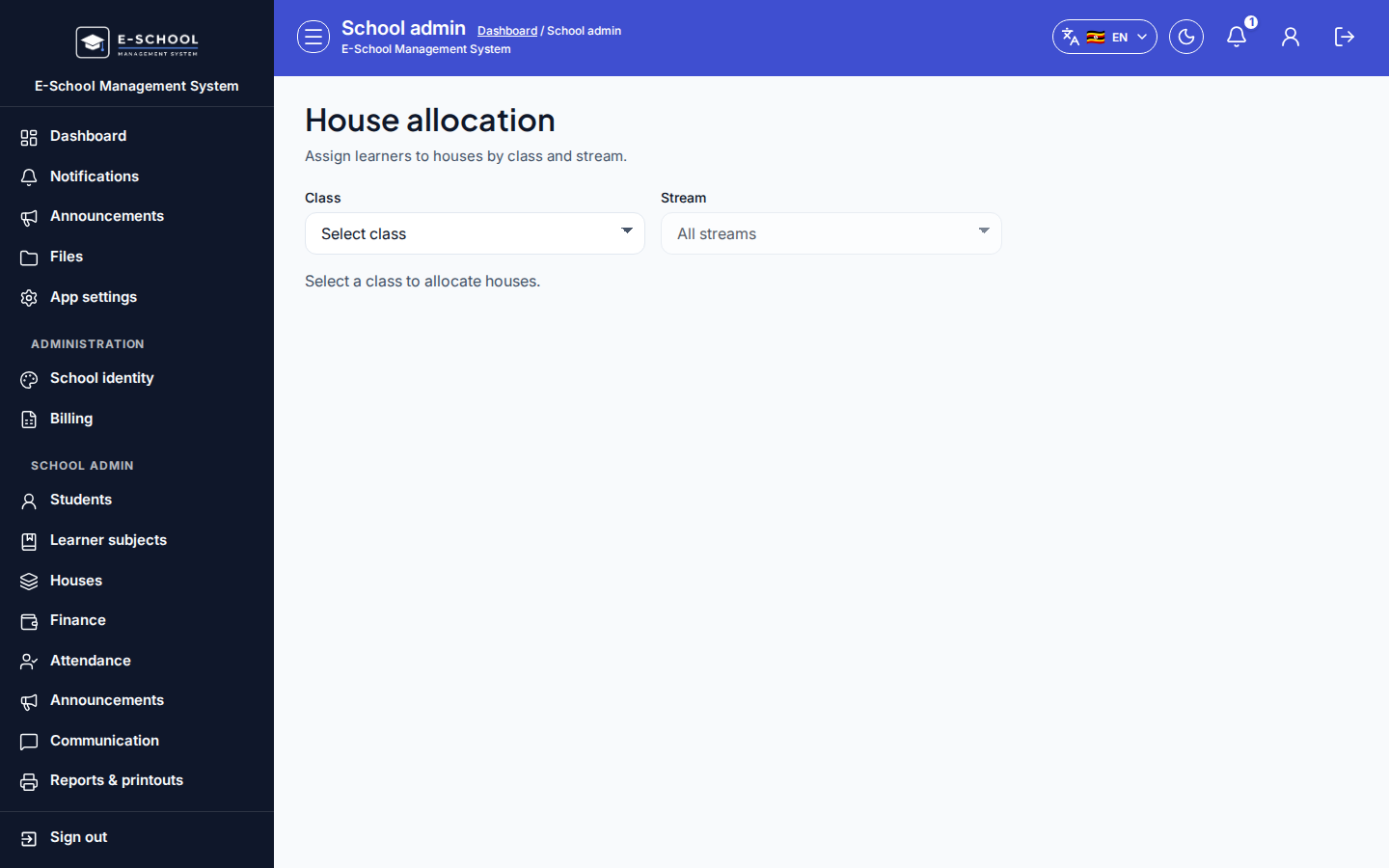
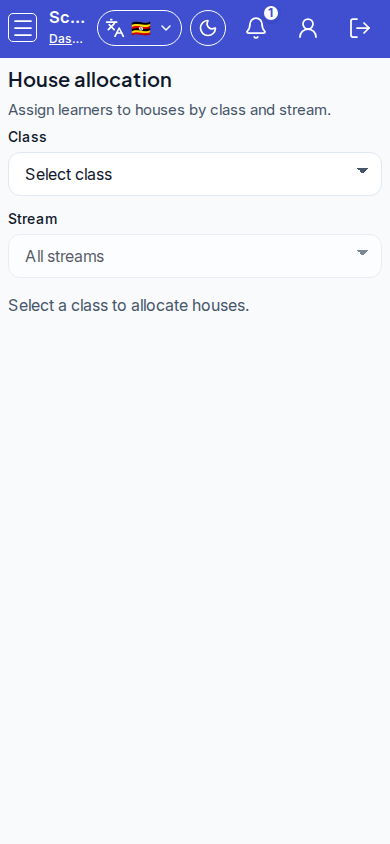
Steps
- Open House allocation at
/admin/house-allocationas ADMIN.
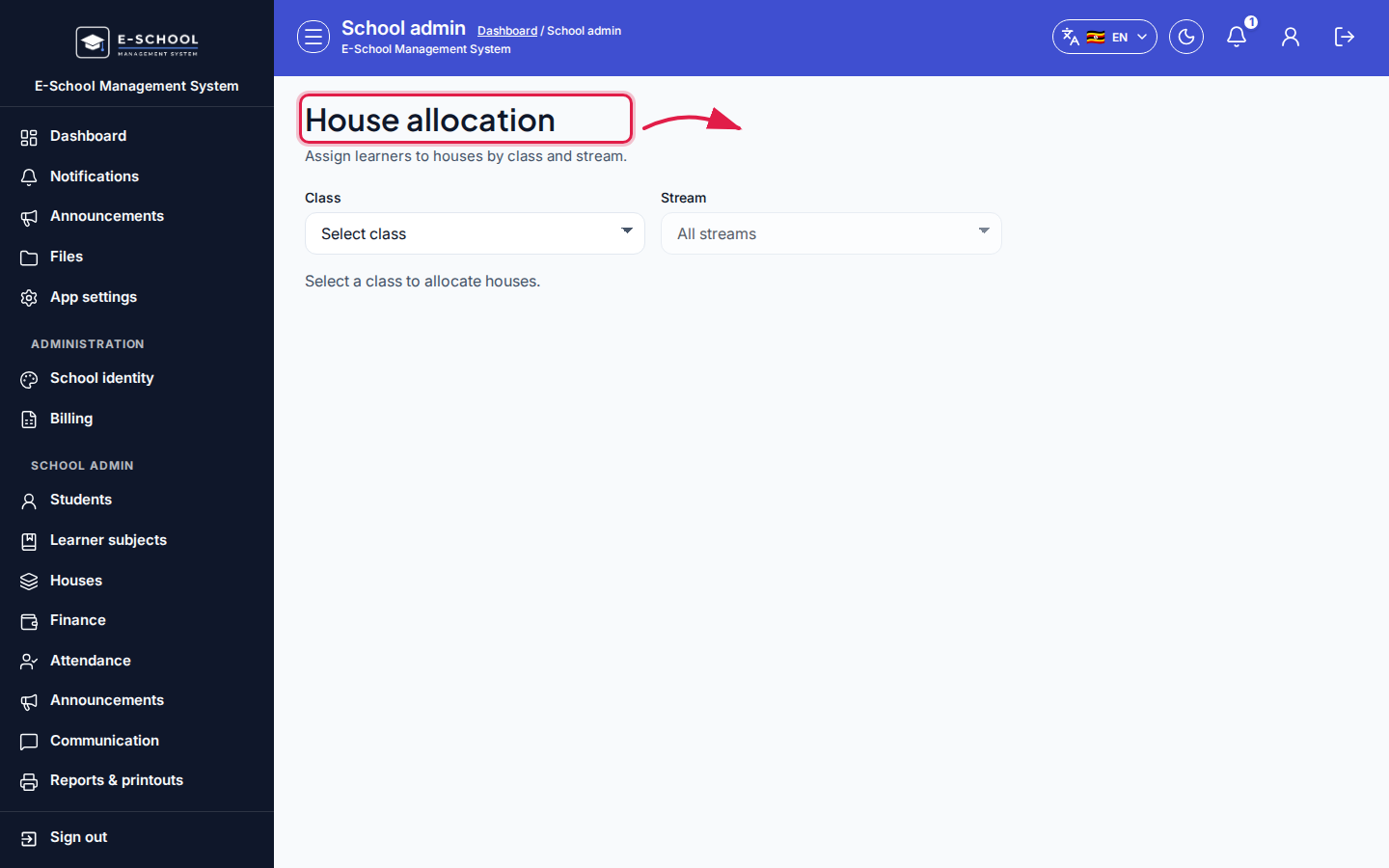 Desktop - focus for step 1
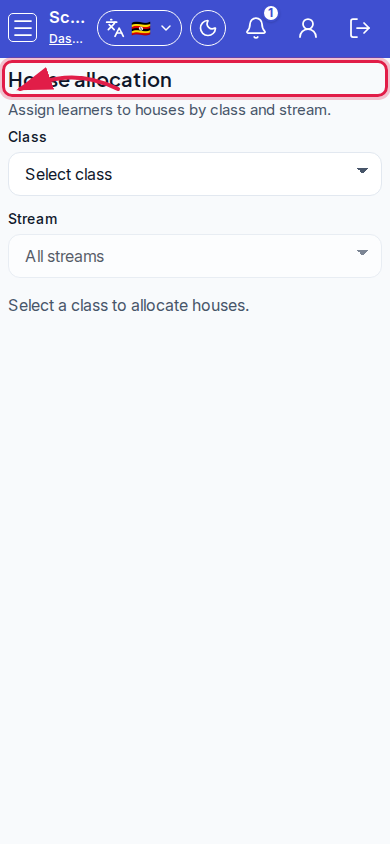 Mobile - focus for step 1
- Select Class, then optional Stream (All streams). The grid stays empty until a class is chosen.
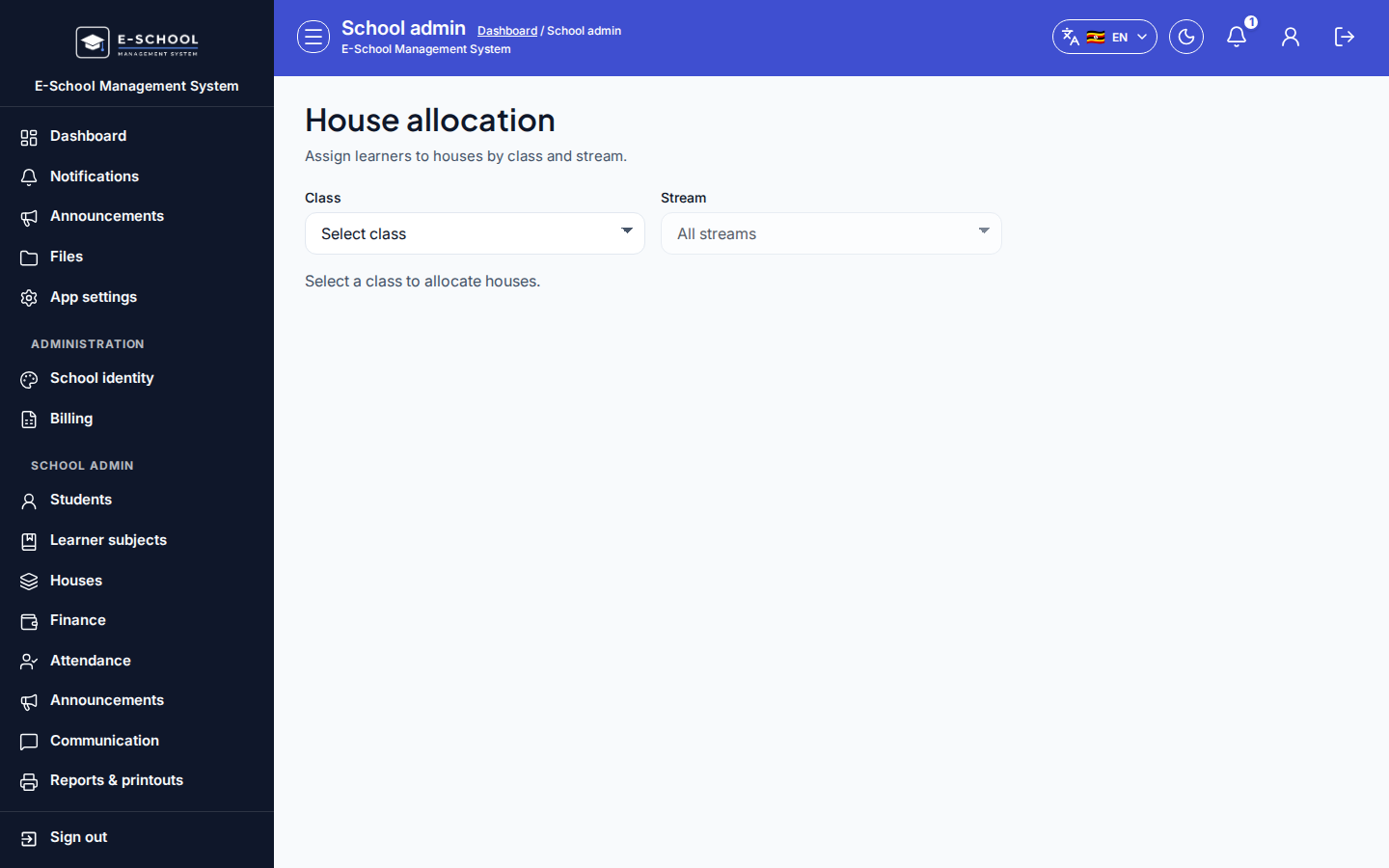 Desktop - focus for step 2
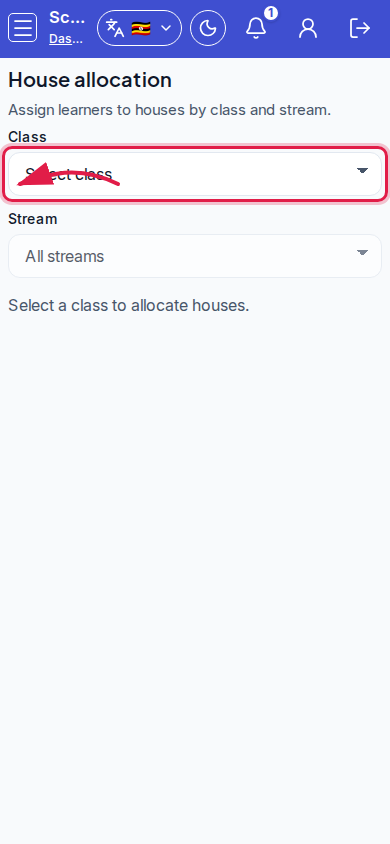 Mobile - focus for step 2
- Tick learners, pick House for selected (or leave Unassigned), then Assign selected.
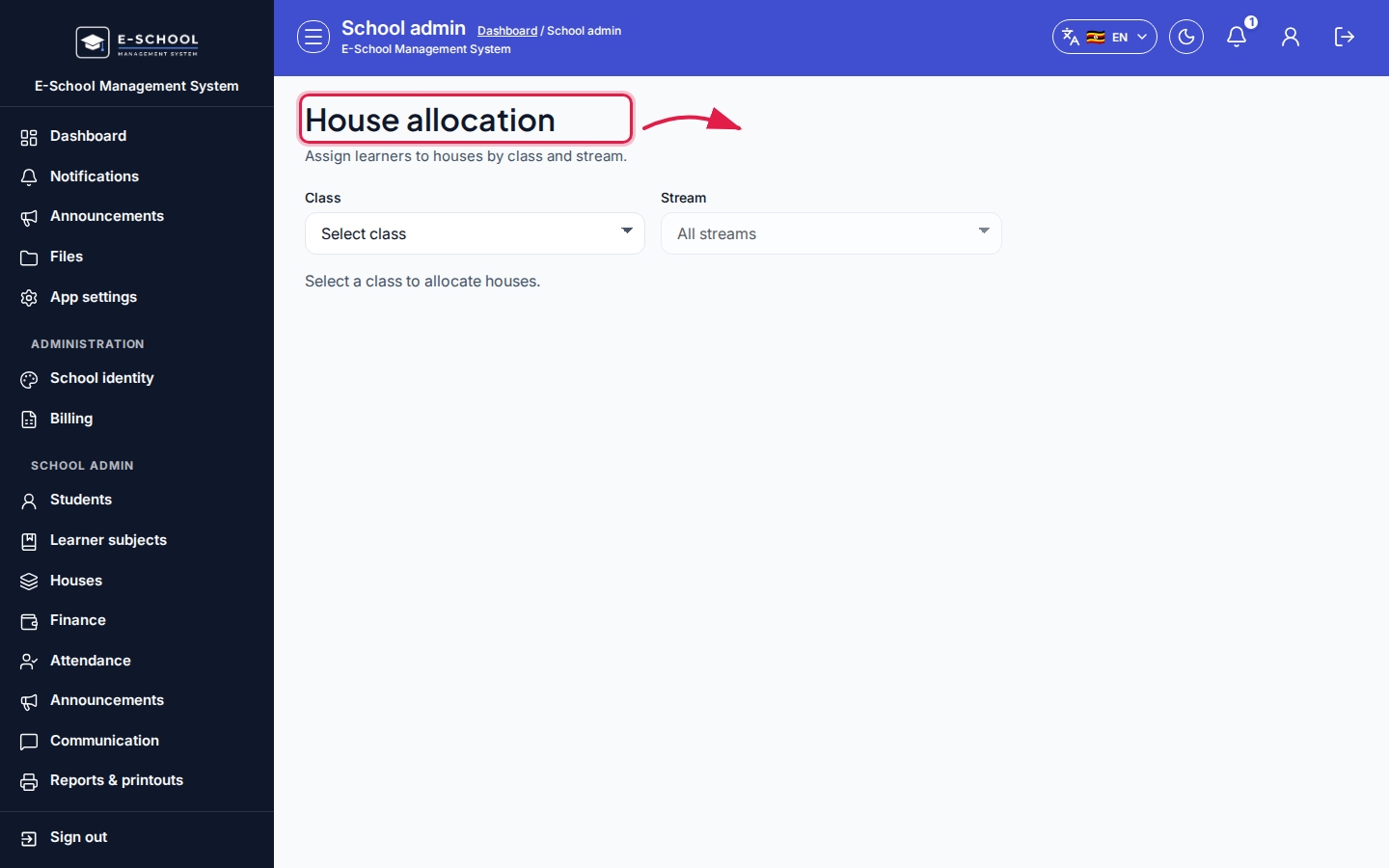 Desktop - focus for step 3
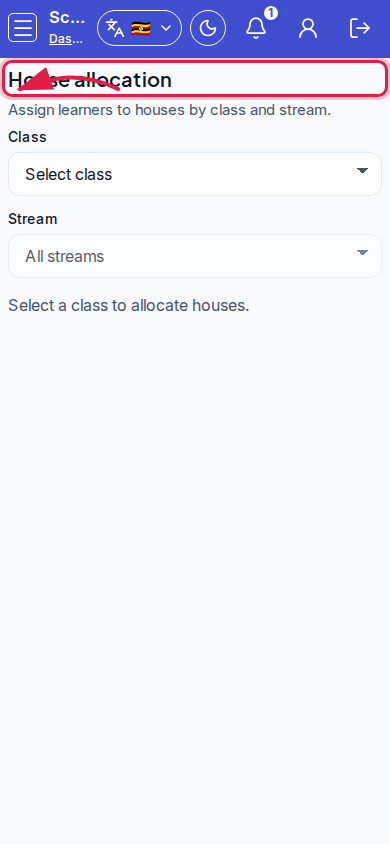 Mobile - focus for step 3
- Or set House on individual rows. Click Save to persist.
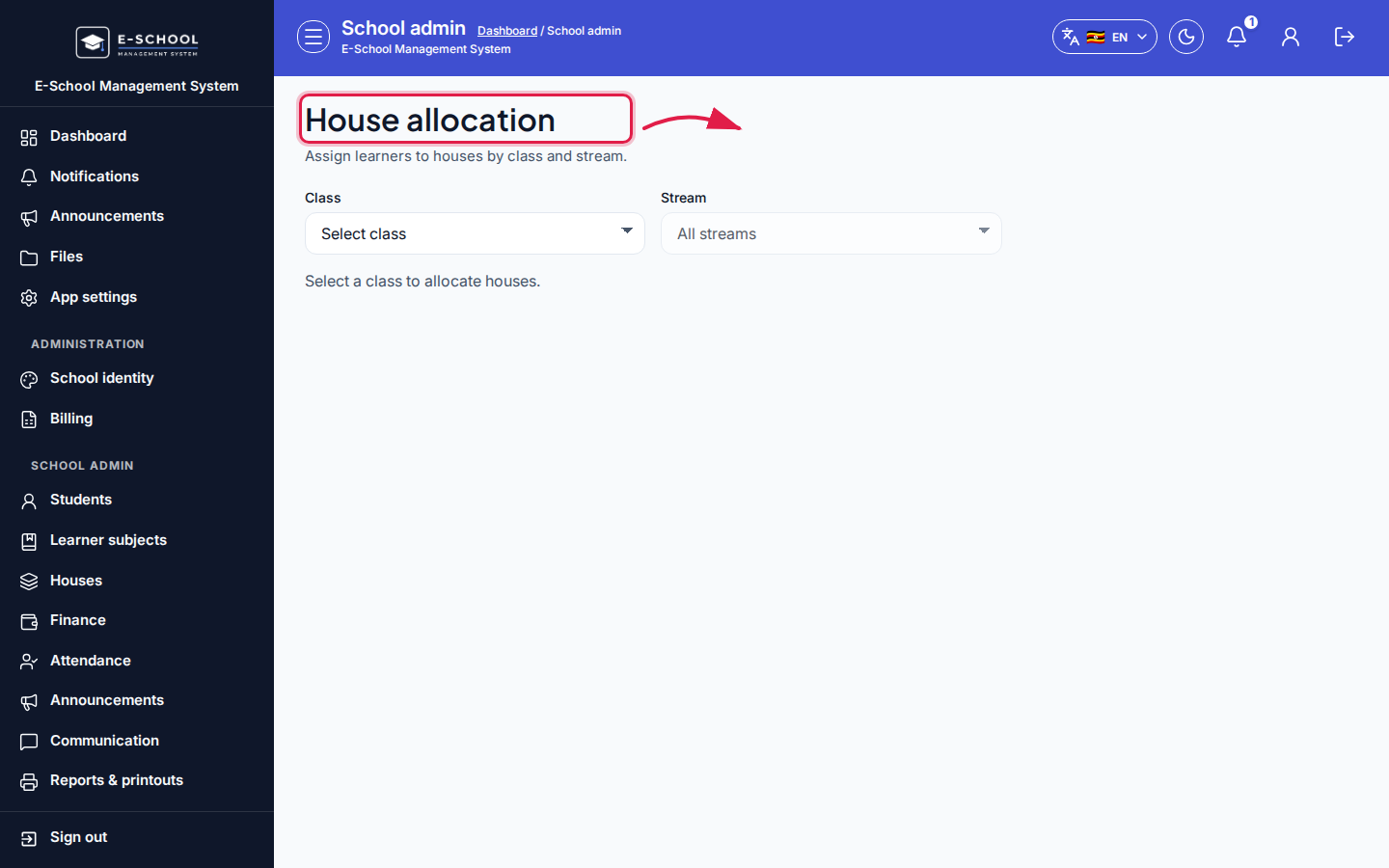 Desktop - focus for step 4
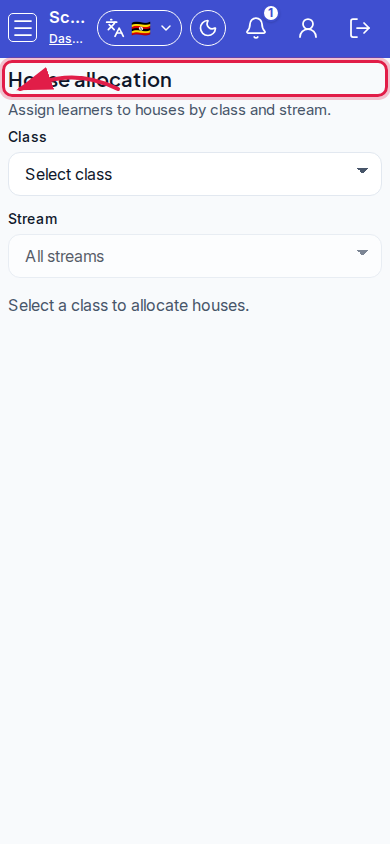 Mobile - focus for step 4
- Use Manage houses if a needed house is missing from the dropdown.
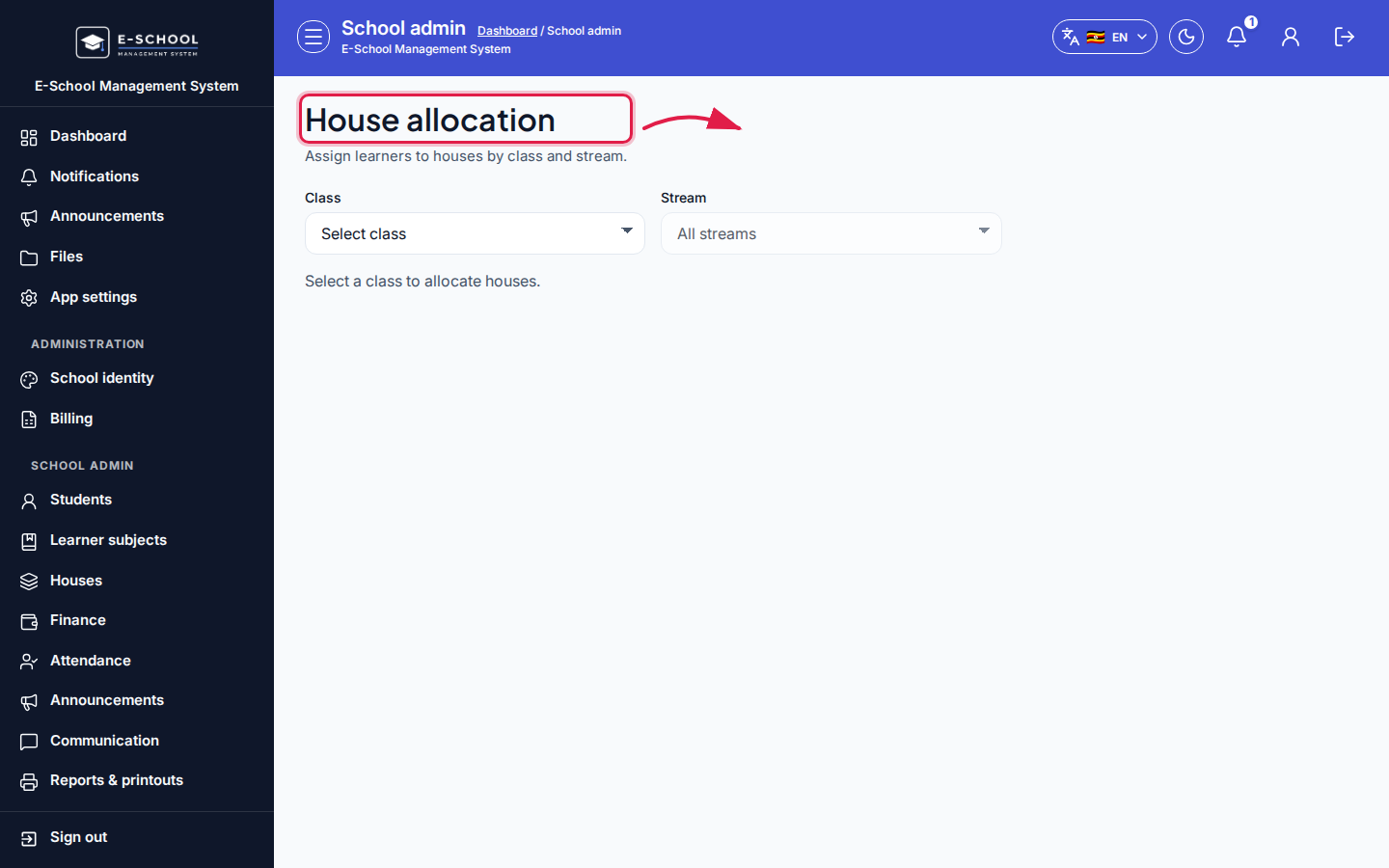 Desktop - focus for step 5
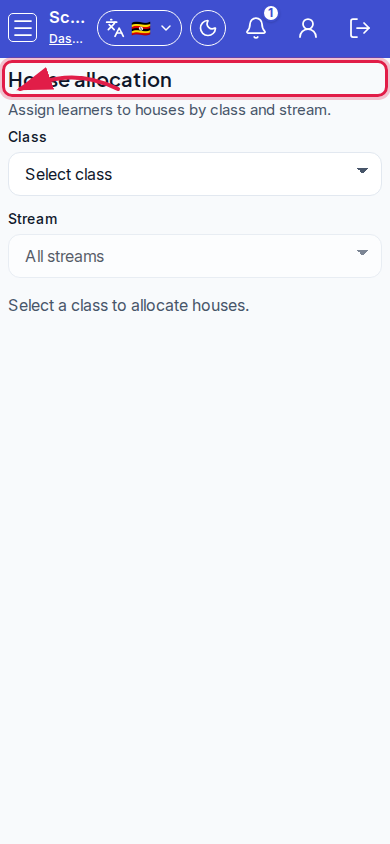 Mobile - focus for step 5
Fields and actions
- Filters: Class, Stream
- House for selected / Assign selected / Save
- Per-row House (Unassigned)
- Columns: ID, Name, House
Common mistakes
- Wrong stream filter shows an empty list
- Leaving without Save after Assign selected
- House blank on report cards because allocation was never saved