Login
Sign in with School ID, User ID, and password. Staff may also use email on the same screen when allowed; students and parents must use IDs.
Who can use this
Every school portal role.
Steps
- Open the school portal (
/app/). - Enter School ID (school public id from settings or the credentials sheet).
- Enter User ID (
users.public_id- shown after create/admit and on Accounts / student detail). - Enter password. Change a temporary password when prompted.
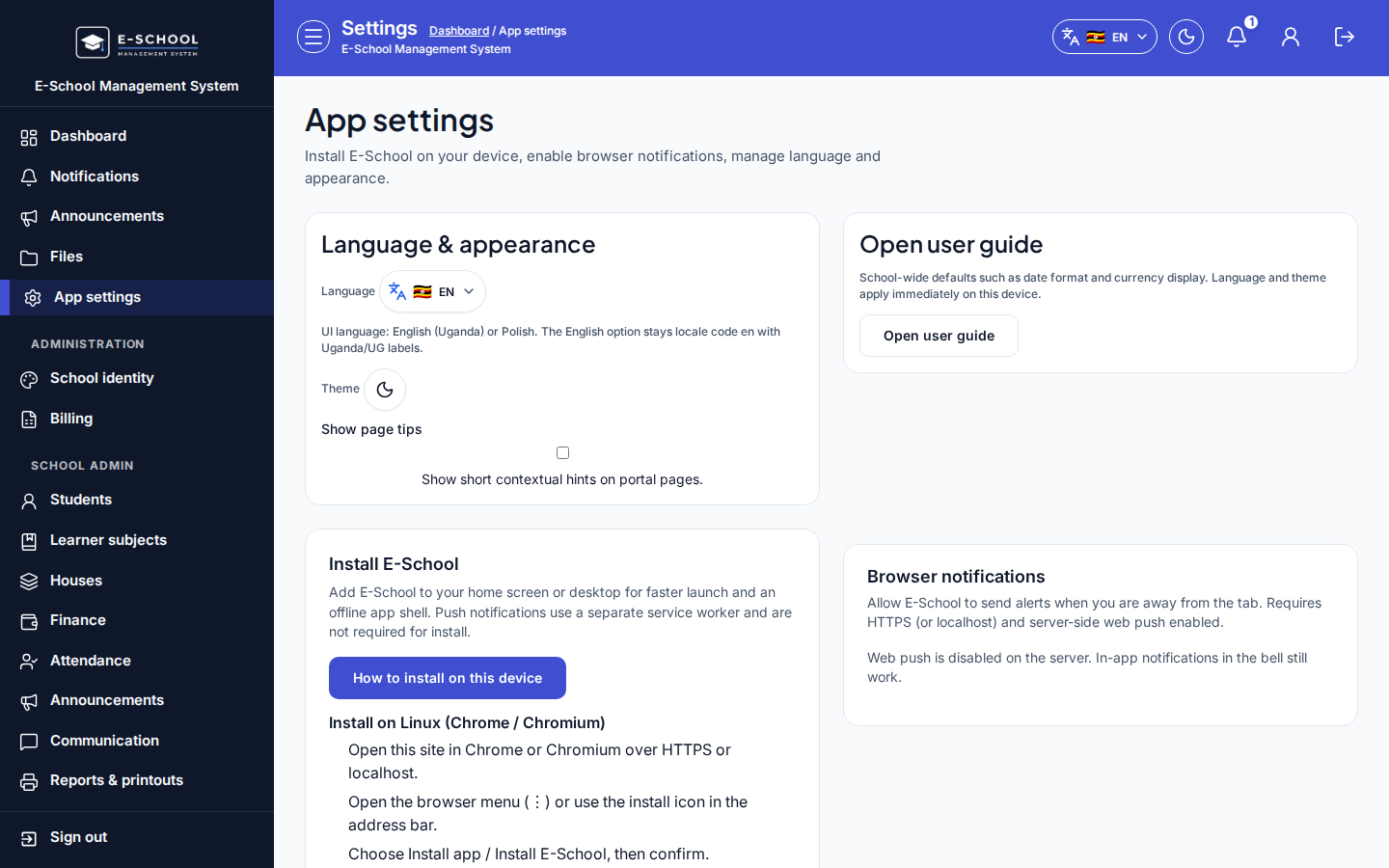
- Open App settings for language, theme, and page tips.
Screenshot
Common mistakes
- Using Teacher ID or admission number instead of User ID.
- Wrong School ID after switching schools.
- Closing the one-time credentials dialog without copying IDs and temporary password.