Prayer Register
Prayer register entries for present/absent counts used in printouts.
Who can use this
- ADMIN
Path
/admin/printouts/prayer-register
Dependencies
- Reach via Printouts → Prayer register.
- Keep entries dated consistently for weekly review.
Screenshot
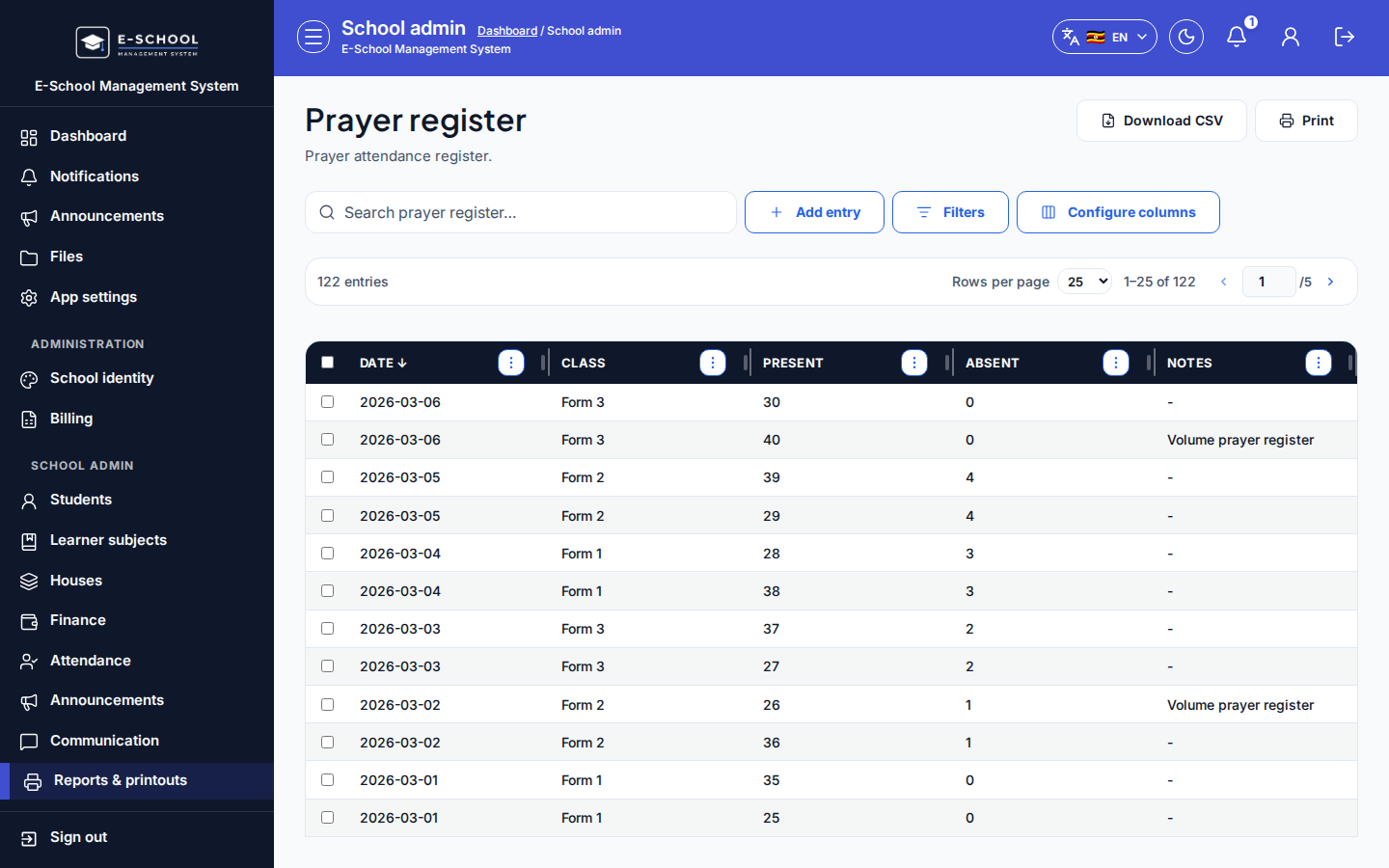
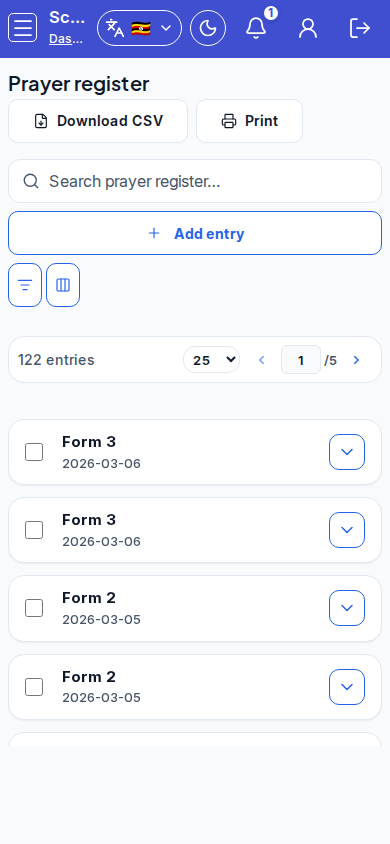
Steps
- Open Prayer Register at
/admin/printouts/prayer-registeras ADMIN.
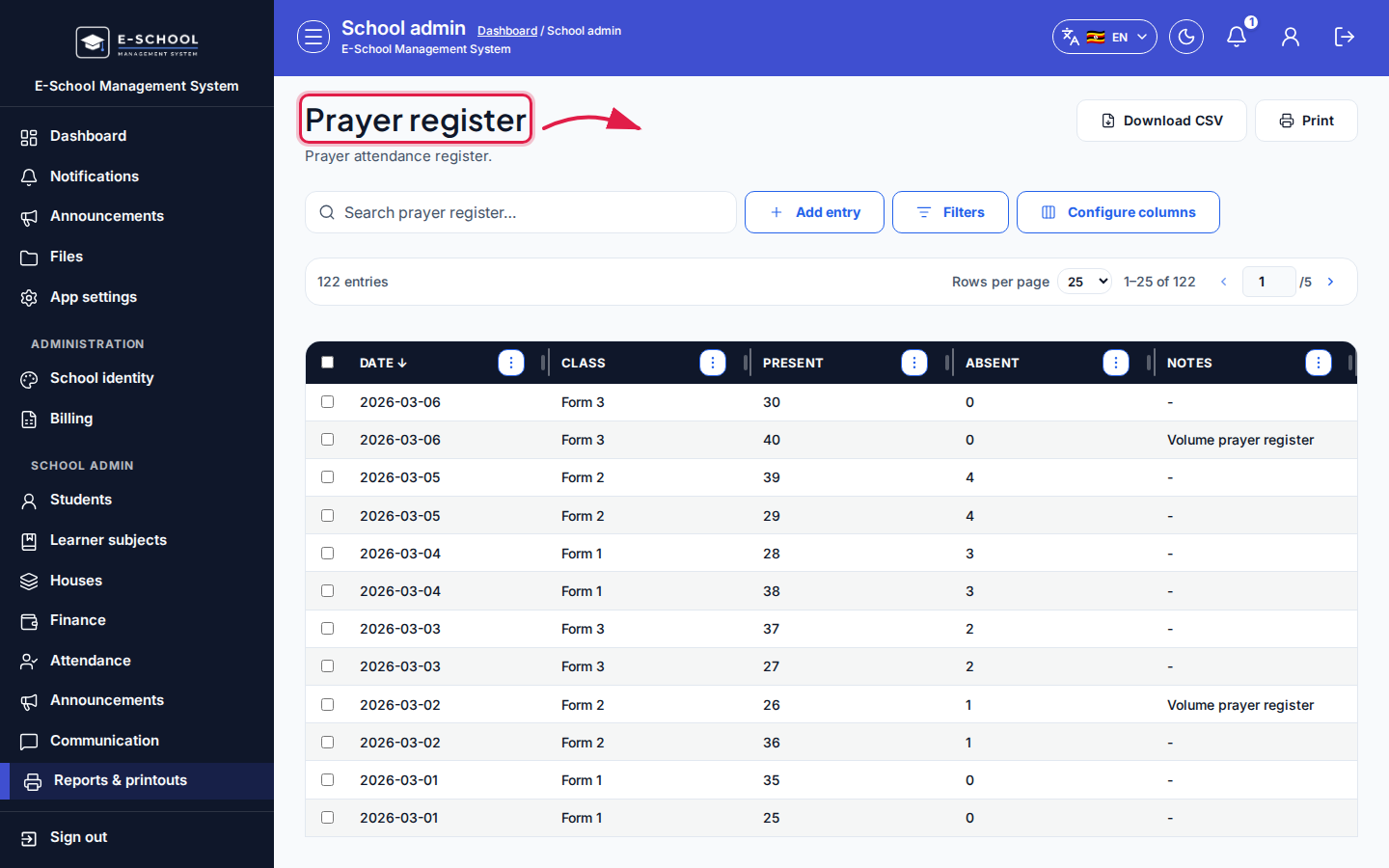 Desktop - focus for step 1
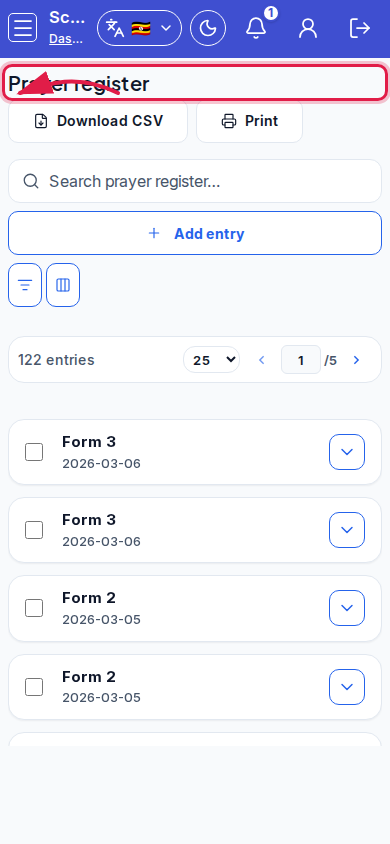 Mobile - focus for step 1
- Click Add entry. Record Present and Absent counts, then save.
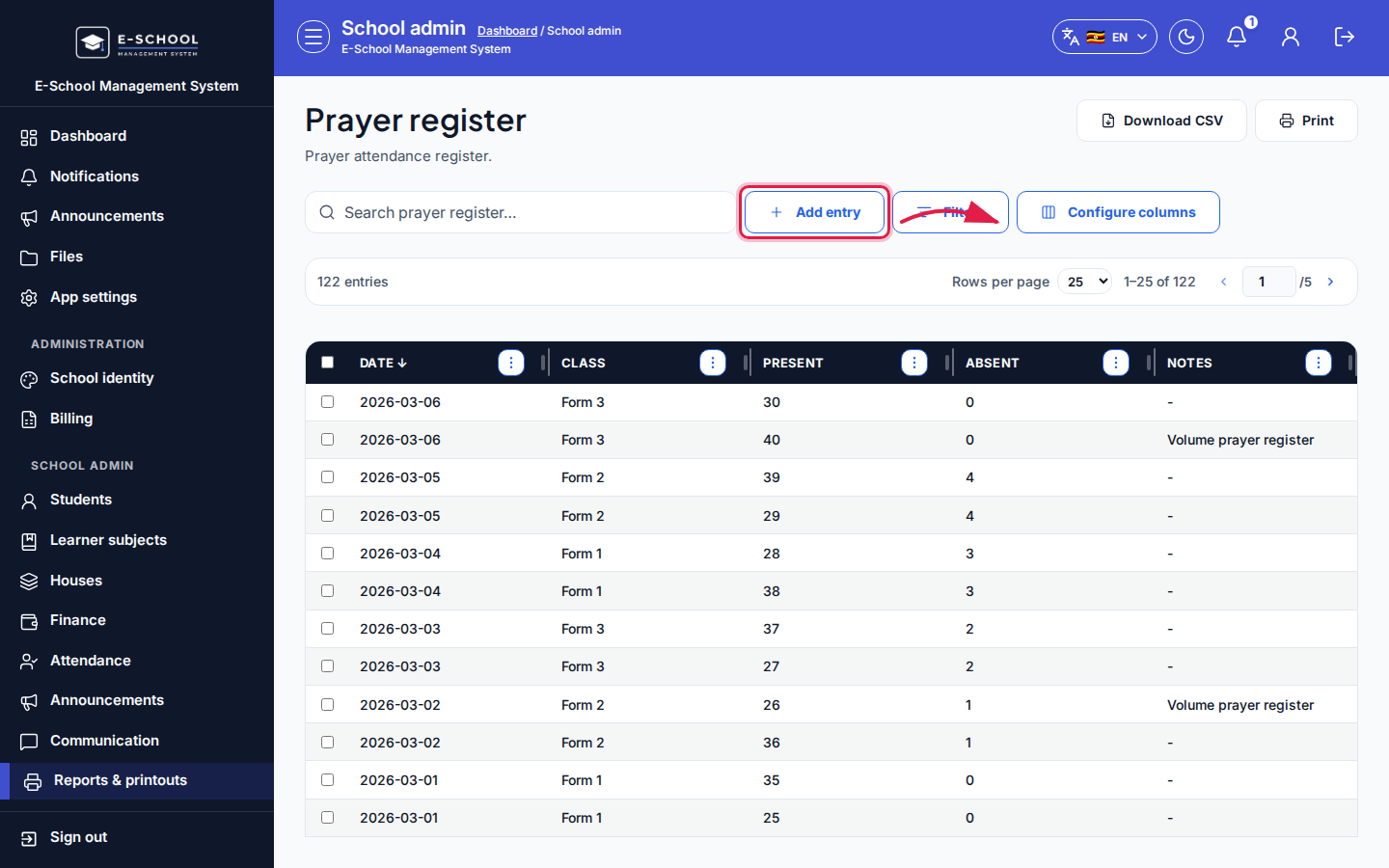 Desktop - focus for step 2
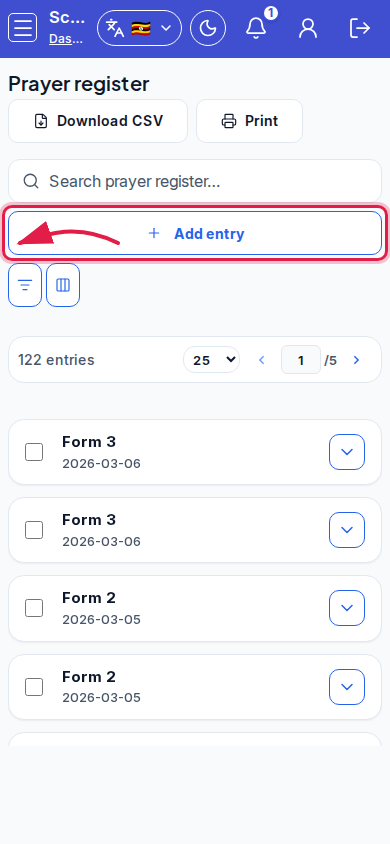 Mobile - focus for step 2
- Search prayer register rows when auditing.
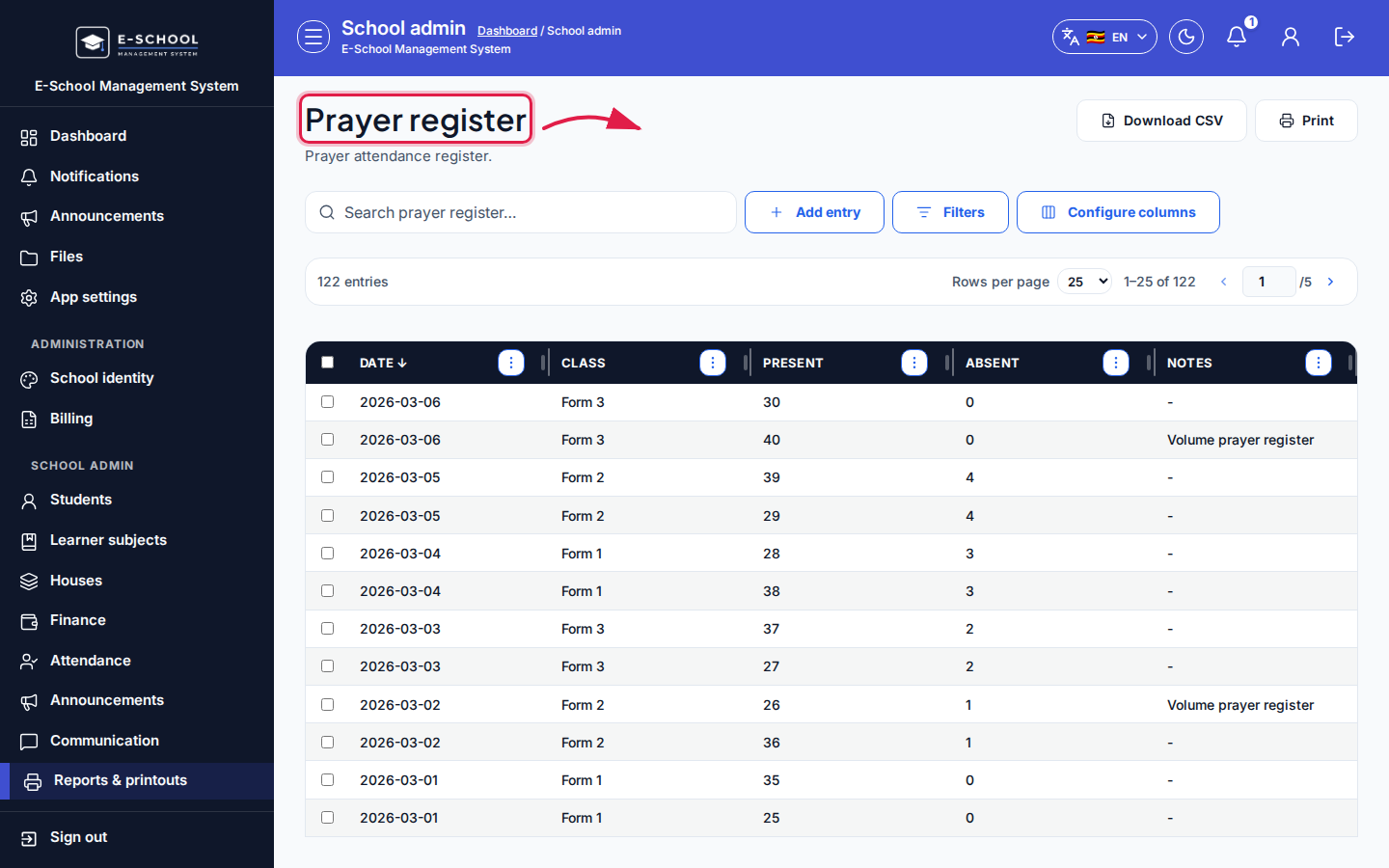 Desktop - focus for step 3
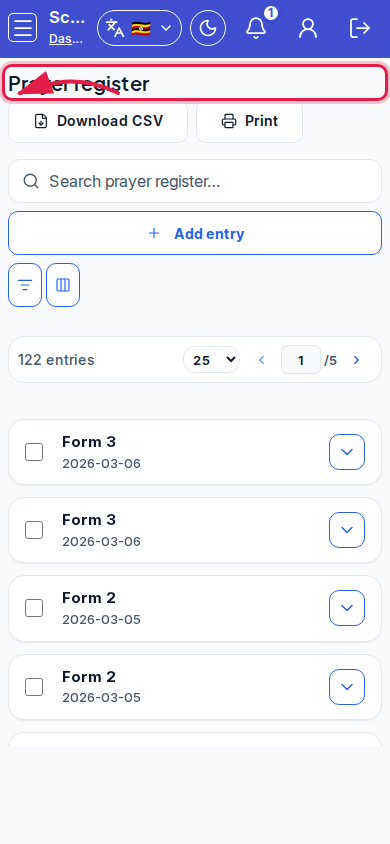 Mobile - focus for step 3
- Print from the page or Printouts hub as needed.
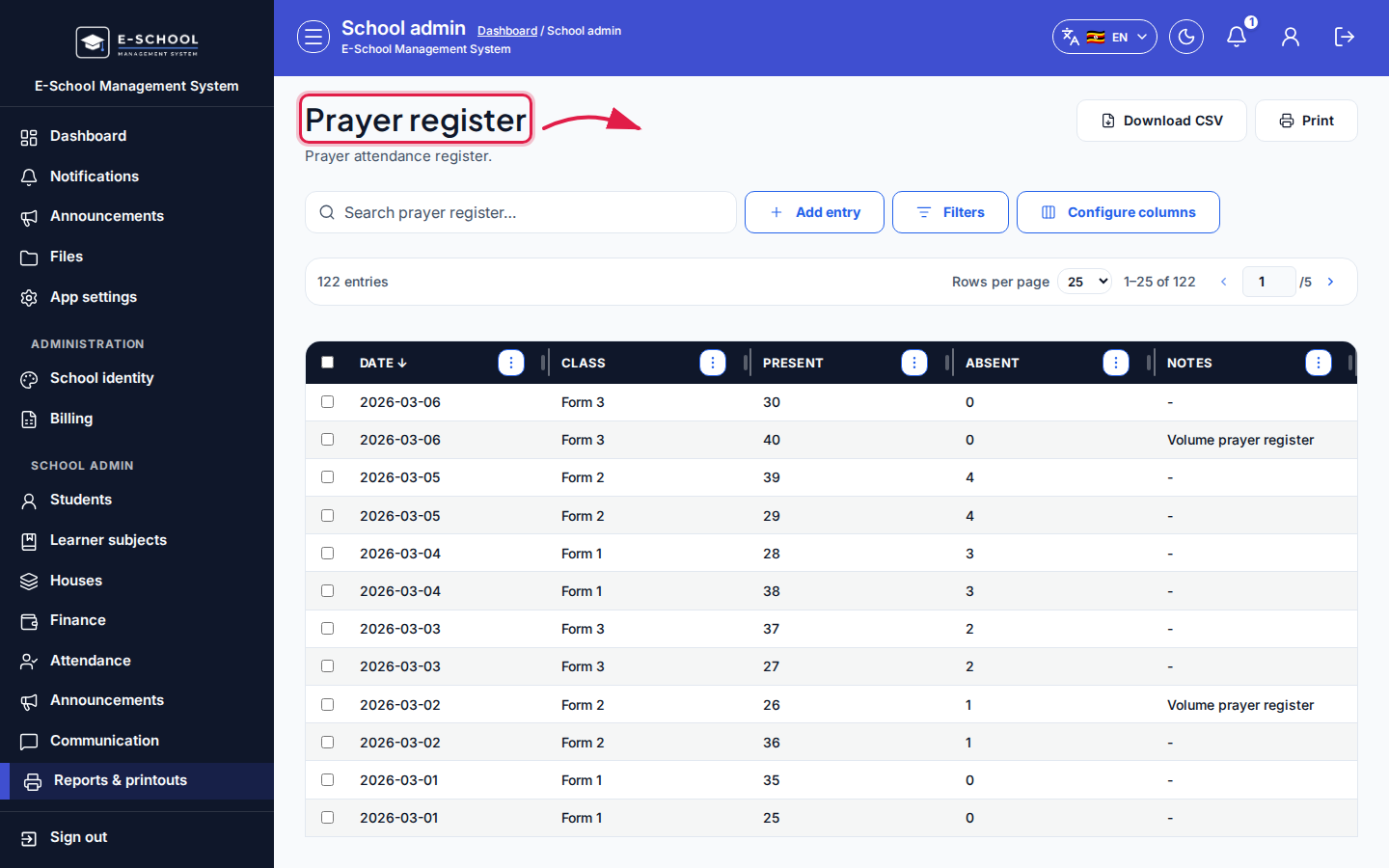 Desktop - focus for step 4
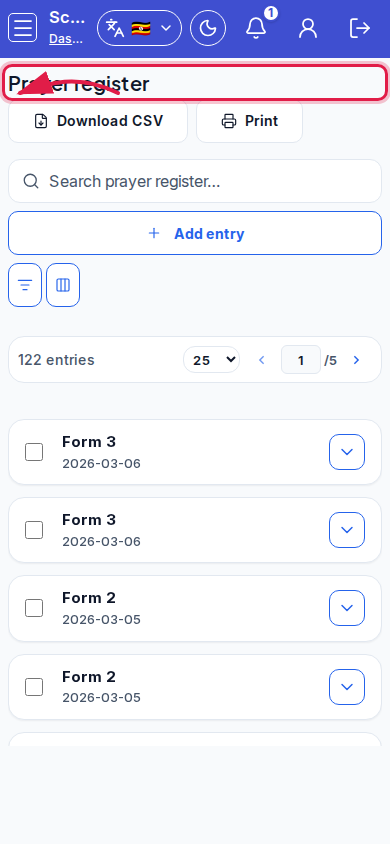 Mobile - focus for step 4
- Do not reuse another day's counts without recording a new entry.
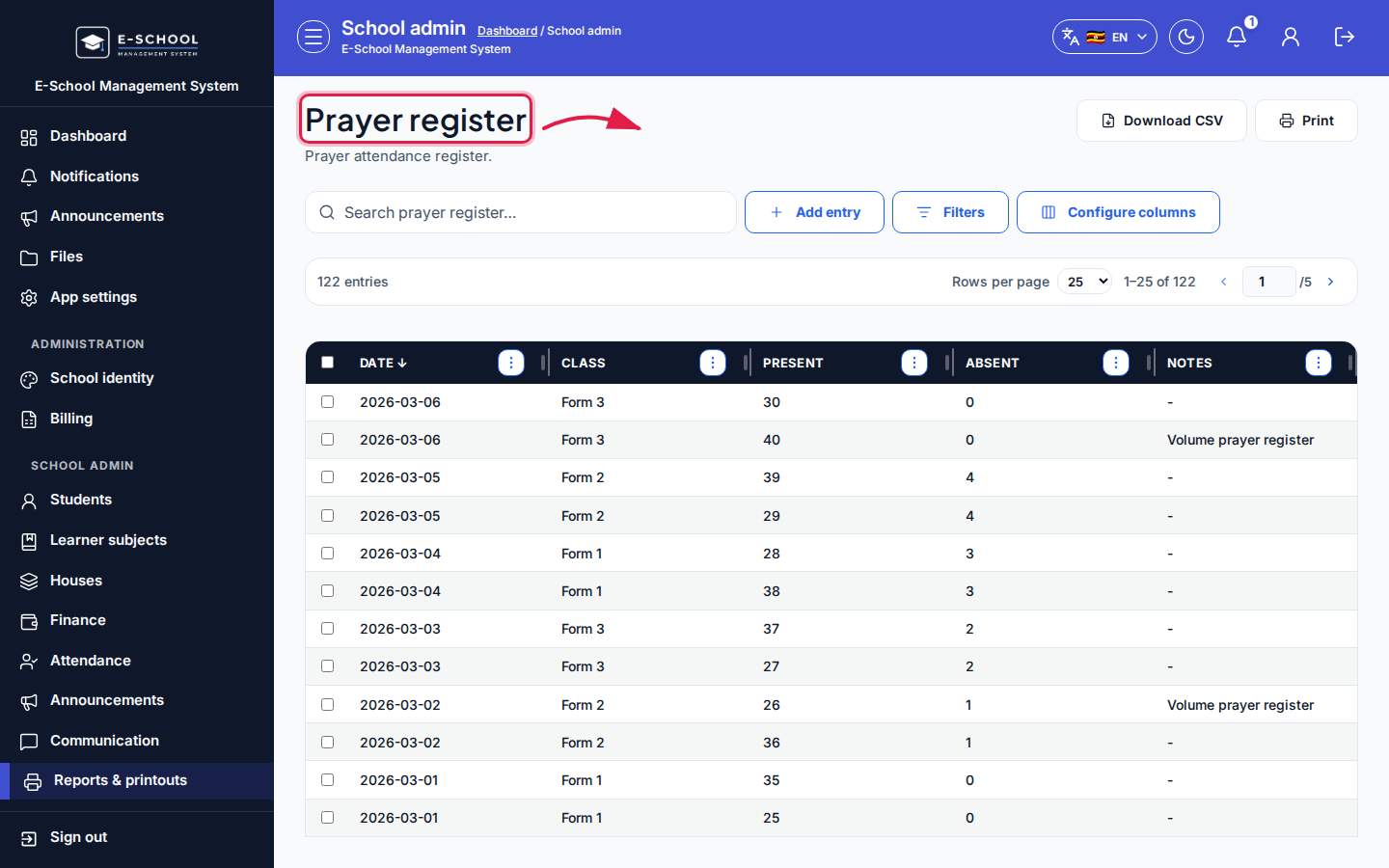 Desktop - focus for step 5
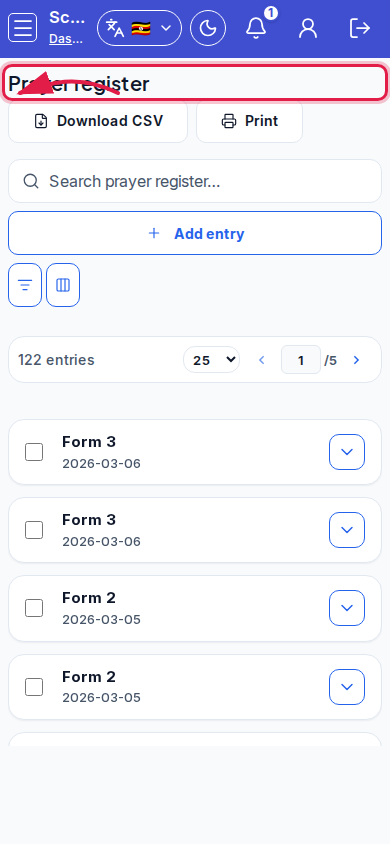 Mobile - focus for step 5
Fields and actions
- Add entry / Add prayer register entry
- Present, Absent
- Search prayer register…
Common mistakes
- Overwriting history instead of adding a new entry
- Present + Absent not matching assembly headcount