Teacher Directory Print
Printable staff/teacher directory with active/inactive filters.
Who can use this
- ADMIN
Path
/admin/printouts/teachers
Dependencies
- Staff rows exist under Staff & users.
- Teacher ID / employee fields are filled for useful directories.
Screenshot
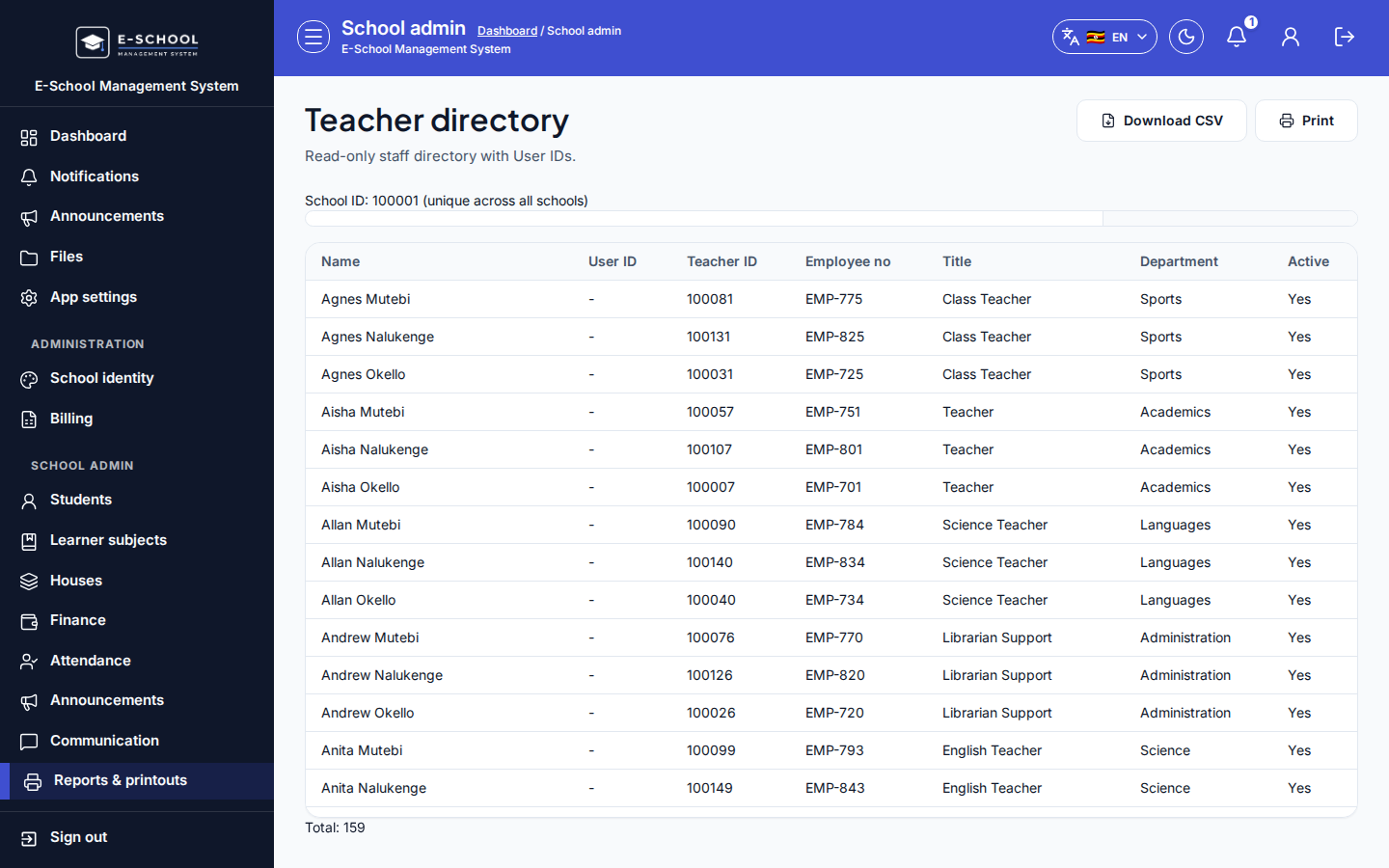
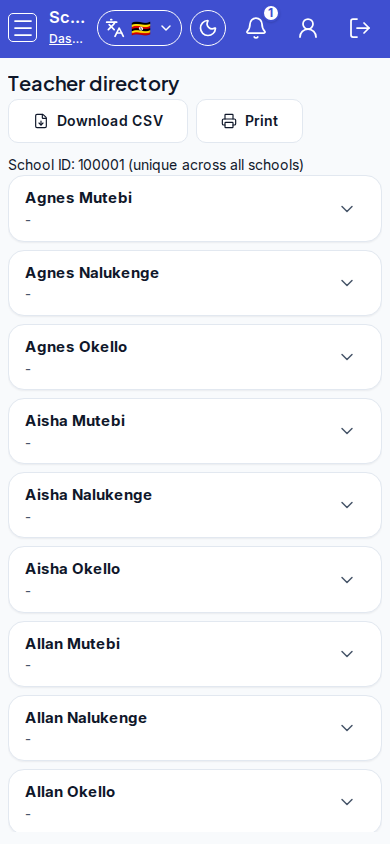
Steps
- Open Teacher directory at
/admin/printouts/teachersas ADMIN.
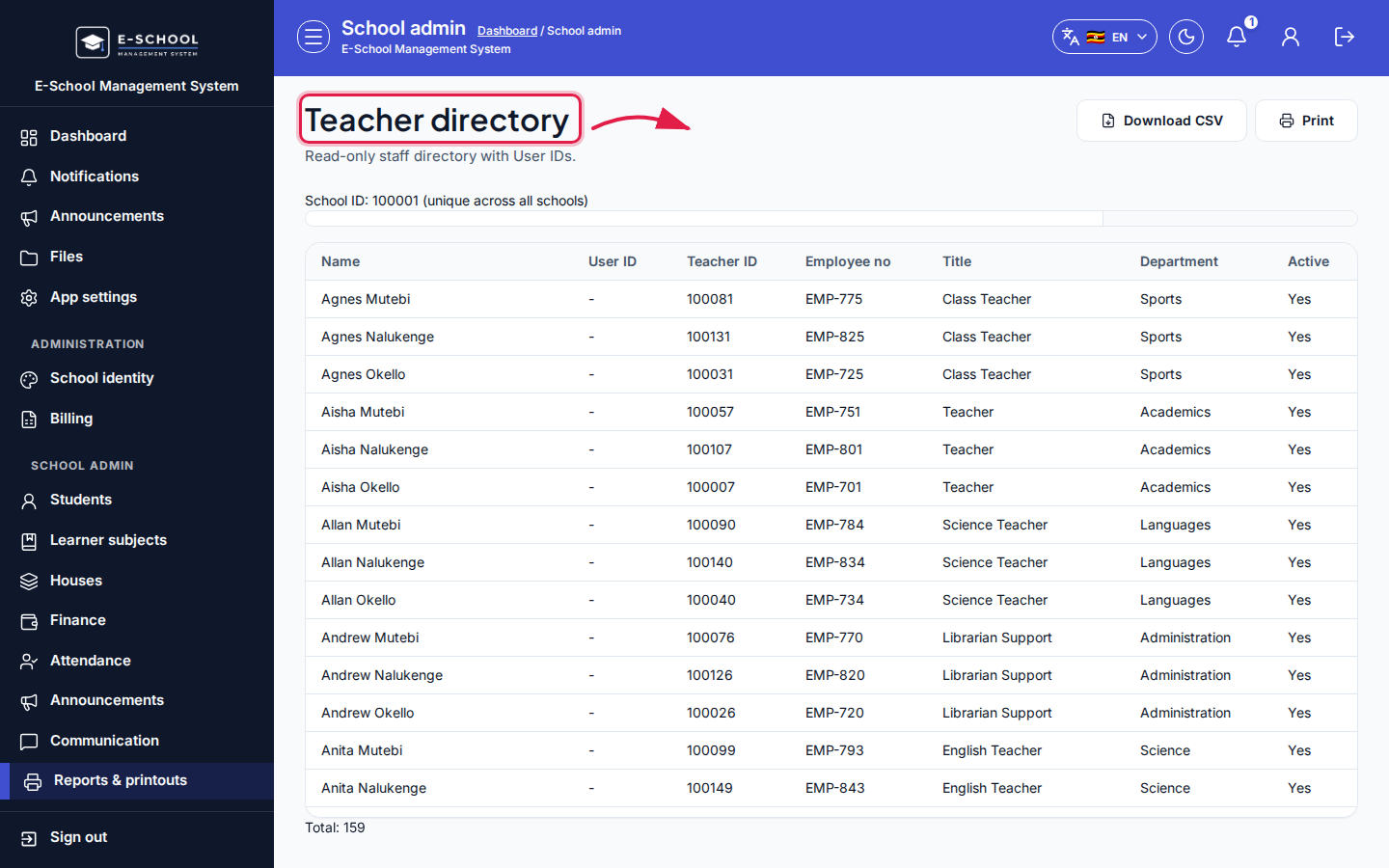 Desktop - focus for step 1
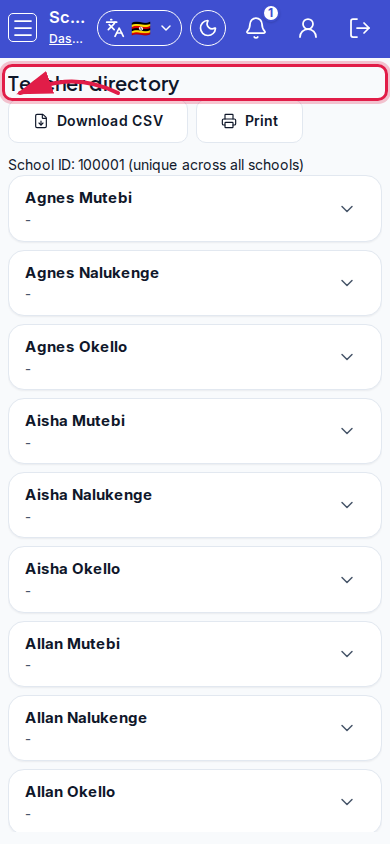 Mobile - focus for step 1
- Filter All staff / Active staff only / Inactive staff only.
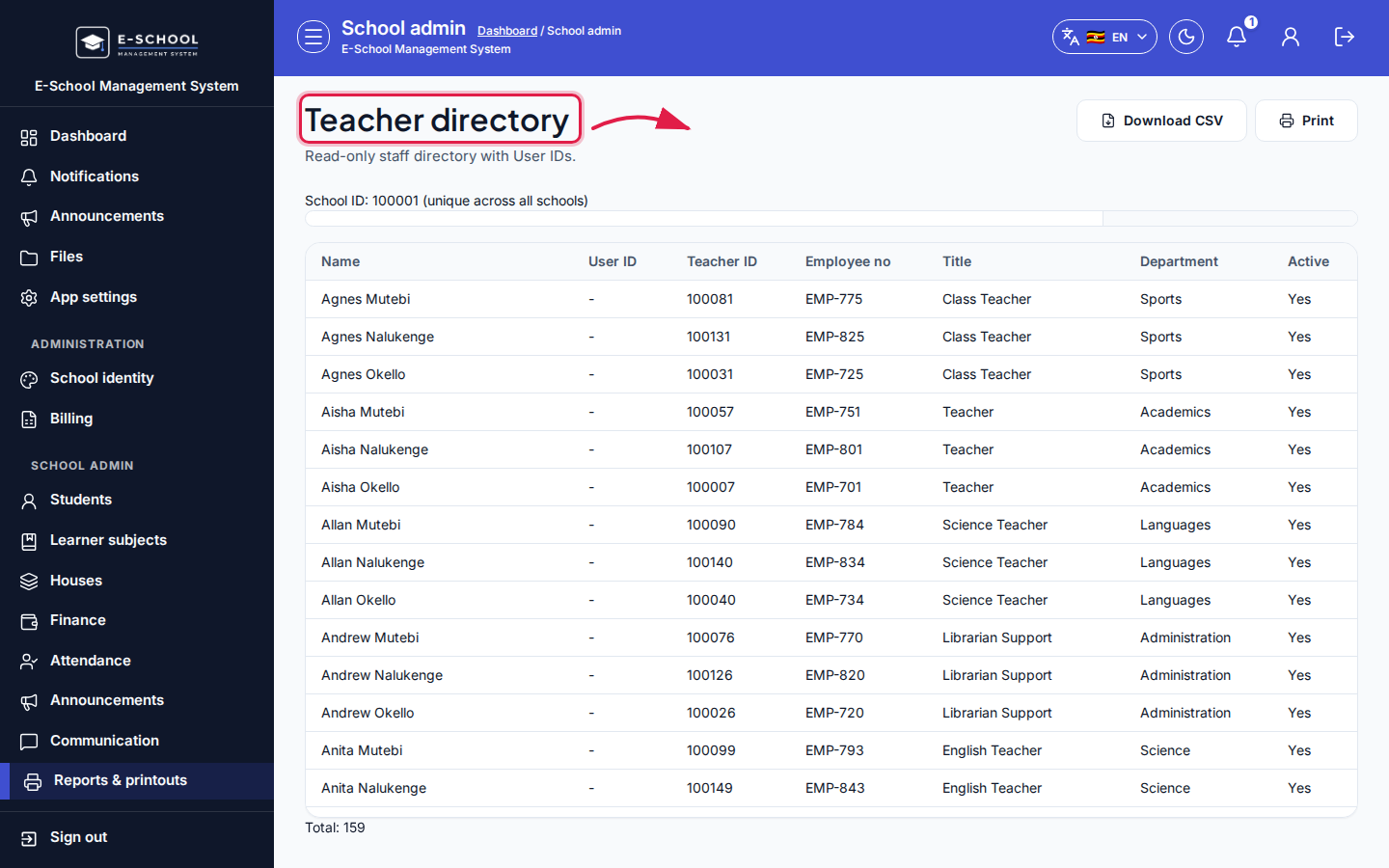 Desktop - focus for step 2
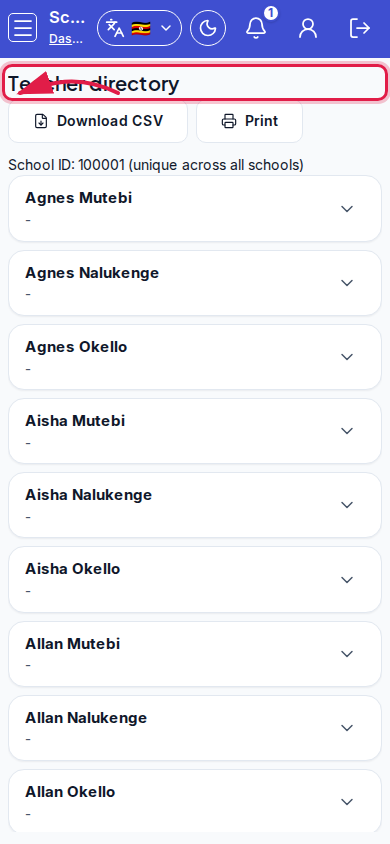 Mobile - focus for step 2
- Review Name, User ID, Teacher ID, School ID, Employee no, Title, Department, Phone, Email, Active.
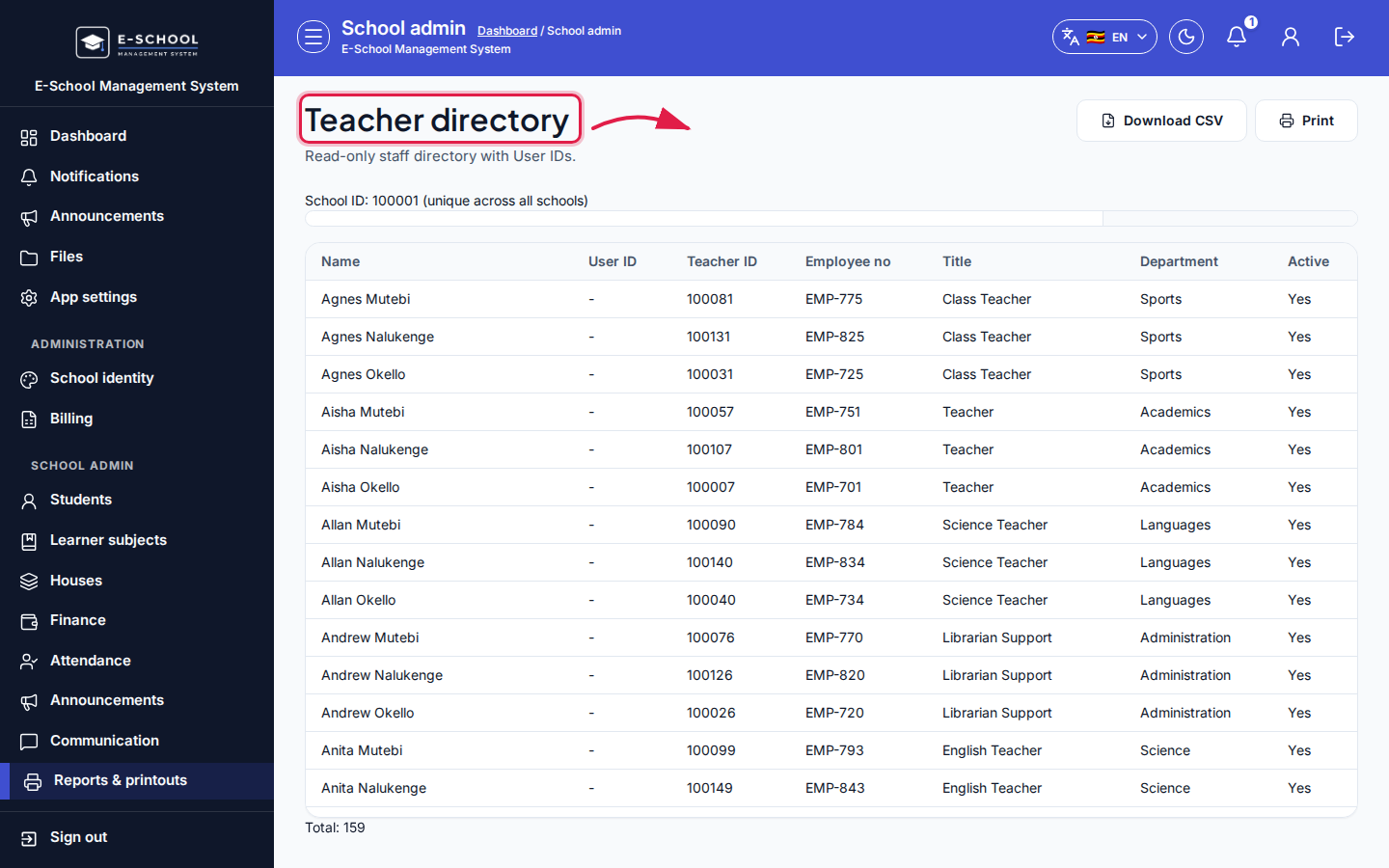 Desktop - focus for step 3
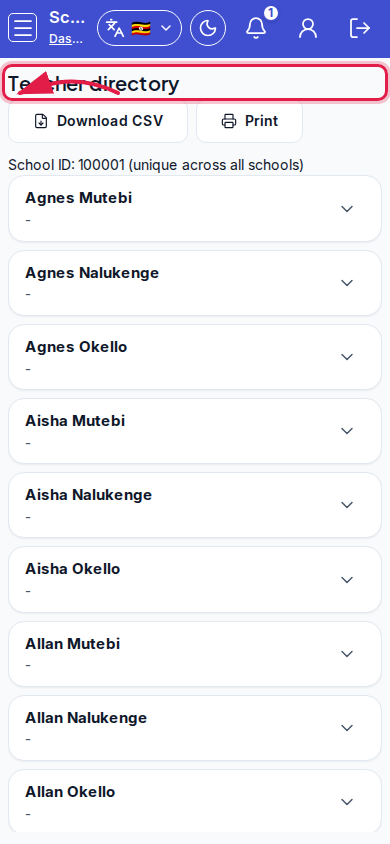 Mobile - focus for step 3
- Download CSV or Print.
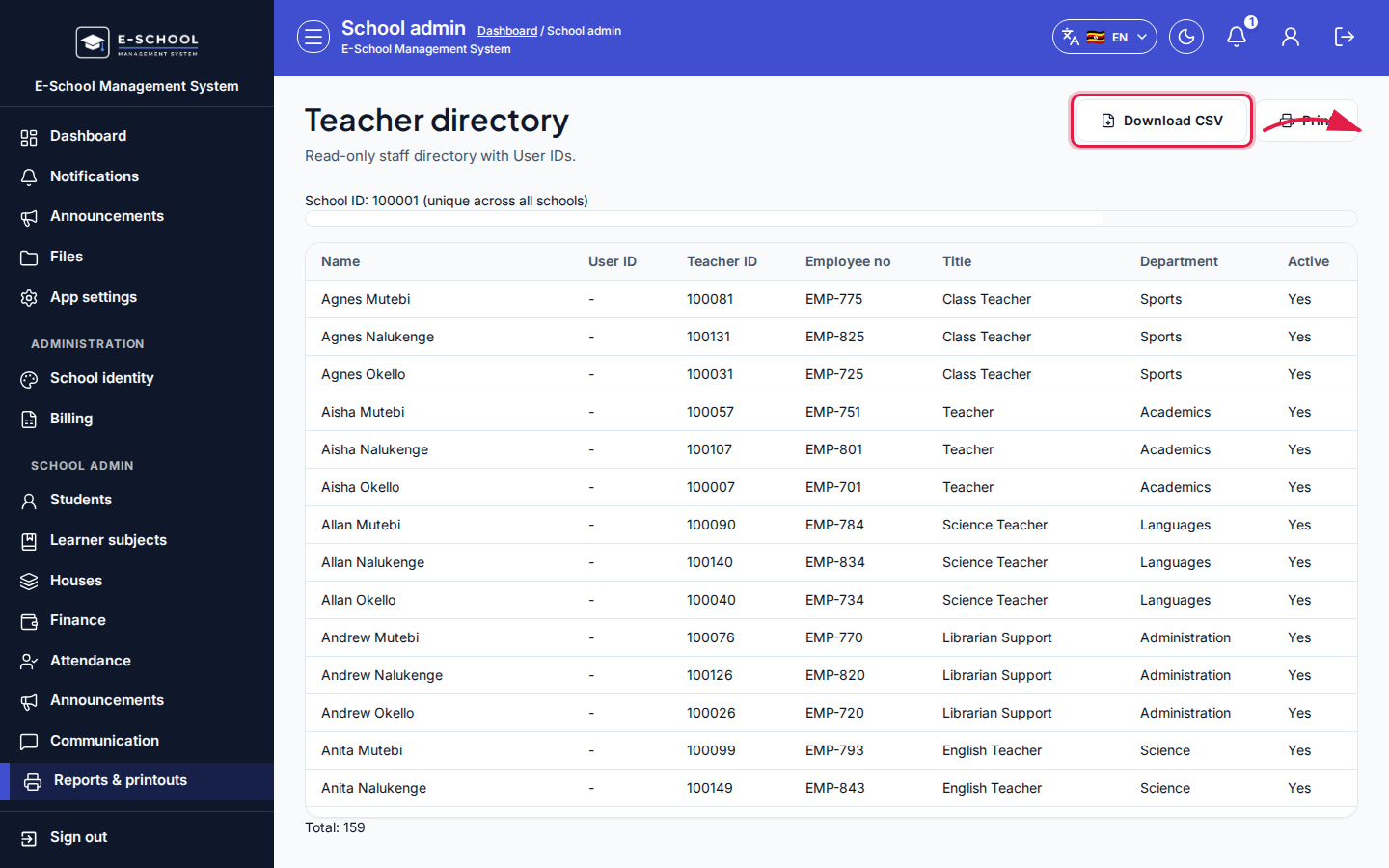 Desktop - focus for step 4
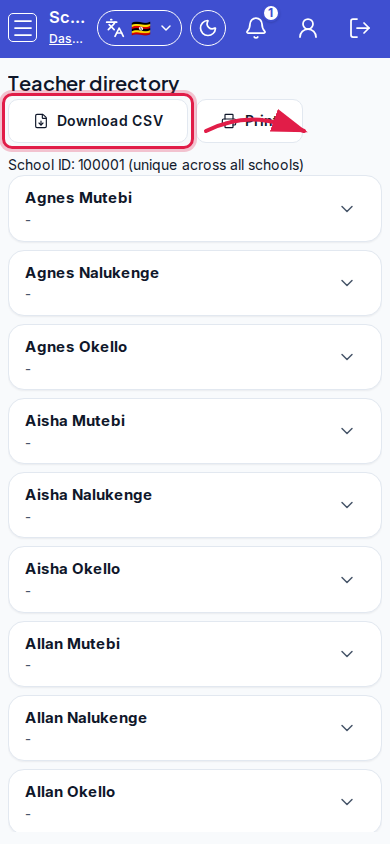 Mobile - focus for step 4
- Fix missing staff data in Staff & users before reprinting.
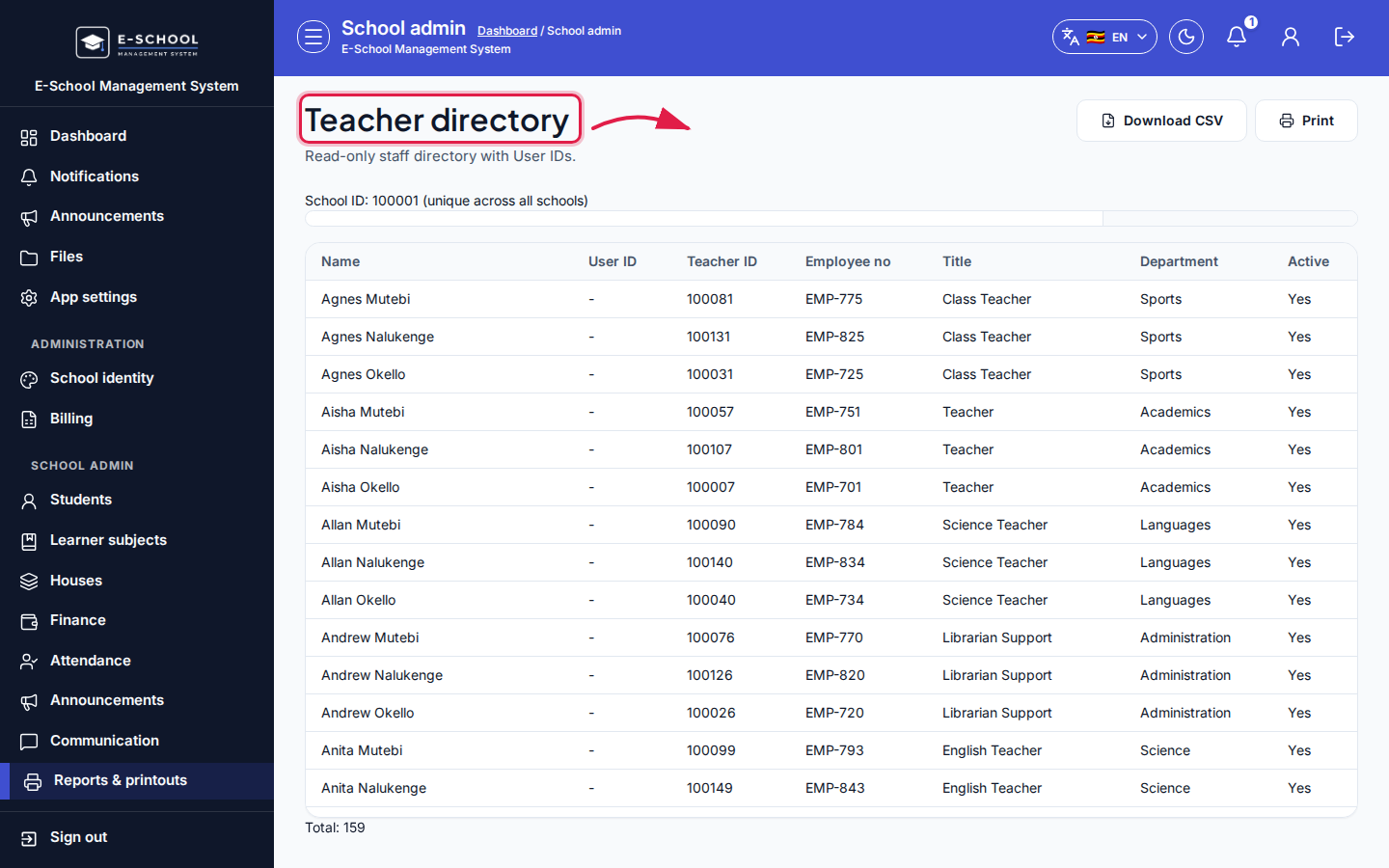 Desktop - focus for step 5
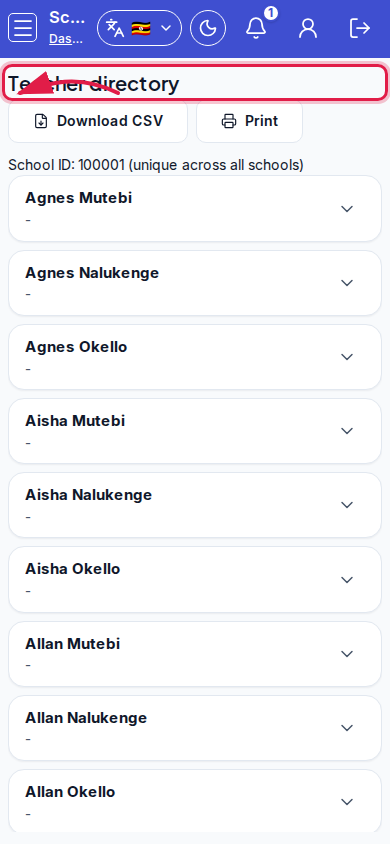 Mobile - focus for step 5
Fields and actions
- Filters: All staff / Active / Inactive
- Download CSV / Print
- Directory columns including Teacher ID, Employee no, Contact fields
Common mistakes
- Printing inactive staff into an active duty roster
- Missing phone/email because Staff profile was incomplete