Holiday Work
Admin overview of holiday work assignments created by teachers.
Who can use this
- ADMIN
Path
/admin/holiday-work
Dependencies
- Teachers create assignments under Teacher holiday work.
- Classes/subjects must exist for meaningful rows.
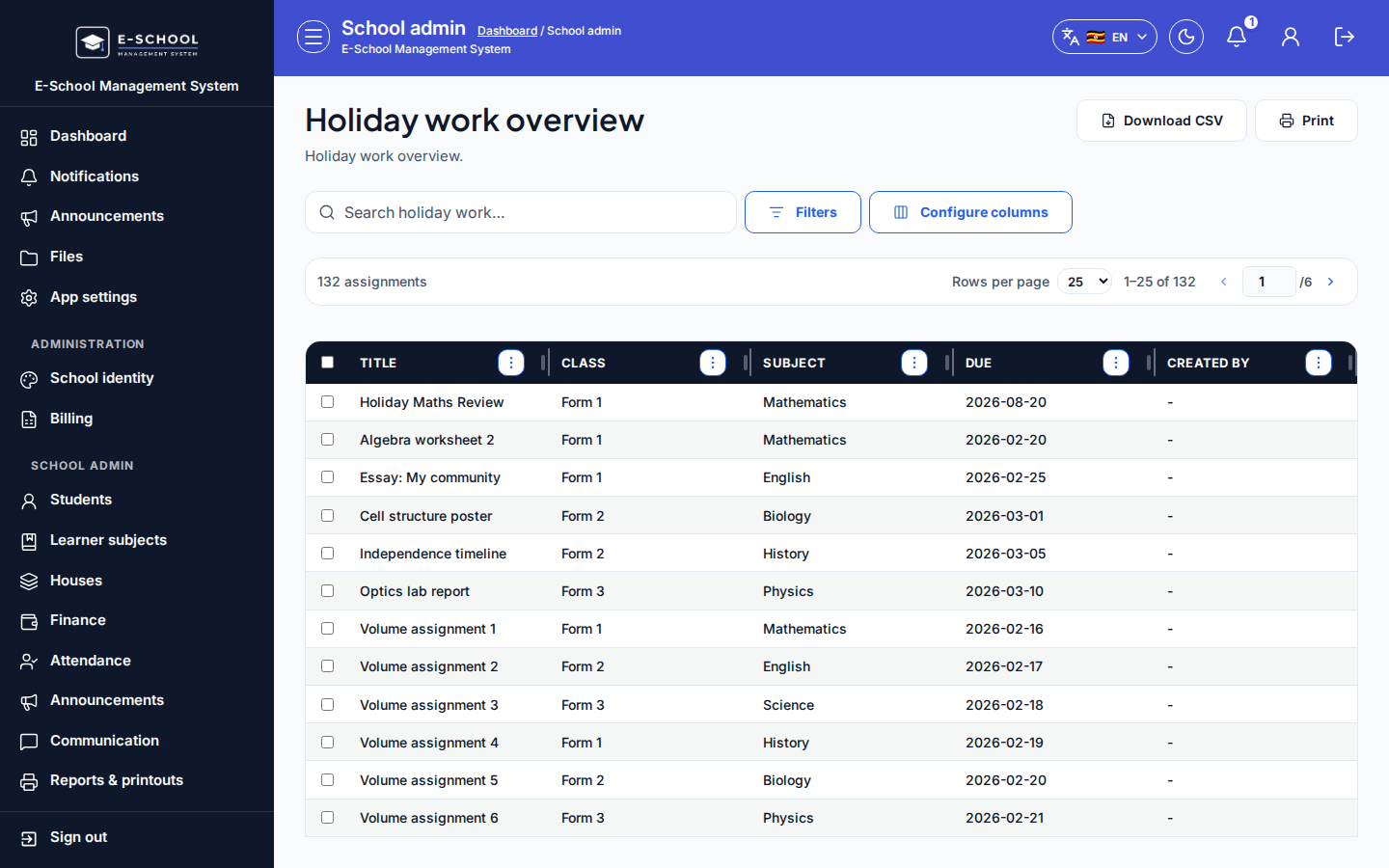
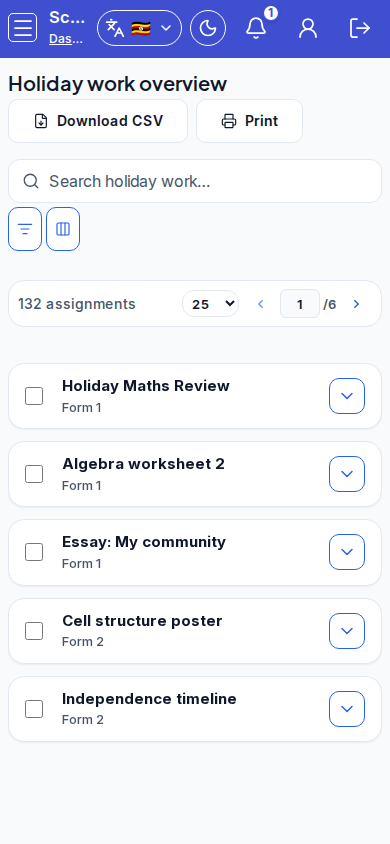
Screenshot
Steps
- Open Holiday work overview at
/admin/holiday-workas ADMIN.
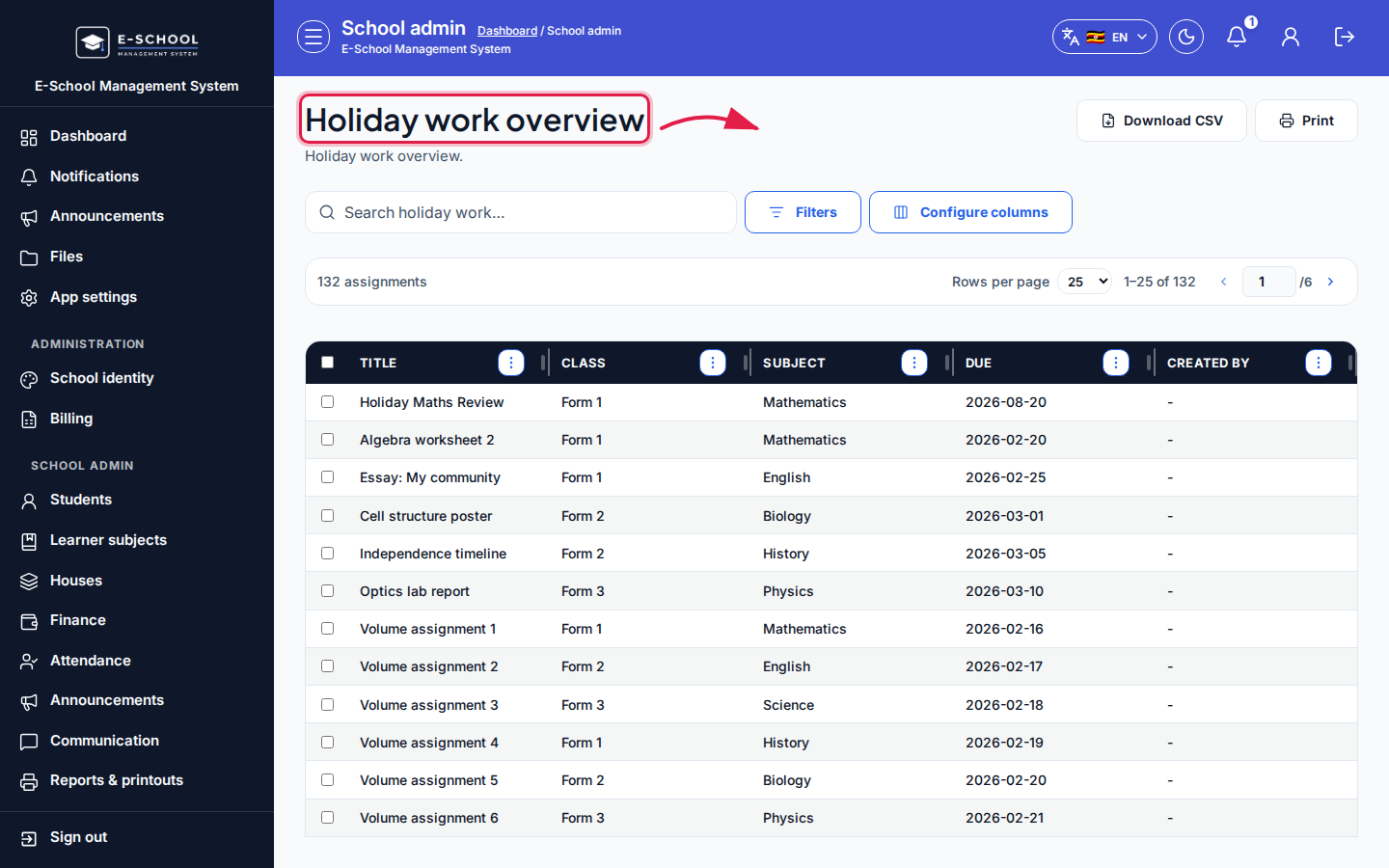 Desktop - focus for step 1
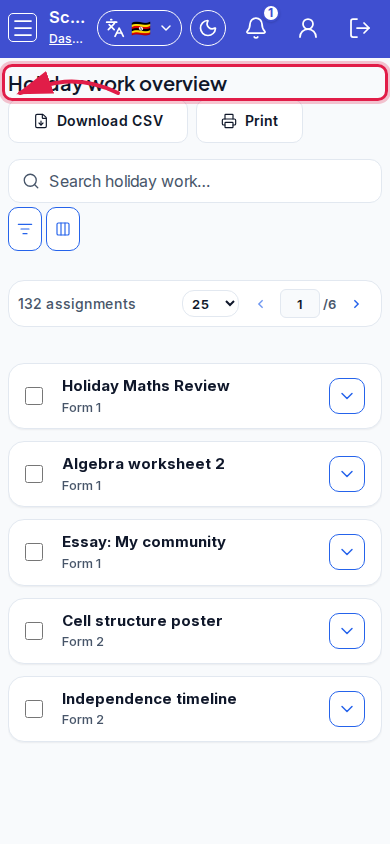 Mobile - focus for step 1
- Review Title, Class, Subject, Due, Created by.
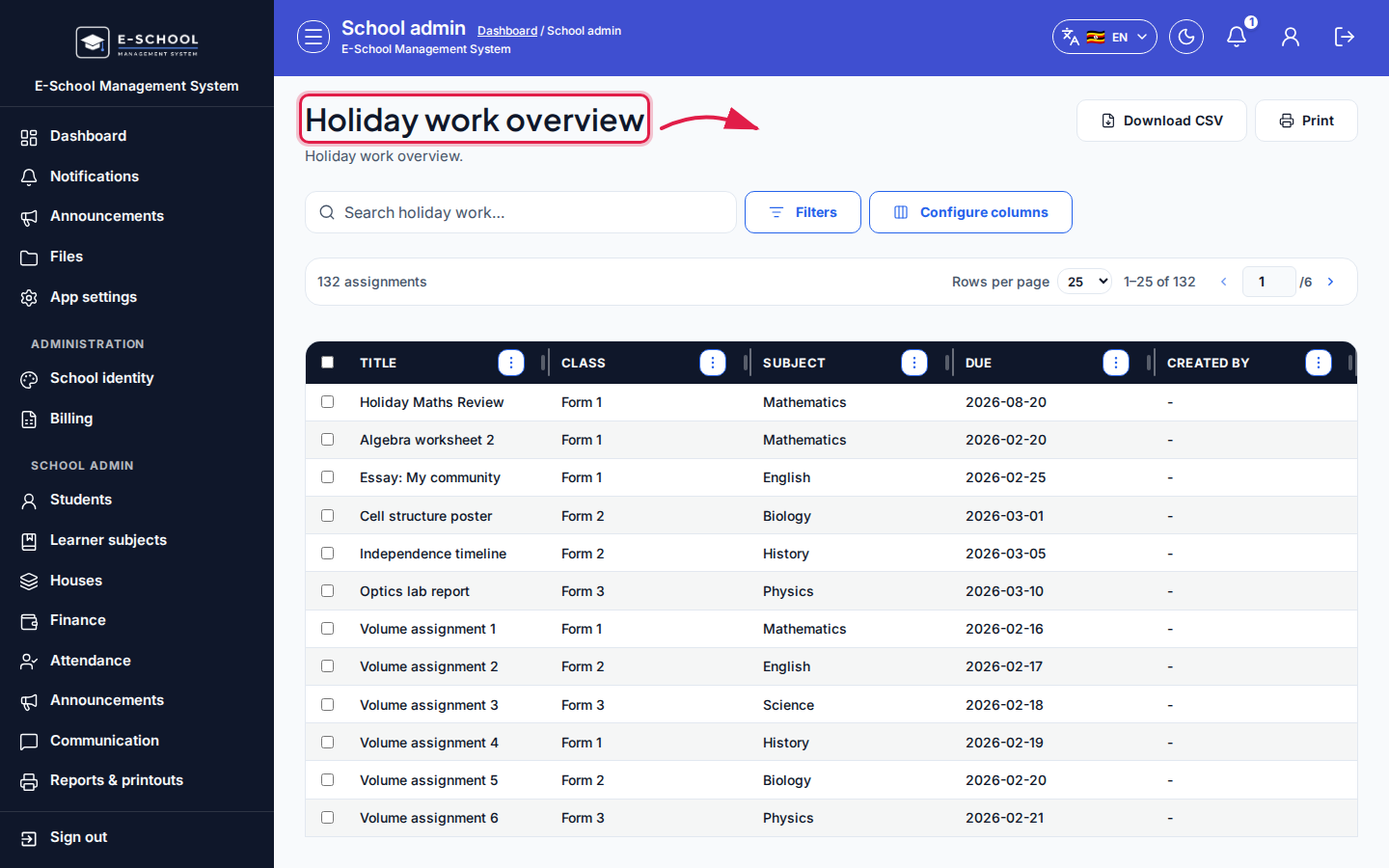 Desktop - focus for step 2
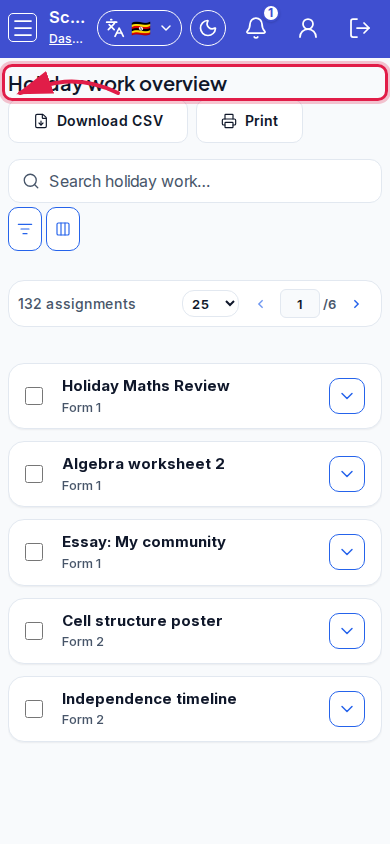 Mobile - focus for step 2
- Download CSV or Print for coordination.
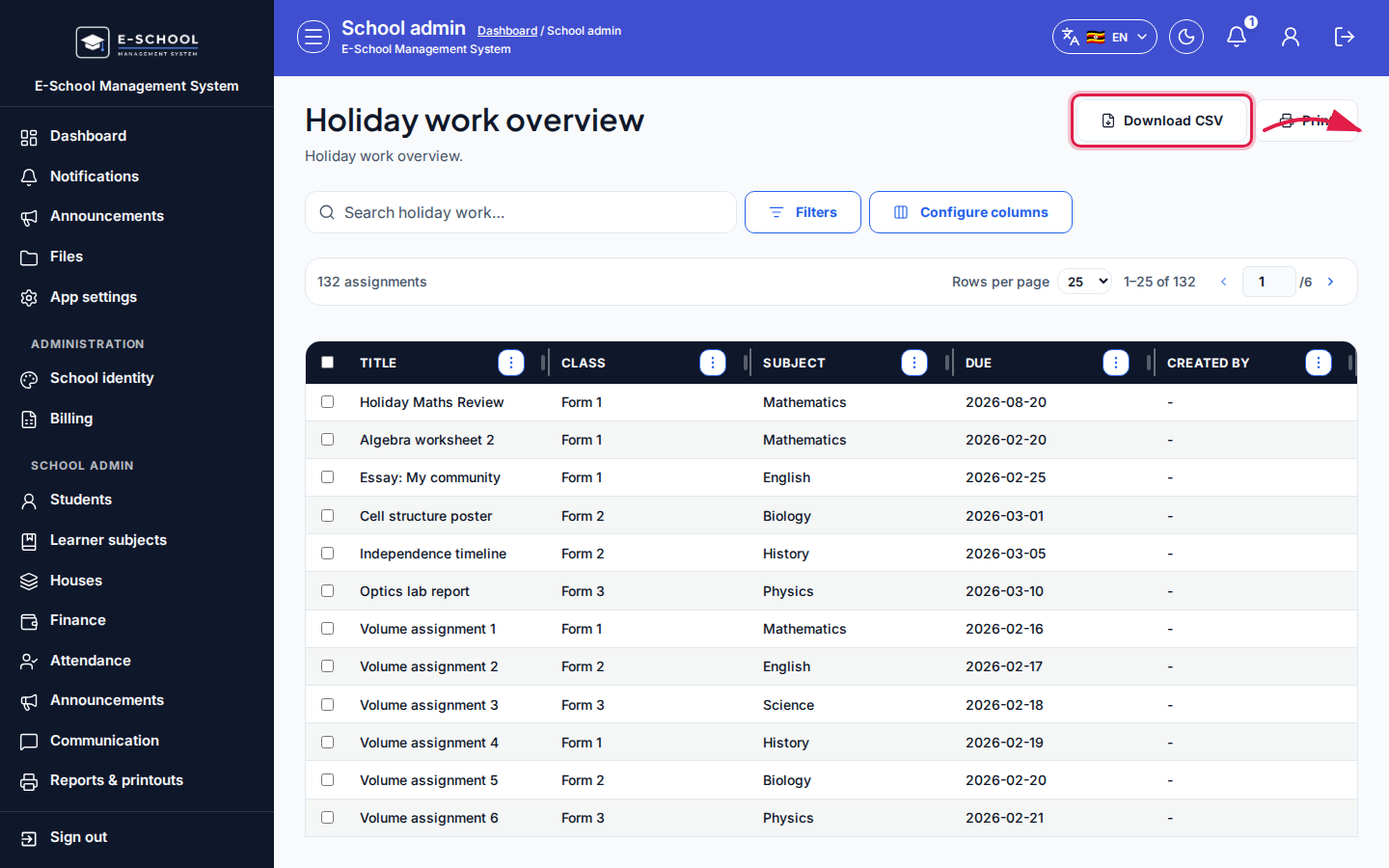 Desktop - focus for step 3
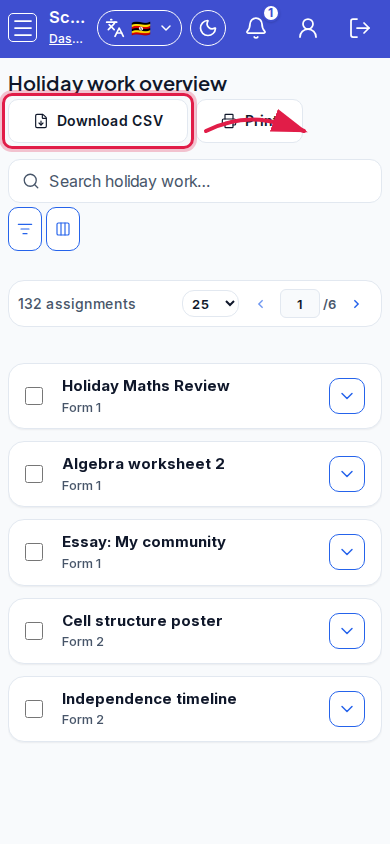 Mobile - focus for step 3
- If empty, open Open teacher holiday work and ask teachers to create packages.
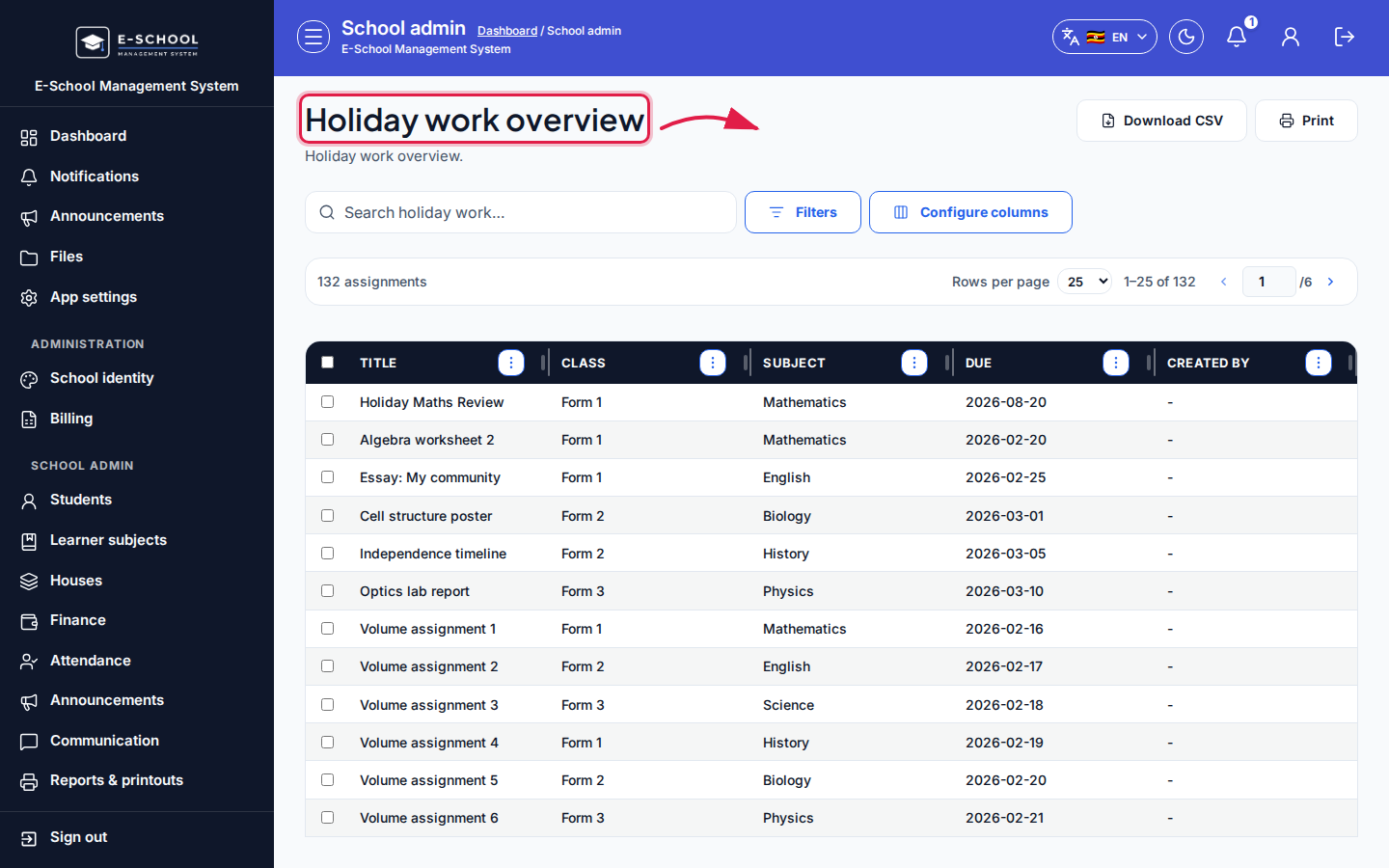 Desktop - focus for step 4
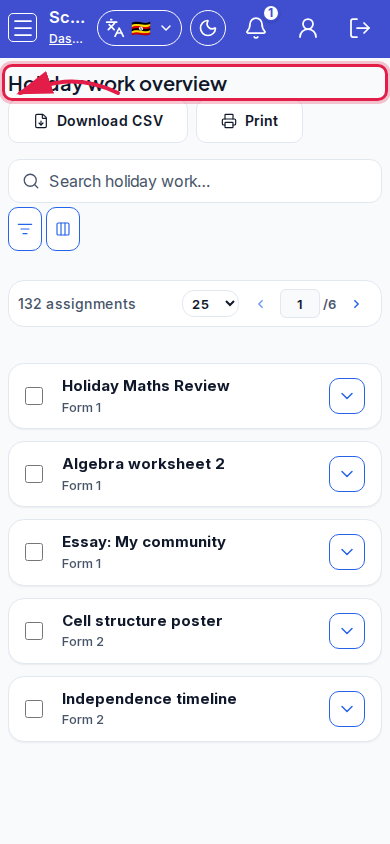 Mobile - focus for step 4
- Do not expect grading controls here - teachers grade submissions.
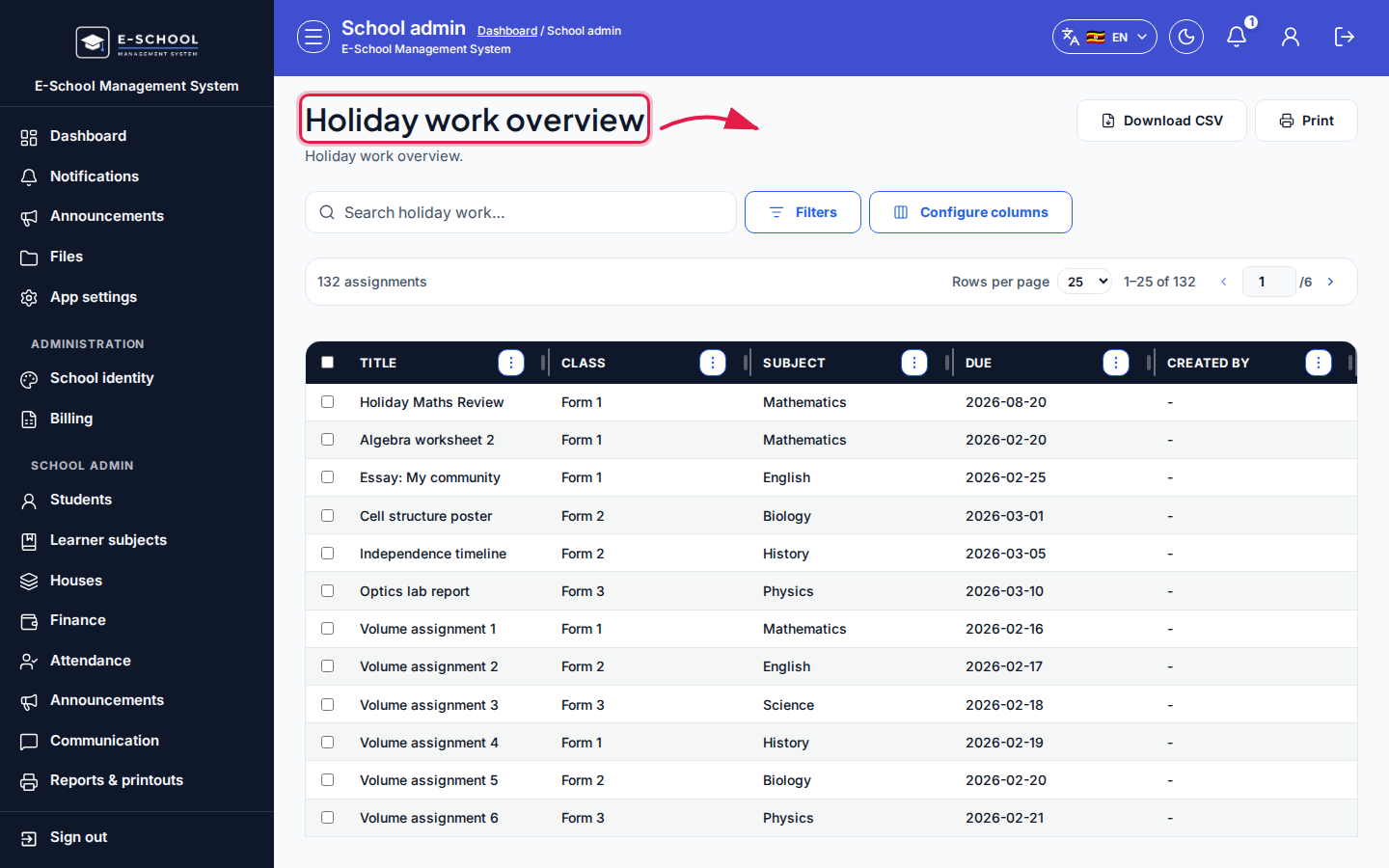 Desktop - focus for step 5
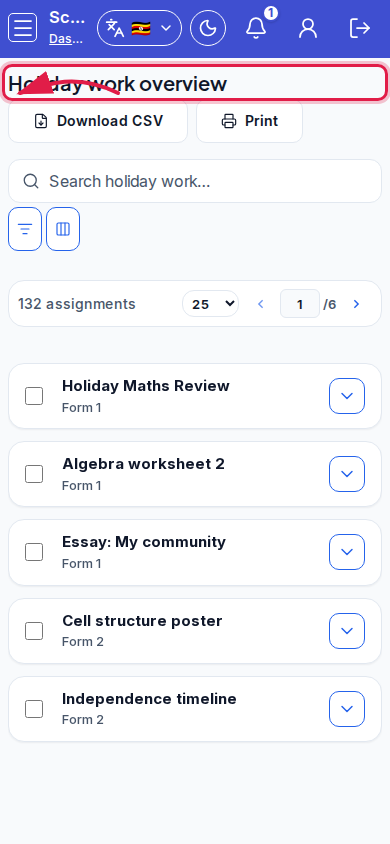 Mobile - focus for step 5
Fields and actions
- Columns: Title, Class, Subject, Due, Created by
- Download CSV / Print
- CTA: Open teacher holiday work
Common mistakes
- Trying to create assignments from the admin overview
- Printing an empty list before teachers published work