Start a school year
Stand up the academic backbone before admissions, timetable, fees, or exams: school identity, calendar, classes, subjects, staff accounts, timetable, and houses.
Steps
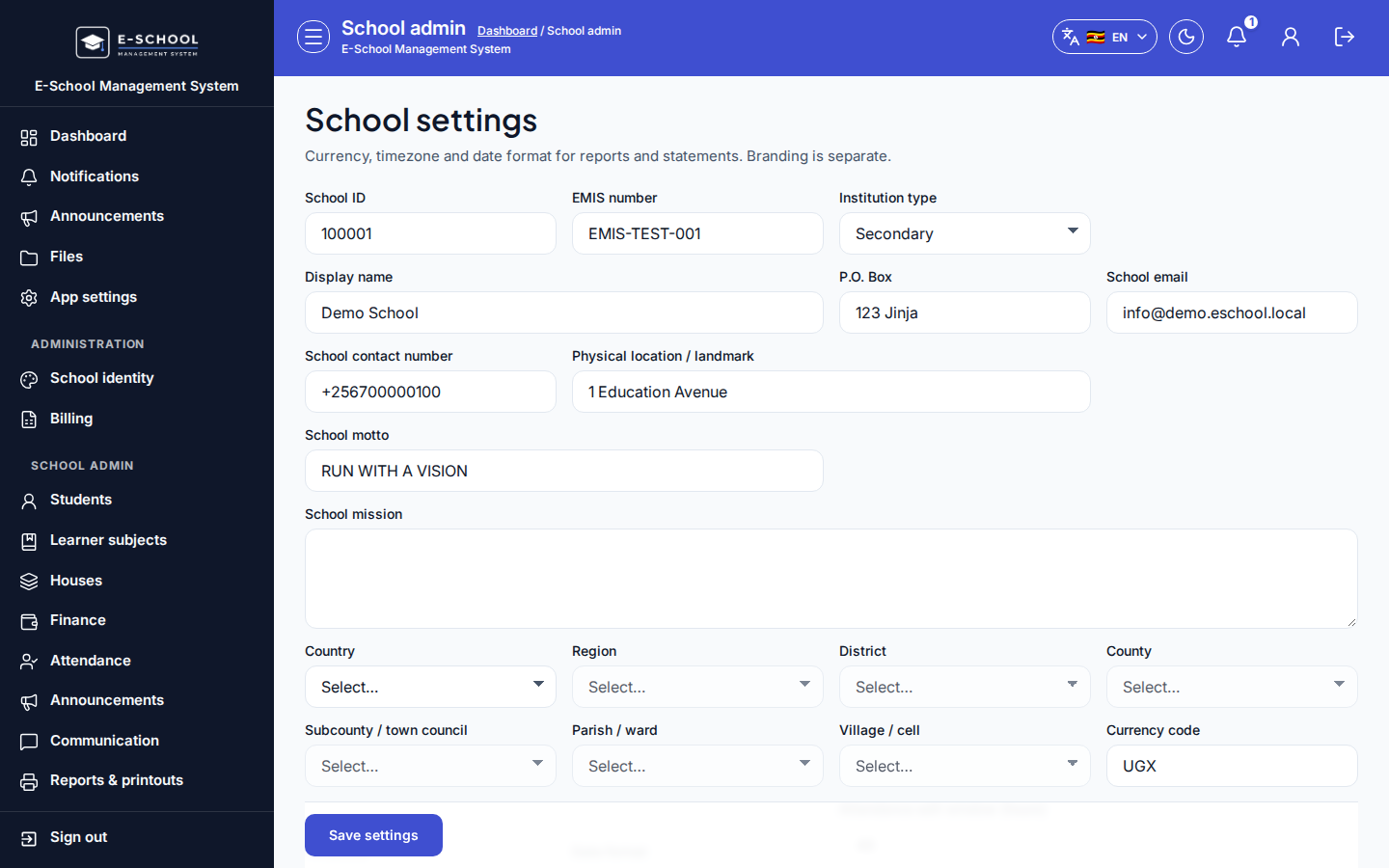
- School settings (
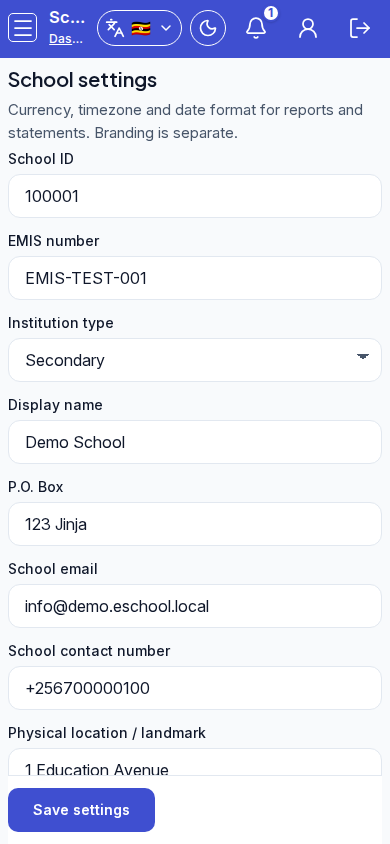
/admin/settings)- Confirm school name and School ID, then Save settings.
- Tip: changing School ID casually breaks already-issued credential sheets. Upload logo files with Upload file / Replace file only when ready.
- Academic calendar (
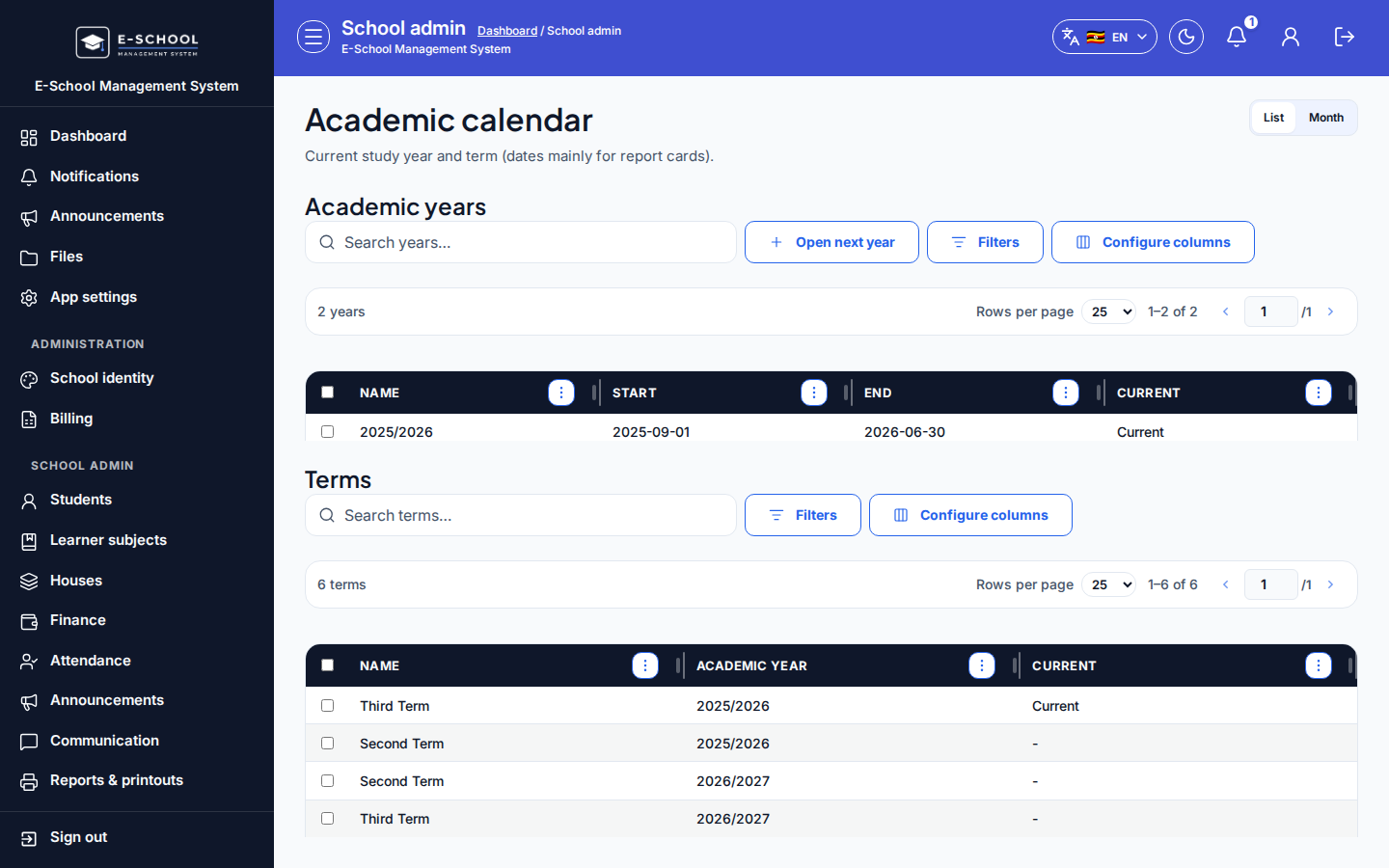
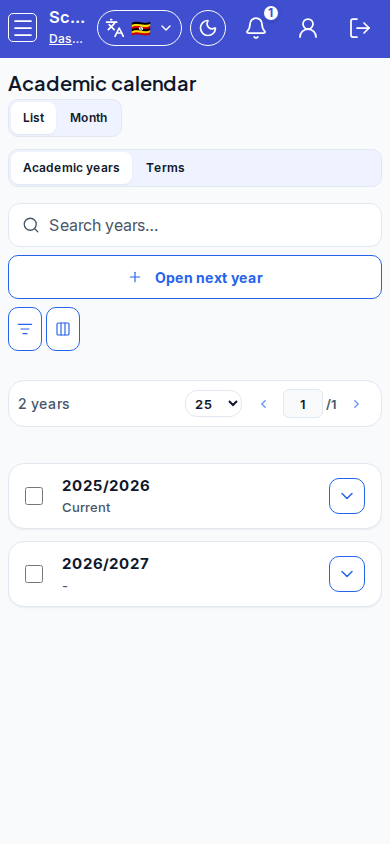
/admin/academic-calendar)- Create or open the year; mark the active term (Current).
- Tip: use Open next year when rolling forward. Exams and fees fail when dates sit outside defined terms.
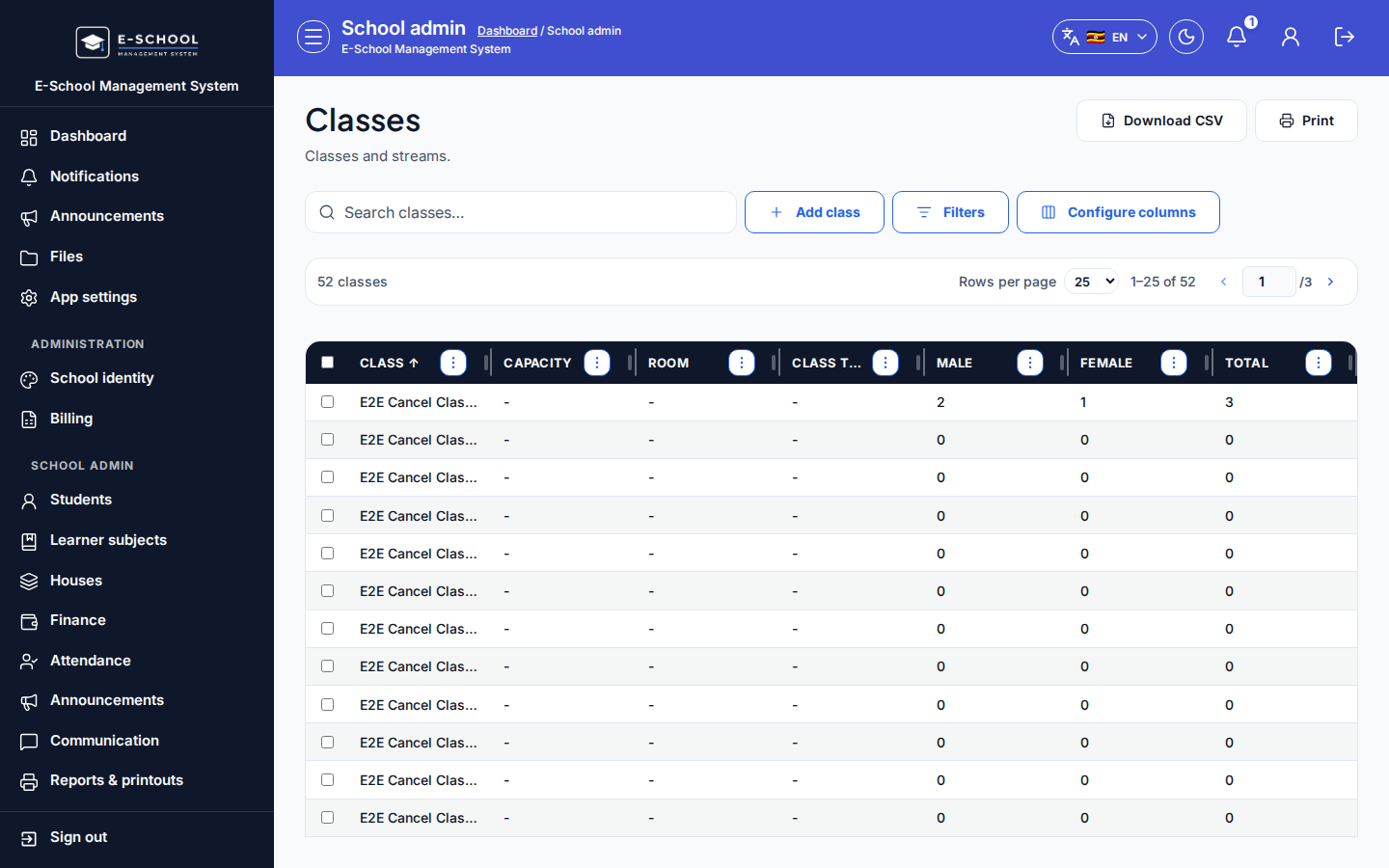
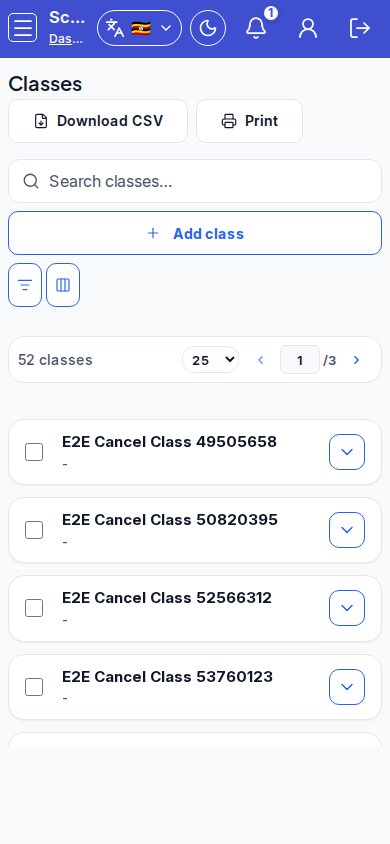
- Classes (
/admin/classes)- Add class, set streams/capacity/room/class teacher.
- Tip: admit only after streams exist. Duplicate class names confuse every class/stream filter downstream.
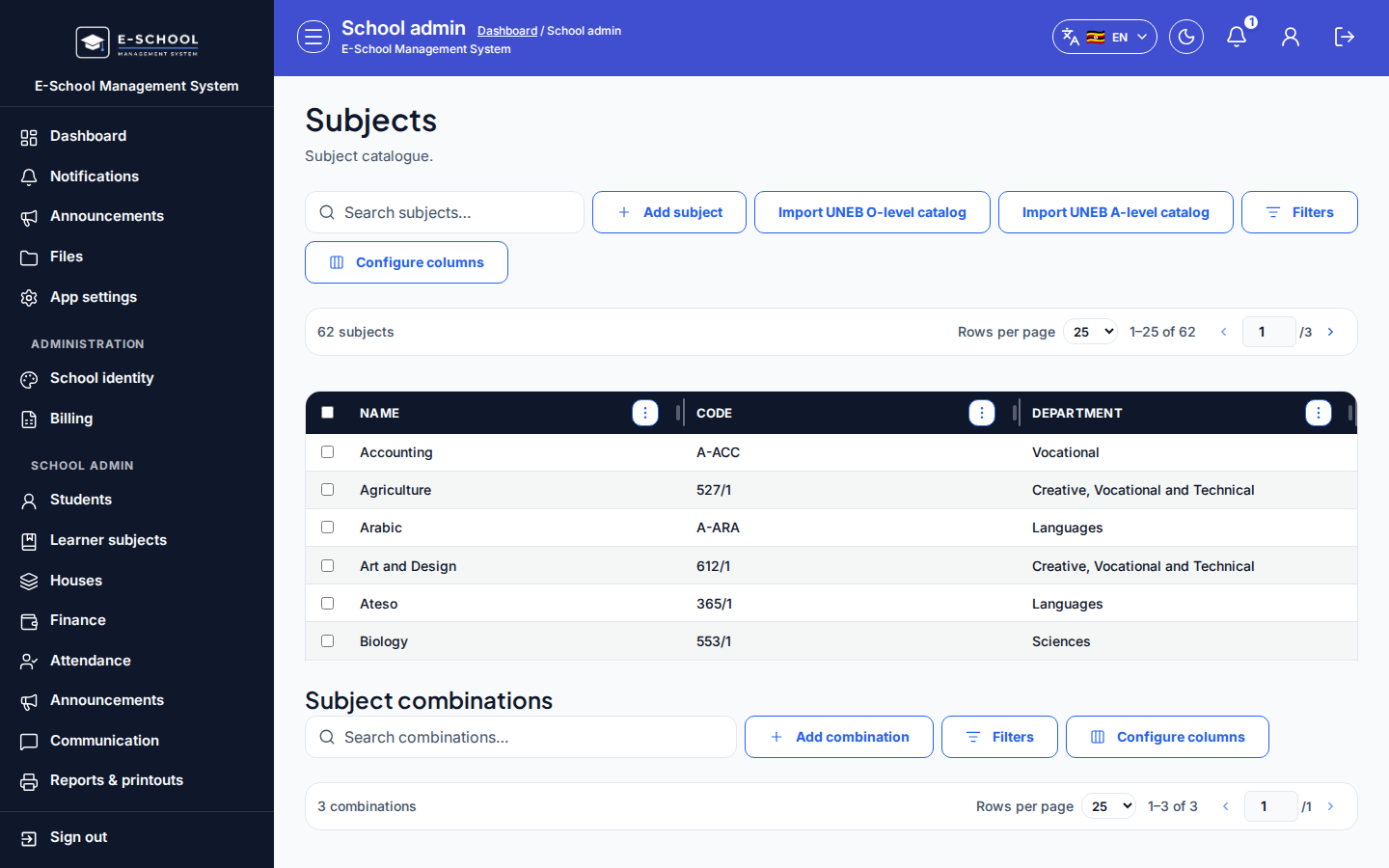
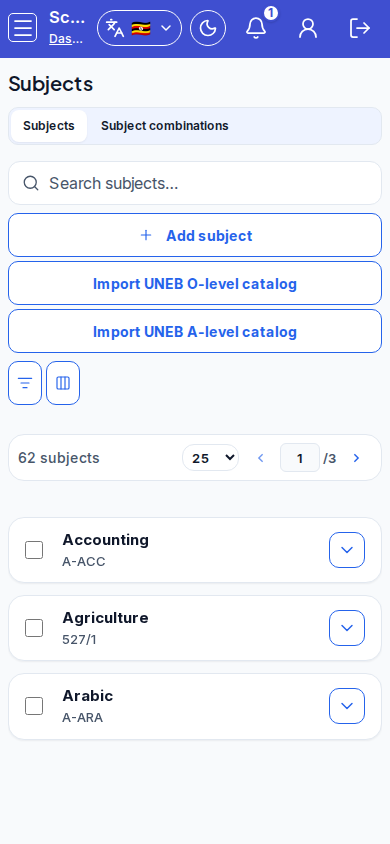
- Subjects (
/admin/subjects)- Add subject, or Import UNEB O-level catalog / Import UNEB A-level catalog when applicable.
- Tip: learner subjects and exams stay empty if the catalogue was never saved.
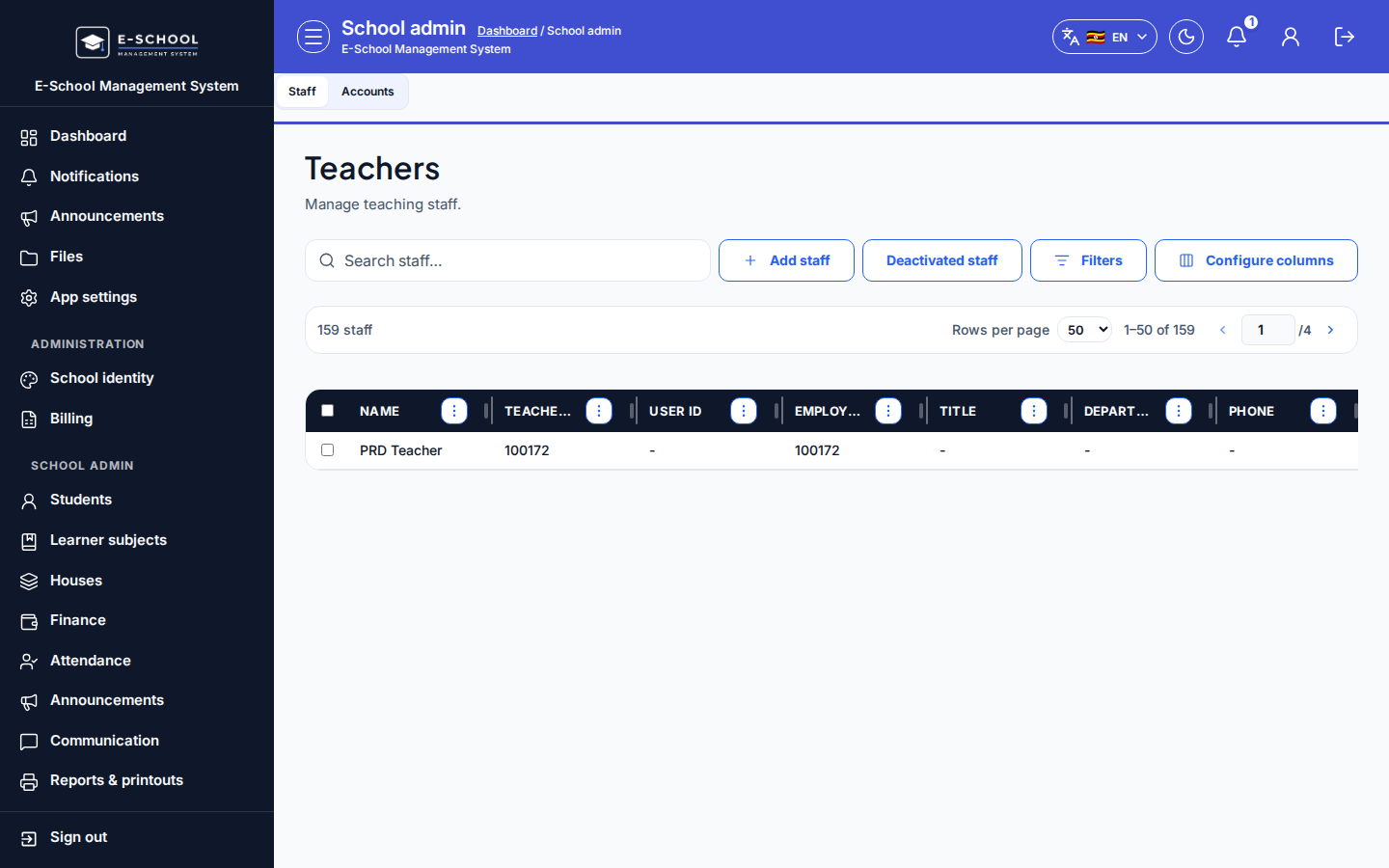
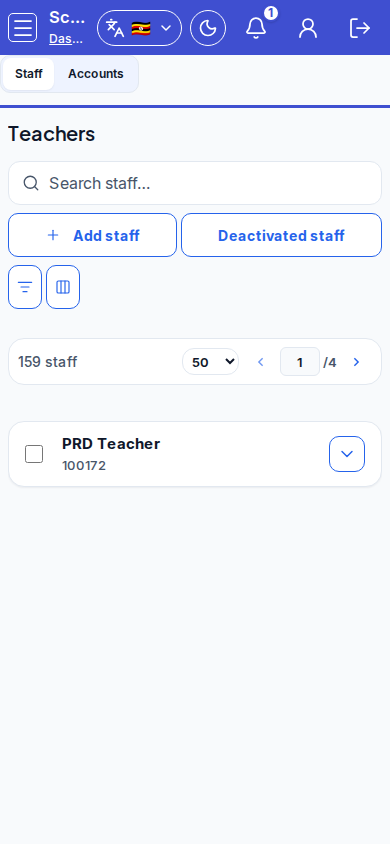
- Staff & users (
/admin/staff-users)- On Staff, click Add staff; copy credentials from Account credentials (copy now).
- Tip: login needs User ID, not Teacher ID. Switch to Accounts to review portal access.
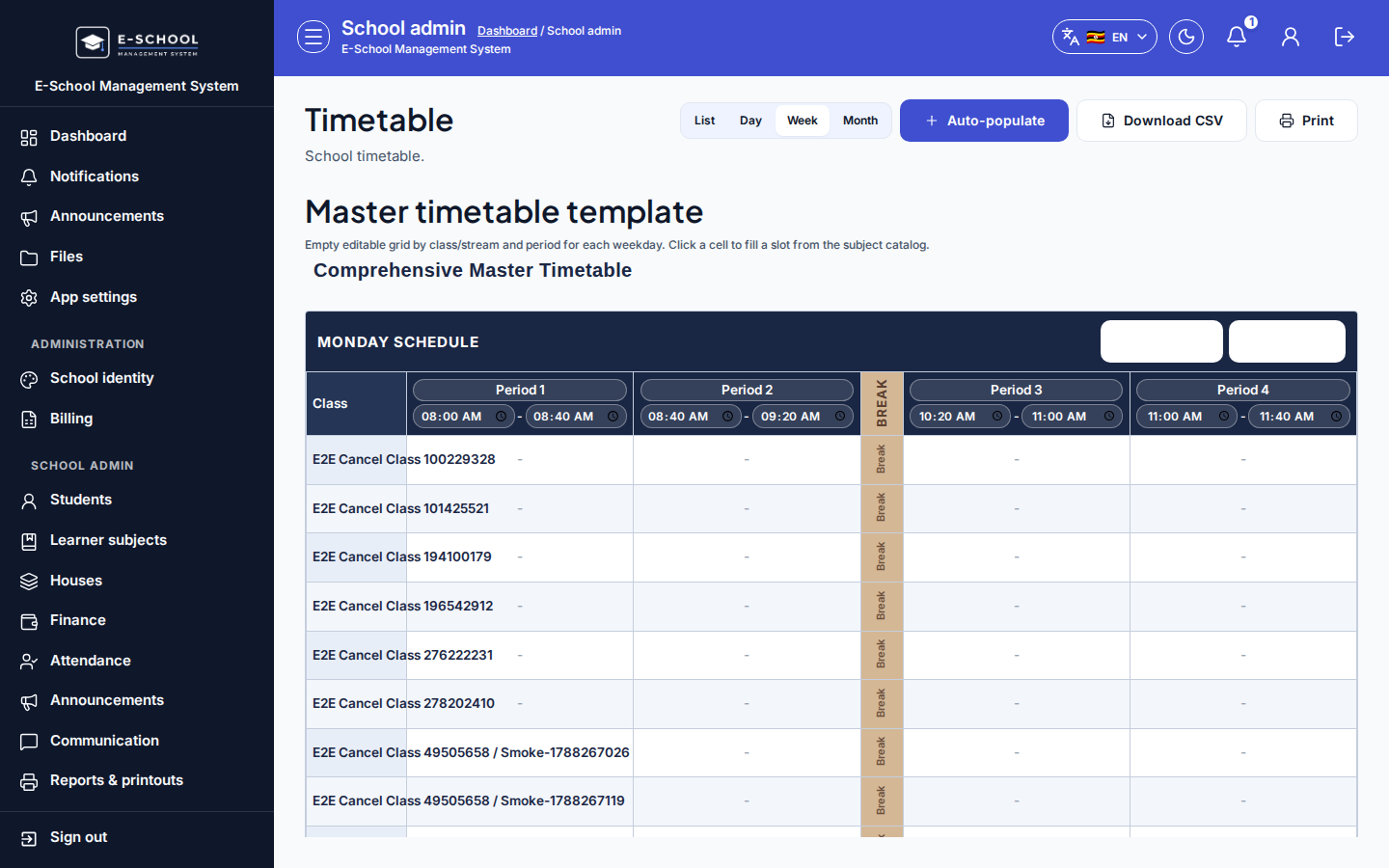
- Timetable (
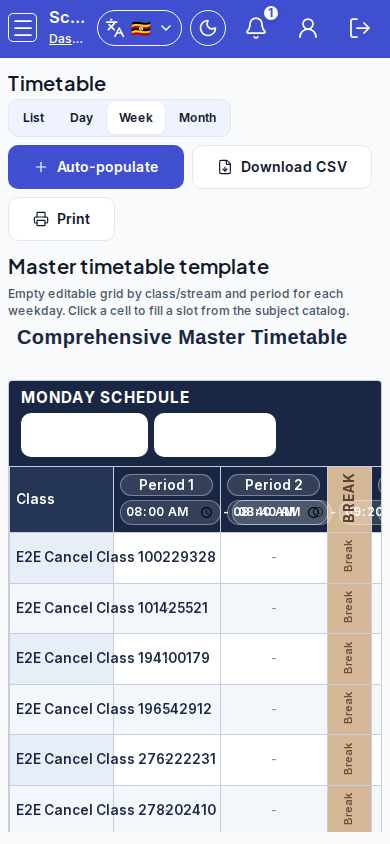
/admin/timetable)- Prefer Auto-populate, then Add period / Add slot; resolve clashes before publishing.
- Tip: check List / Day / Week / Month views. Teachers see nothing useful on an inactive period.
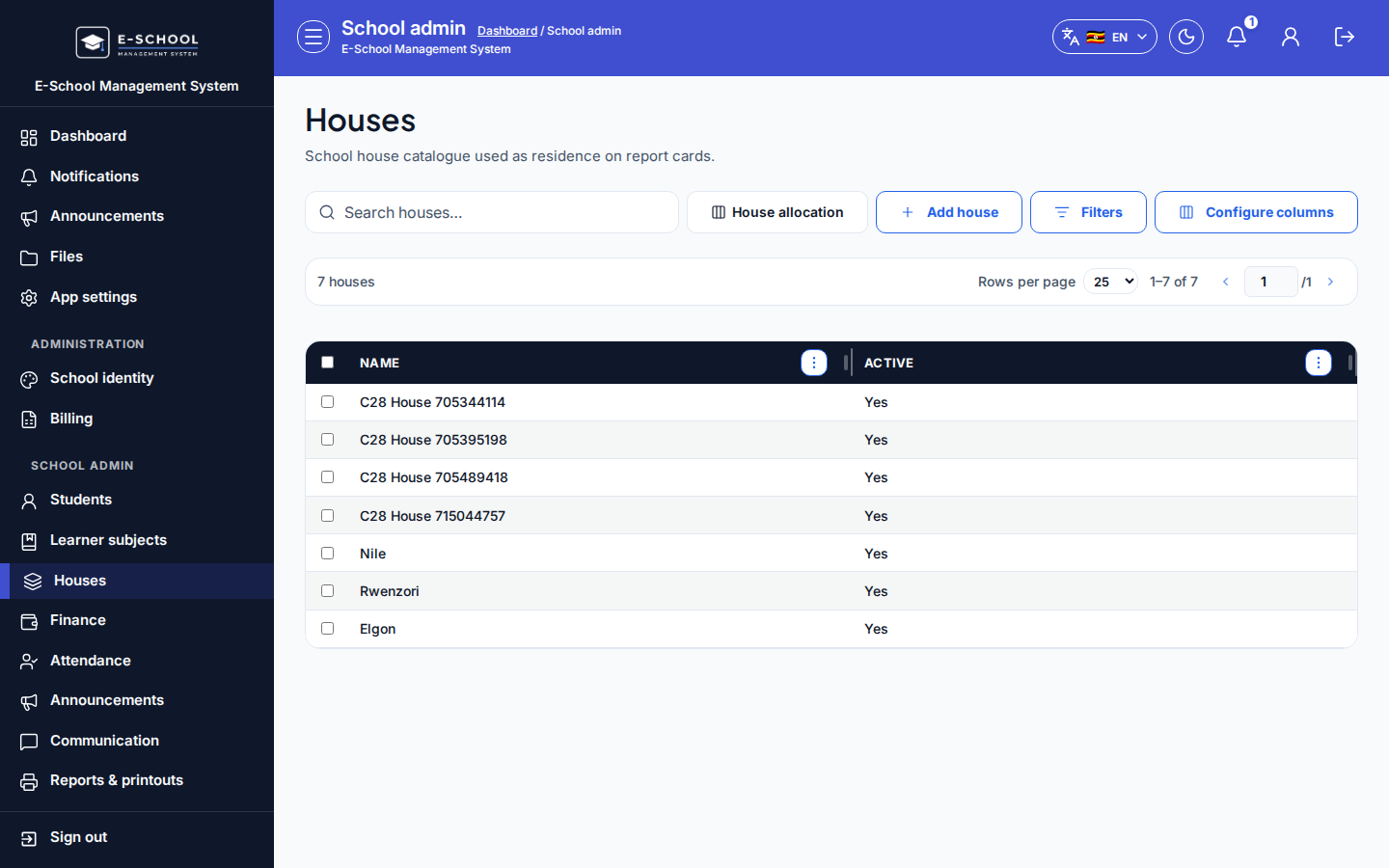
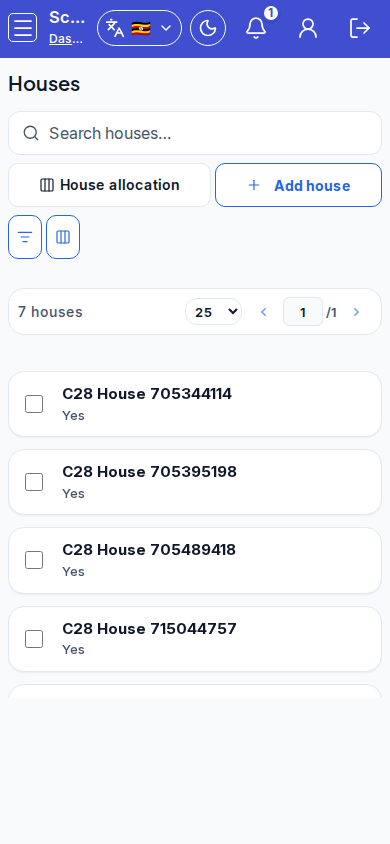
- Houses (
/admin/houses)- Add house, then open House allocation when learners exist.
- Tip: do not allocate before houses exist; report cards omit house when never assigned.
Role handoff
Admin completes the full chain. Teachers only need My Timetable afterwards. Secretary/Finance wait until classes and terms exist before admit or fee structures.
Common mistakes
- Creating exams or fee structures before classes and subjects exist
- No active (Current) term on the calendar
- Publishing the timetable with unresolved clashes
- Allocating houses before Add house