Attendance
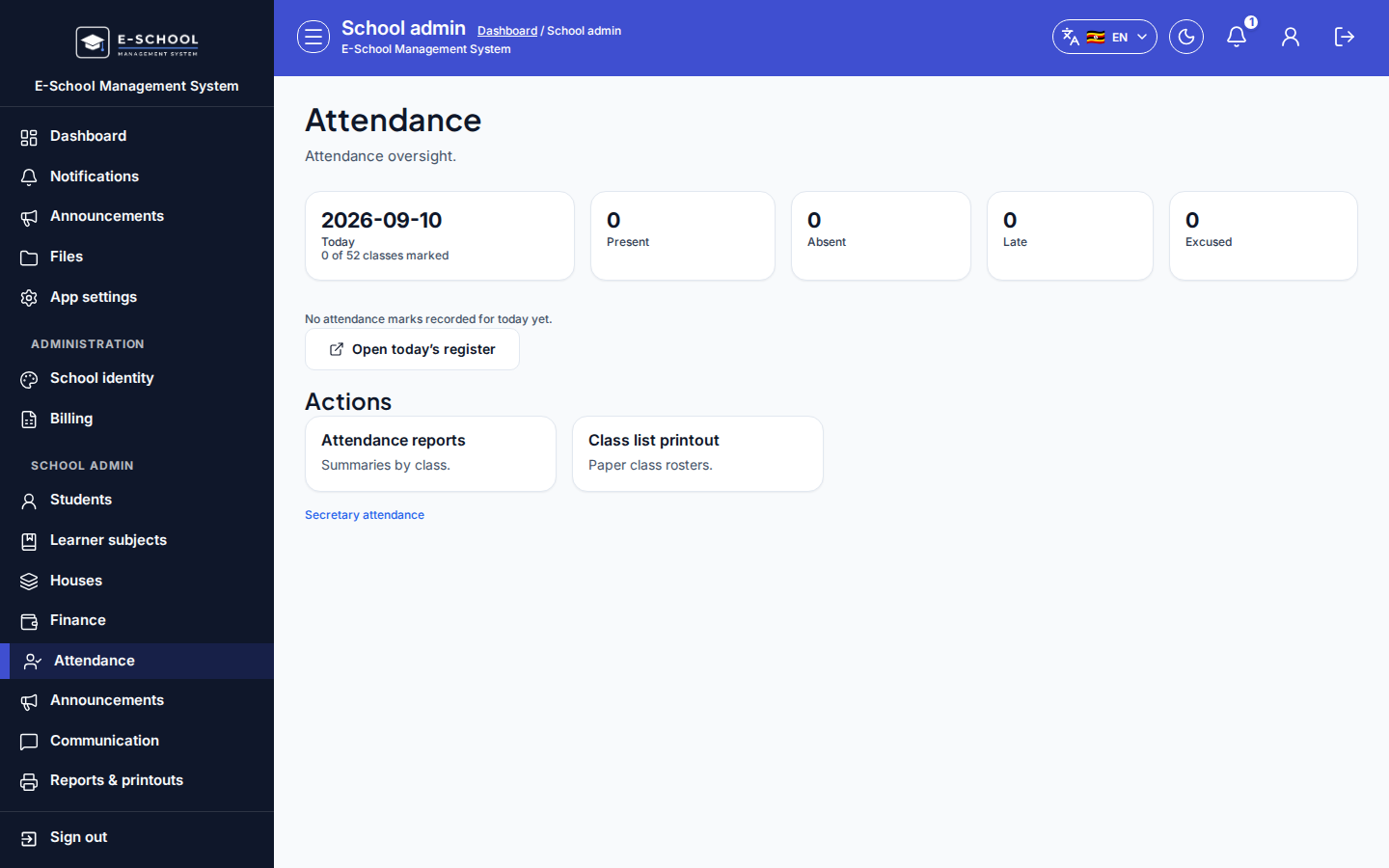
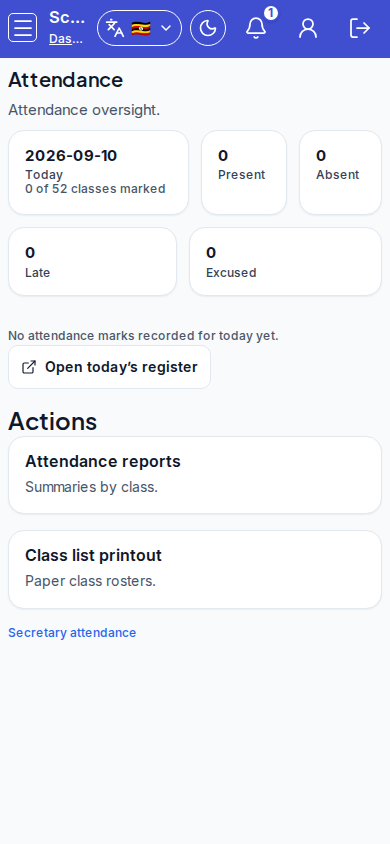
Admin attendance oversight: today's KPIs and shortcuts into the daily register and reports.
Who can use this
- ADMIN
Path
/admin/attendance
Dependencies
- Classes and streams exist; teachers need class assignment for daily marking.
- Prefer teachers marking the register; admin opens oversight and today's register when covering.
Screenshot
Steps
- Open Attendance at
/admin/attendanceas ADMIN.
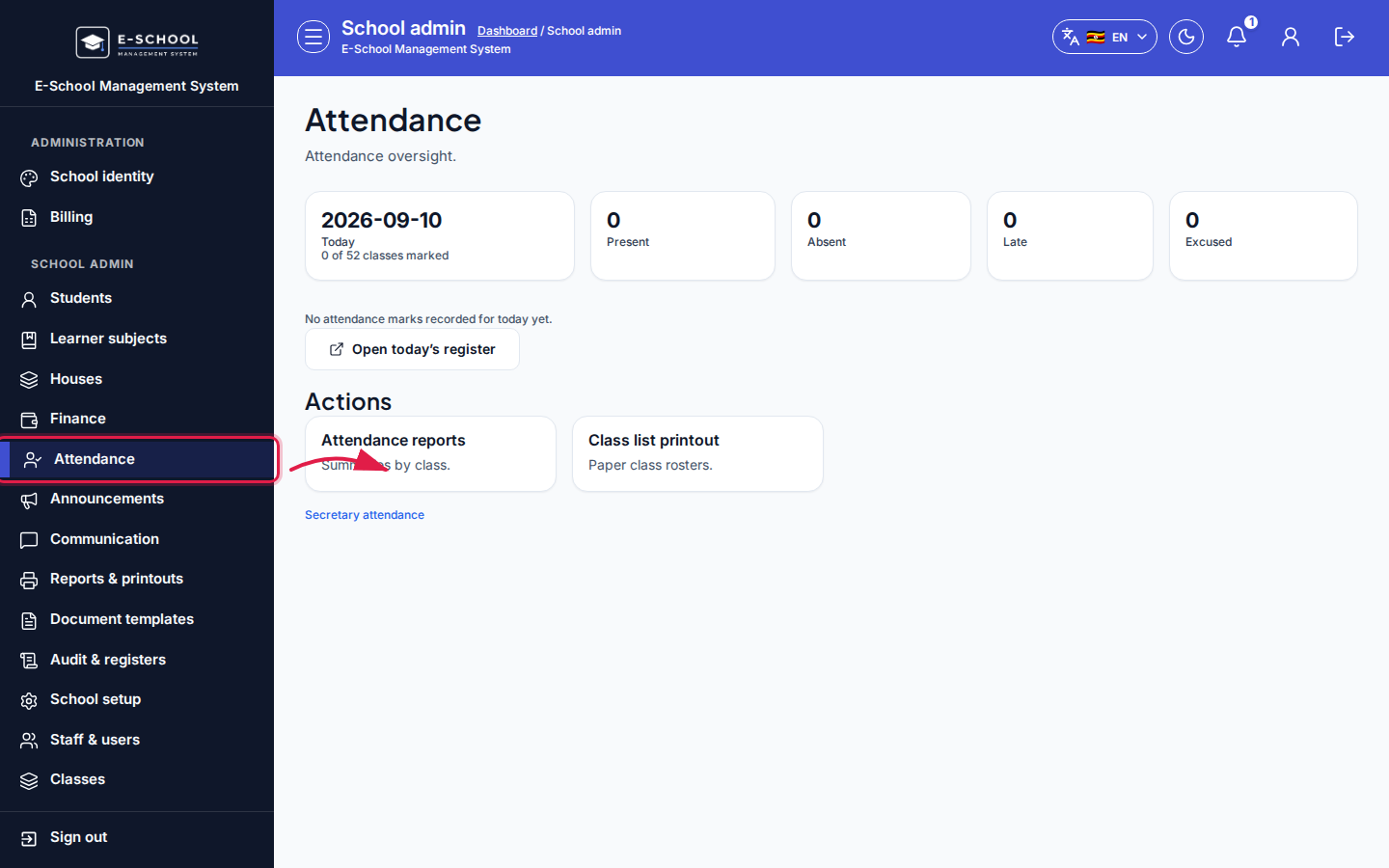 Desktop - focus for step 1
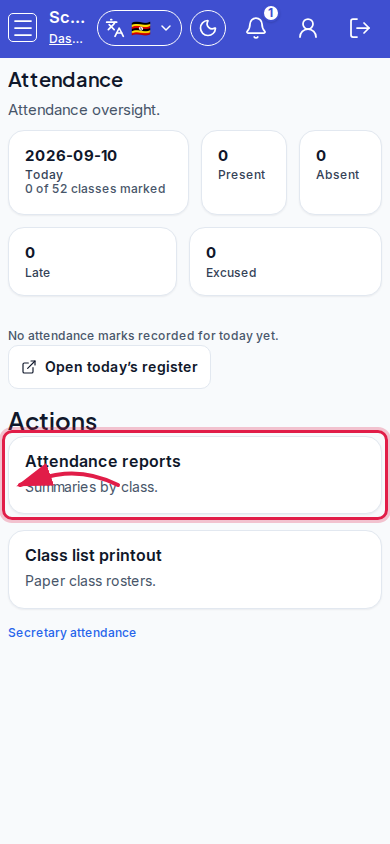 Mobile - focus for step 1
- Read the KPI strip: Today, Present, Absent, Late, Excused, plus marked-class counts.
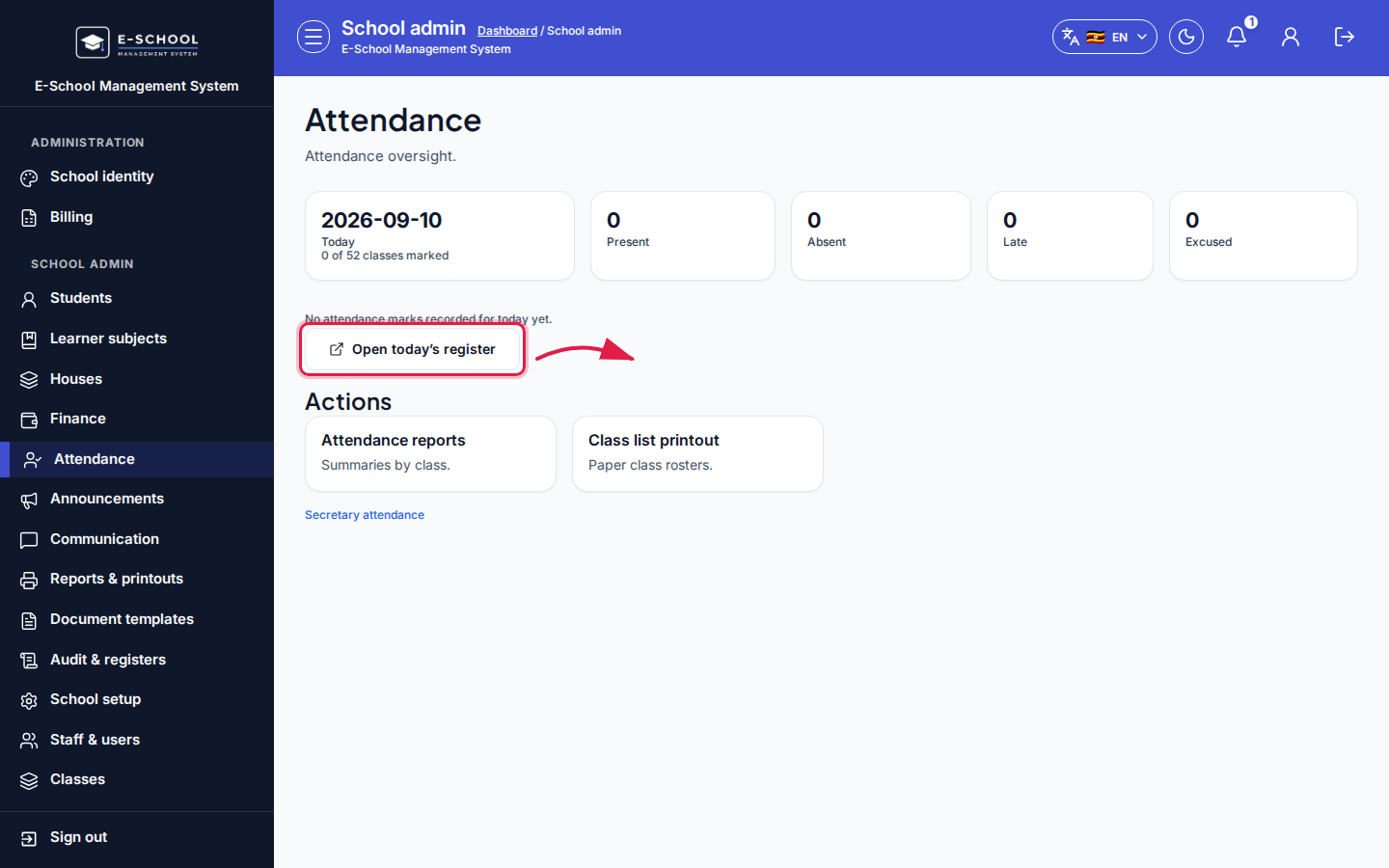 Desktop - focus for step 2
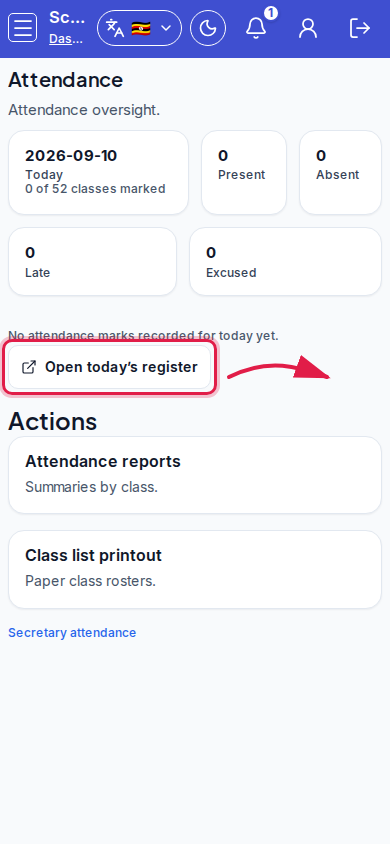 Mobile - focus for step 2
- Click Open today's register (or Open register) to mark or review the live register.
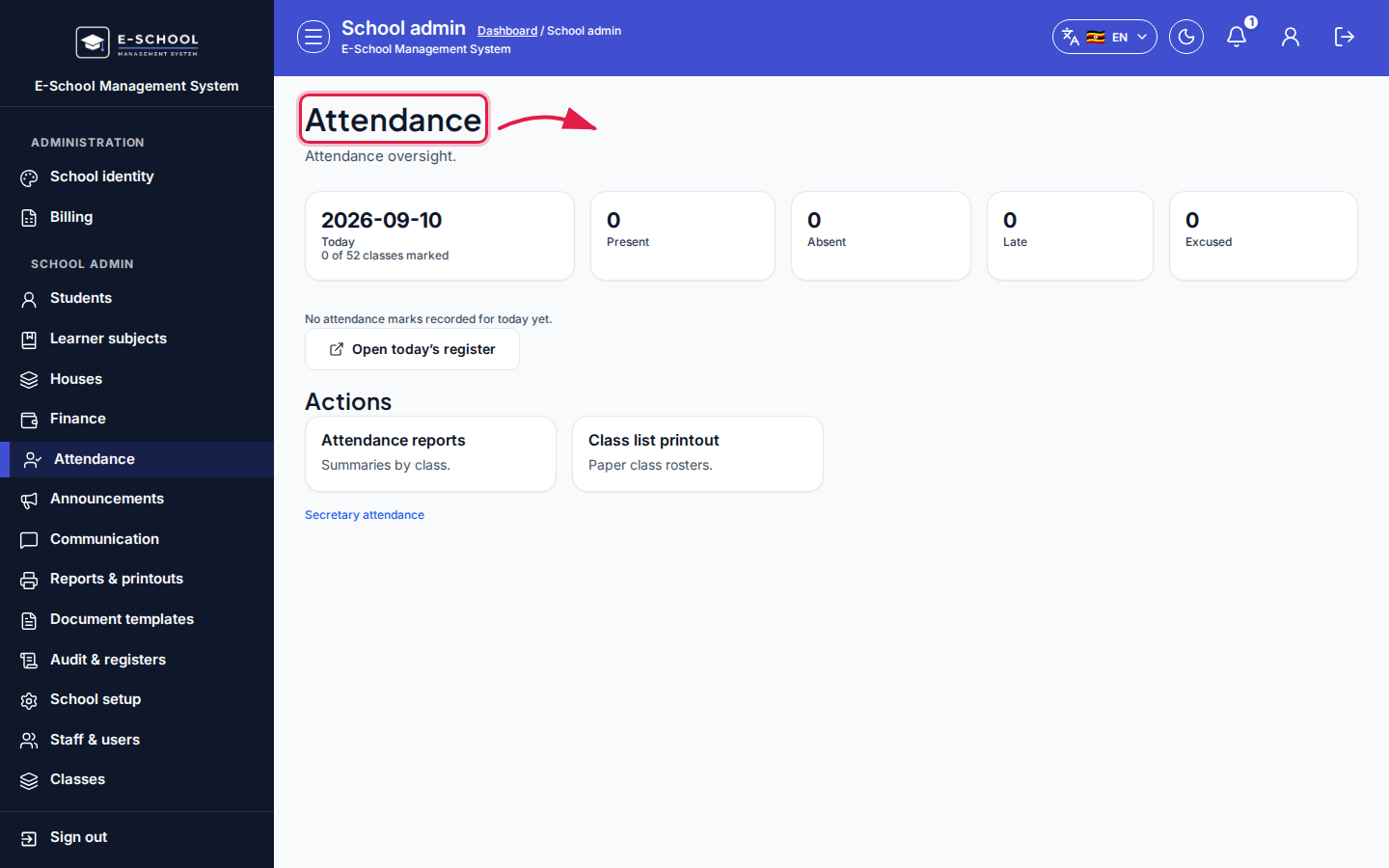 Desktop - focus for step 3
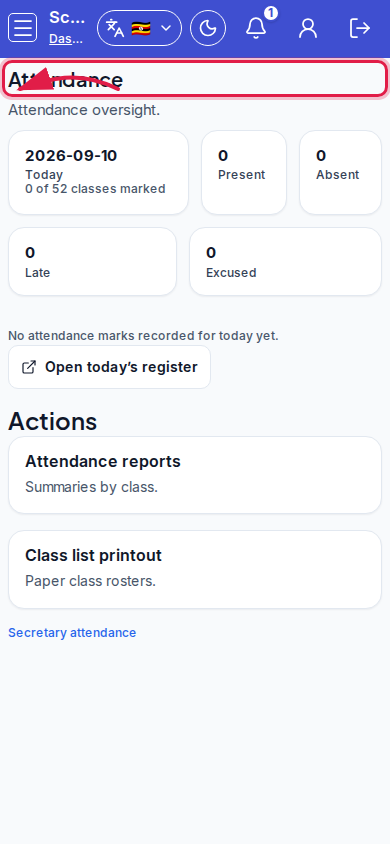 Mobile - focus for step 3
- Use Secretary attendance, Attendance reports, or Class list printout from Actions / quick links when needed.
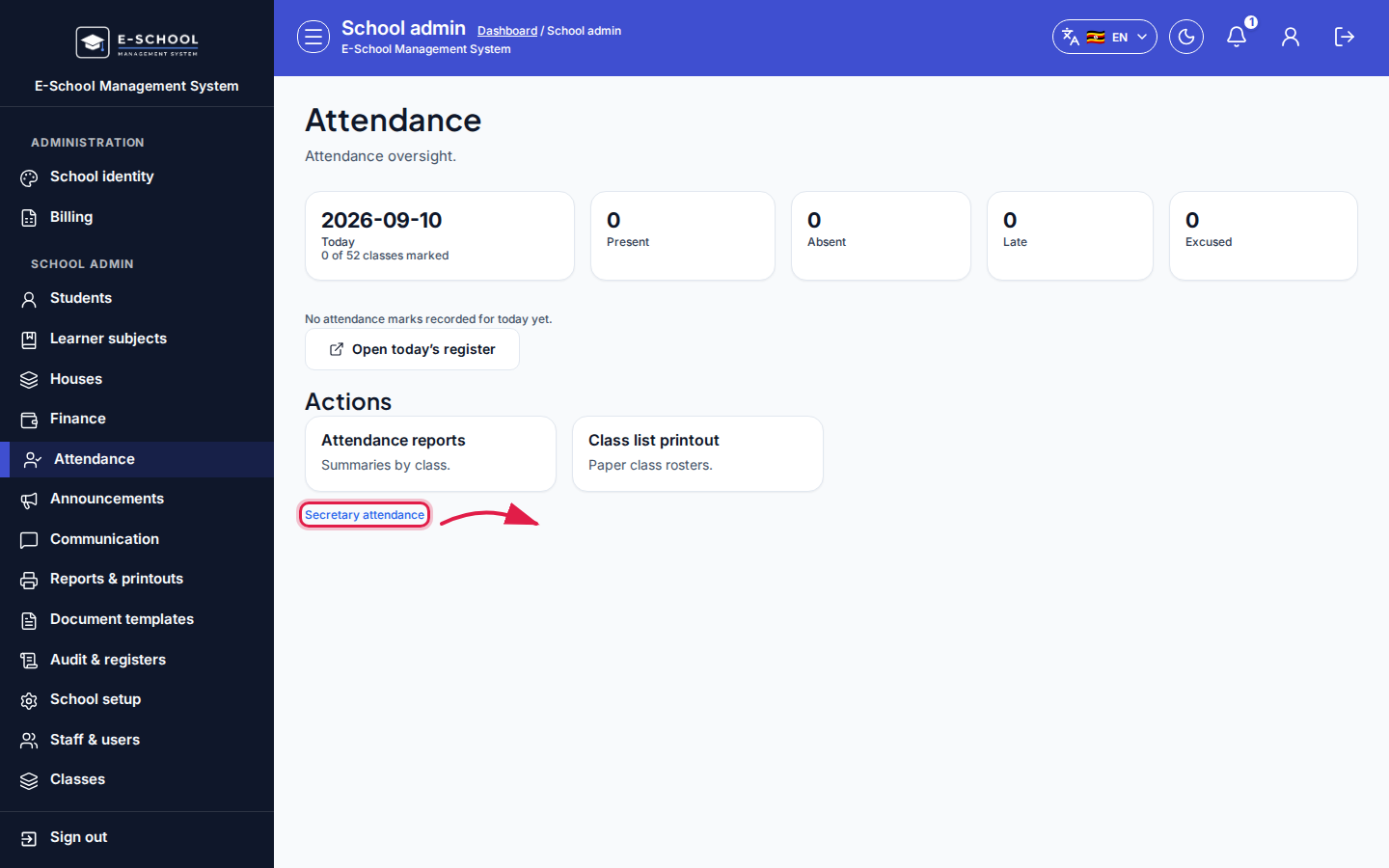 Desktop - focus for step 4
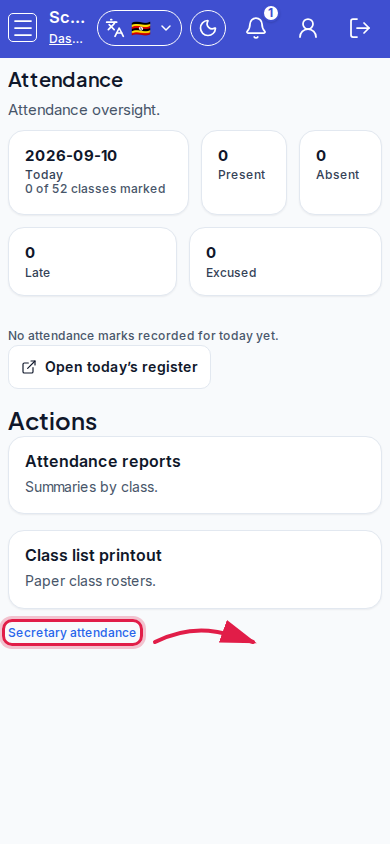 Mobile - focus for step 4
- If No marks today, confirm teachers have class assignments and the correct date.
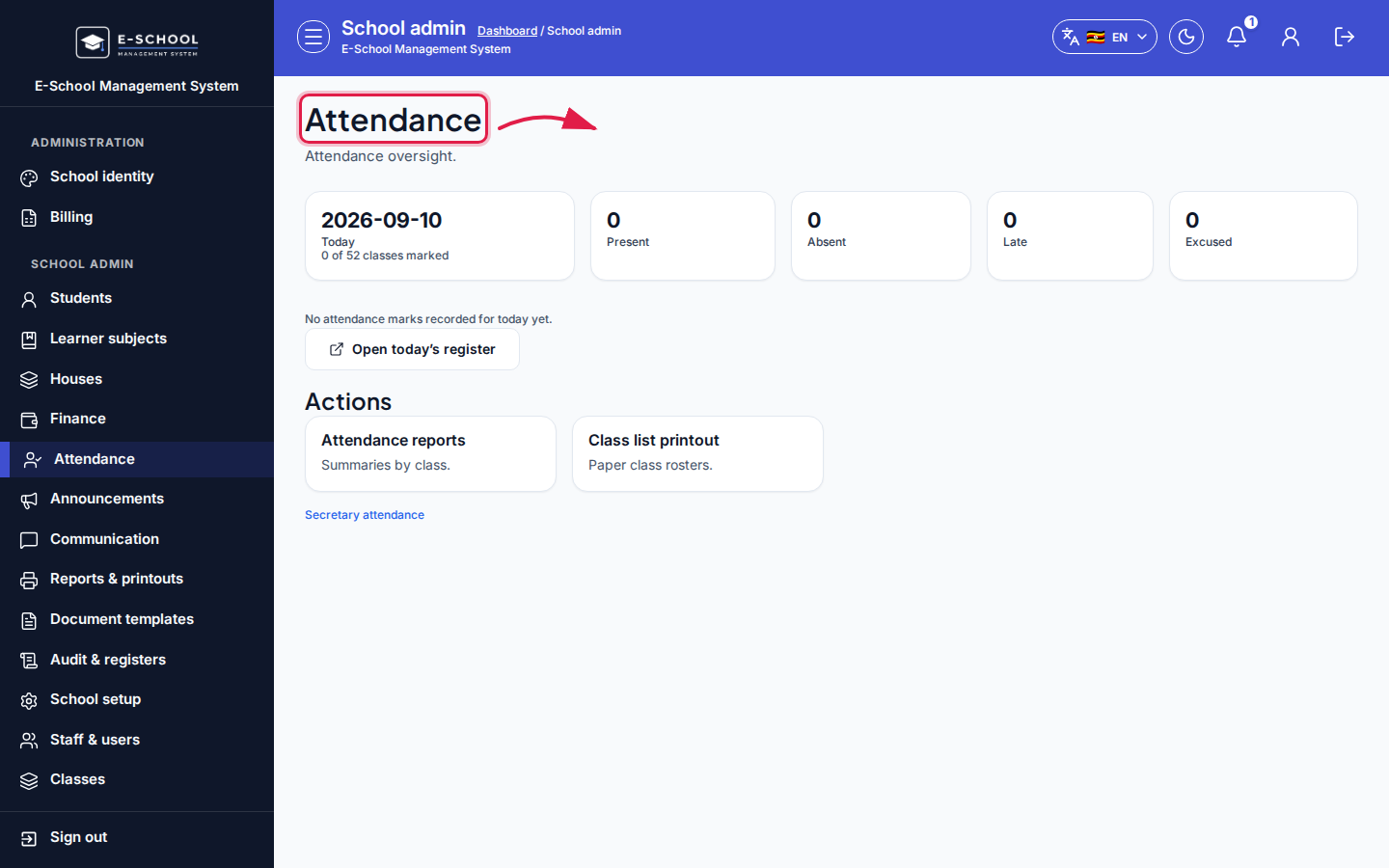 Desktop - focus for step 5
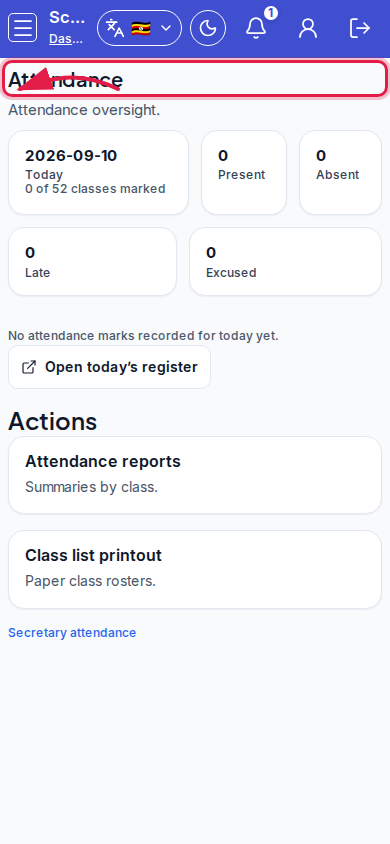 Mobile - focus for step 5
Fields and actions
- KPIs: Today, Present, Absent, Late, Excused
- Open today's register / Open register / Secretary attendance
- Quick actions: Attendance reports, Class list printout
Common mistakes
- Expecting marks without teacher class assignment
- Looking at the wrong calendar day
- Printing class lists instead of fixing empty registers