Audit & registers
Audit trail of create/update/delete and key school actions with date filters.
Who can use this
- ADMIN
Path
/admin/registers
Dependencies
- Actors must be signed in for events to appear.
- Narrow From/To dates before exporting large ranges.
Screenshot
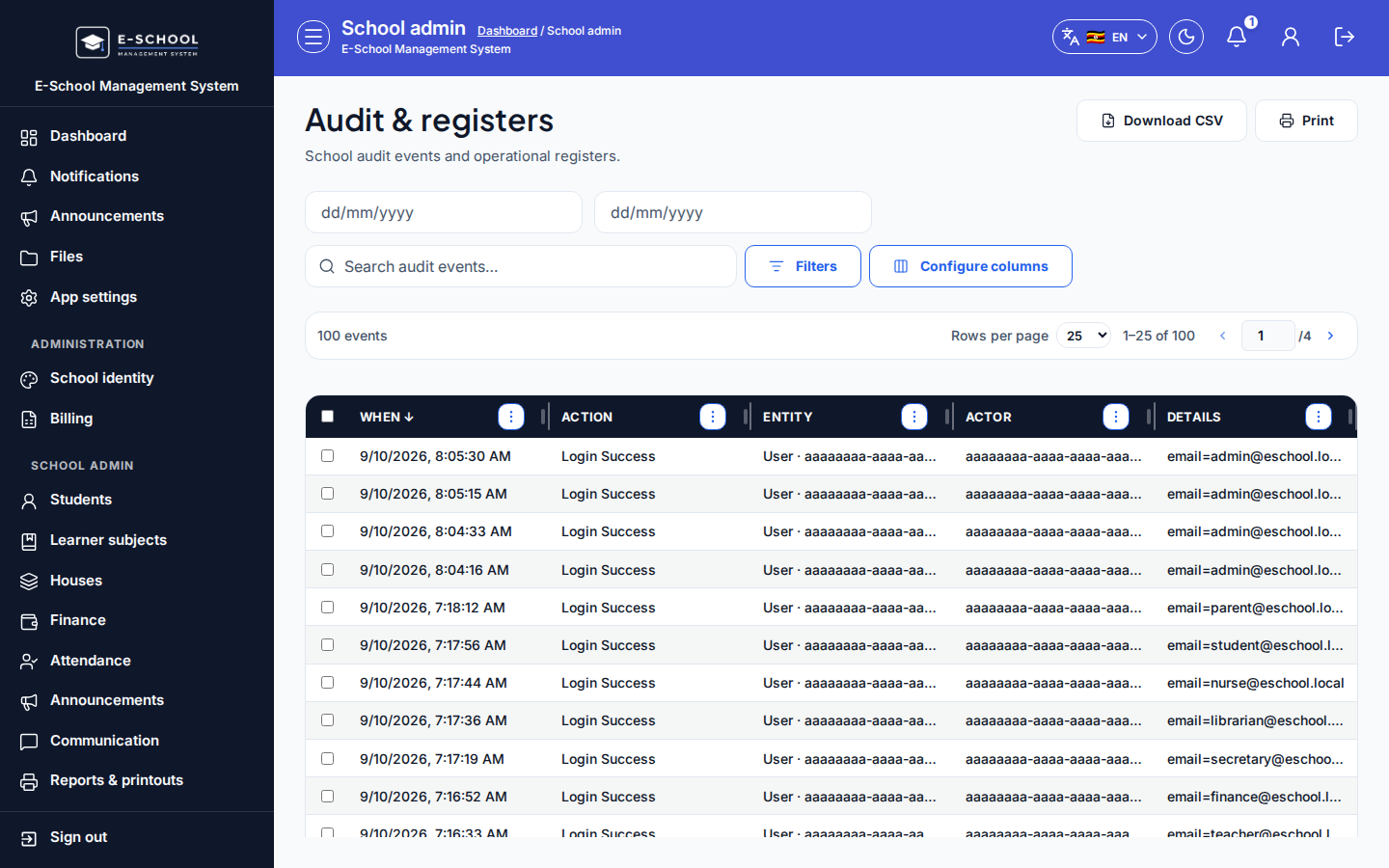
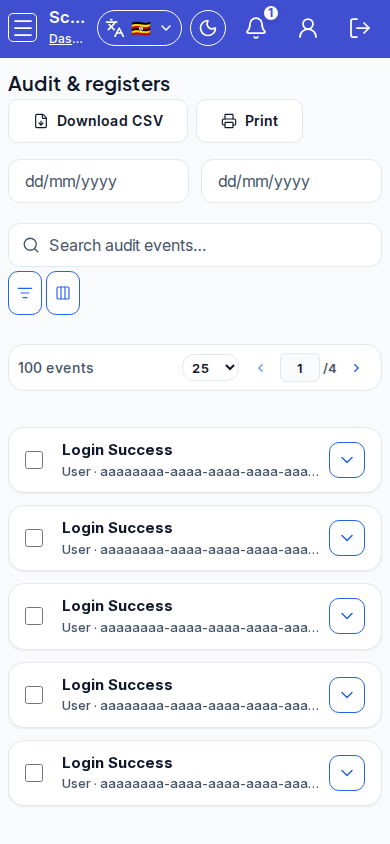
Steps
- Open Audit & registers at
/admin/registersas ADMIN.
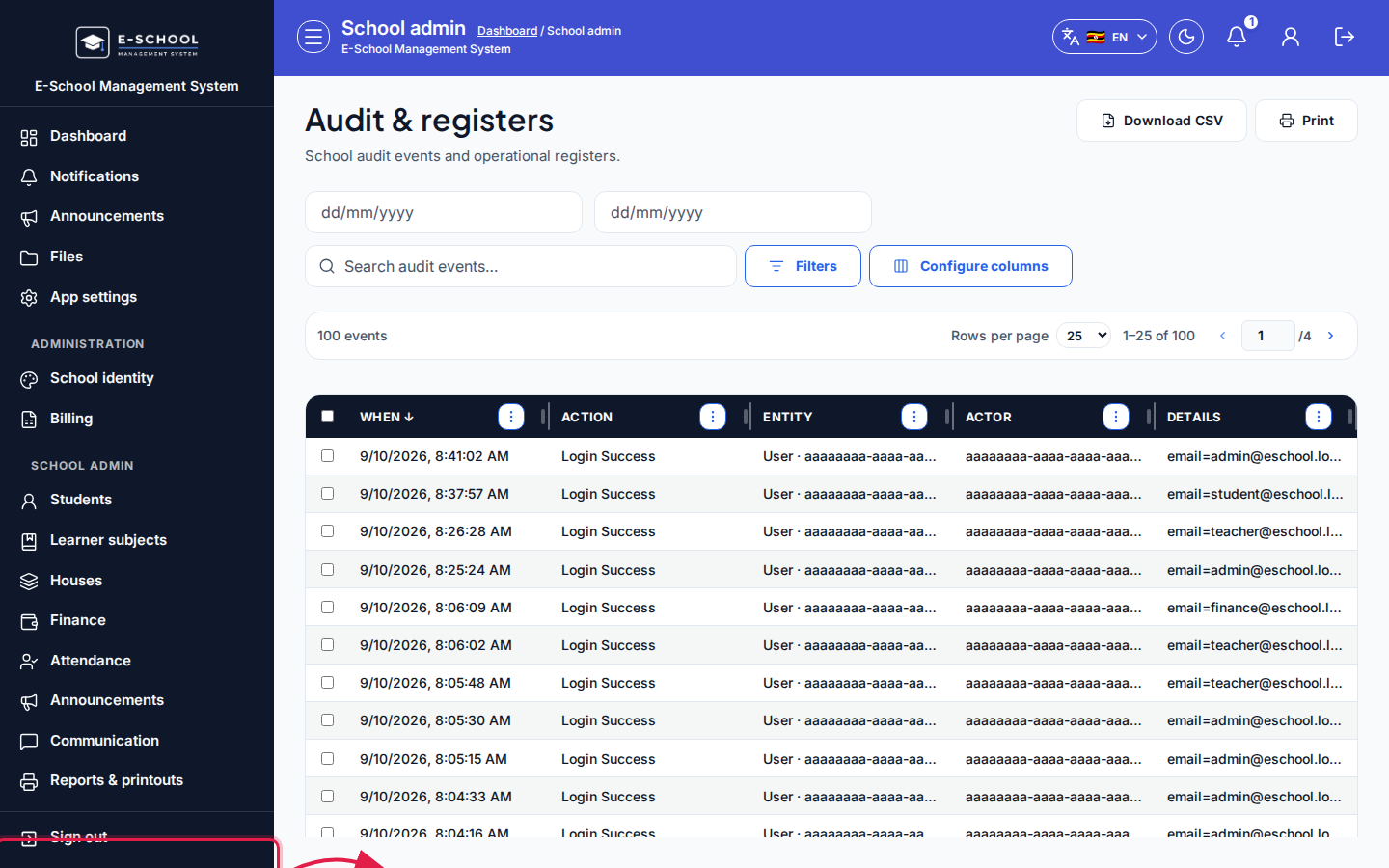 Desktop - focus for step 1
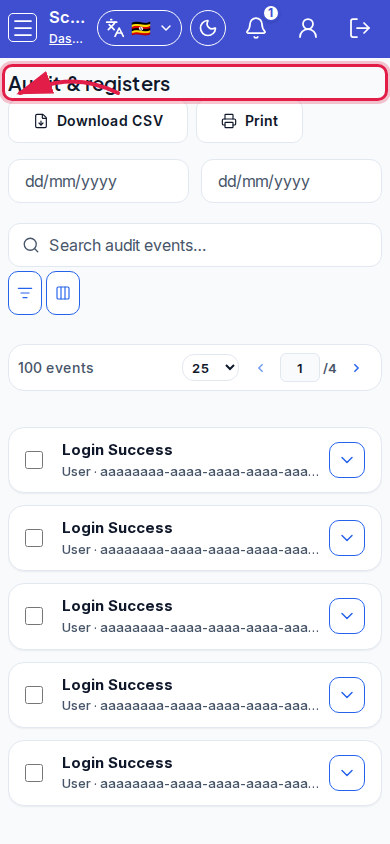 Mobile - focus for step 1
- Set From date and To date. Filter action types (Create, Update, Delete, Admit student, Login failure, Result publication, Cross-tenant deny, …).
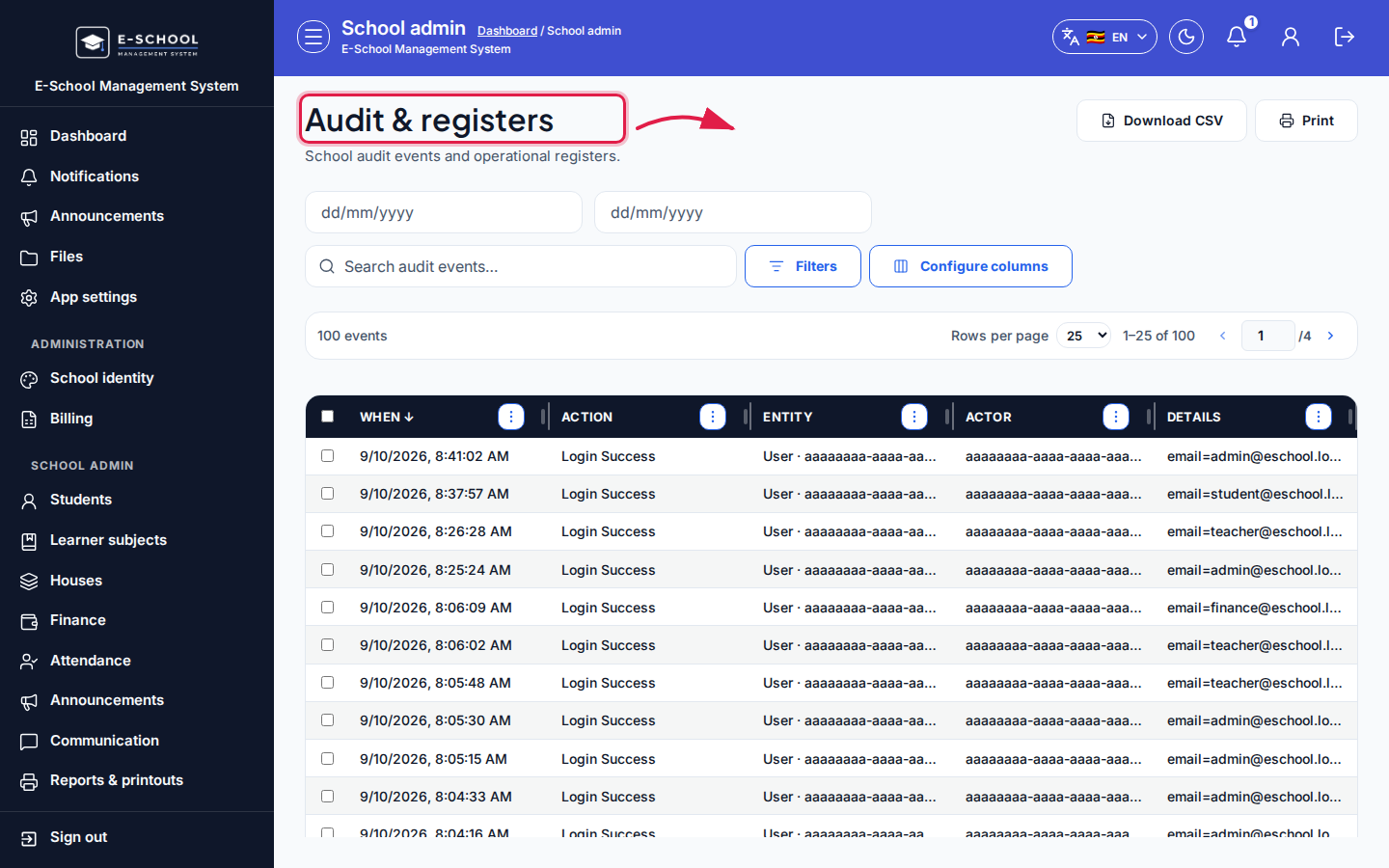 Desktop - focus for step 2
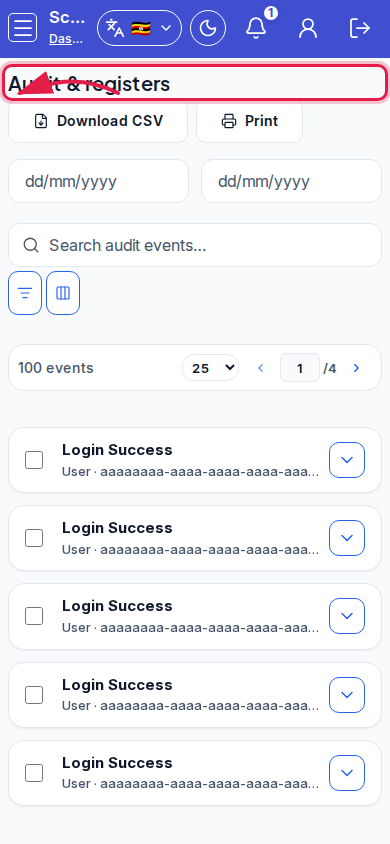 Mobile - focus for step 2
- Review When, Actor, Action, Entity, Details.
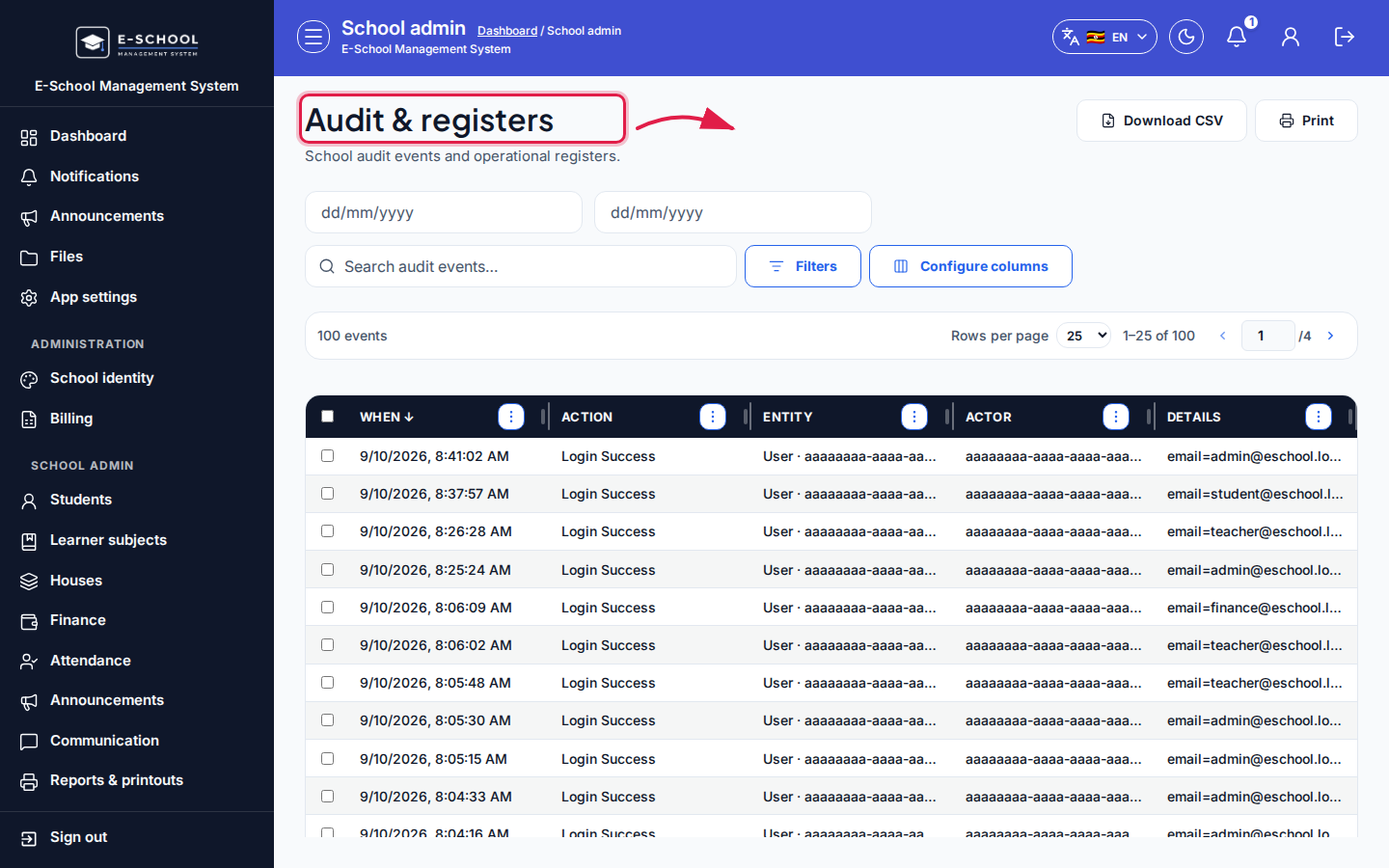 Desktop - focus for step 3
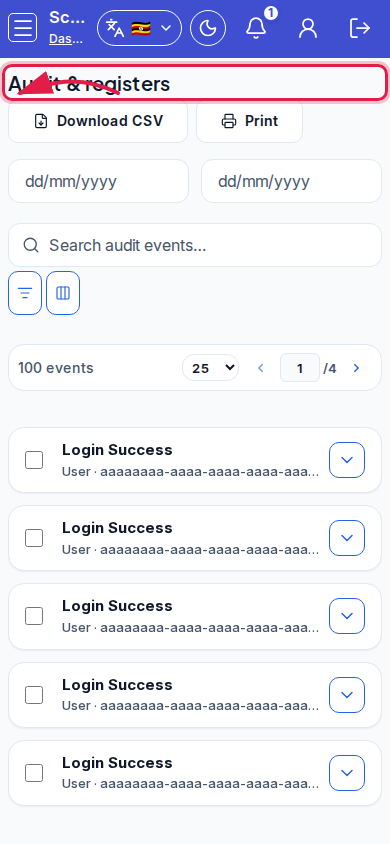 Mobile - focus for step 3
- Download CSV or Print. Use Open dashboard when done.
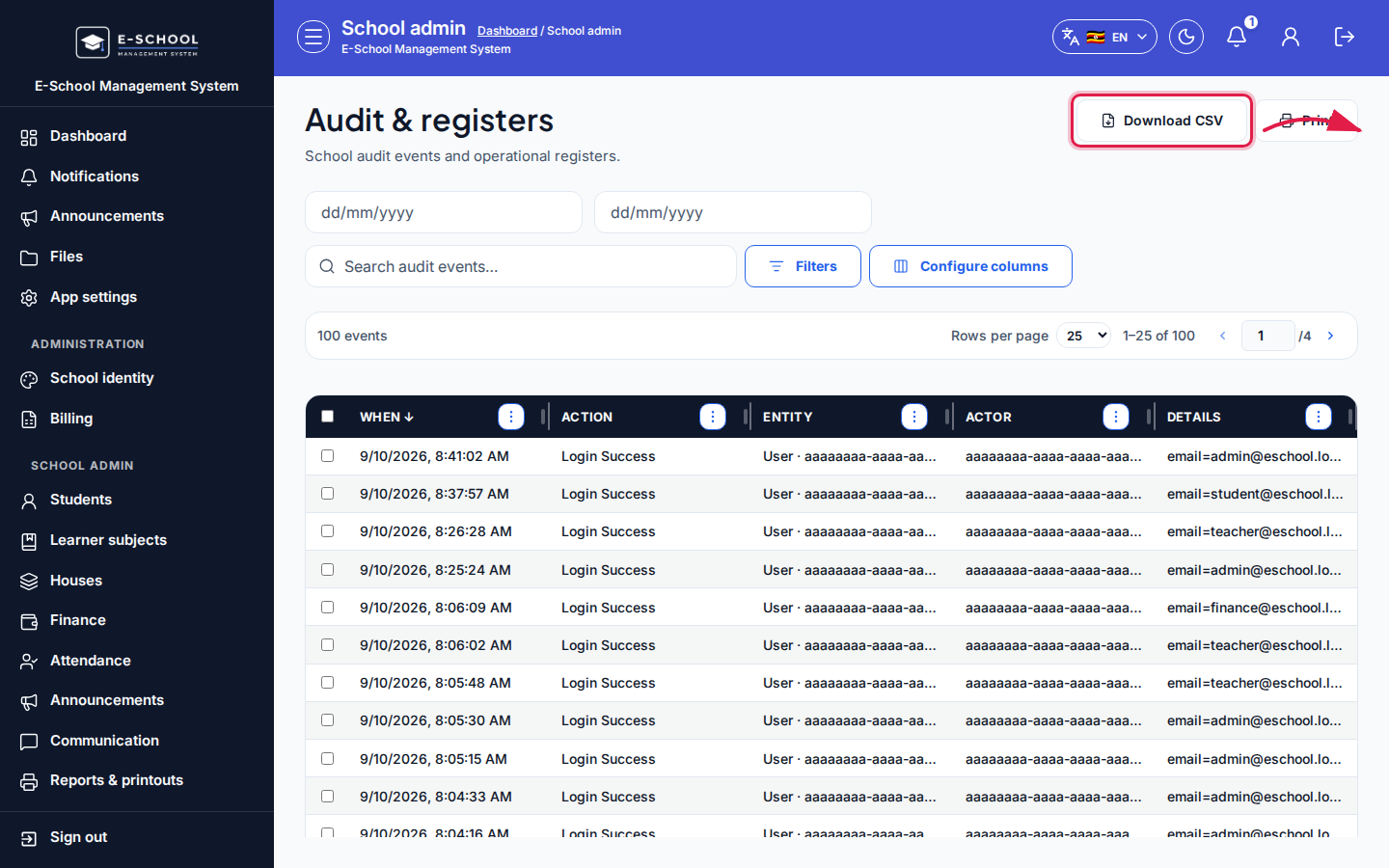 Desktop - focus for step 4
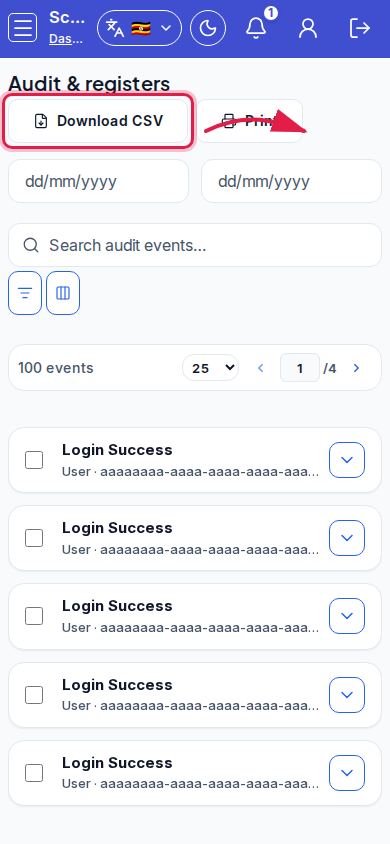 Mobile - focus for step 4
- Investigate Login failure and Cross-tenant deny promptly.
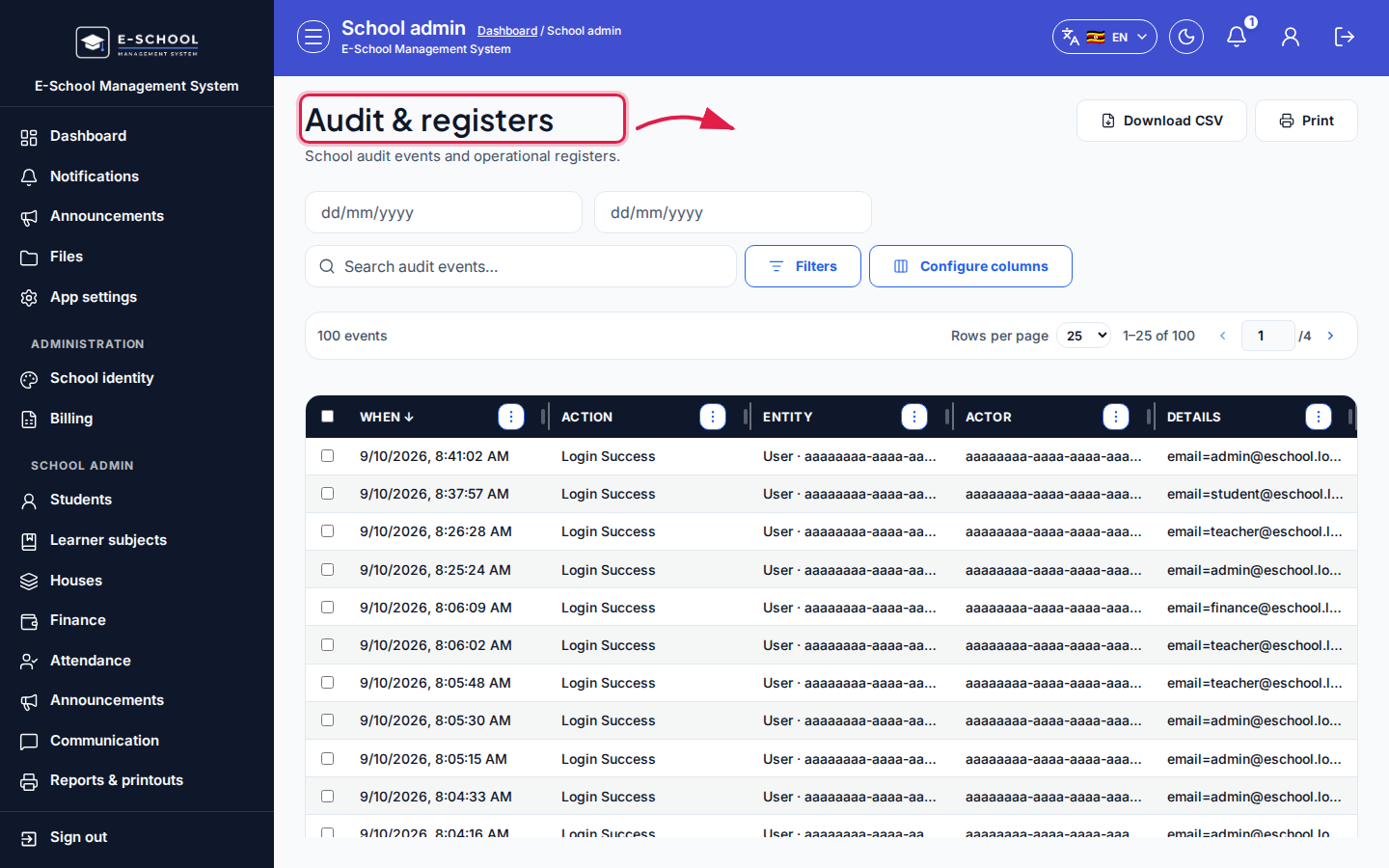 Desktop - focus for step 5
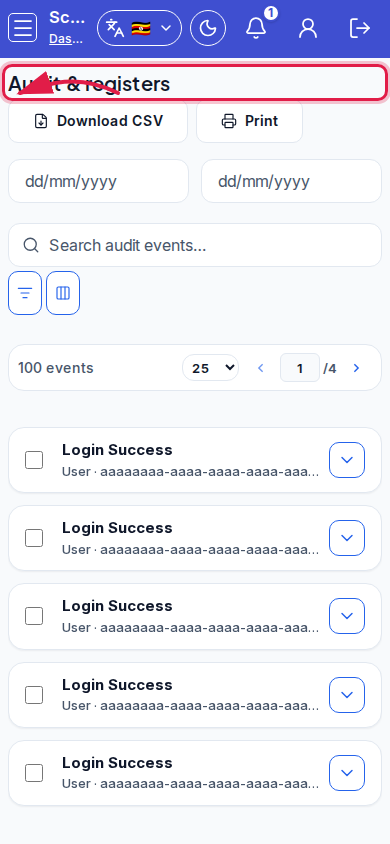 Mobile - focus for step 5
Fields and actions
- From date, To date, action filter
- Columns: When, Actor, Action, Entity, Details
- Download CSV / Print / Open dashboard
Common mistakes
- Exporting unbounded date ranges
- Ignoring cross-tenant deny events
- Expecting finance-only audit here (see Finance audit)