Timetable
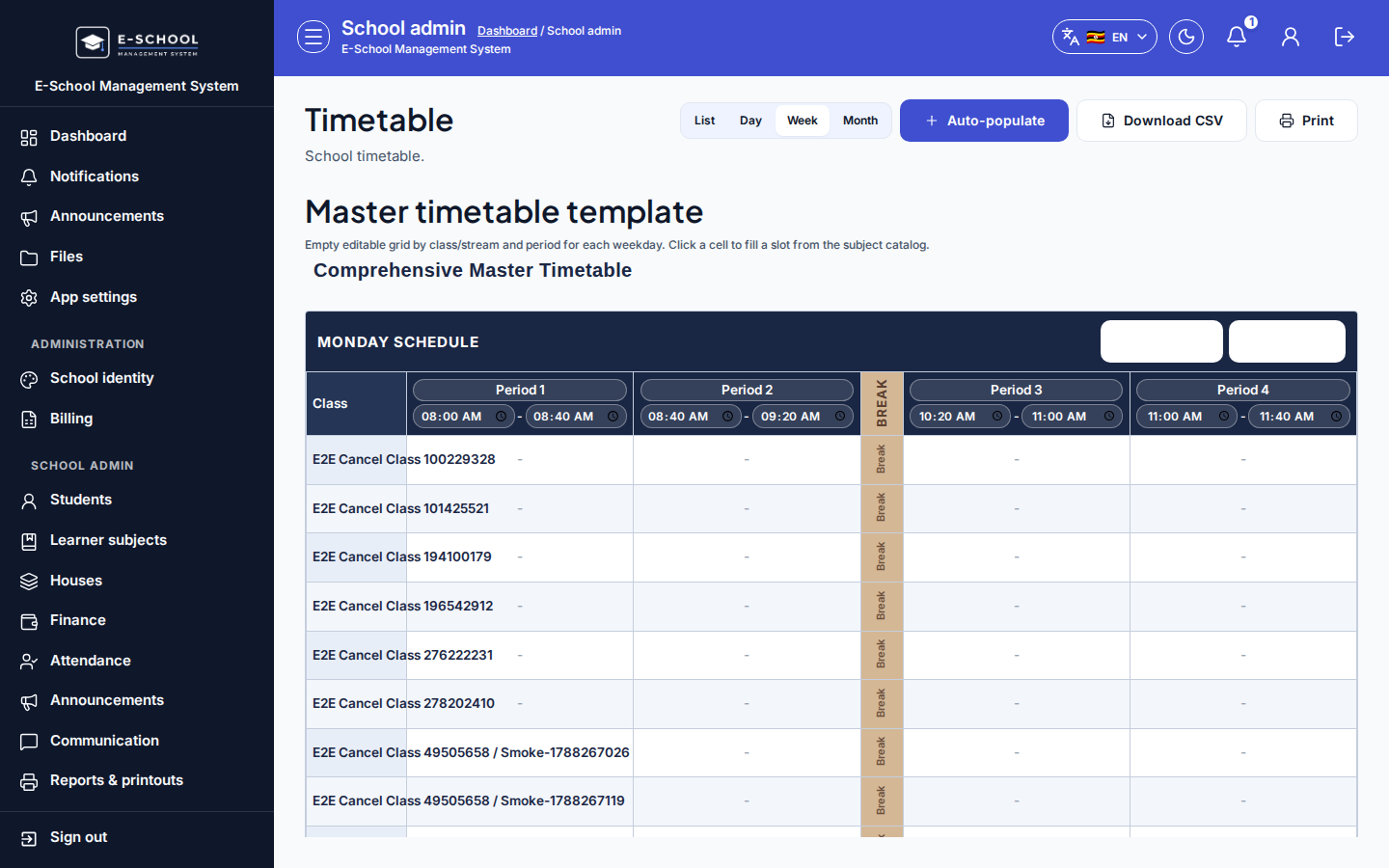
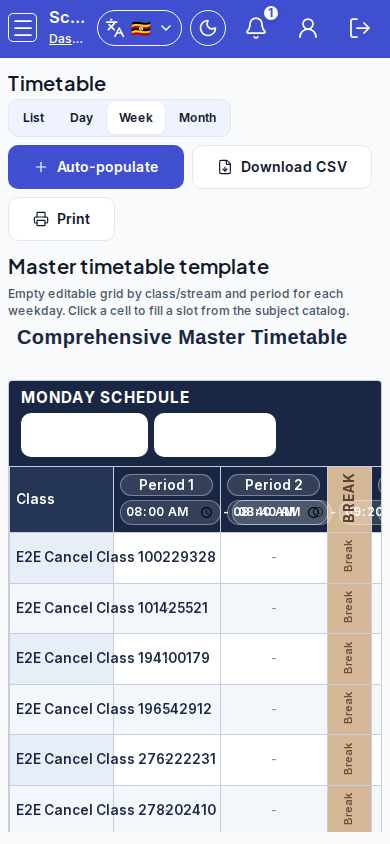
Edit the master week template (one day-schedule table per weekday), then use list/week/day views, auto-populate, CSV, and print as secondary tools.
Who can use this
- ADMIN
Path
/admin/timetable
Dependencies
- Classes, subjects, and teachers exist before filling cells.
- Bell periods (lesson or break) define columns; teaching assignments help auto-populate weekly hours.
Screenshot
Steps
- Open Timetable at
/admin/timetableas ADMIN. The primary canvas is the master week template (Mon-Fri tables).
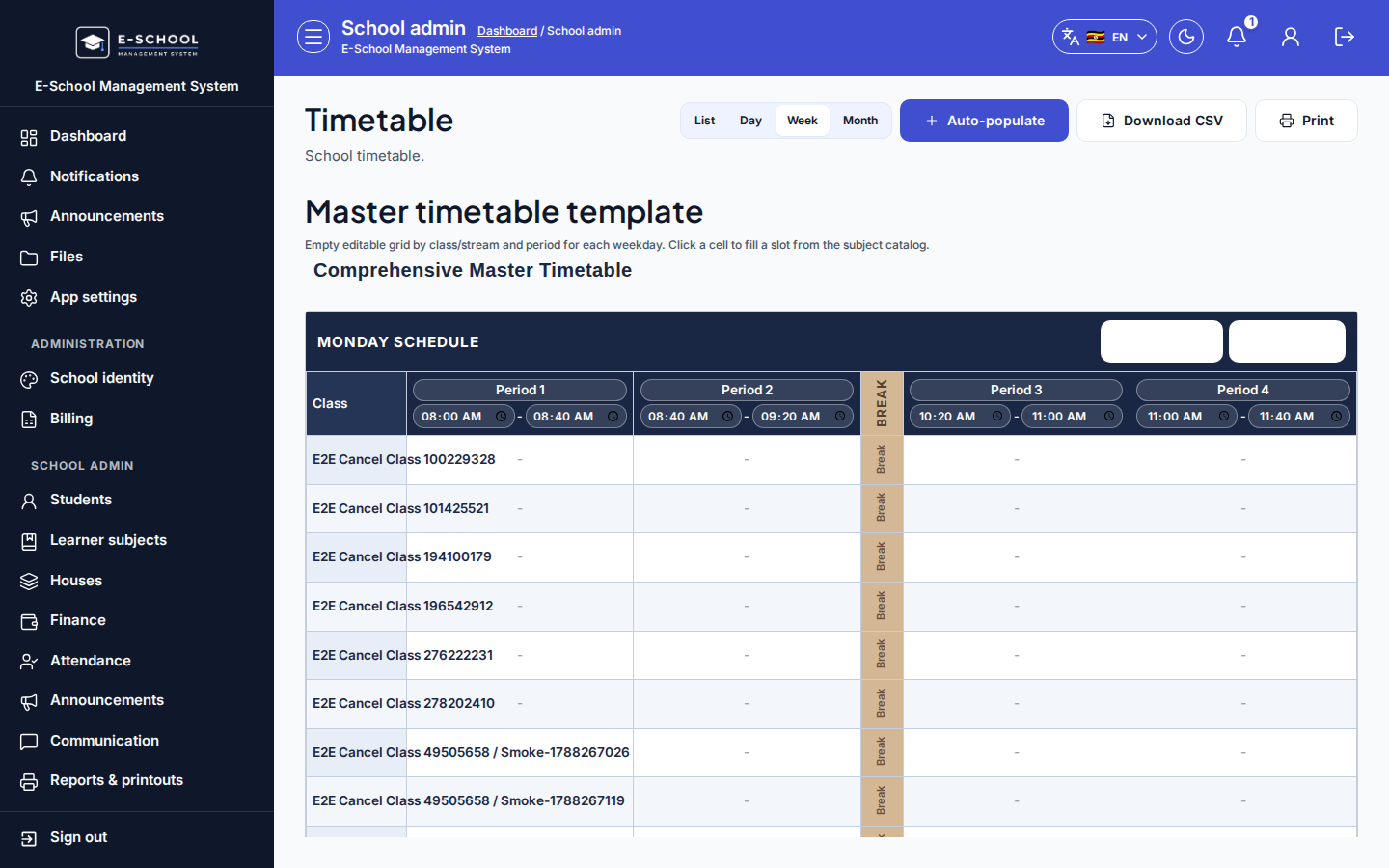 Desktop - focus for step 1
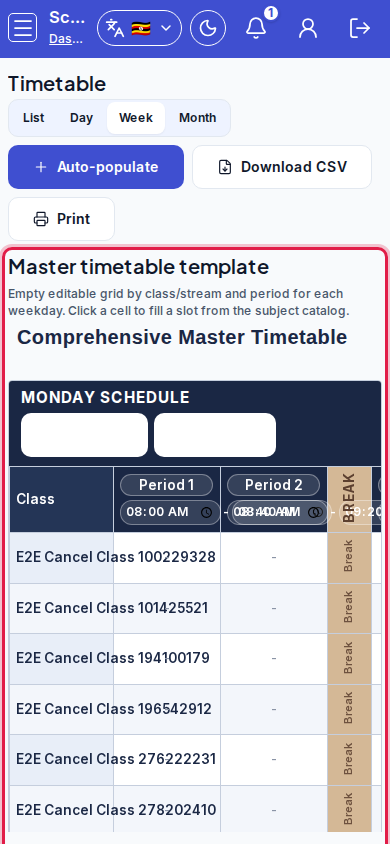 Mobile - focus for step 1
- For each weekday, Add period or Add break. Edit period labels and start/end times in the table headers. Optionally Apply bell schedule to all weekdays to copy Monday onto empty Tue-Fri.
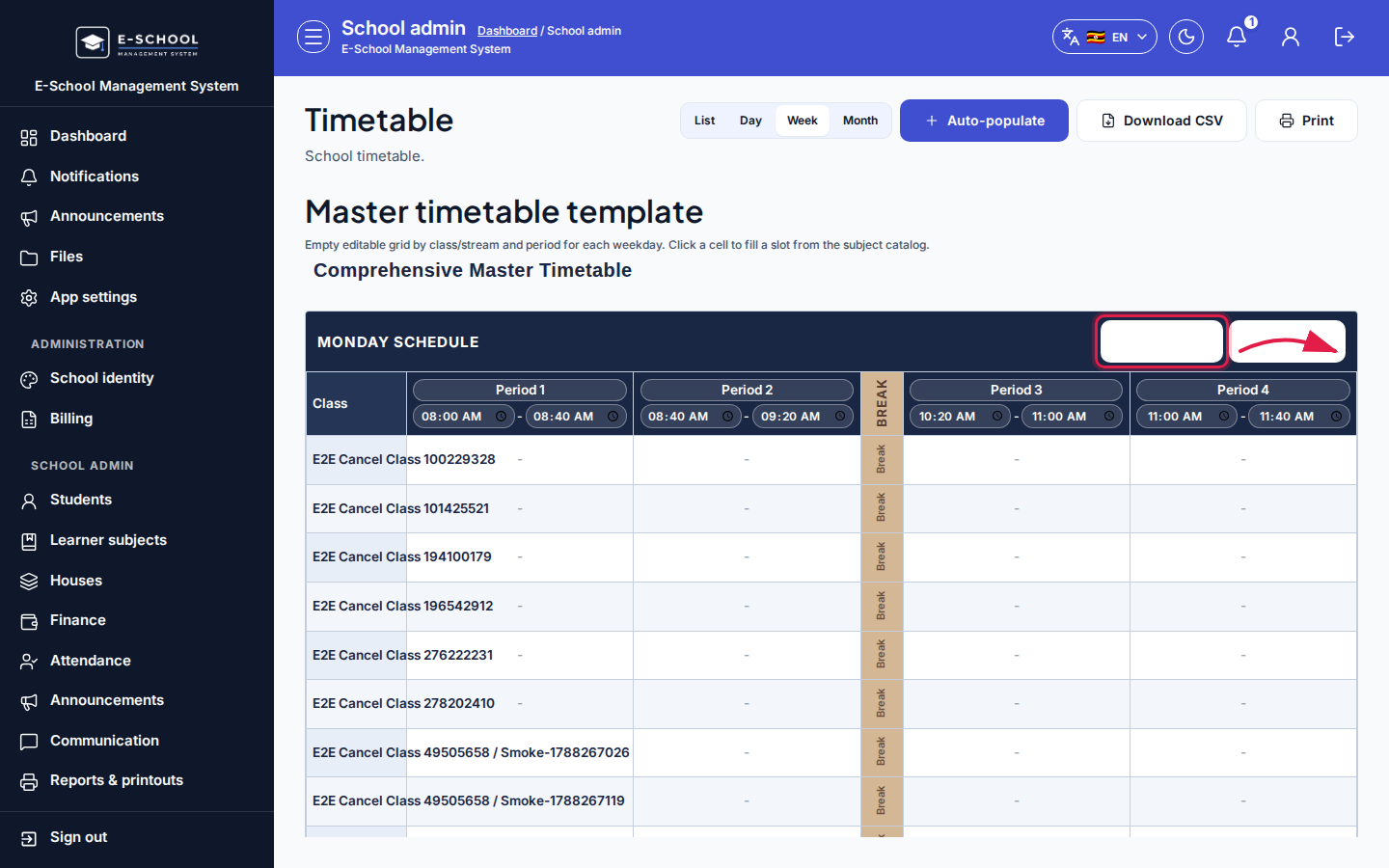 Desktop - focus for step 2
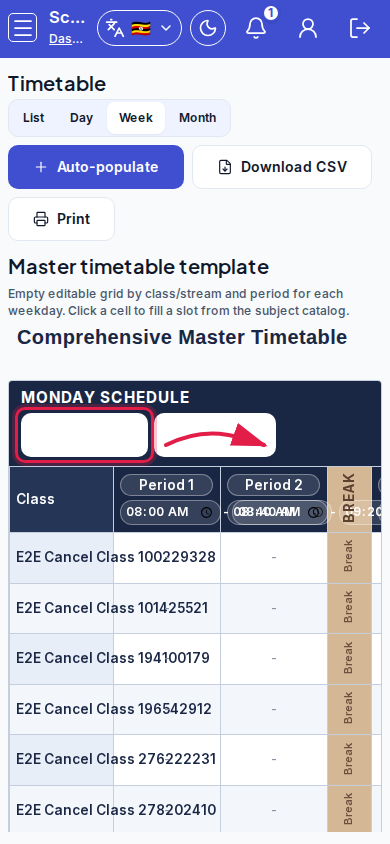 Mobile - focus for step 2
- Click an empty lesson cell to open the slot dialog (class/day/period prefilled). Choose subject (and optional teacher) from the catalog, then Save slot. Break/lunch columns are not editable.
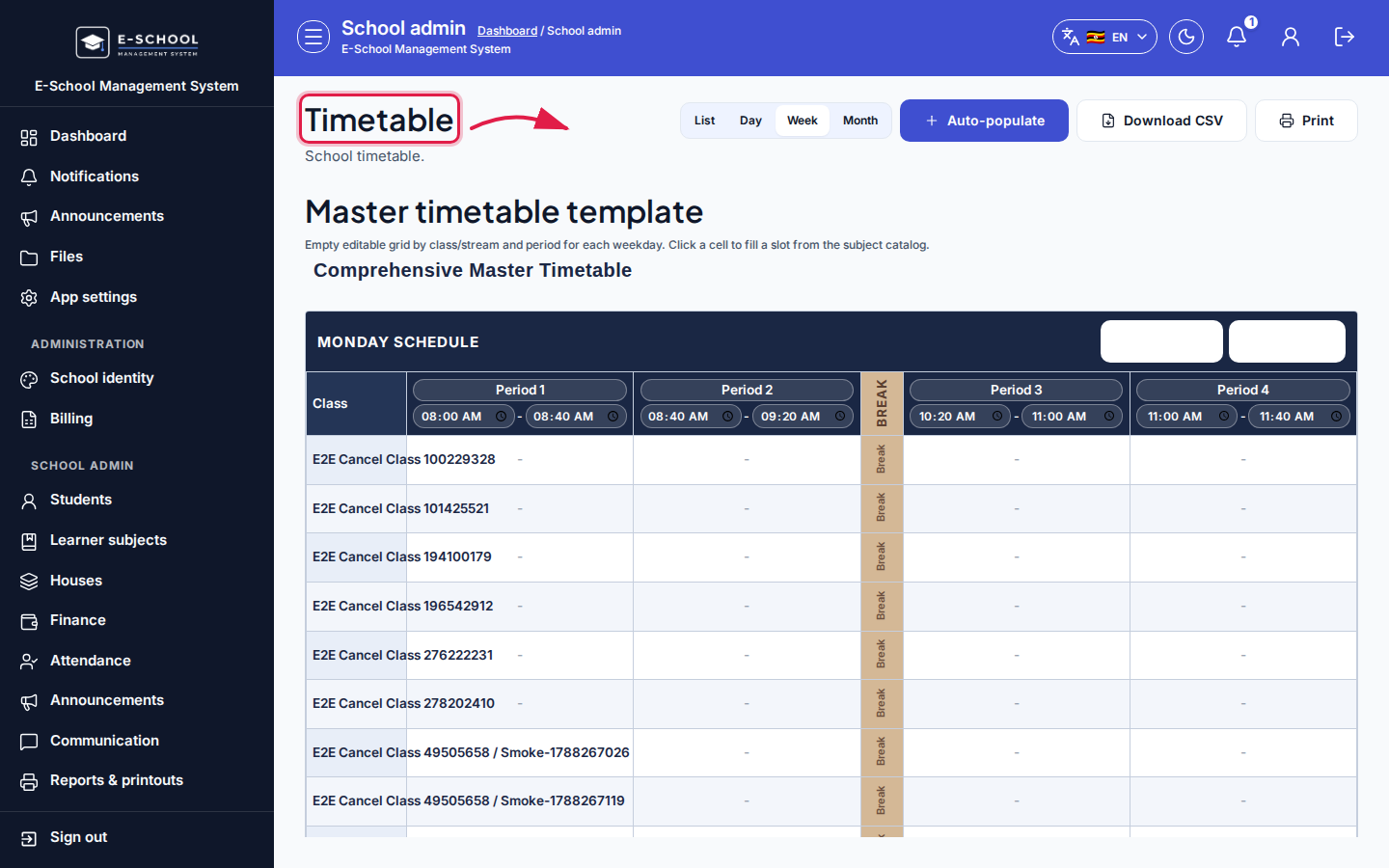 Desktop - focus for step 3
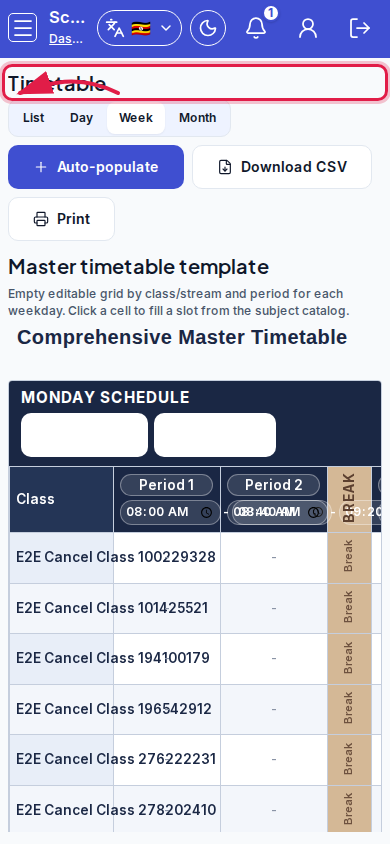 Mobile - focus for step 3
- Optionally use secondary List / Week / Day views, or Auto-populate from teaching assignments (generate skips break periods).
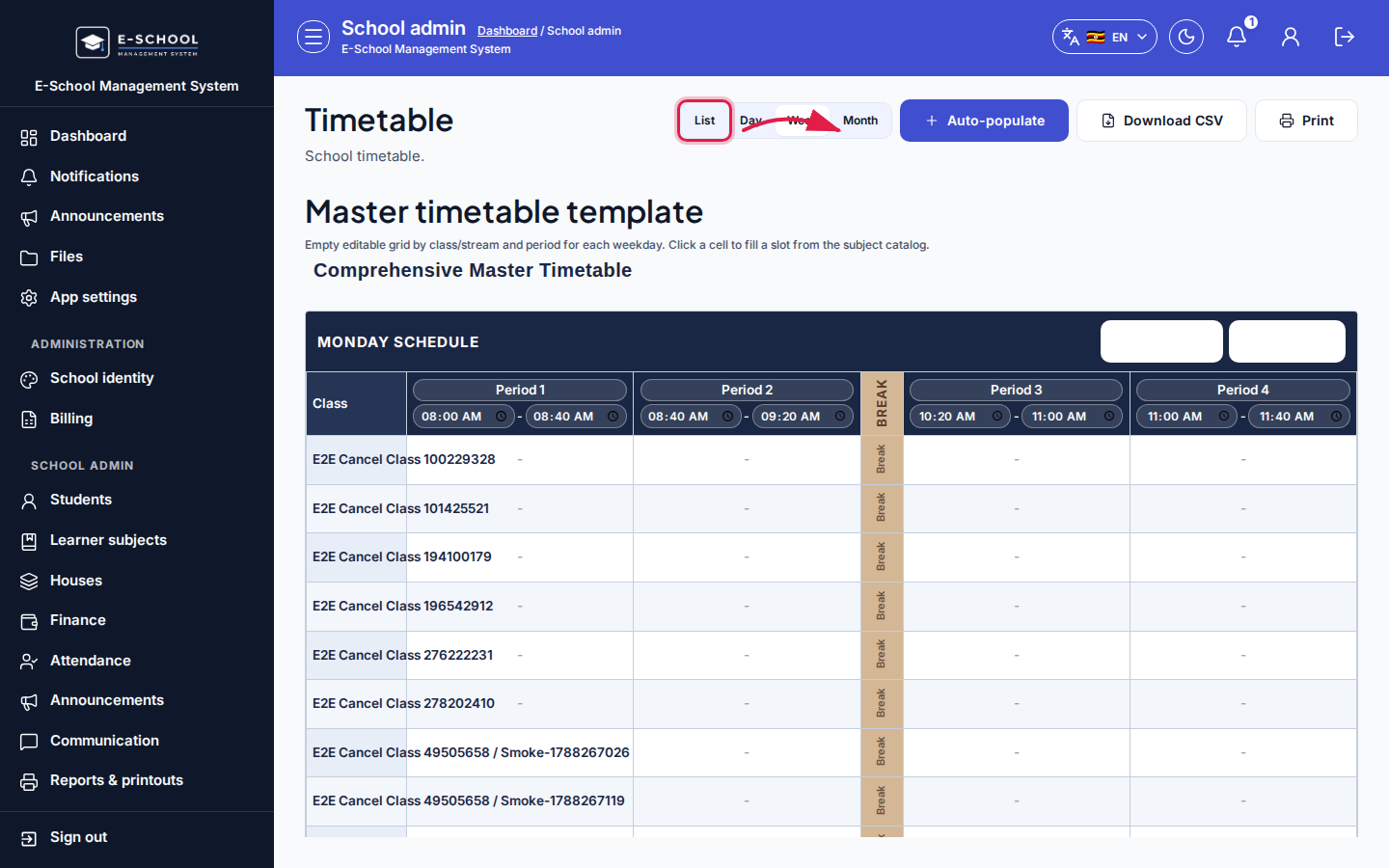 Desktop - focus for step 4
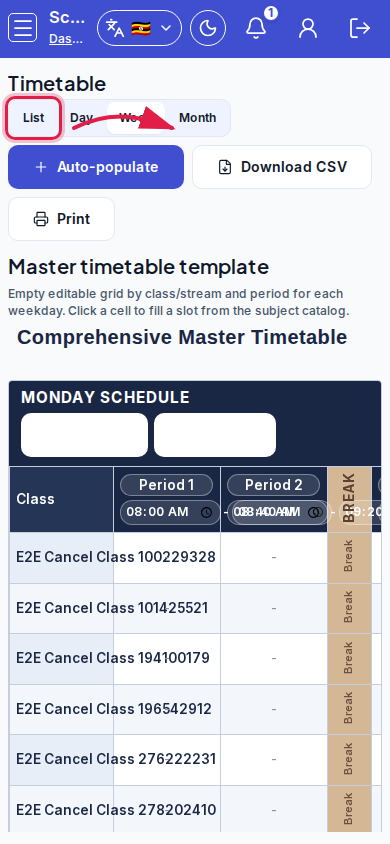 Mobile - focus for step 4
- Download CSV or Print the master week layout when stable. Bell period list management remains available under the collapsed Bell periods section.
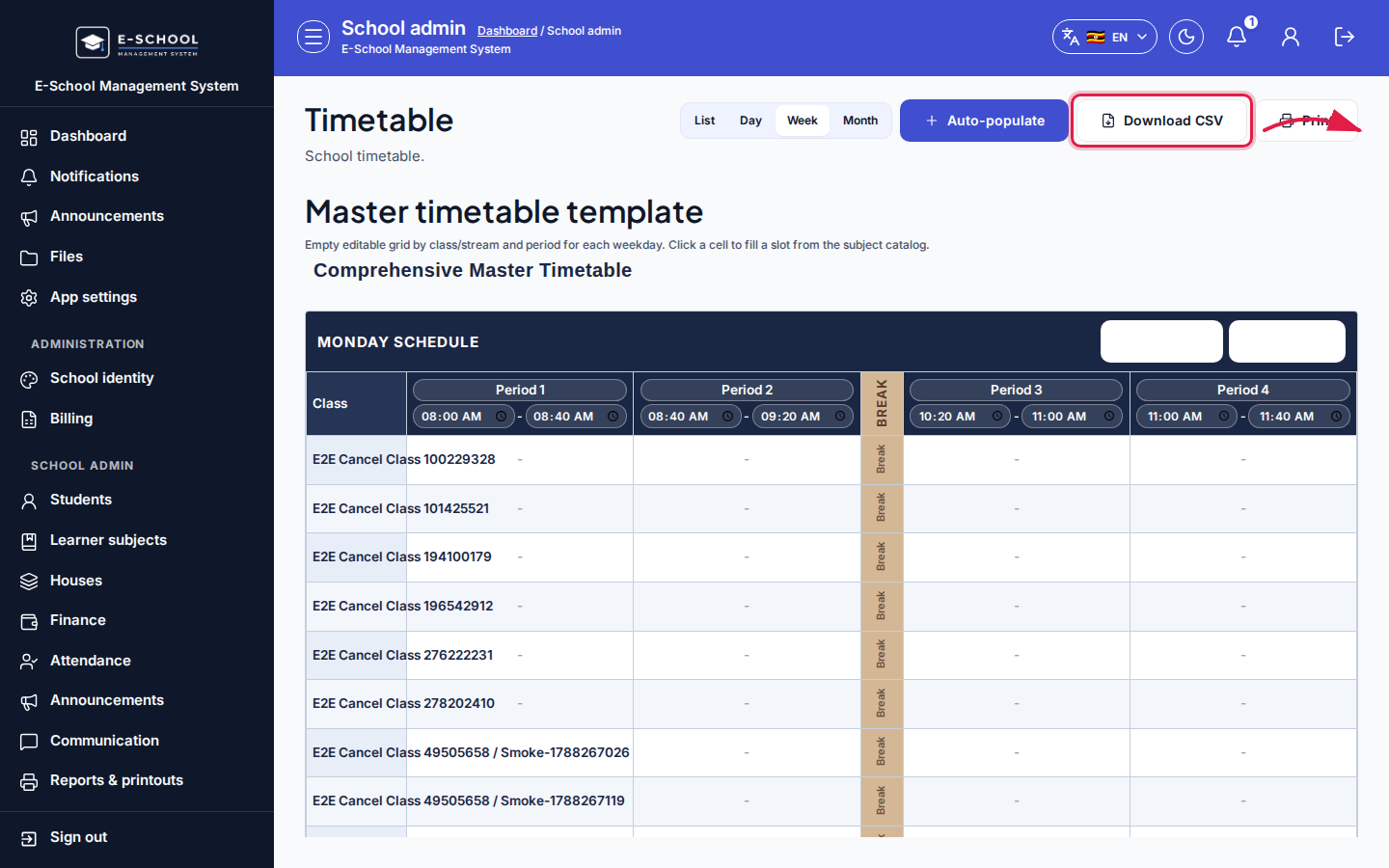 Desktop - focus for step 5
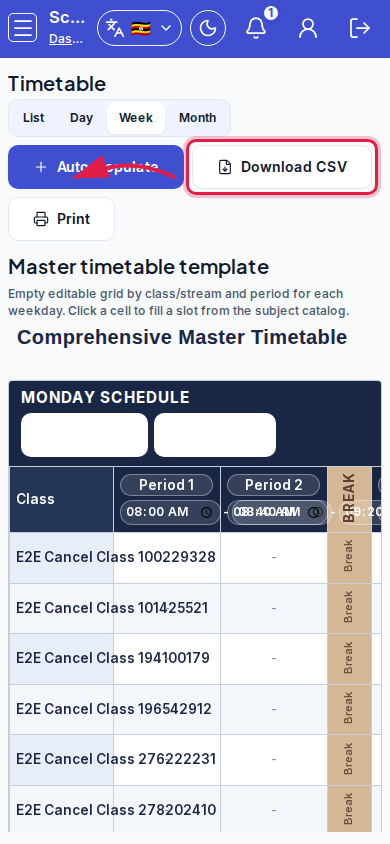 Mobile - focus for step 5
Fields and actions
- Master week: template title, Add period, Add break, Apply bell schedule to all weekdays, editable period headers, clickable lesson cells
- Period type: Lesson | Break / lunch
- Slots: Add slot, Edit, Save slot; Class, Stream, Subject, Teacher, Day, Start, End, Room
- Secondary view: List | Week | Day
- Auto-populate / Generate slots / Download CSV / Print
Common mistakes
- Publishing slots before subjects/teachers exist
- Expecting break columns to accept subjects (they do not)
- Auto-populate with Replace existing wiping manual fixes
- Adding periods only on Monday and forgetting Apply bell schedule to all weekdays