Allowances
Coming soon
This screen is marked coming soon in the product.
Pending validation.
Who can use this
- ADMIN
Path in the app
/admin/allowances
Dependencies
Ensure upstream finance fees setup exists (see capability hub).
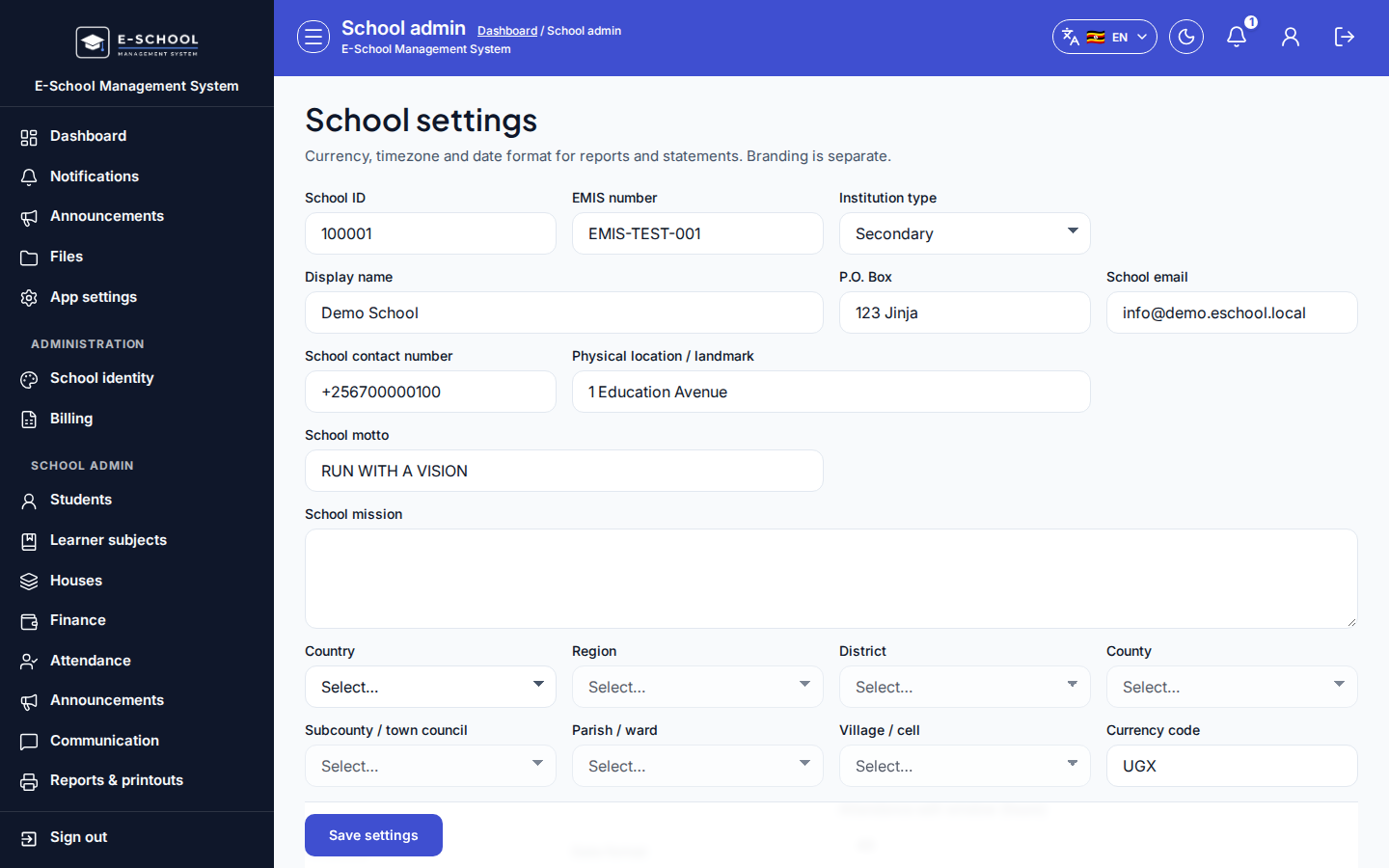
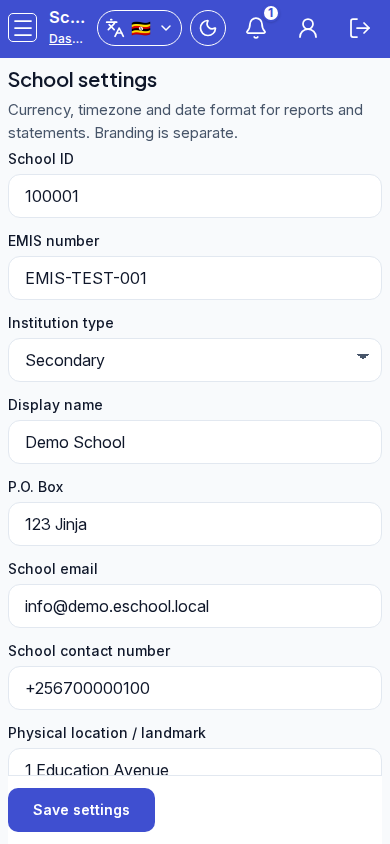
Screenshot
Steps
- Open Allowances at
/admin/allowancesas ADMIN. - Select the class, stream, term, or date filters shown on this page.
- Create or edit with the toolbar button, then Save or Publish.
- Open Related screens to continue the capability flow.
Fields and actions
- Search and list filters for this module
- Primary create or edit toolbar action
- Row actions such as view, edit, print, or export when shown
- Save, Publish, or Export controls
Common mistakes
- Generating invoices before fee items/structures exist
- Recording payment to the wrong learner
- Reversing without a reason
Related
- capabilities/finance-fees
adminFinancestudentFeesstudentInvoicesstudentPayments