Attendance Register
Daily class attendance register: mark Present, Absent, Late, or Excused, then save.
Who can use this
- TEACHER
- ADMIN
- SECRETARY
Path
/teacher/attendance
Dependencies
- Teacher assigned to the class.
- Class/stream learners exist for the selected date.
Screenshot
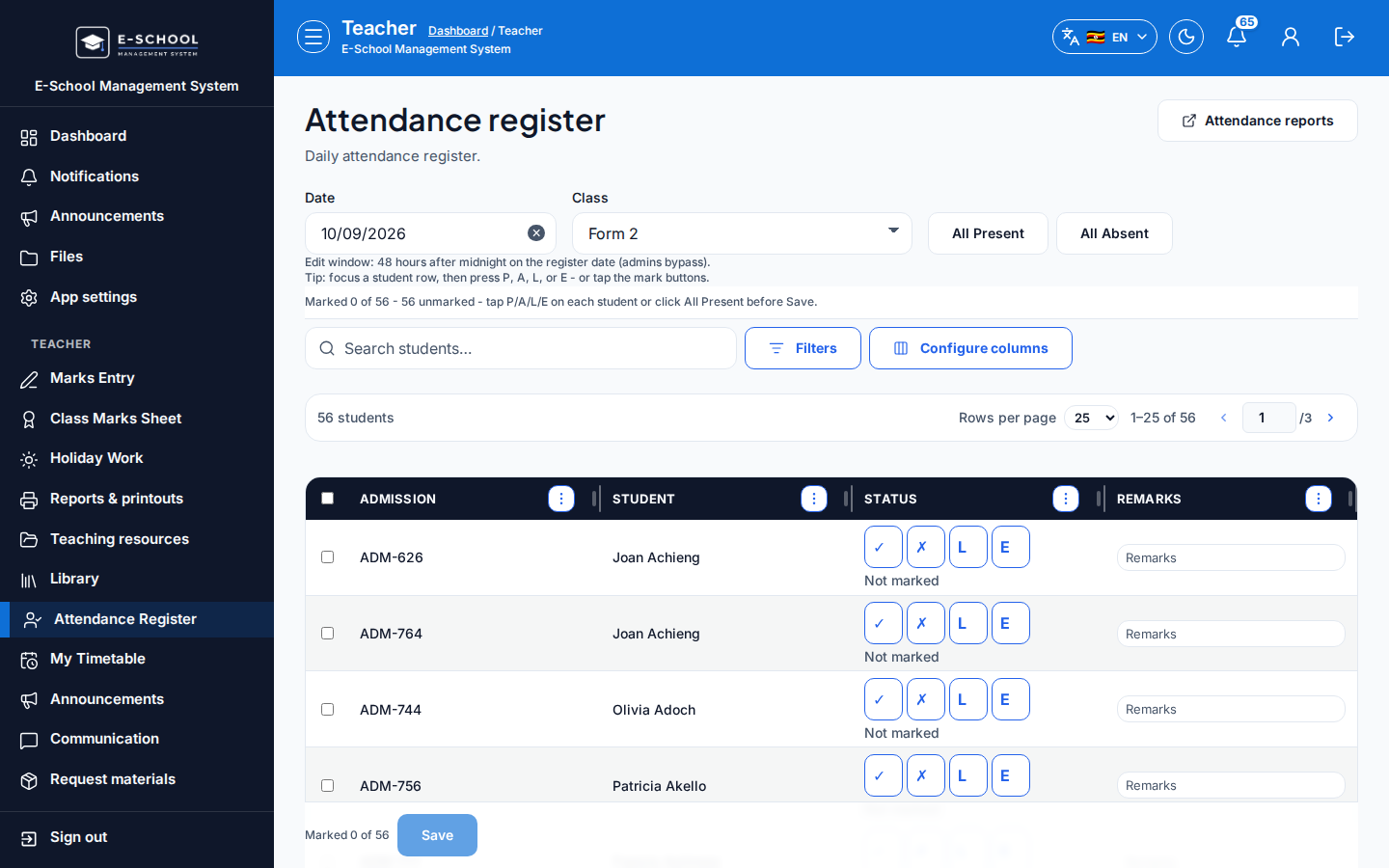
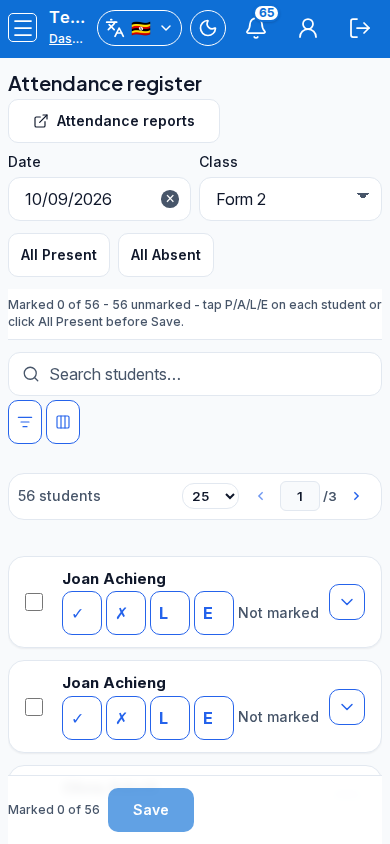
Steps
- Open Attendance register at
/teacher/attendanceas TEACHER.
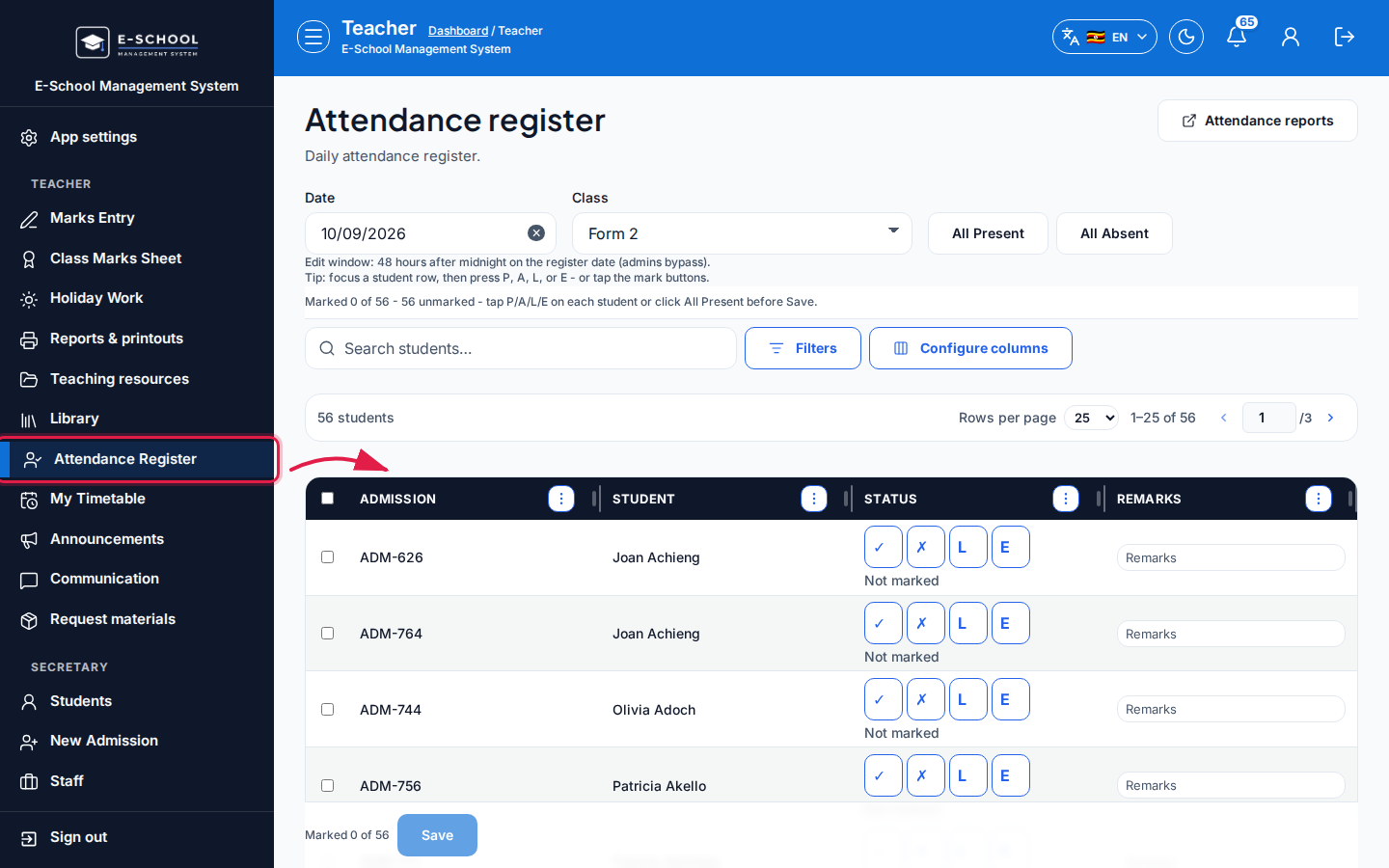 Desktop - focus for step 1
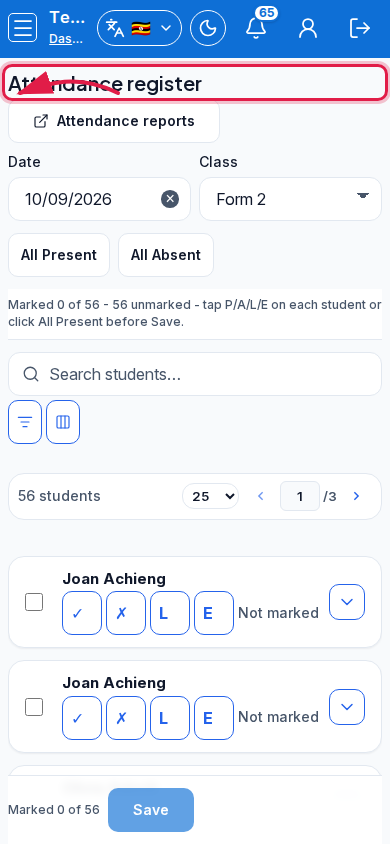 Mobile - focus for step 1
- Set Date and Class (Select class). Search students if the list is long.
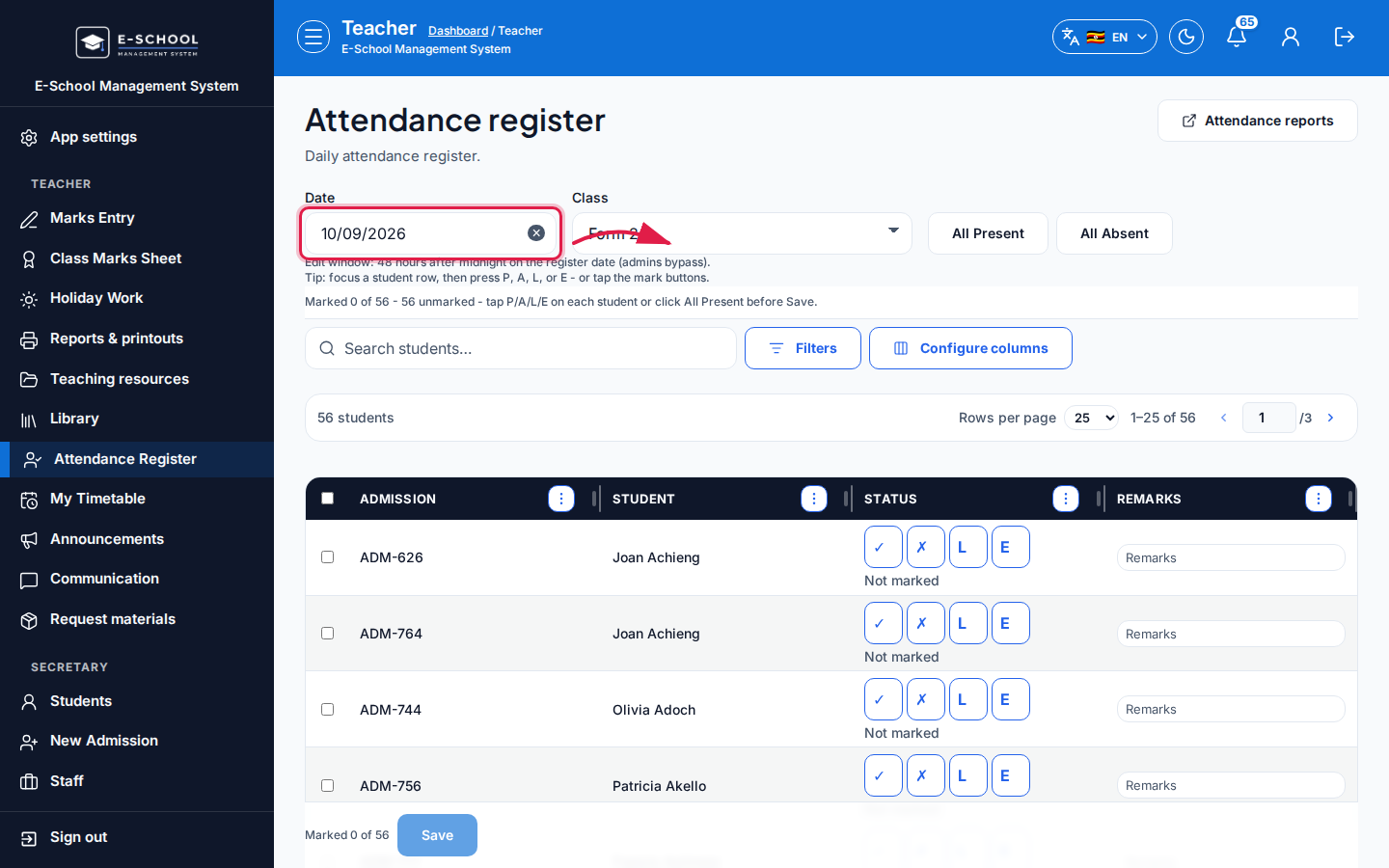 Desktop - focus for step 2
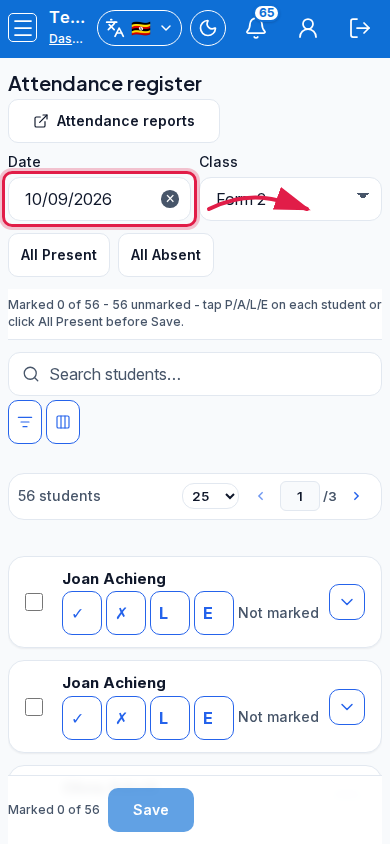 Mobile - focus for step 2
- Use All Present or All Absent for bulk start, then adjust rows with Present (P), Absent (A), Late (L), or Excused (E).
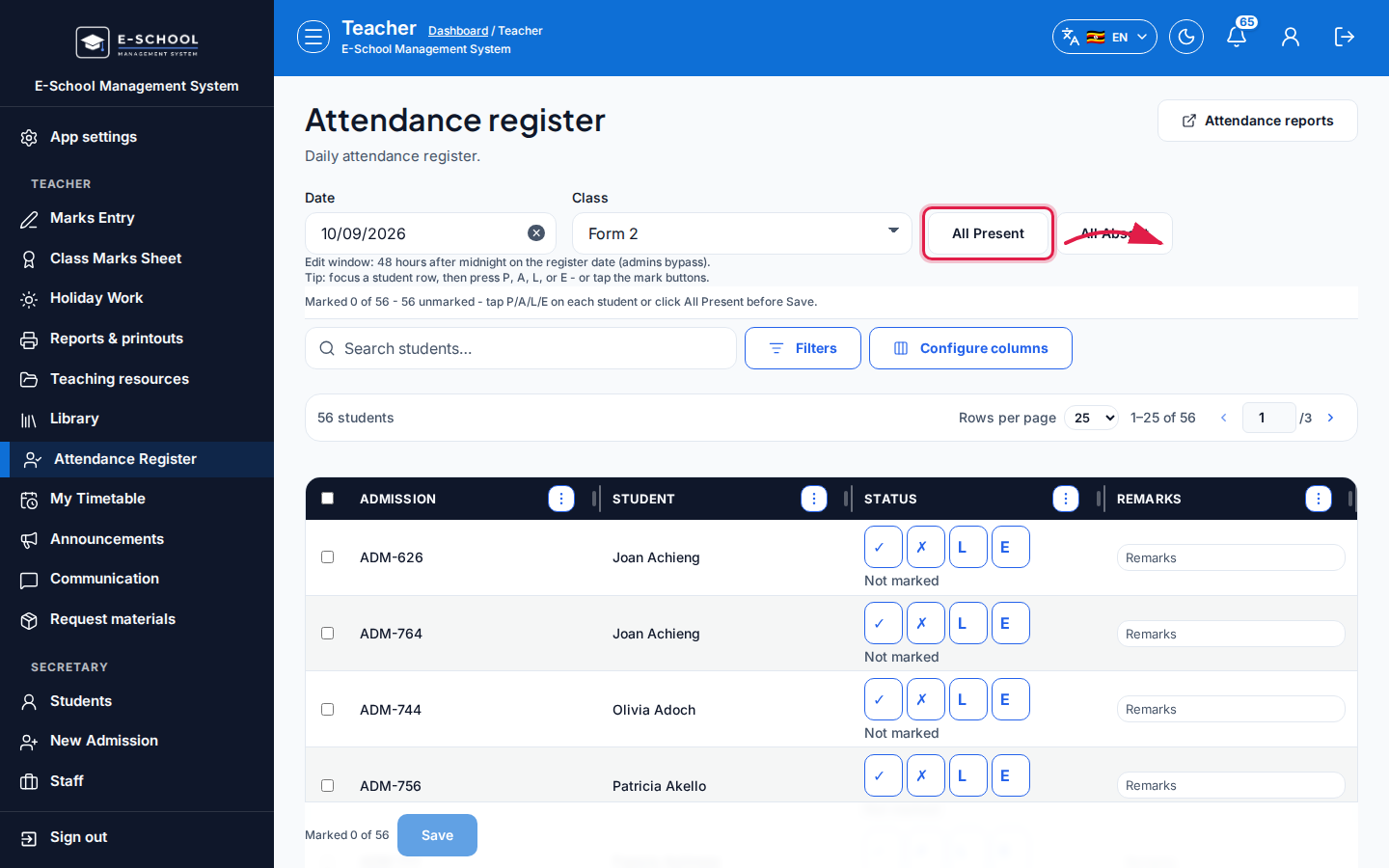 Desktop - focus for step 3
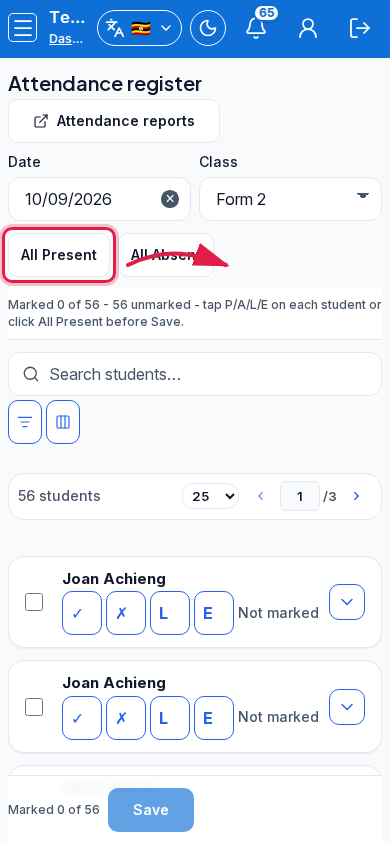 Mobile - focus for step 3
- Add Remarks where needed, then Save.
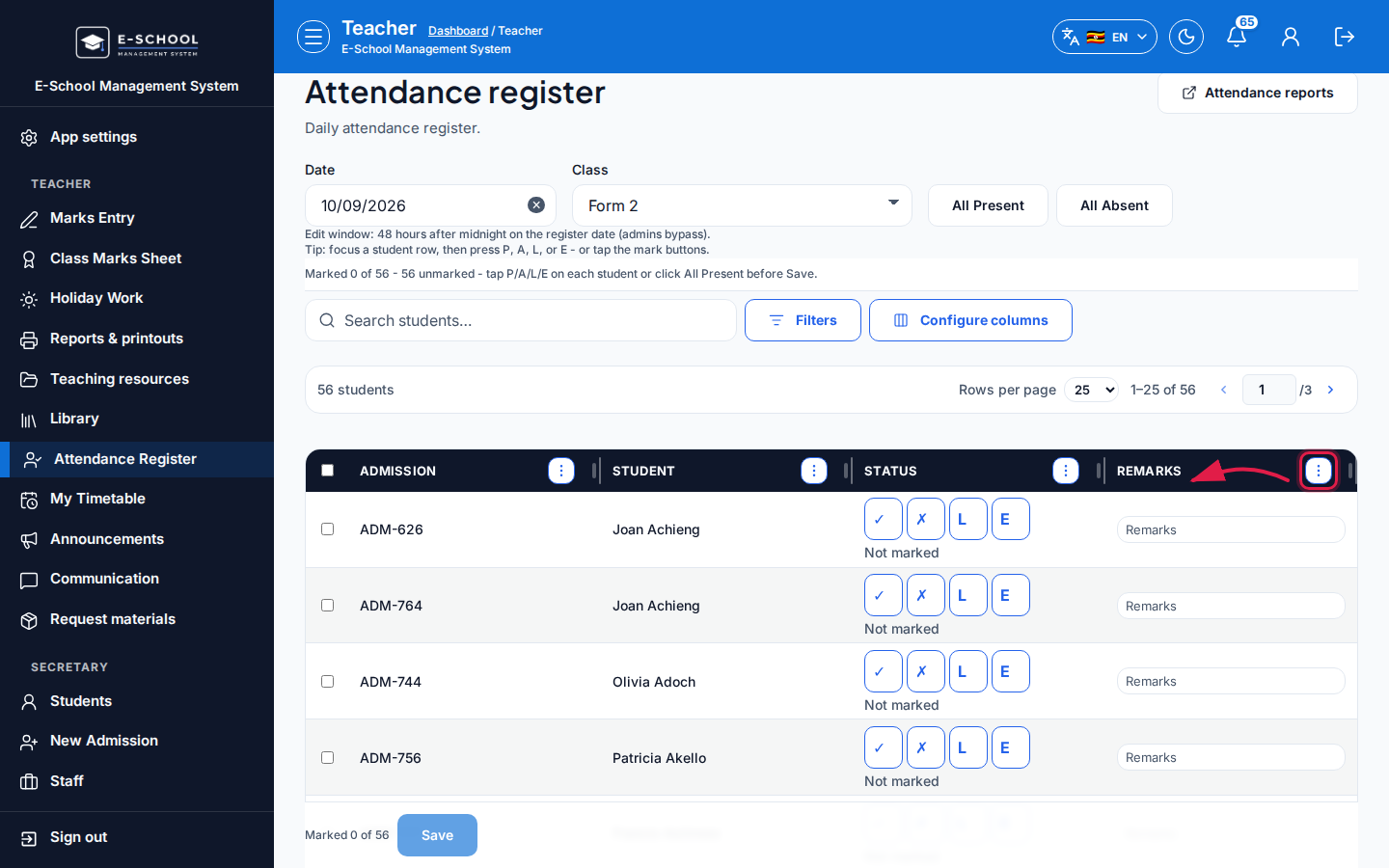 Desktop - focus for step 4
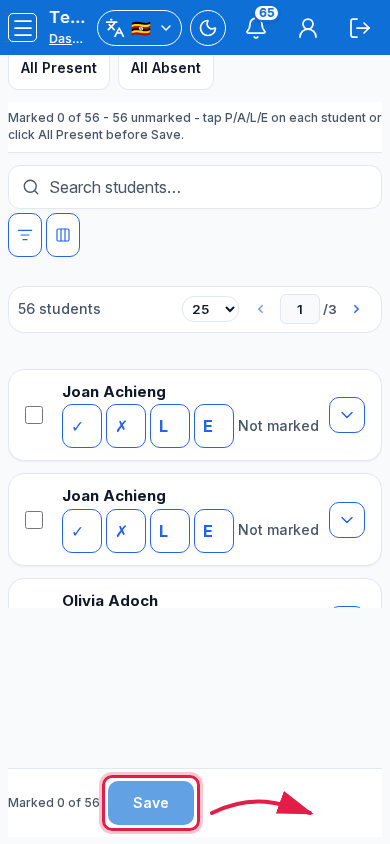 Mobile - focus for step 4
- Open Attendance reports from the toolbar for summaries or the master matrix.
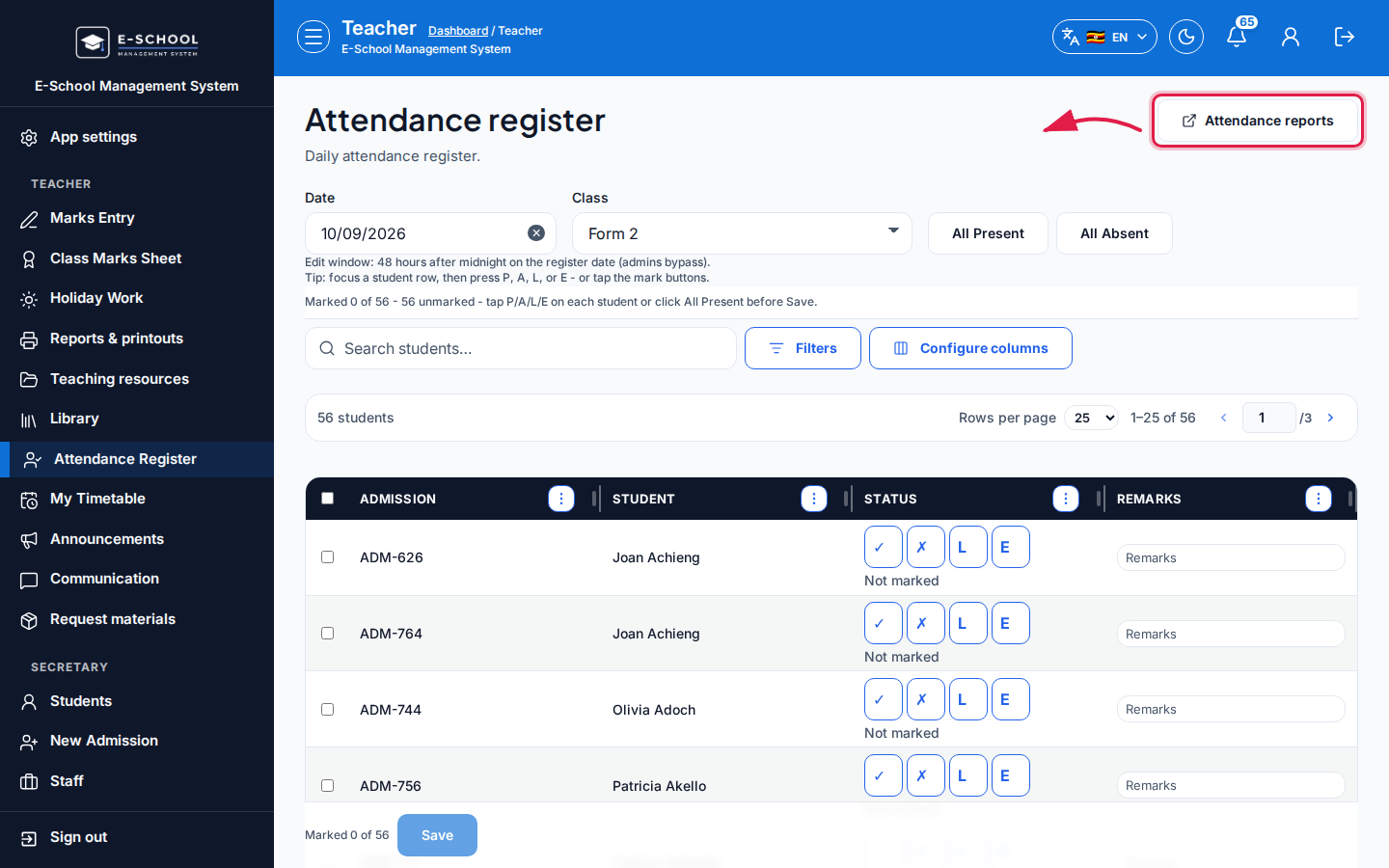 Desktop - focus for step 5
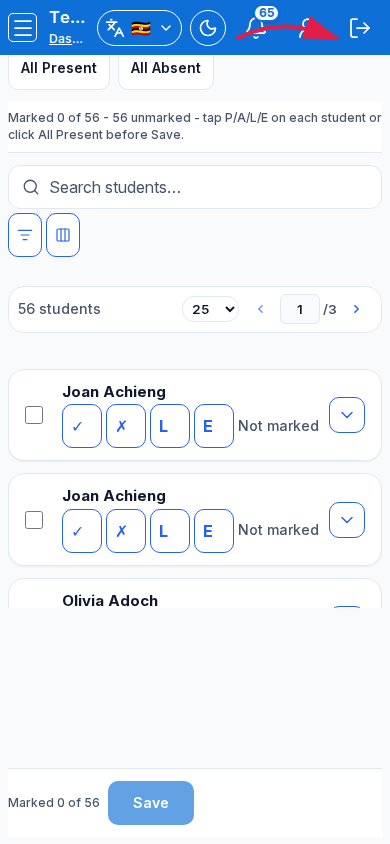 Mobile - focus for step 5
Fields and actions
- Filters: Date, Class
- Bulk: All Present, All Absent
- Row status: Present (P), Absent (A), Late (L), Excused (E), Remarks
- Save / Search students… / Attendance reports
Common mistakes
- Leaving without Save
- Wrong class selected for the period
- Marking tomorrow's date by mistake