Attendance
Office attendance oversight with today's KPIs and a path into the live register.
Who can use this
- SECRETARY
- ADMIN
Path
/secretary/attendance
Dependencies
- Classes exist; teachers normally mark first.
- Secretary covers when the office must open today's register.
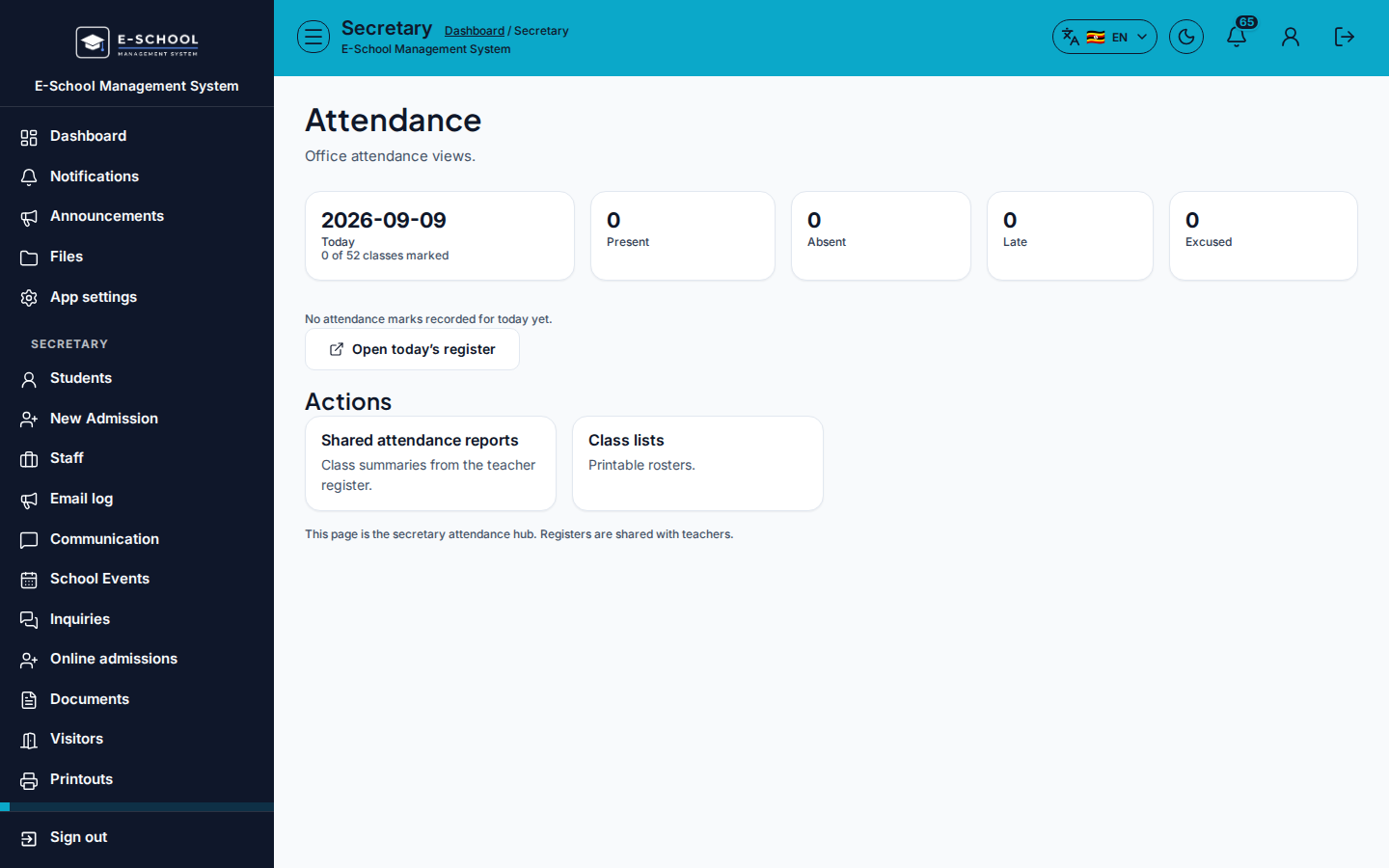
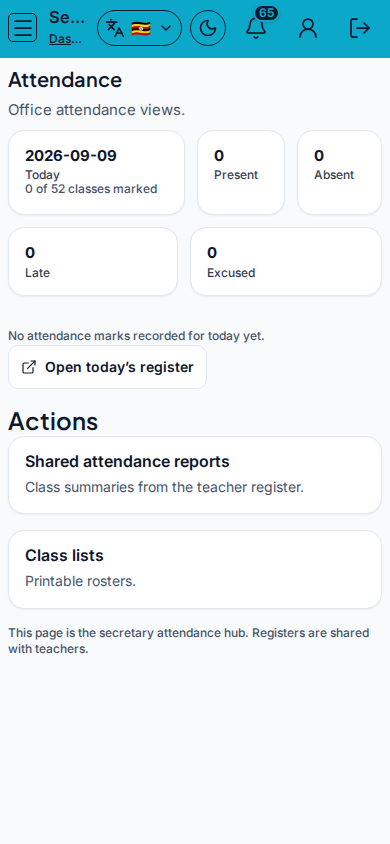
Screenshot
Steps
- Open Attendance at
/secretary/attendanceas SECRETARY. - Review KPIs: Today, Present, Absent, Late, Excused.
- Click Open today's register to mark or correct the live register.
- Use Shared attendance reports or Class lists from Actions when preparing office packs.
- Escalate empty registers to the class teacher before changing historical dates casually.
Fields and actions
- KPIs: Today, Present, Absent, Late, Excused
- Open today's register
- Actions: Shared attendance reports, Class lists
Common mistakes
- Overwriting teacher marks without agreement
- Printing class lists instead of fixing missing marks
- Wrong day selected on the register