Budget variance
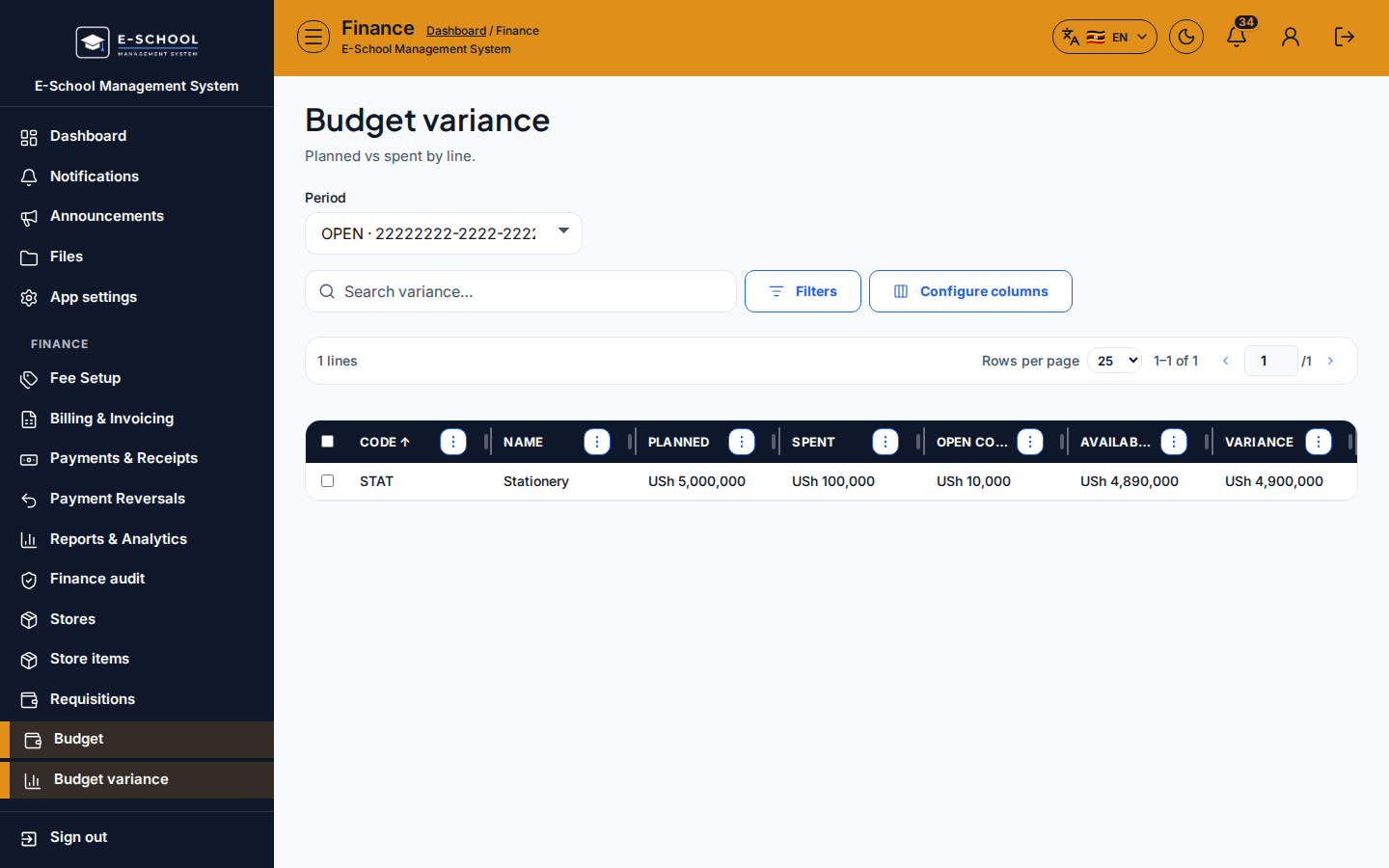
Plan vs actual by budget line for the selected period. Use it after lines and expenses exist.
Who can use this
- FINANCE
- ADMIN
Path
/finance/budget/variance
Dependencies
- An open (or recently closed) period on Budget periods.
- Budget lines with planned amounts.
- Expenses posted for the same period (Budget expenses).
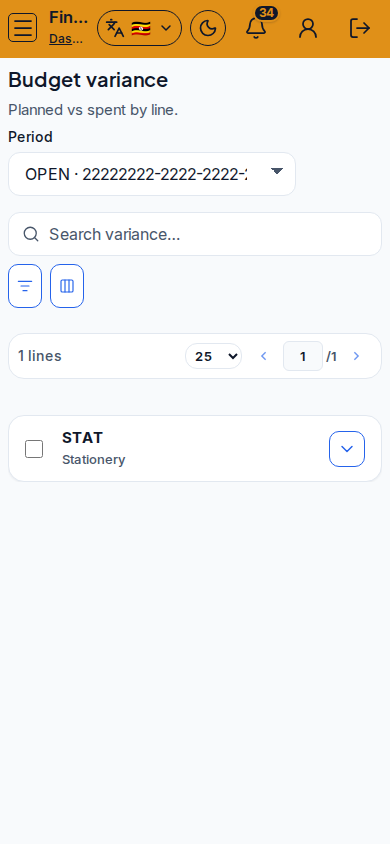
Screenshot
Steps
- Open Budget variance at
/finance/budget/varianceas FINANCE. - Confirm the period filter matches the window you are reviewing.
- Read planned vs spent vs available / variance columns per line.
- Drill into expenses or lines when a variance needs explanation for the bursar.
- Export or print via table tools when preparing board packs.
Fields and actions
- Period filter
- Columns: line, planned, spent, available / variance
- Filters / Configure columns / Search
- Links back to Budget dashboard / Lines / Expenses
Common mistakes
- Comparing periods that used different line sets
- Reading variance before expenses posted
- Treating available as cash in the bank rather than budget remaining
- Ignoring overspend until period close