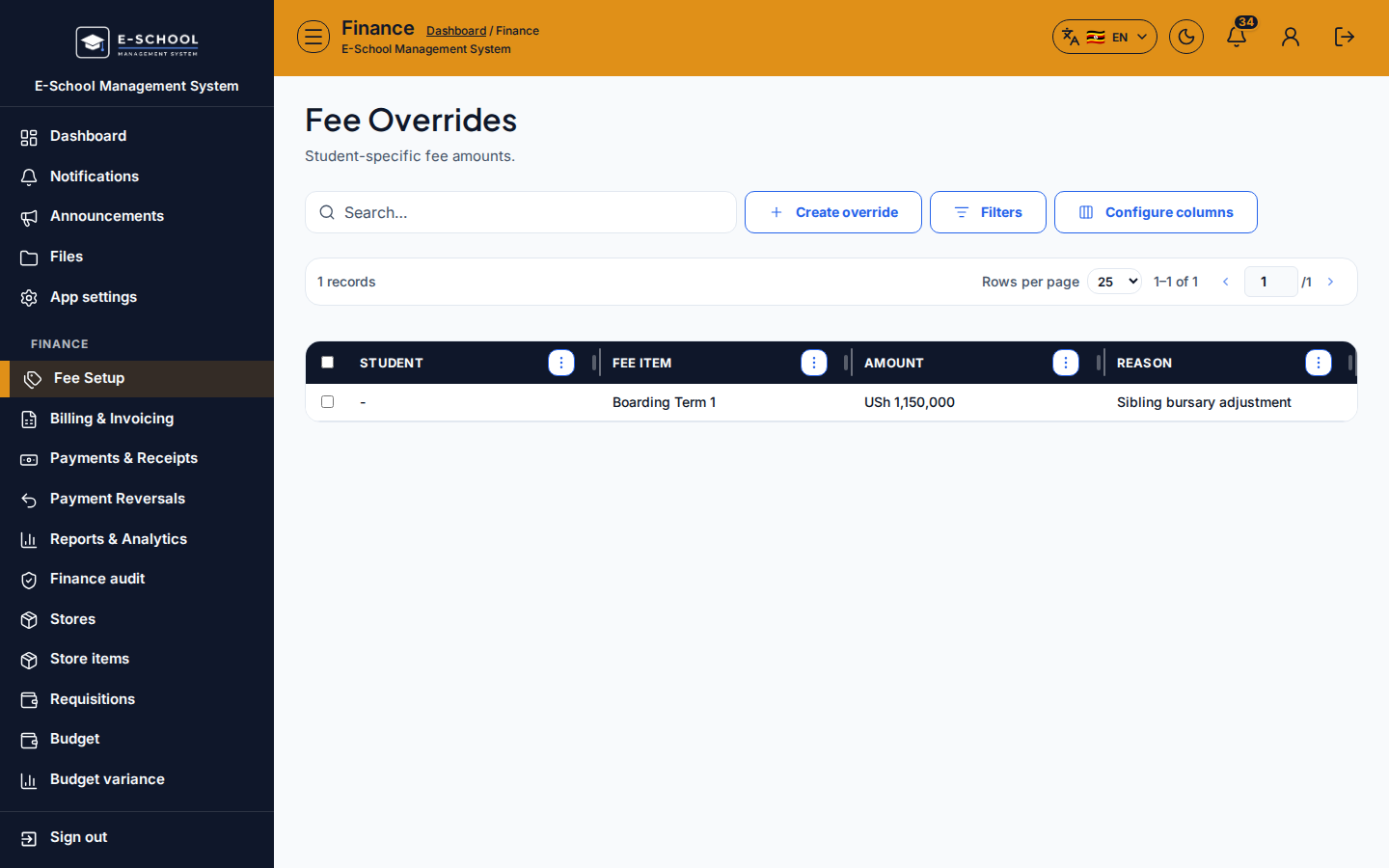
Fee Overrides
Per-student fee overrides with reason - adjust item amounts without changing the whole structure.
Who can use this
- FINANCE
- ADMIN
Path
/finance/fees/overrides
Dependencies
- Fee items exist; student admitted.
- Document reason for audit.
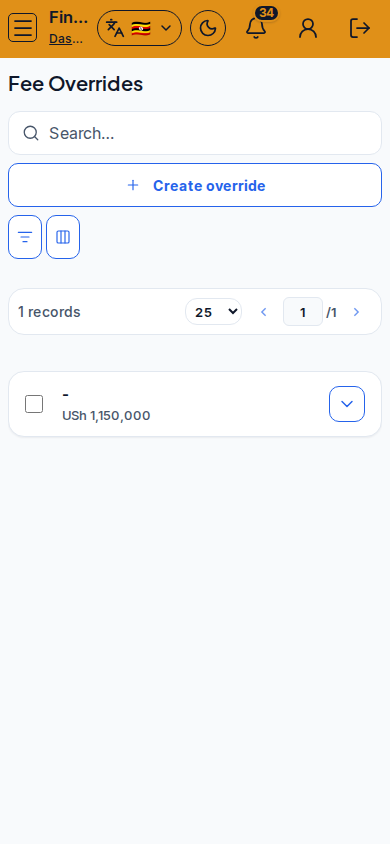
Screenshot
Steps
- Open Fee Overrides at
/finance/fees/overridesas FINANCE. - Click Create override. Step through Select student → Fee item & amount → Review reason.
- Save. Use Edit fee override when adjusting later.
- Re-generate or adjust invoices per school policy after overrides.
- Prefer discounts for class-wide policies instead of many one-off overrides.
Fields and actions
- Create override / Edit fee override
- Steps: Select student, Fee item & amount, Review reason
Common mistakes
- Override without reason
- Forgetting to refresh invoices after override
- Using overrides instead of a class discount