Budget periods
Open and close budget periods that own planned lines, expenses, and variance reports.
Who can use this
- FINANCE
- ADMIN
Path
/finance/budget/periods
Dependencies
- Open a period before adding Budget lines or posting expenses.
- Variance is meaningful only after lines and spend exist for the same period.
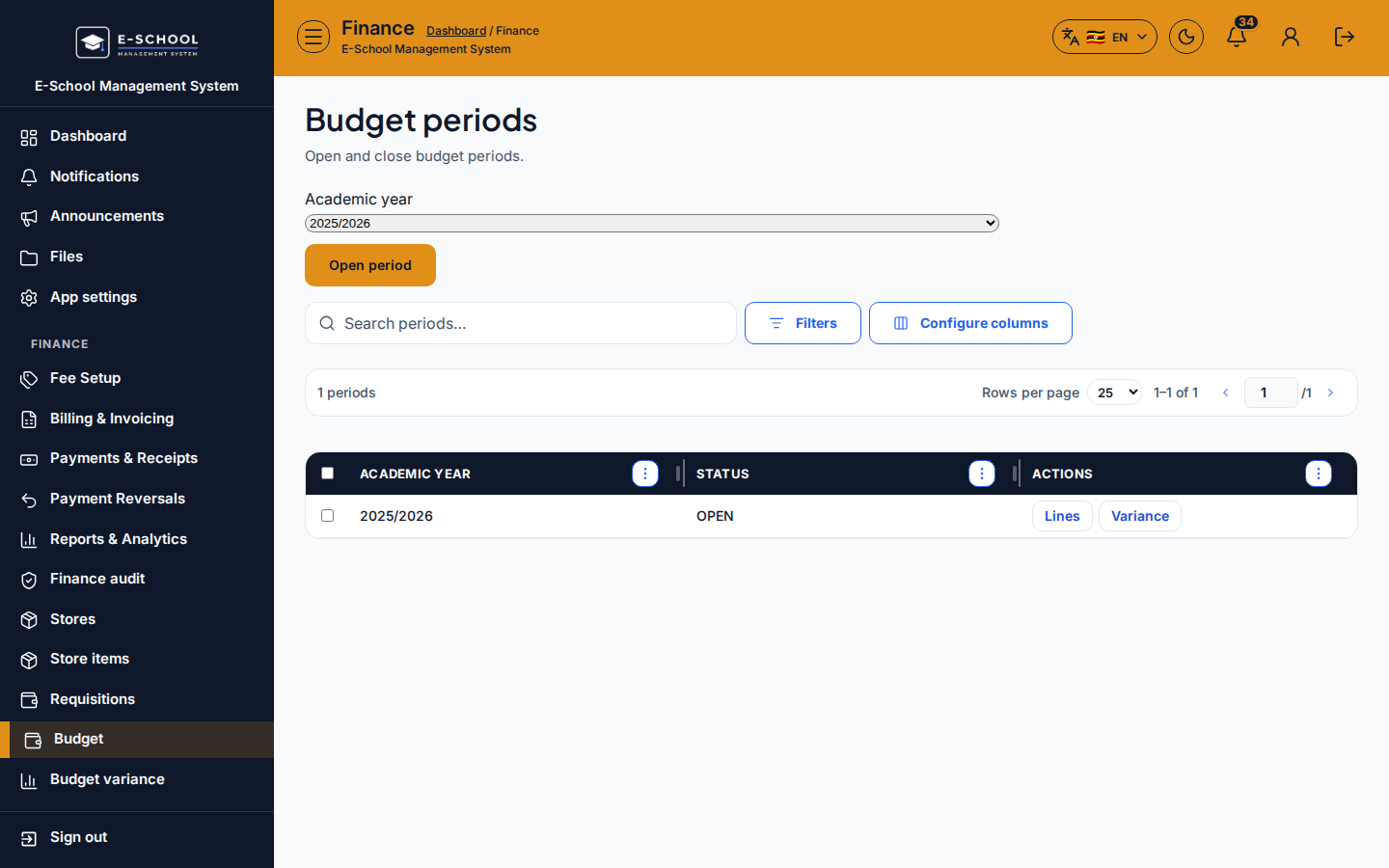
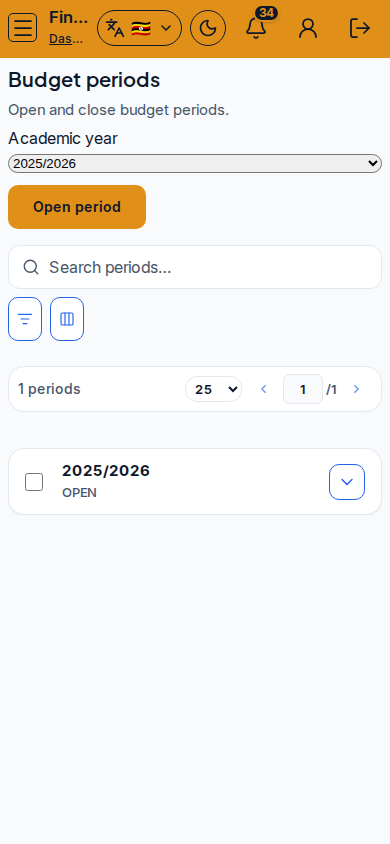
Screenshot
Steps
- Open Budget periods at
/finance/budget/periodsas FINANCE. - Click Open period for the new fiscal window (name/dates as your school uses).
- Use row actions Lines to jump into planned amounts, and Variance for plan vs actual.
- Close the period when the window ends so new expenses cannot post to it.
- Keep one clear current period for day-to-day stores spend to avoid mixed reporting.
Fields and actions
- Open period / Close
- Row links: Lines / Variance
- Period name, dates, status (open/closed)
- Filters / Configure columns / Search
Common mistakes
- Posting expenses to a closed period
- Opening overlapping periods without naming them clearly
- Reading variance before any lines exist
- Closing too early while POs are still receiving