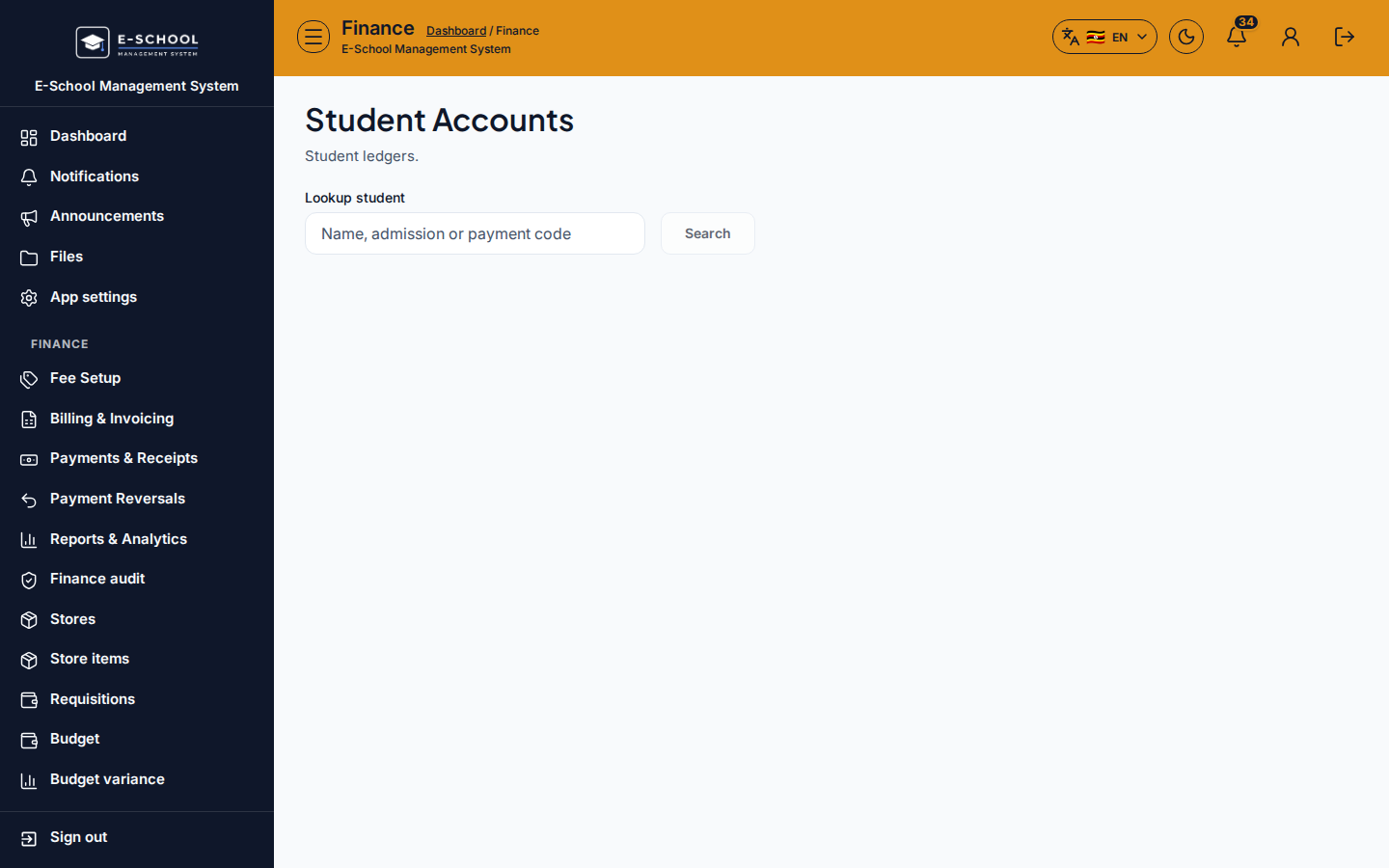
Student Accounts
Student ledger lookup: open a learner account and review debit/credit lines.
Who can use this
- FINANCE
- ADMIN
Path
/finance/accounts
Dependencies
- Invoices/payments posted for the learner.
- Record payment from here when collecting.
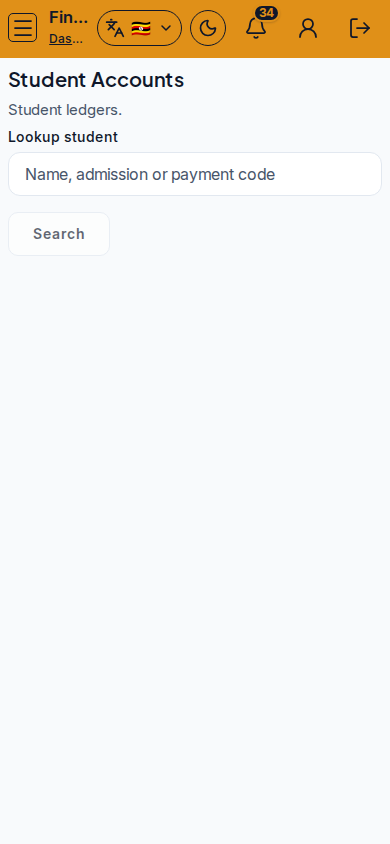
Screenshot
Steps
- Open Student Accounts at
/finance/accountsas FINANCE. - Lookup student by name, admission, or payment code.
- Open ledger and review Date, Debit, Credit lines.
- Use Record a payment or Print preview as needed.
- Confirm the correct learner before posting cash.
Fields and actions
- Lookup student / Open ledger / Record a payment / Print preview
- Search: Name, admission or payment code
- Columns: Date, Debit, Credit
Common mistakes
- Posting to the wrong twin/sibling account
- Printing before selecting the learner