Receipts
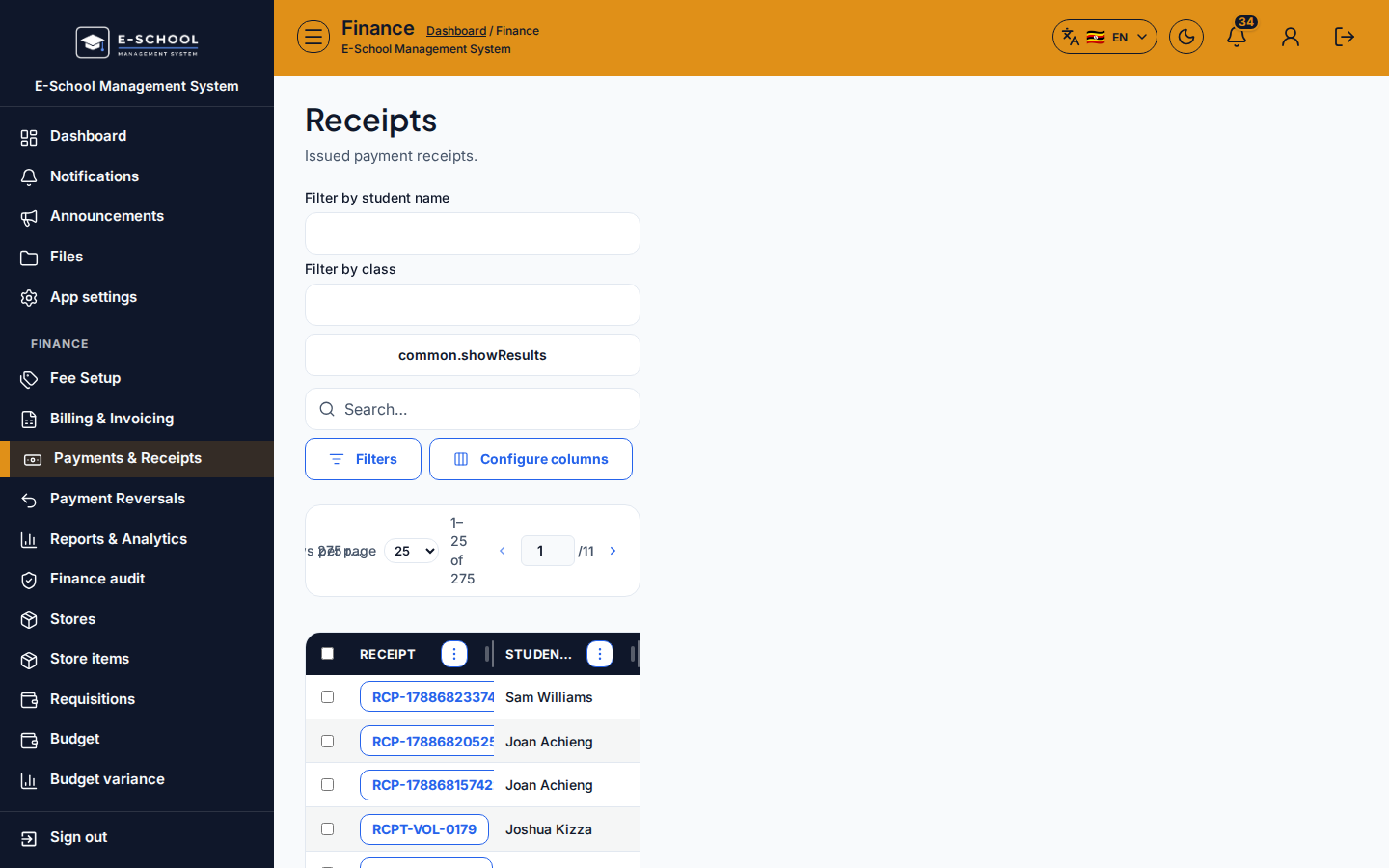
History of issued payment receipts. Open a row to verify amount, allocations, and reprint for parents or auditors.
Who can use this
- FINANCE
- ADMIN
Path
/finance/payments/receipts
Dependencies
- At least one payment must already be posted from Record Payment.
- Receipt serials (for example
RCP-…/RCPT-…) are assigned at post time - do not invent numbers offline.
Screenshot
Steps
- Open Receipts at
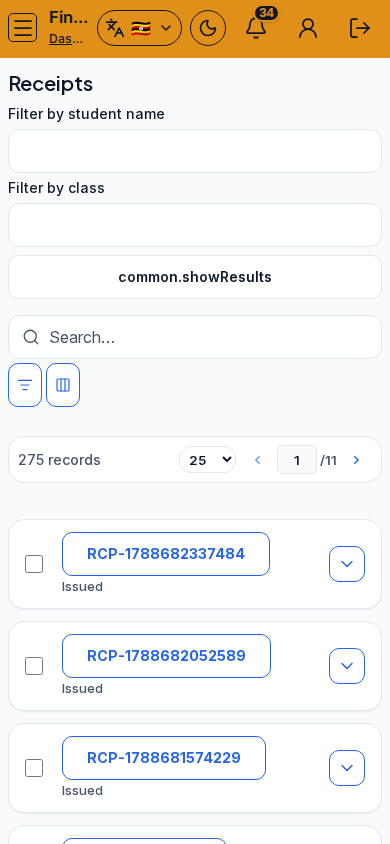
/finance/payments/receiptsas FINANCE. - Search or filter by student name / class; use Configure columns if Serial, Paid at, or Method are hidden.
- Select a receipt row to open details: student, amount (USh), method, allocations to invoices, notes, and online source when Pesapal paid.
- Reprint from the detail view when a parent needs a copy - read the serial aloud with them first.
- If the list is empty, record a payment first; do not treat an empty receipts list as a generate problem.
Fields and actions
- Search / Filters / Configure columns
- Serial, Issued / Paid at, Student, Class, Amount, Method, Allocations
- Row detail: print / verify stamp and signature areas
- Filter by student name / Filter by class
Common mistakes
- Reprinting the wrong serial after sorting by date
- Expecting receipts before any payment was posted
- Treating reversed payments as still valid cash evidence without checking reversals
- Ignoring allocation lines when a parent disputes which invoice was cleared