Cashier Reconciliation
Cashier reconciliation: compare expected vs counted cash for a business date.
Who can use this
- FINANCE
- ADMIN
Path
/finance/reports/reconciliation
Dependencies
- Payments recorded for the business date.
- Finalize only after physical count.
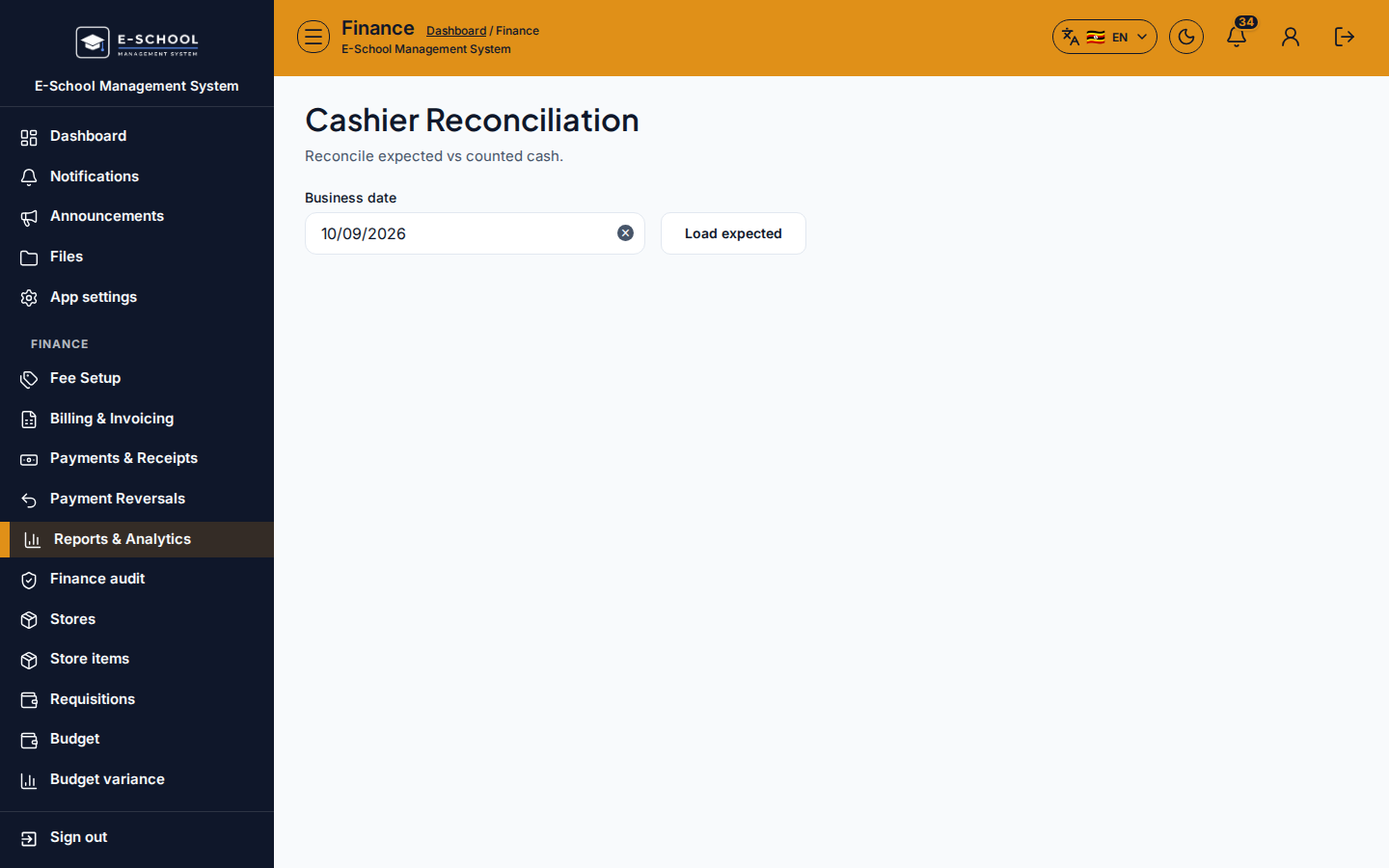
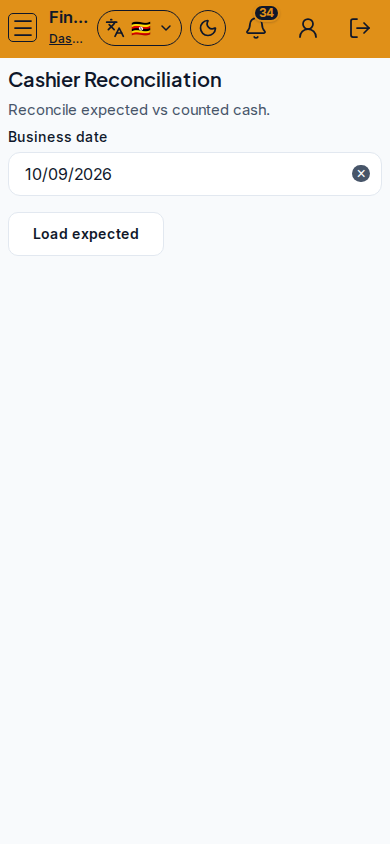
Screenshot
Steps
- Open Cashier Reconciliation at
/finance/reports/reconciliationas FINANCE. - Set Business date. Click Load expected.
- Enter Counted. Review Expected, Counted, and Difference.
- Finalize reconciliation when the difference is explained.
- Investigate differences via Receipts and Audit before finalizing large gaps.
Fields and actions
- Business date / Load expected / Finalize reconciliation
- Expected, Counted, Difference
Common mistakes
- Finalizing with unexplained difference
- Wrong business date
- Counting without including mobile money per policy