Goods receipts
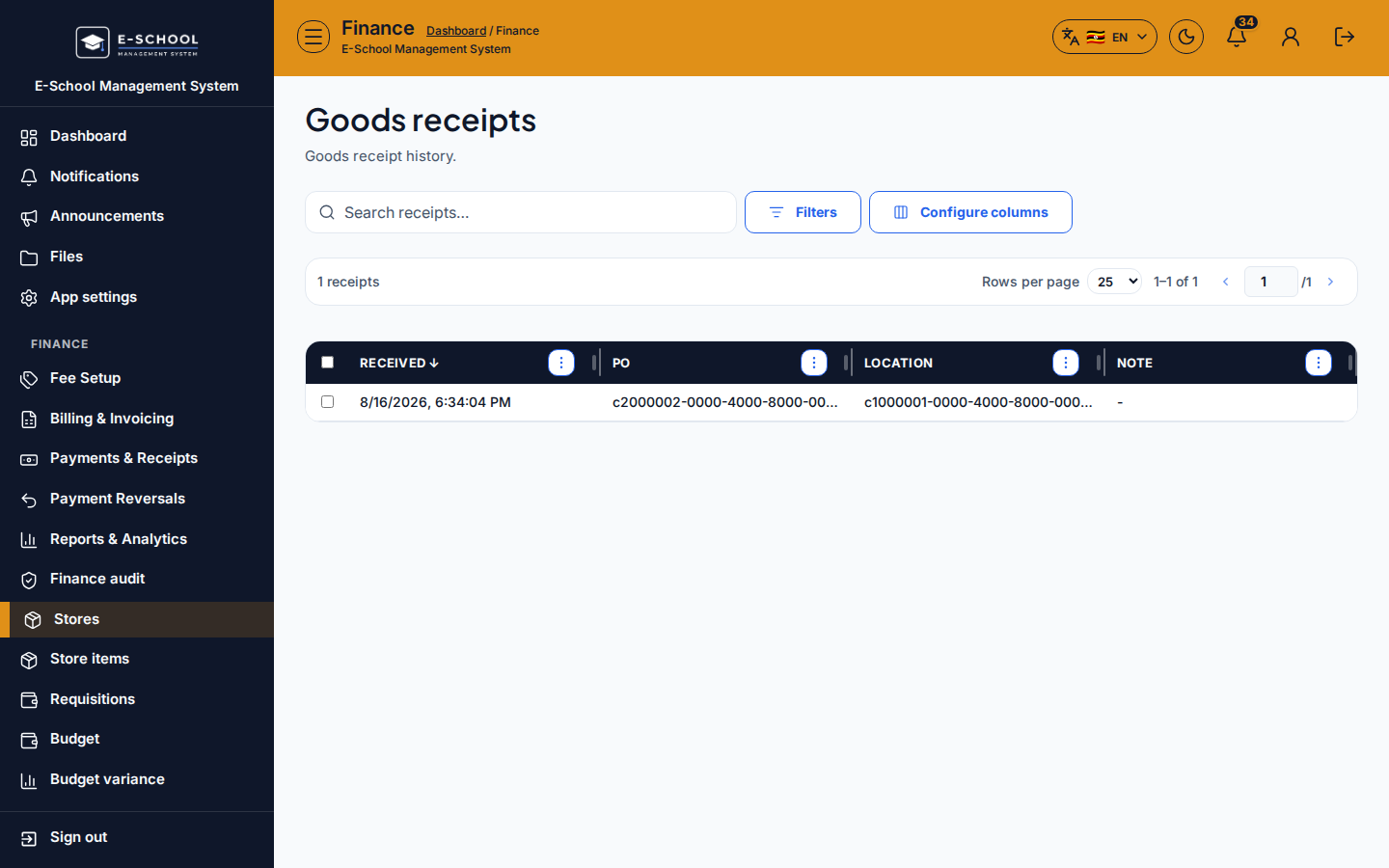
Read-only GRN history created when you Receive on a purchase order. Use it to audit what arrived and where.
Who can use this
- FINANCE
- ADMIN
Path
/finance/stores/goods-receipts
Dependencies
- Receipts appear only after Receive on Purchase orders.
- Store items and locations must already exist for the PO lines.
Screenshot
Steps
- Open Goods receipts at
/finance/stores/goods-receiptsas FINANCE. - Search receipts; sort by created date to find today's deliveries.
- Open a row to confirm PO link, location, quantities, and timestamps.
- If qty mismatches the delivery note, investigate on the PO receive dialog history - do not invent a second GRN by hand on this screen.
- After GRNs look correct, run Stocktakes when you need a physical count.
Fields and actions
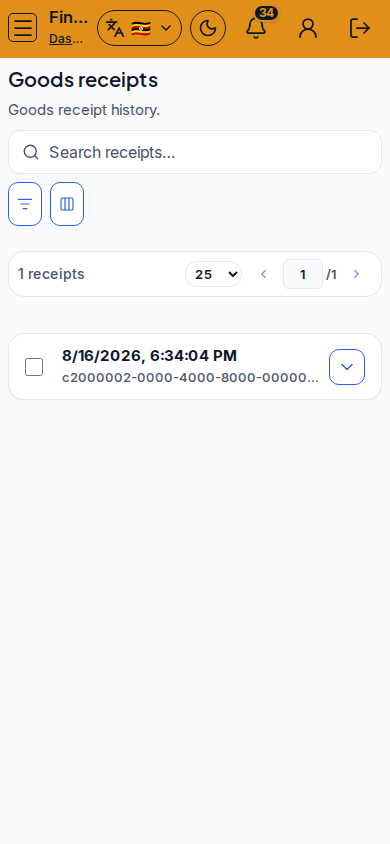
- Search receipts…
- Configure columns / Filters
- Columns: receipt id, PO reference, location, quantities, created at
- Empty state: No goods receipts yet
Common mistakes
- Expecting a create button here (GRNs are created from PO Receive)
- Ignoring qty mismatch between GRN and supplier delivery note
- Looking for stocktakes on this page