Requisitions
Approve, reject, or fulfill teacher material requests. Status flow: submitted → approved → fulfilled (or rejected).
Who can use this
- FINANCE
- ADMIN
Path
/finance/stores/requisitions
Dependencies
- Store items and Store locations exist.
- Teachers submit requests from Request materials.
- Fulfill needs a location with enough on-hand quantity.
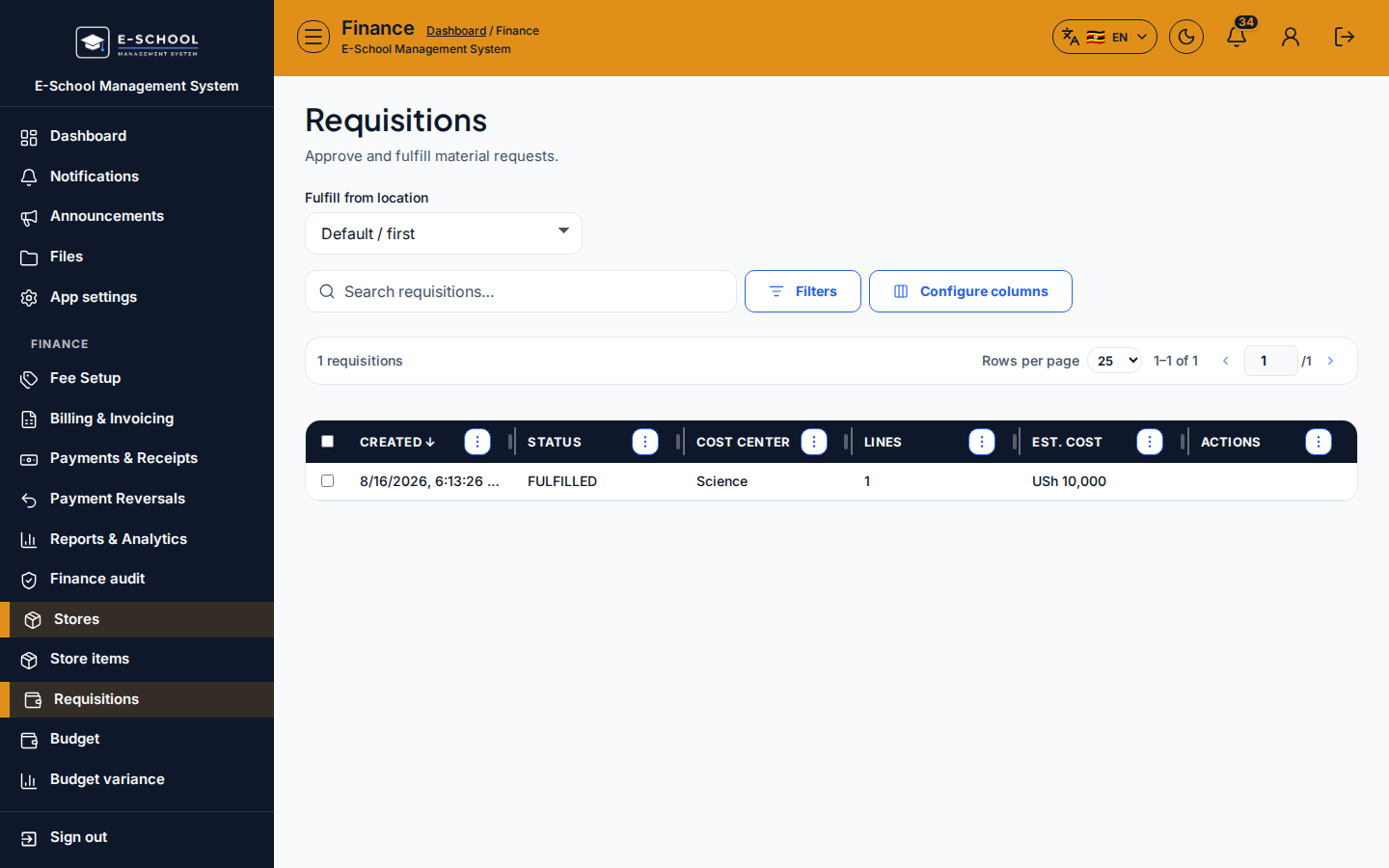
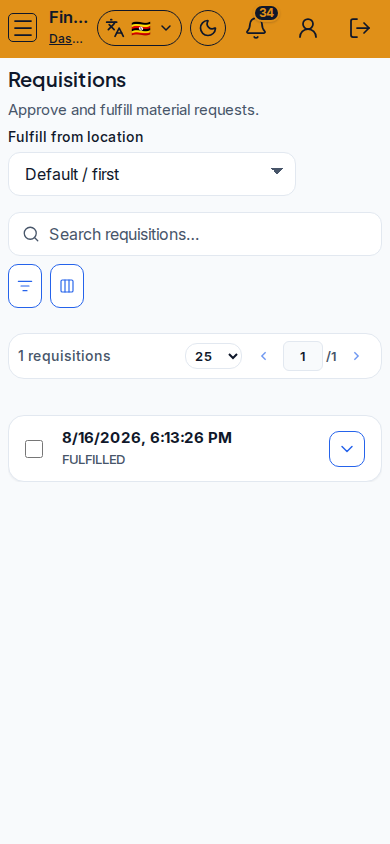
Screenshot
Steps
- Open Requisitions at
/finance/stores/requisitionsas FINANCE. - Filter to SUBMITTED (or pending) rows. Open the request and confirm item, qty, and cost centre.
- Approve when stock can be issued, or Reject with a note the teacher will understand.
- For approved rows, set Fulfill from location, then Fulfill so stock leaves that location.
- If stock is insufficient, raise a Purchase order instead of fulfilling below zero.
- Use Configure columns / search when reconciling a busy term.
Fields and actions
- Status: SUBMITTED / APPROVED / REJECTED / fulfilled states as shown in the table
- Approve / Reject / Fulfill
- Fulfill from location selector
- Filters / Configure columns / Search
Common mistakes
- Approving without checking on-hand quantity
- Fulfilling without choosing a location
- Rejecting without telling the teacher why
- Closing the teacher request before the movement actually posts