Stocktakes
Physical count sessions per location: draft counts → submit → approve variance adjustments.
Who can use this
- FINANCE
- ADMIN
Path
/finance/stores/stocktakes
Dependencies
- Store items and Store locations populated.
- Freeze casual movements during an active count when possible so system qty stays stable.
Screenshot
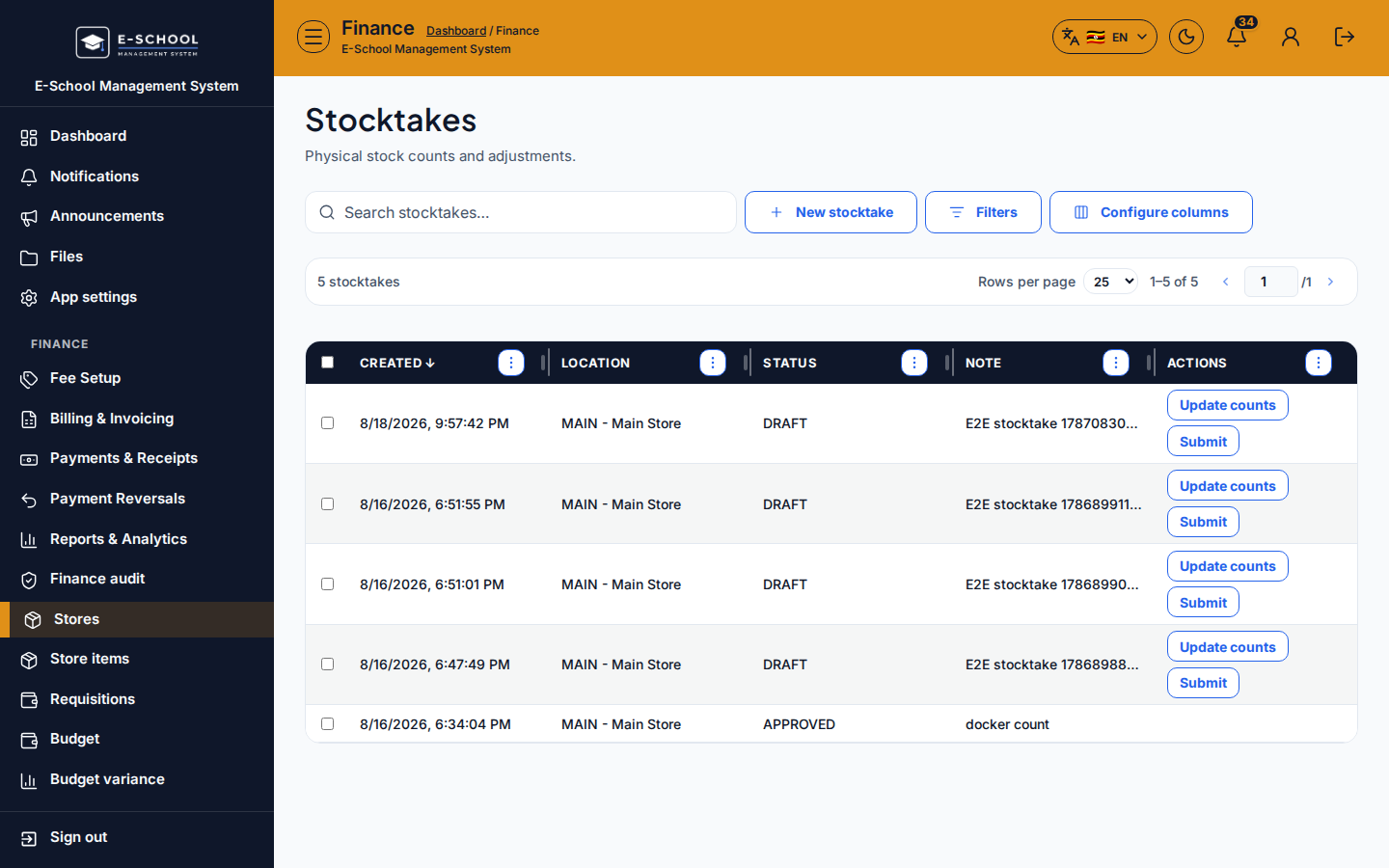
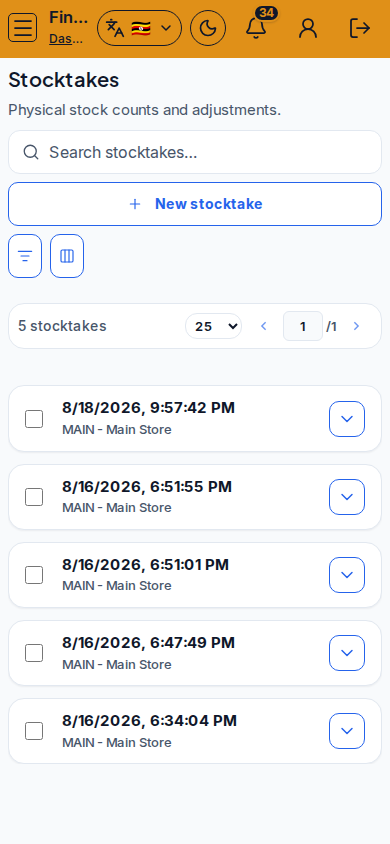
Steps
- Open Stocktakes at
/finance/stores/stocktakesas FINANCE. - Click New stocktake, pick the location, then save the draft session.
- Enter counted quantities (Update counts) against each SKU.
- Submit when the count is complete so the session leaves draft.
- Approve when variance adjustments should post to on-hand stock.
- Investigate large variances against recent GRNs and issues before approving.
Fields and actions
- New stocktake
- Update counts / Submit / Approve
- Status: DRAFT / SUBMITTED / …
- Location, created at, variance indicators
- Filters / Configure columns / Search
Common mistakes
- Leaving movements open during an active stocktake (skews expected qty)
- Approving huge variances without checking GRN/receive errors
- Counting the wrong location
- Submitting an incomplete draft