Store items
Stock item catalogue (SKU master).
Who can use this
- FINANCE
- ADMIN
Path
/finance/stores/items
Dependencies
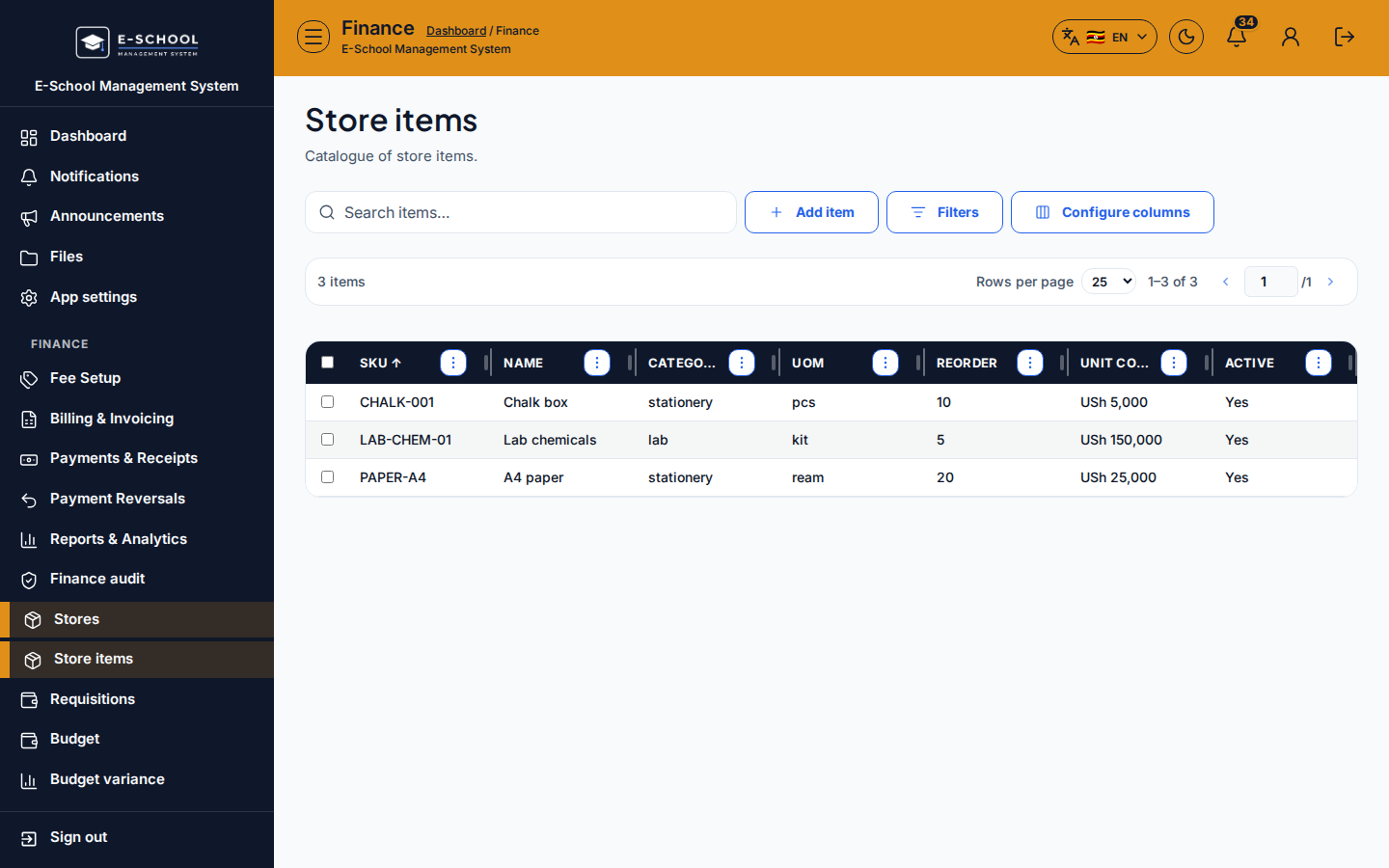
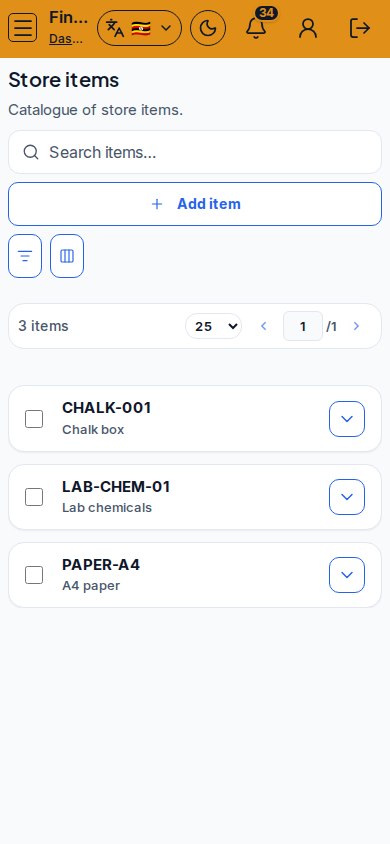
Screenshot
Steps
- Open Store items at
/finance/stores/itemsas FINANCE or ADMIN. - Confirm the heading Store items (SKU catalogue).
- Click Add item to create SKU, name, category, UoM, reorder level, and unit cost.
- Use Filters and Configure columns to match store office work.
- After items exist, use Locations, Movements, Purchase orders, Goods receipts (GRN), and Stocktake screens for stock flow.
- Mobile: toolbar may wrap; open Filters before looking for missing columns.
Fields and actions
- Add item
- Filters
- Configure columns
- SKU / Name / Category / UoM / Reorder / Unit cost / Active
Common mistakes
- Duplicate SKU
- No reorder level so low stock never alerts