Stock movements
Stock movement history: IN, OUT, TRANSFER, and ADJUST events.
Who can use this
- FINANCE
- ADMIN
Path
/finance/stores/movements
Dependencies
- Items and locations exist.
- Prefer GRN/stocktake flows for formal receipts/counts.
Screenshot
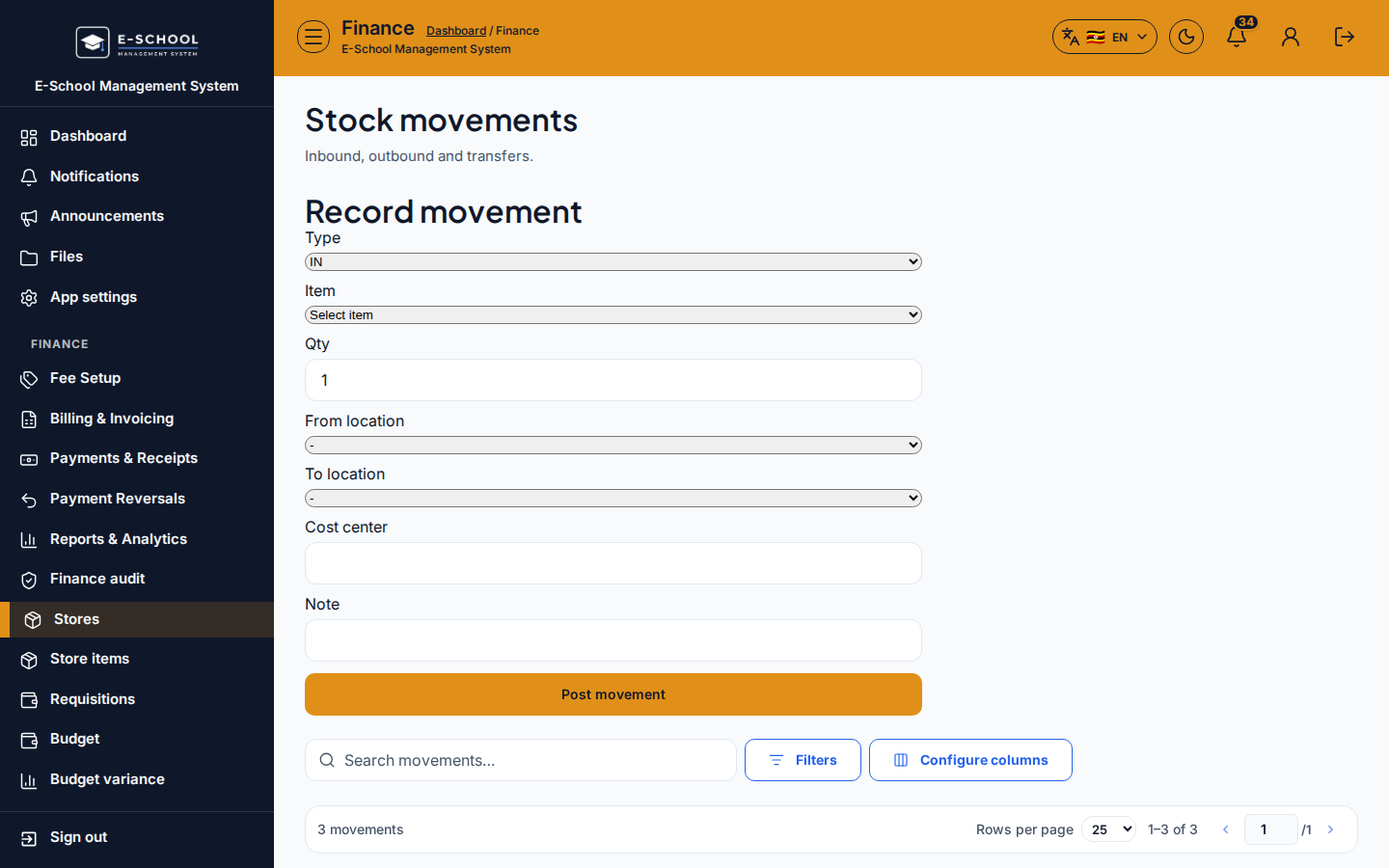
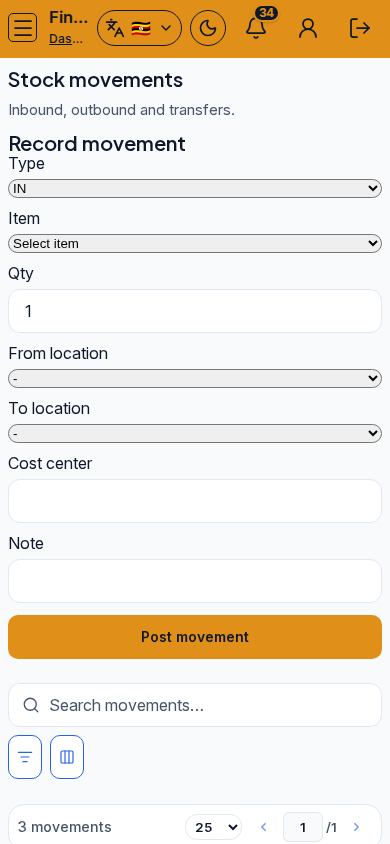
Steps
- Open Movements at
/finance/stores/movementsas FINANCE. - Search movements. Filter by type IN / OUT / TRANSFER / ADJUST when available.
- Investigate unexpected ADJUST rows with the storekeeper.
- Post formal receipts via Goods receipts and counts via Stocktakes.
- Export for audit when required.
Fields and actions
- Search movements…
- Types: IN, OUT, TRANSFER, ADJUST
Common mistakes
- Manual ADJUST hiding receiving mistakes
- Transfer without destination location