Fee billing cycle
End-to-end office billing: catalogue items → class structures → generate invoices → record payment with receipt → chase outstanding balances. Amounts use school currency (demo: USh).
Steps
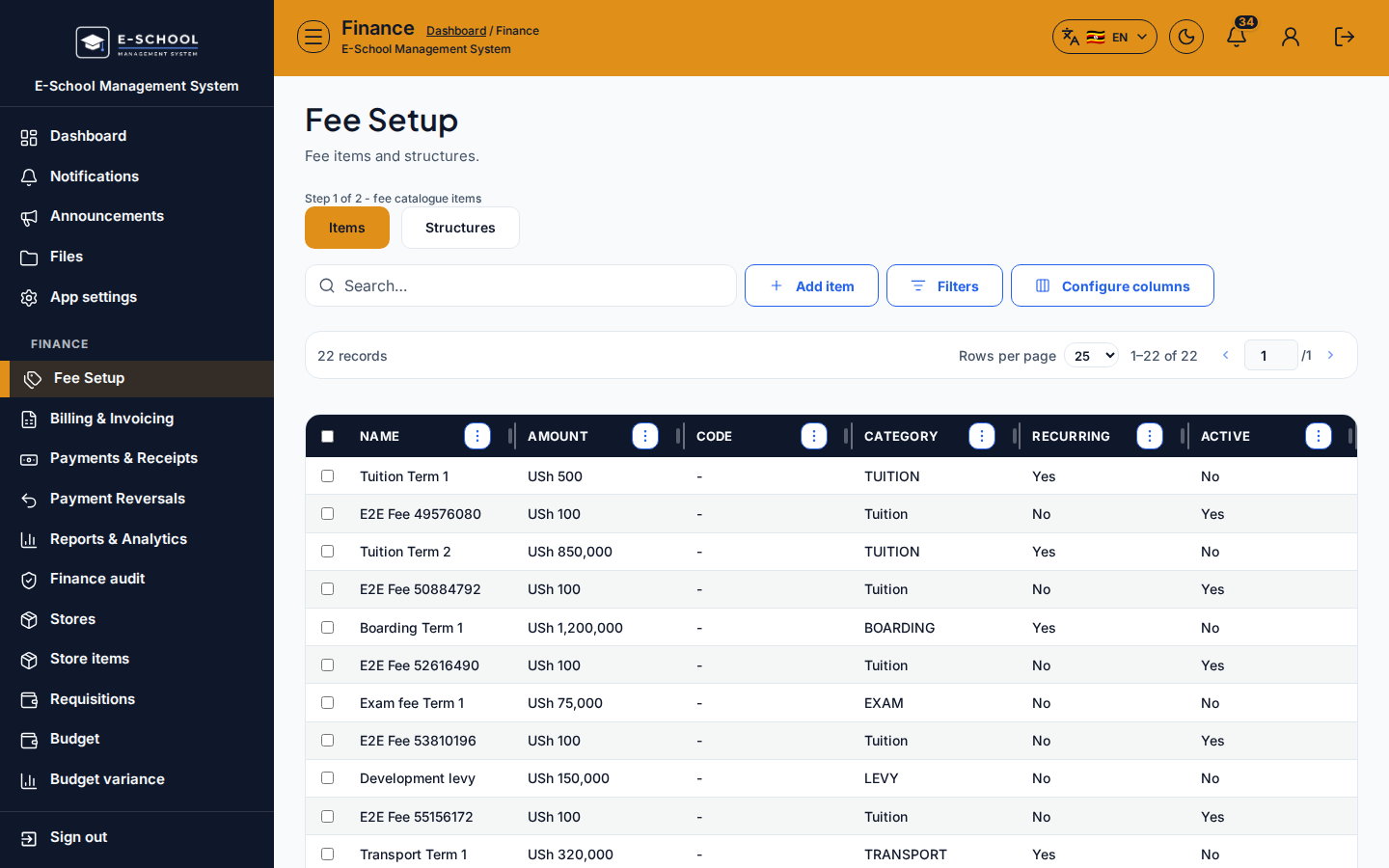
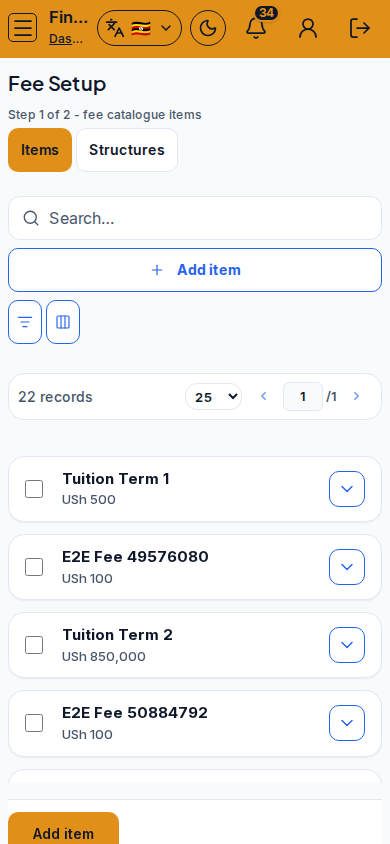
- Fee setup (Items) - Fee Setup
- On Items (Step 1 of 2), click Add item. Set Name, Amount (USh), Category, Recurring, and Active.
- Tip: Recurring marks tuition-style charges; it does not auto-invoice without Structures + Generate.
-
Fee setup (Structures) - same screen, Structures tab
- Step 2 of 2: Add structure, bind each item to a class (optional term), save.
- Tip: Structures stay blocked until at least one Item exists. Wrong class on a structure silently under-bills a stream.
-
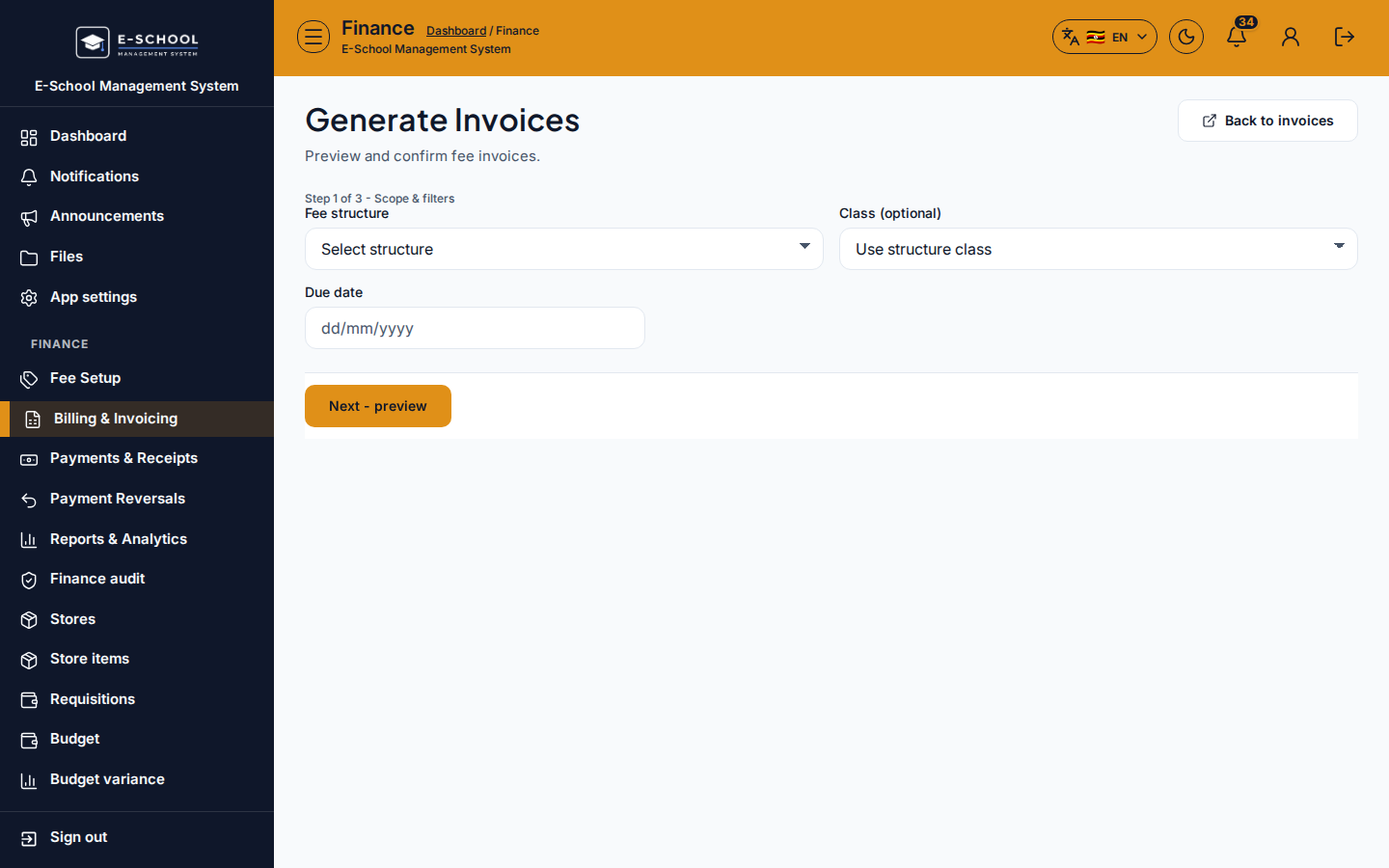
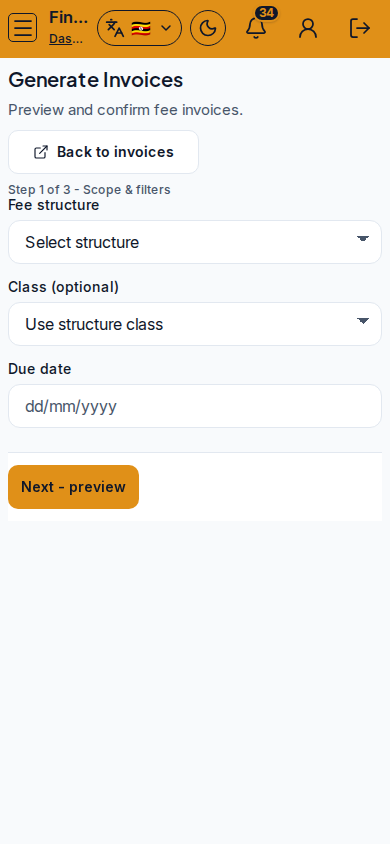
Generate invoices - Generate Invoices
- Step through Scope → Next - preview → Confirm. Watch Eligible vs Already billed / Skipped.
- Tip: empty preview usually means inactive structure, wrong class filter, or learners not active.
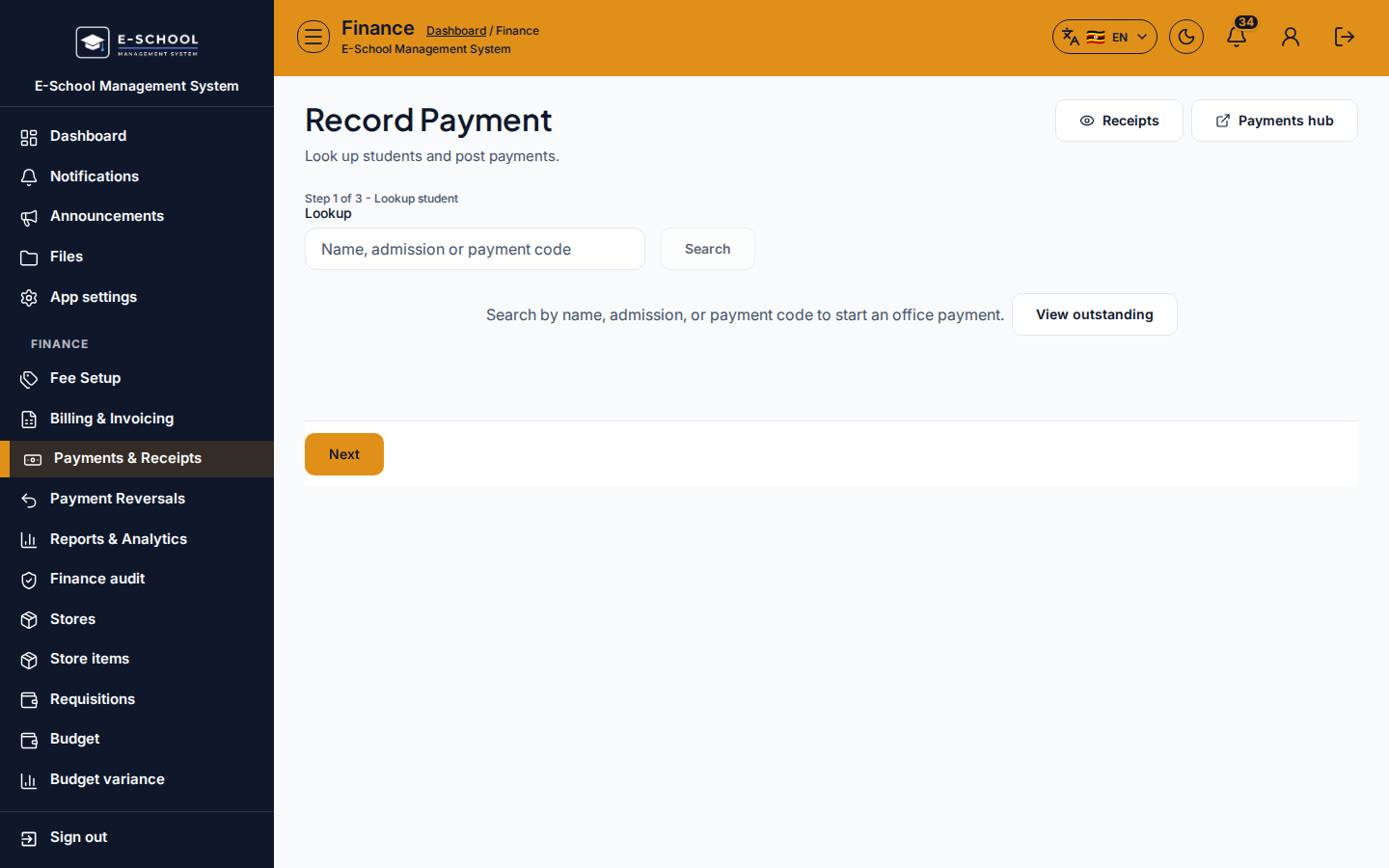
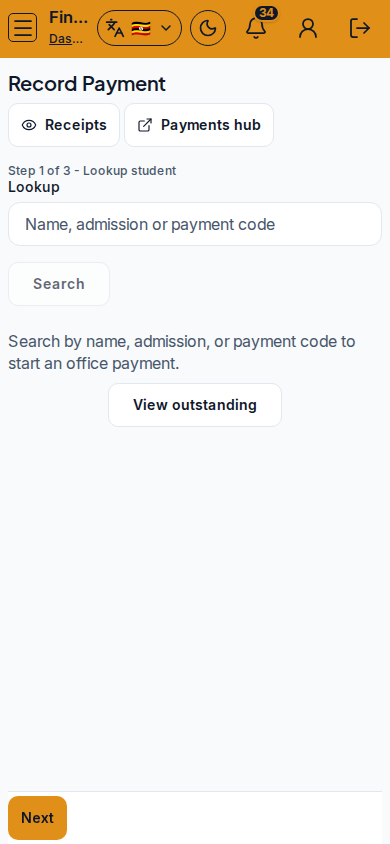
- Record payment - Record Payment
- Lookup by name / admission / payment code → amount & method → preview allocation → post.
- Tip: wrong-learner posts are the costliest mistake. Partial pays leave remaining balance on Outstanding.
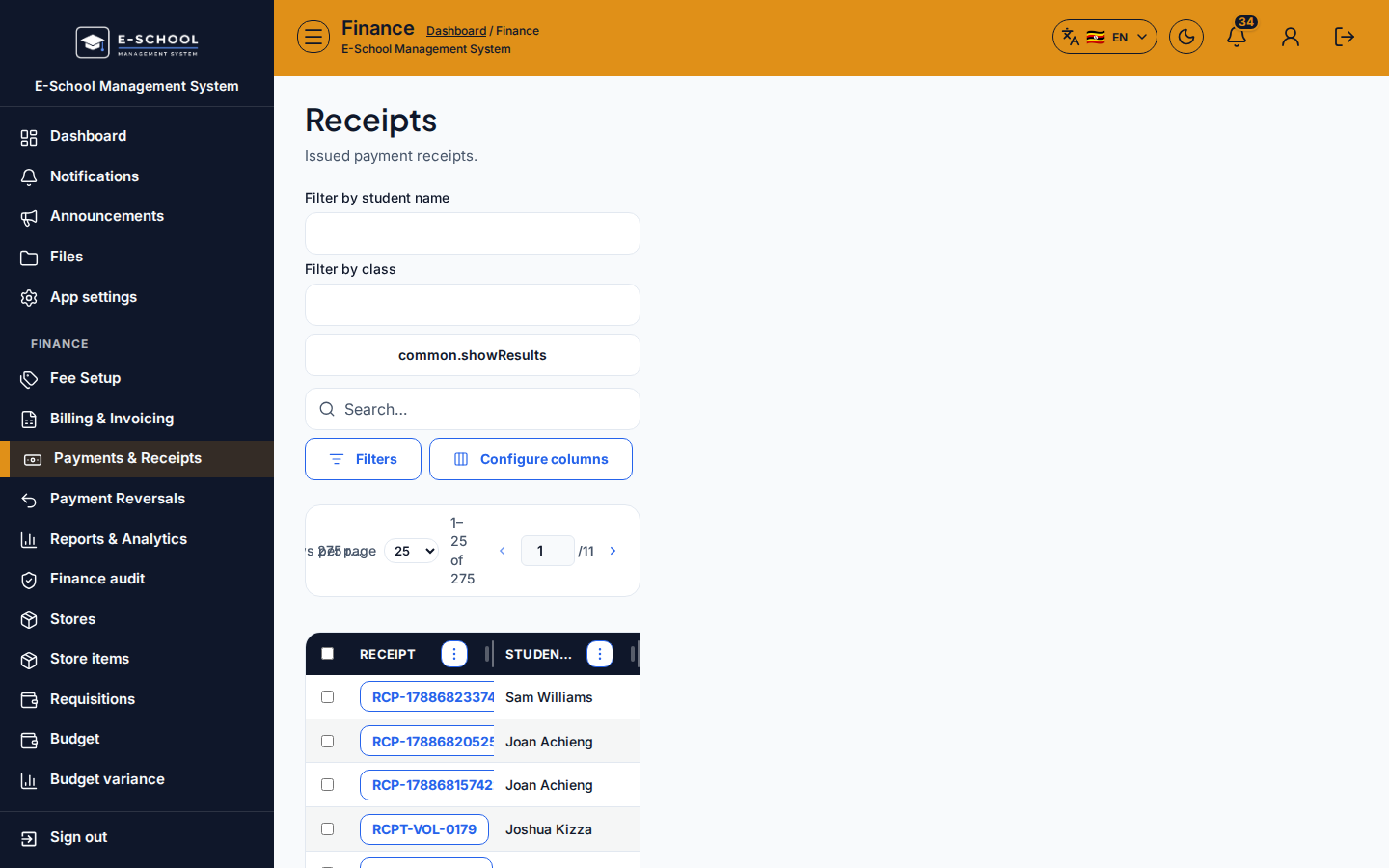
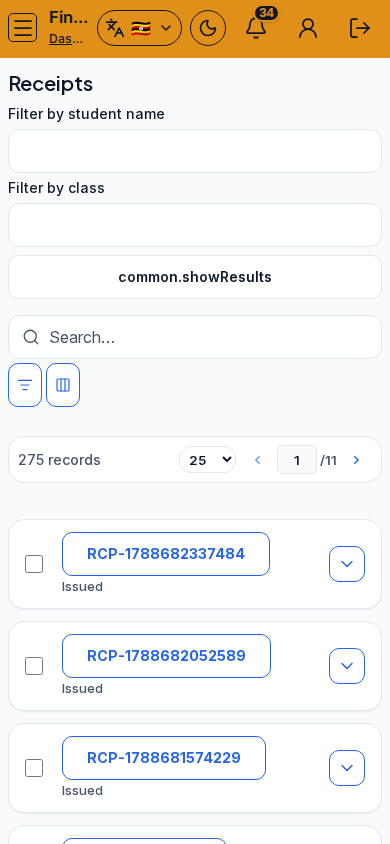
- Receipt always - Receipts
- Print from the post success path or reprint by serial later.
- Tip: parents and auditors expect a receipt for cash, MoMo, card, and bank alike.
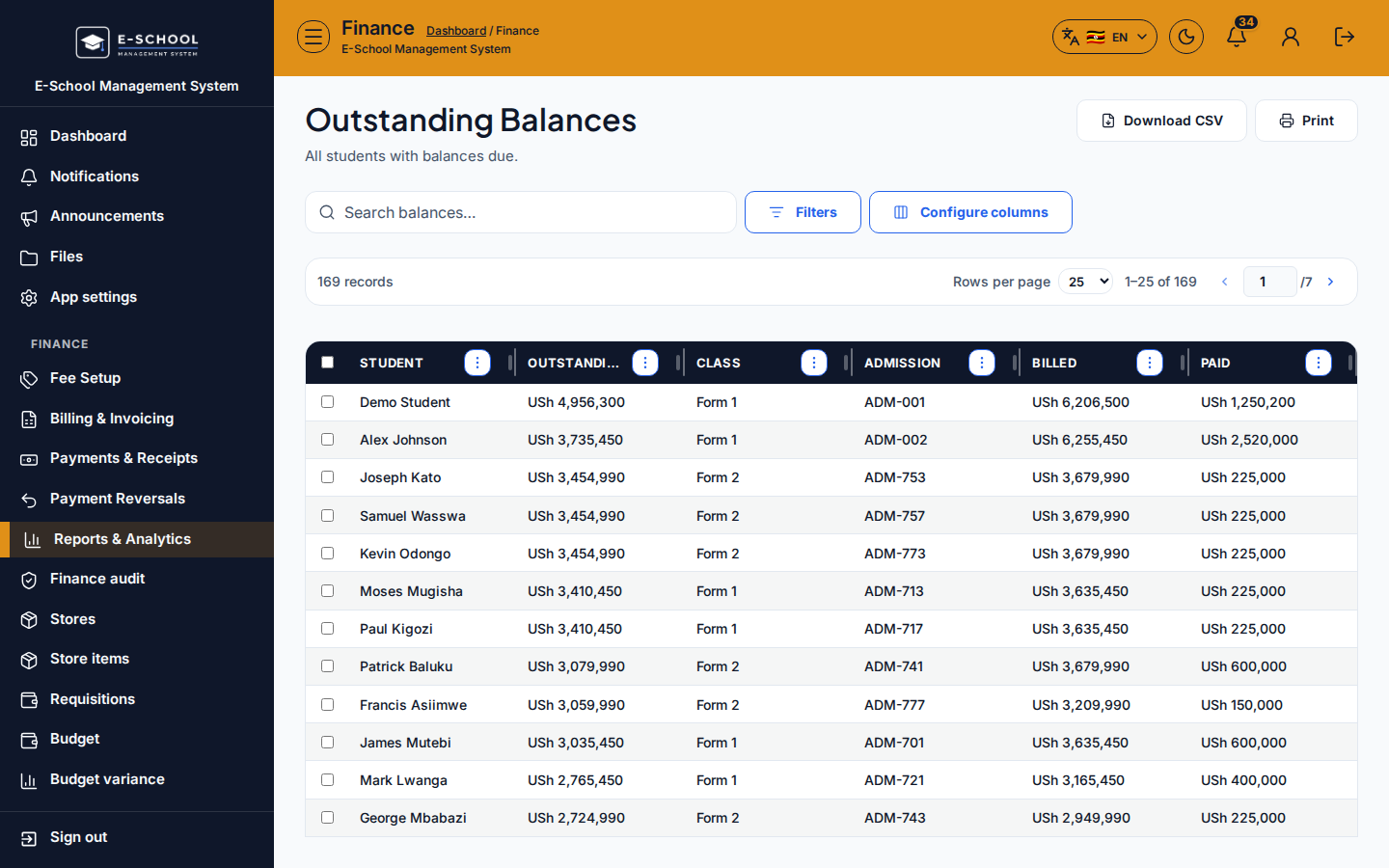
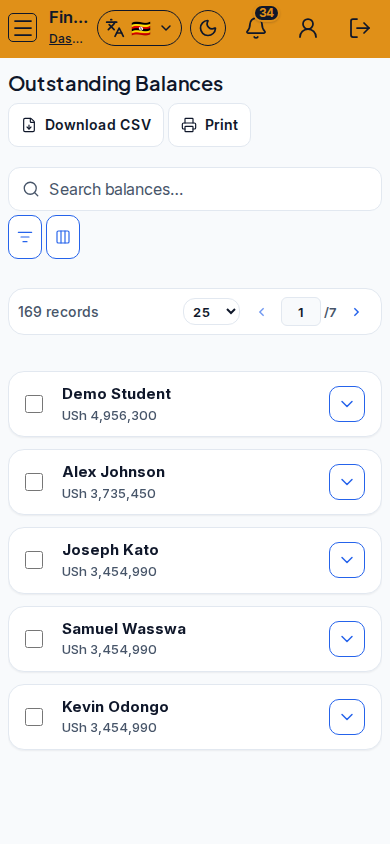
- Outstanding - Outstanding Balances
- Filter the chase list; use Defaulters when you need past-due only.
- Tip: empty outstanding after a big generate often means filters hide the term, not that everyone paid.
Role handoff
Finance (and Admin) own setup, generate, post, and chase. Students/Parents only see Fees, Invoices, Payments, and Balance statements.
Common mistakes
- Generating invoices before Items and Structures exist
- Treating Recurring as automatic billing
- Recording payment to the wrong learner
- Skipping the receipt after post
- Filters hiding the cohort you meant to bill
- Reversing without a documented reason