Clinic visit
Confirm the learner's medical context, log the clinic visit, dispense only when stock allows, and update the medicine store.
Steps
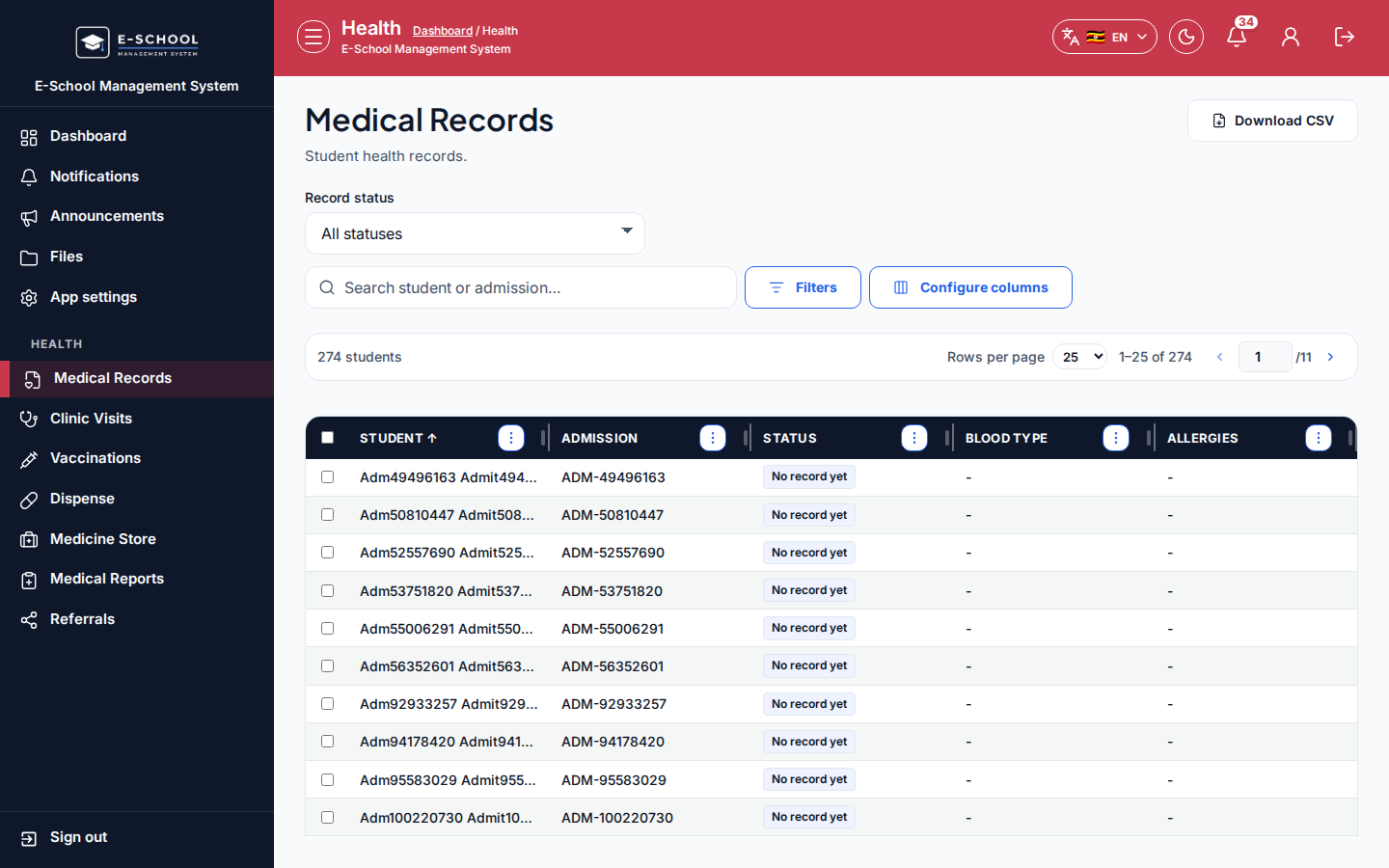
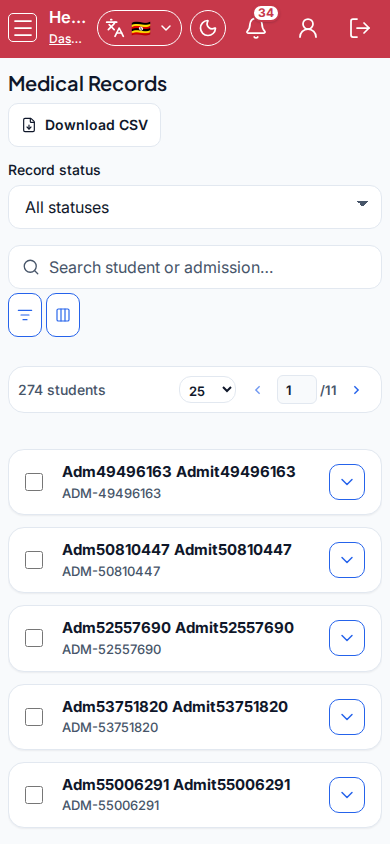
- Medical records - Medical Records
- Look up the learner; note allergies and standing conditions before treatment.
- Tip: keep notes factual. Wrong learner linkage corrupts the whole visit chain.
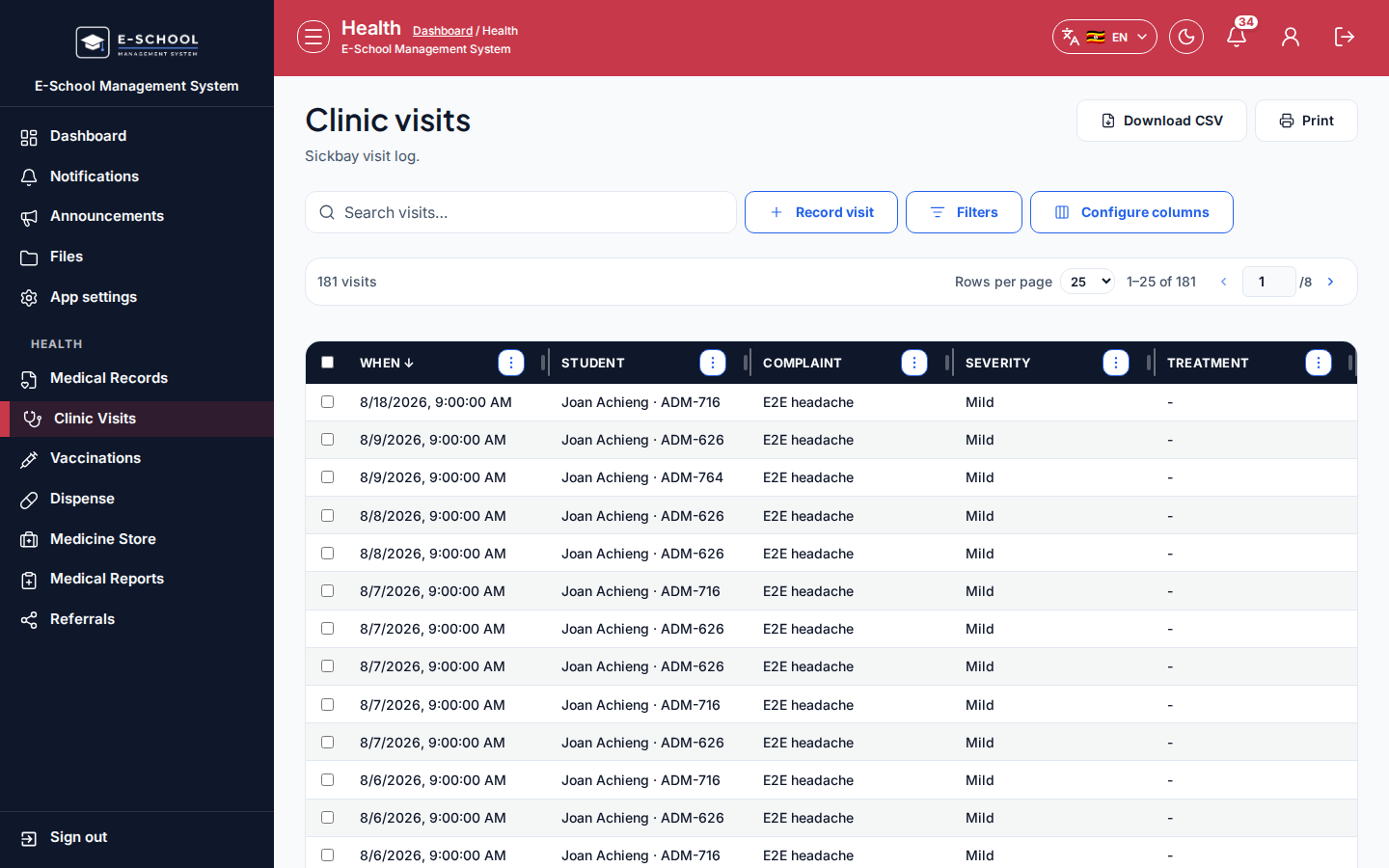
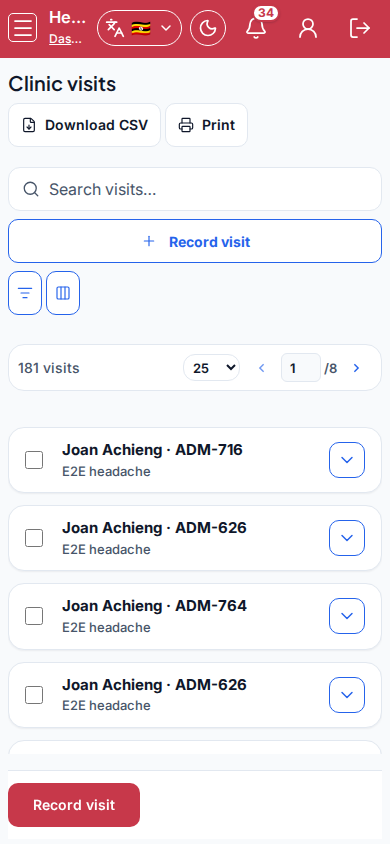
- Clinic visit - Clinic Visits
- Create the visit linked to the learner, record complaint, findings, and outcome.
- Tip: never save a visit without linking the learner. Anonymous visits break reports and referrals.
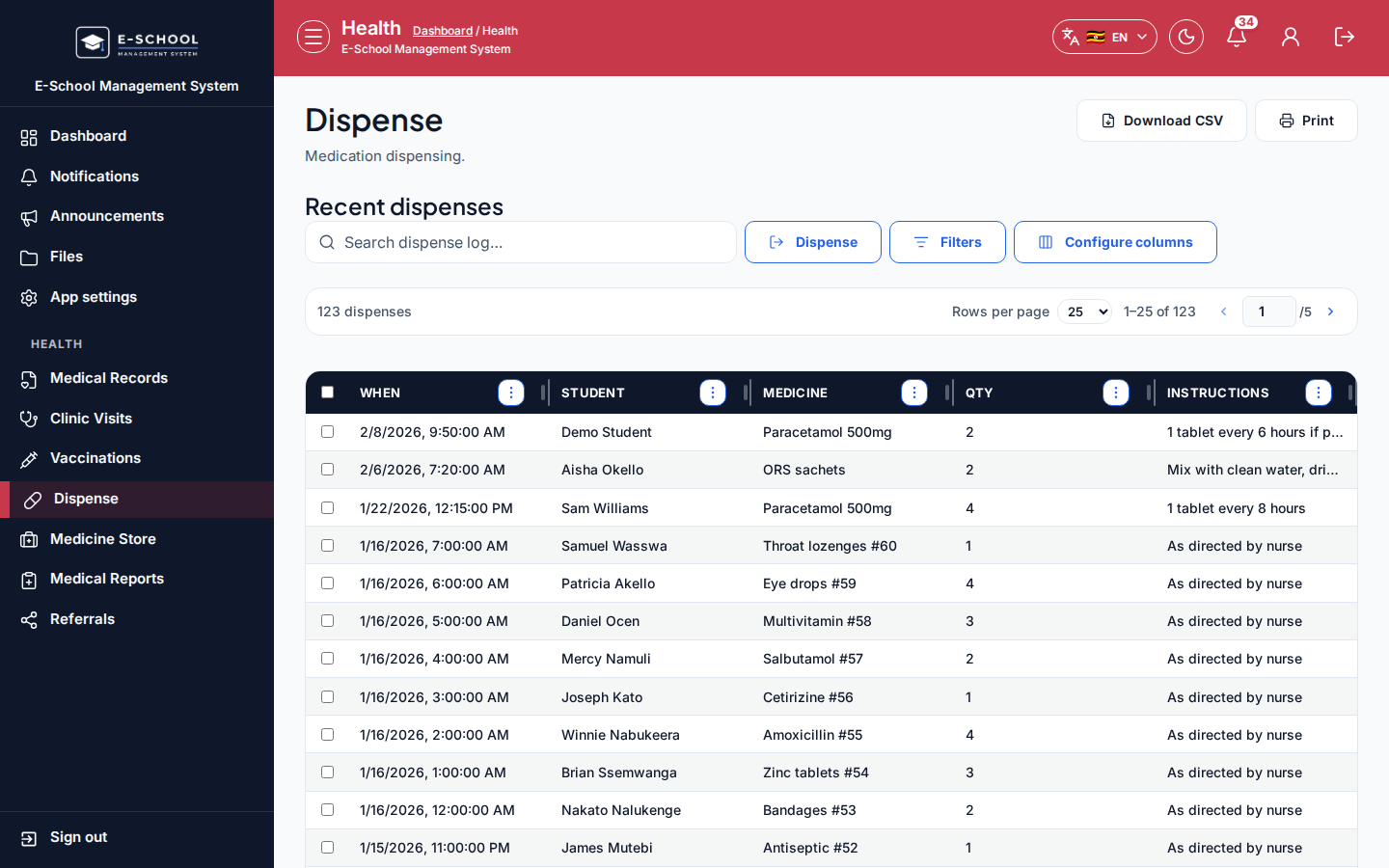
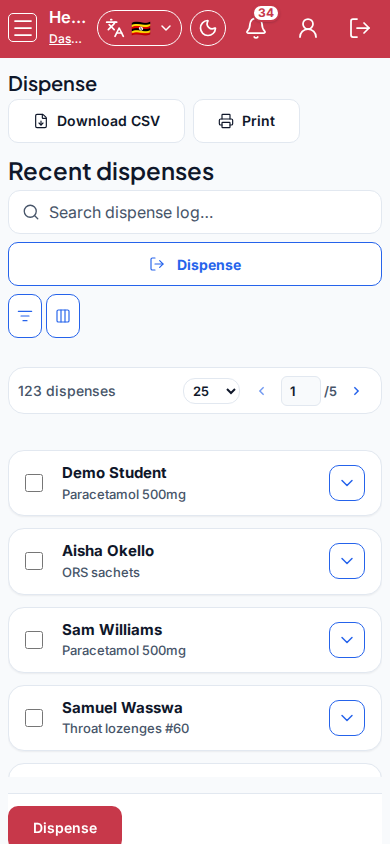
- Dispense - Dispense
- Select medicine and quantity against the visit when medication is required.
- Tip: dispensing without stock invents phantom inventory. Check Medicine Store first.
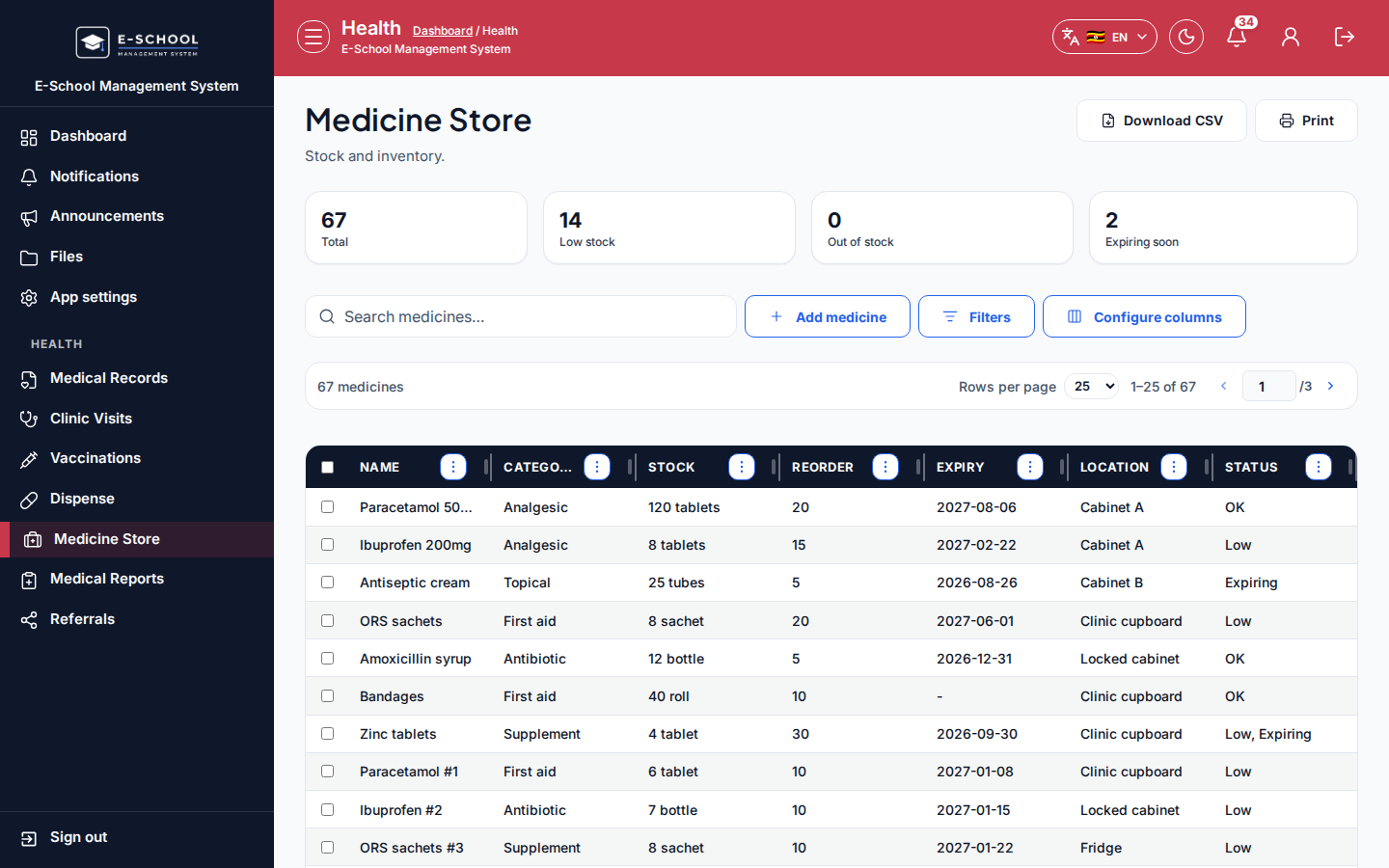
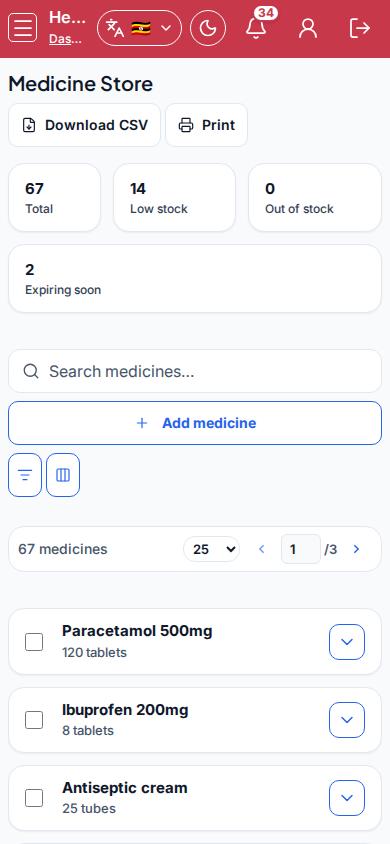
- Medicine store - Medicine Store
- Confirm stock reduced; restock or adjust when levels are low.
- Tip: referrals and vaccinations are separate screens - do not overload the visit note with those workflows.
Role handoff
Nurse owns visits, dispensing, and stock. Admin may review Medical Reports. Teachers/parents do not edit clinic records.
Common mistakes
- Visit without linking the learner
- Dispensing without stock
- Skipping allergy review on Medical Records
- Mixing referral paperwork into an unclosed visit