Visitor and gate log
Log visitors at the office, record gate movements, and keep school events scheduled separately with a clear audience.
Steps
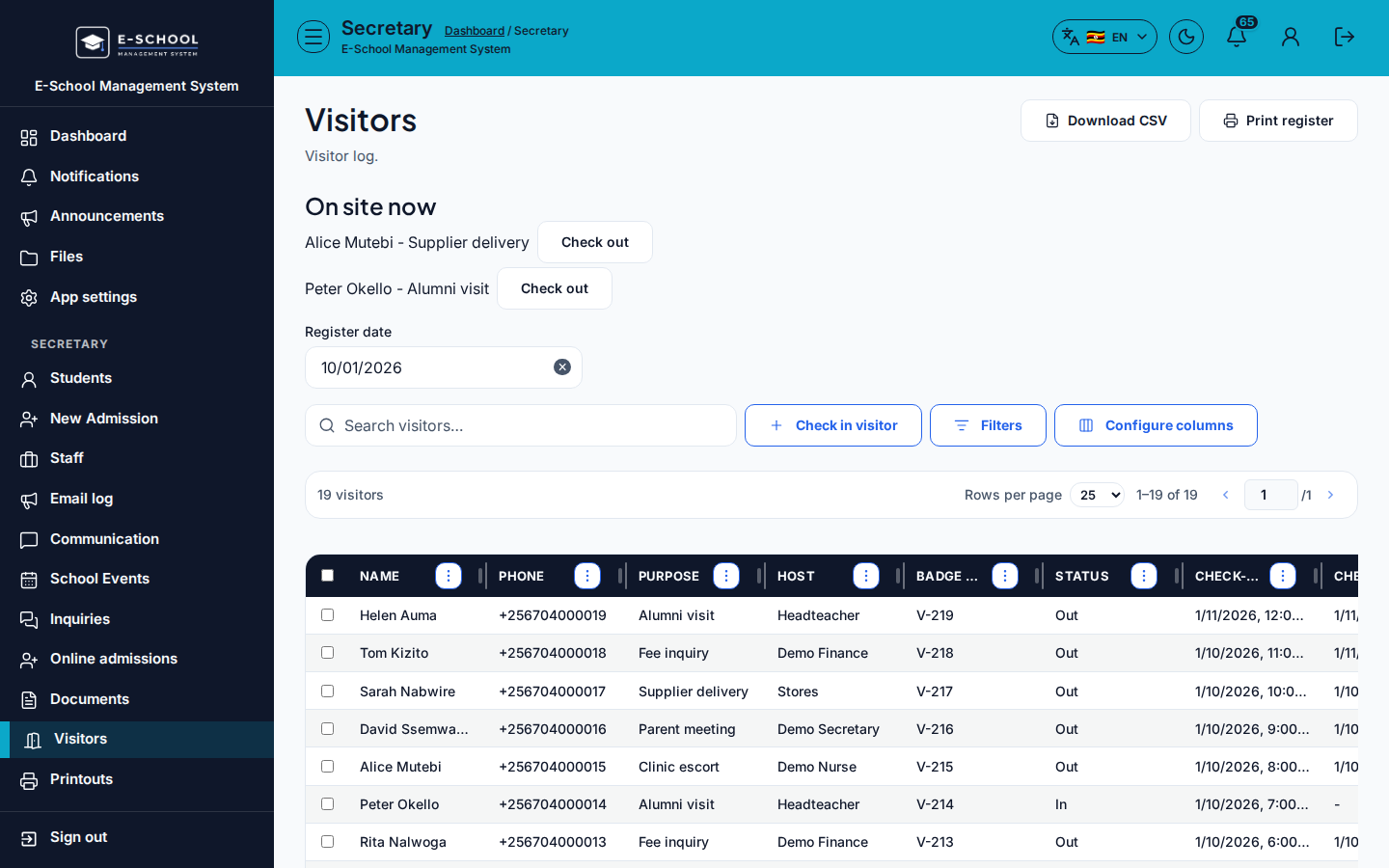
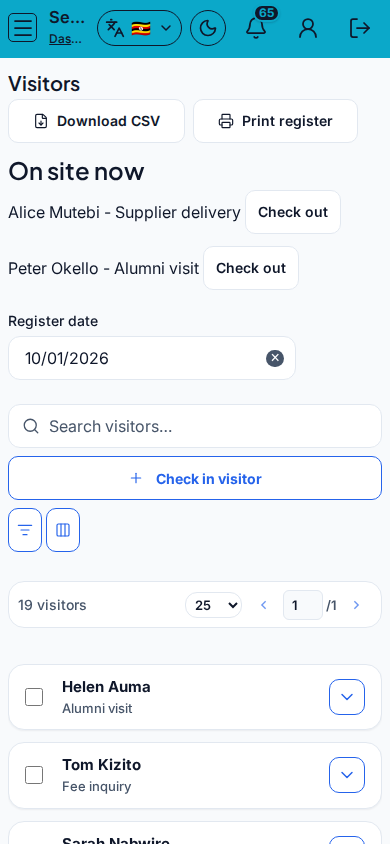
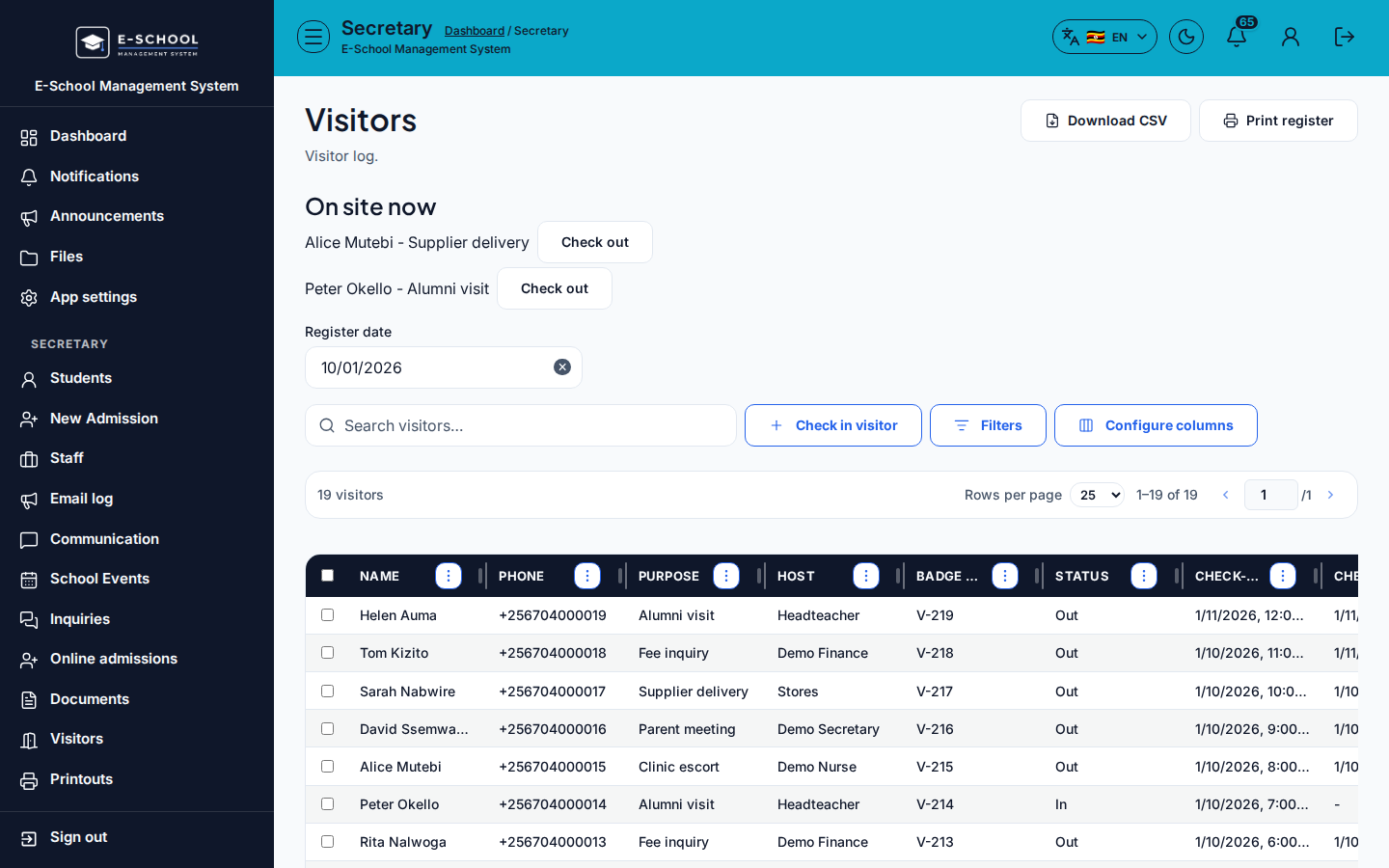
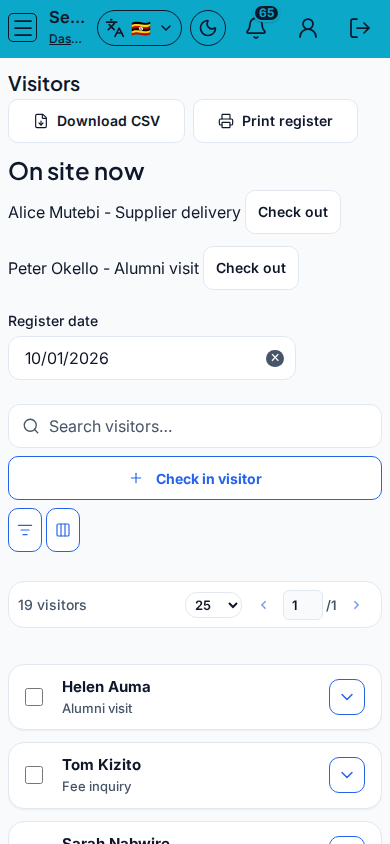
- Visitors - Visitors
- Register the visitor (name, purpose, host, time in).
- Tip: always capture time in. Incomplete visitor rows fail audits.
-
Mark departure
- When the visitor leaves, mark time out on the same record.
- Tip: visitors still marked "in" after leaving is the classic gate mistake.
-
Gate & Office - Gate & Office
- Log learner/staff/vehicle movements as your school policy requires.
- Tip: gate logs are operational; do not substitute them for visitor records when a guest is on campus.
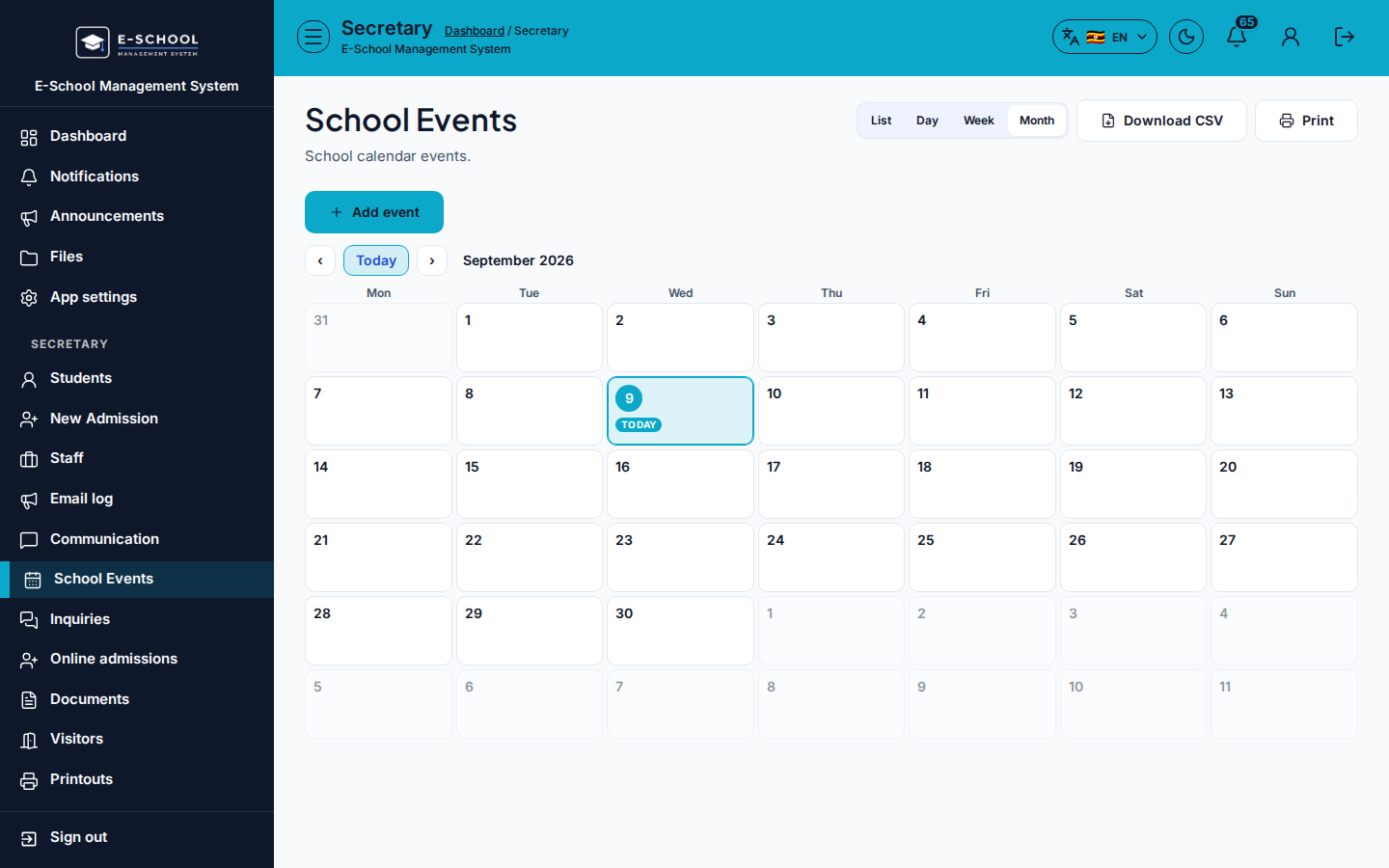
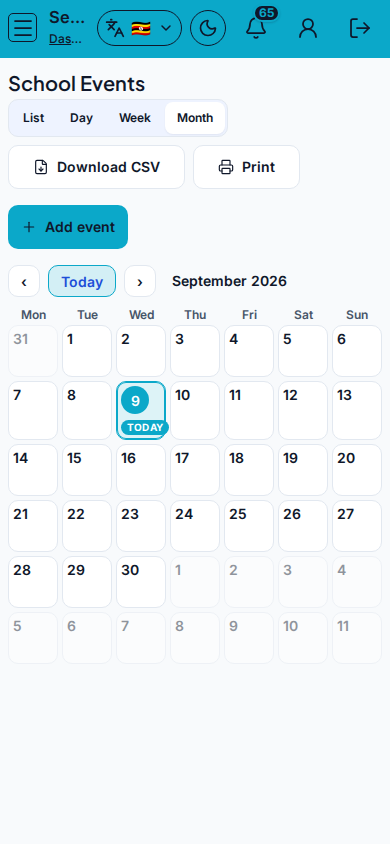
- Events - School Events
- Schedule events with date and audience when the visit is part of a larger programme.
- Tip: an event without audience reaches nobody. Announcements for the same event belong under Communication.
Role handoff
Secretary runs Visitors, Gate & Office, and School Events. Admin may oversee. Teachers are hosts, not the system of record for gate logs.
Common mistakes
- Visitor still marked in after leaving
- Event without audience
- Logging a guest only on Gate and skipping Visitors
- Mixing SMS announcements into the gate screen