Library loan
Ensure the copy exists in inventory, issue it to the correct borrower, track the open loan, then return it.
Steps
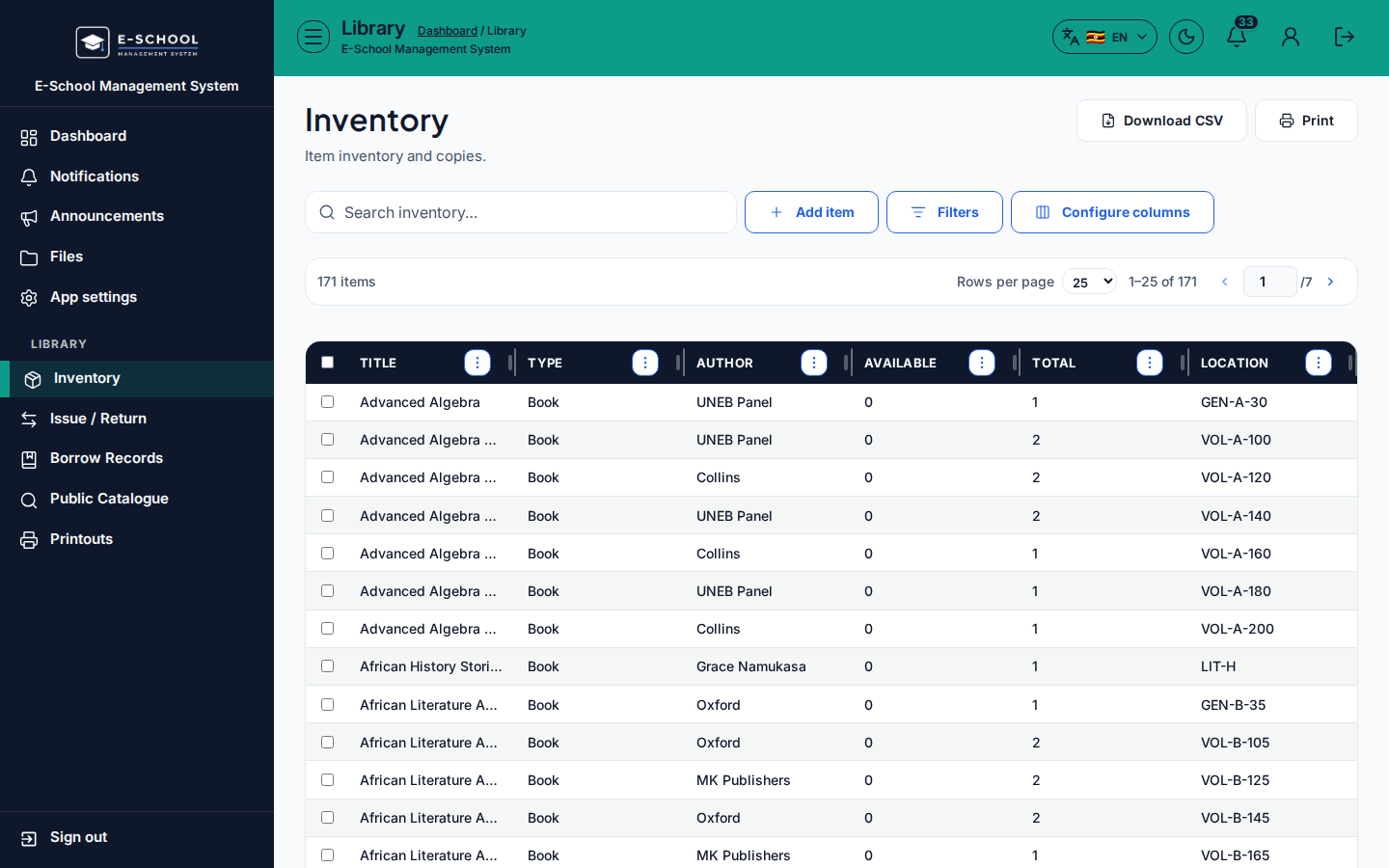
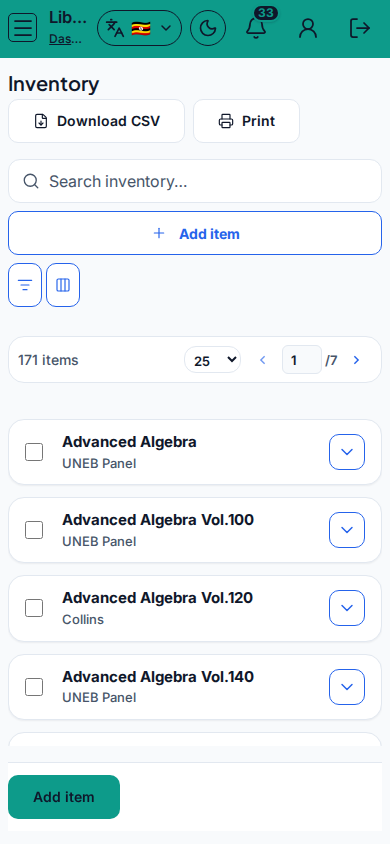
- Inventory - Inventory
- Confirm the title/copy is catalogued and available before issue.
- Tip: do not issue a copy that is already on loan. Fix inventory first if the status looks wrong.
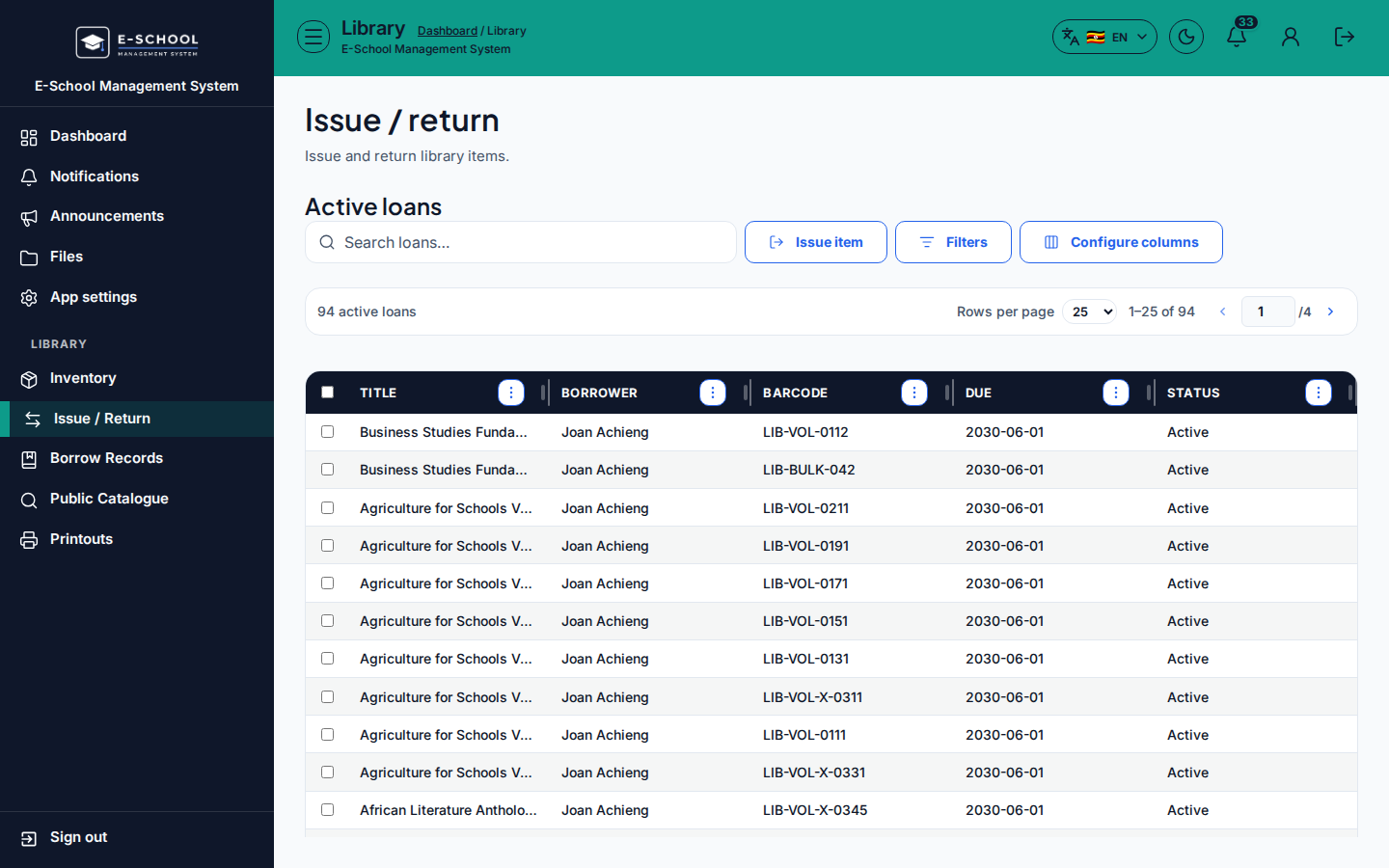
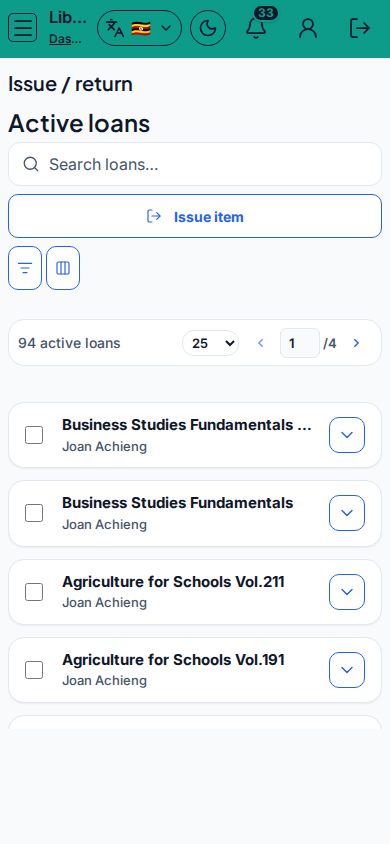
- Issue - Issue / Return
- Select the learner (or staff borrower), select the copy, set due date, then issue.
- Tip: wrong learner at issue is hard to unwind after the book leaves the desk. Confirm admission number/name twice.
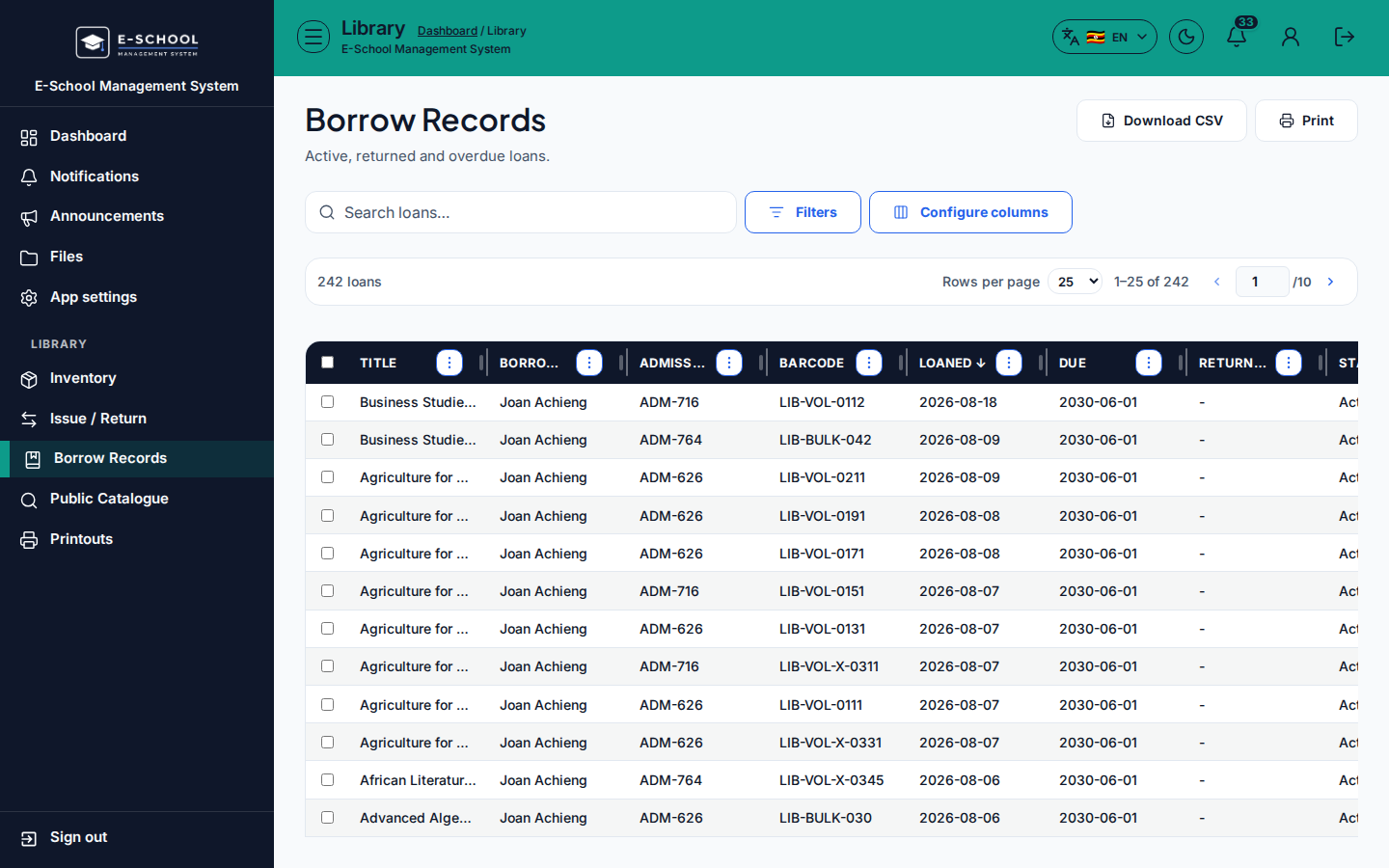
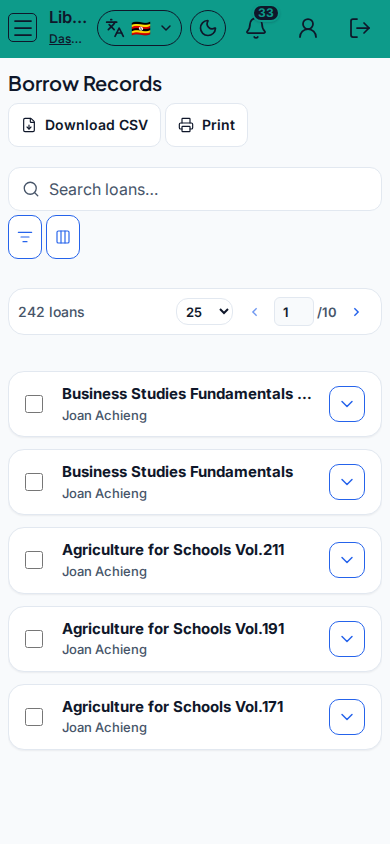
- Borrow records - Borrow Records
- Filter open loans, overdue, or by borrower to chase returns.
- Tip: use printouts from Printouts when you need a paper overdue list.
- Return
- On Issue / Return, locate the open loan and mark returned.
- Tip: returning without clearing the open record leaves the copy blocked for the next borrower.
Role handoff
Librarian (or Admin) runs inventory, issue, records, and return. Teachers/students may browse catalogue screens where enabled; they do not post loans.
Common mistakes
- Issuing a copy already on loan
- Wrong learner selected at issue
- Skipping inventory and inventing a barcode at the desk
- Leaving overdue loans uncleared in Borrow Records