Dispense
Dispense medicine from the health store to a learner with instructions.
Who can use this
- NURSE
- ADMIN
Path
/health/dispense
Dependencies
- Medicine store stocked with quantity on hand.
- Prefer linking to a clinic visit for audit clarity.
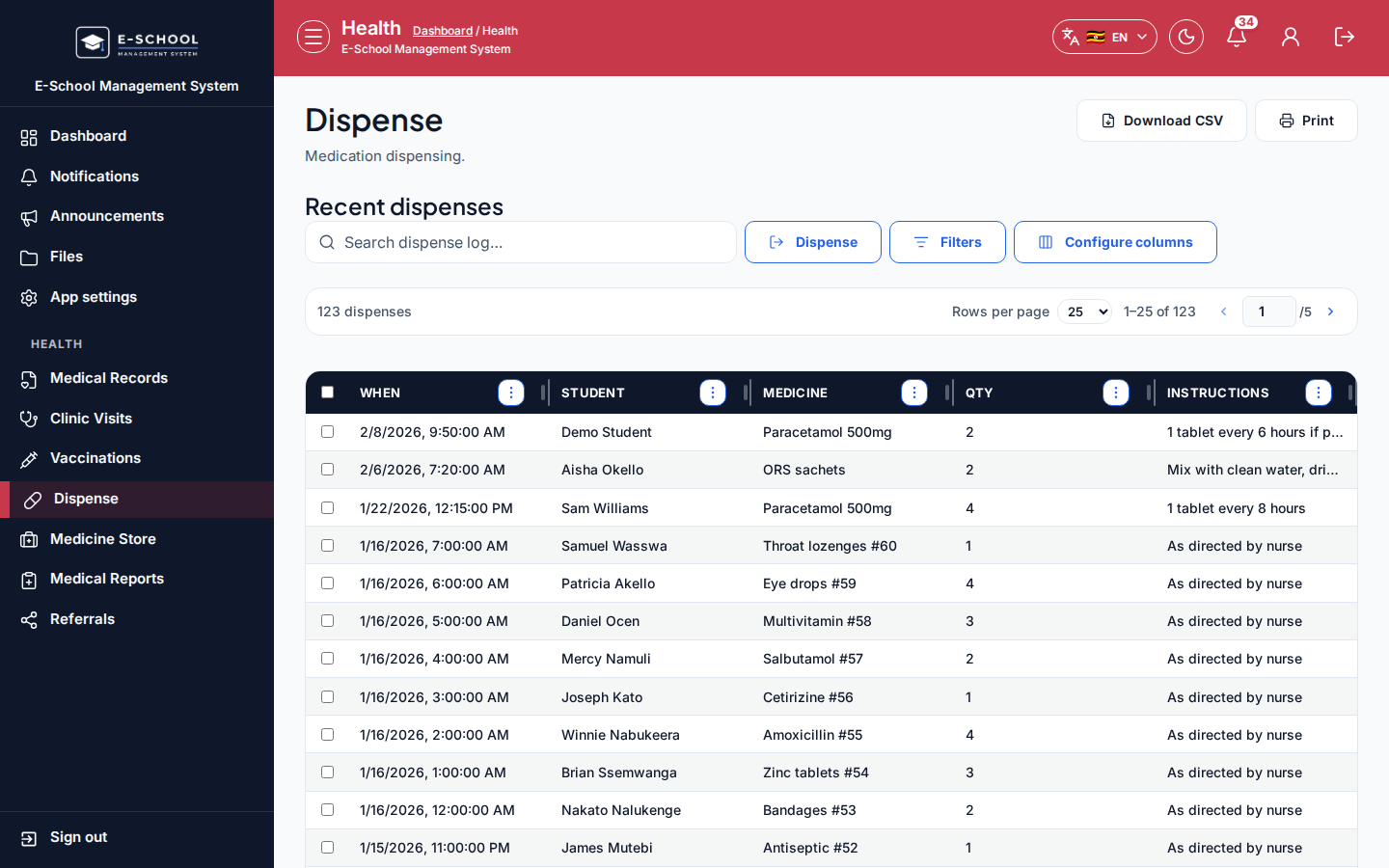
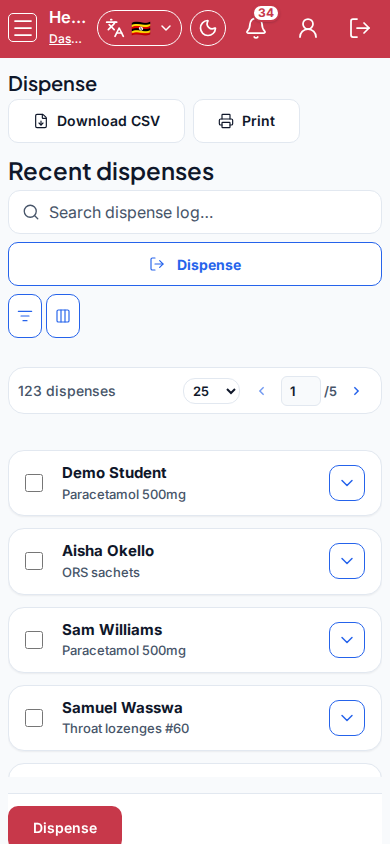
Screenshot
Steps
- Open Dispense at
/health/dispenseas NURSE. - Click Dispense. Select Student, Medicine, Quantity, Instructions, Notes, then confirm.
- Review Recent dispenses (When, Student, Medicine, Qty, Instructions).
- Open Medicine store if the medicine is missing or stock is low.
- Do not dispense more than available quantity.
Fields and actions
- Dispense / Medicine store / Recent dispenses
- Student, Medicine, Quantity, Instructions, Notes
- Columns: When, Student, Medicine, Qty, Instructions
Common mistakes
- Dispensing unstocked medicine
- Skipping instructions for guardians
- Wrong quantity units