Medical Records
Learner medical records: clinical summary plus medications and notes.
Who can use this
- NURSE
- ADMIN
Path
/health/medical-records
Dependencies
- Active learners exist.
- Clinic visits and dispense link from here when treating.
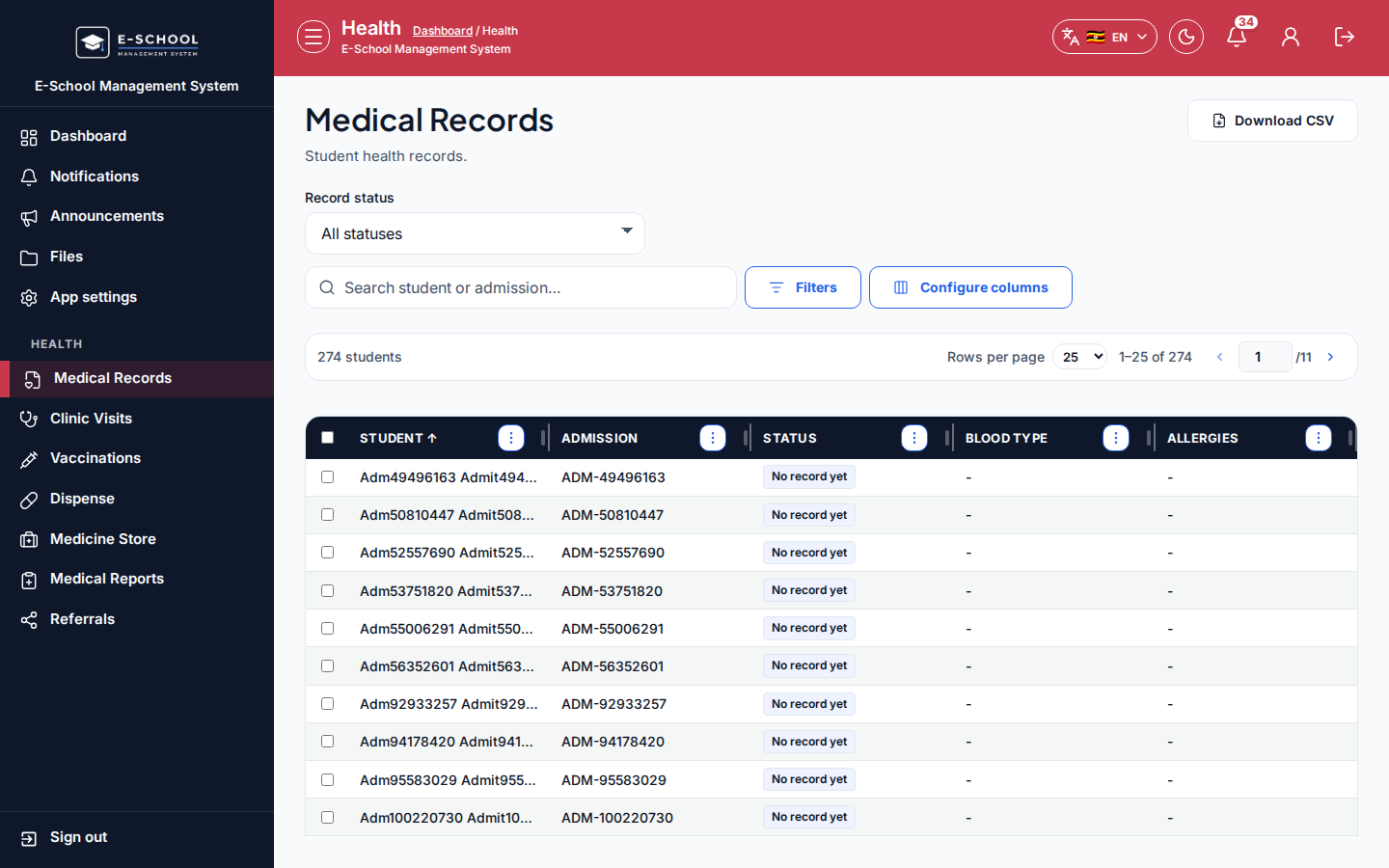
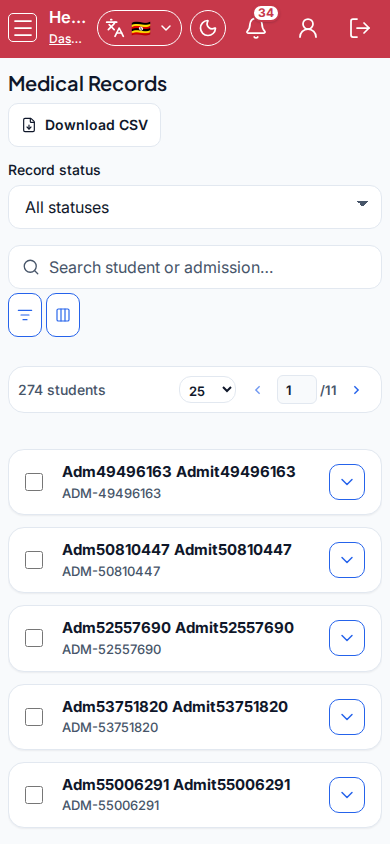
Screenshot
Steps
- Open Medical Records at
/health/medical-recordsas NURSE. - Filter Record status (All / Has record / No record yet) and search student/admission.
- Open record or Create record. On Clinical, set Blood type, Allergies, Conditions; on Medications & notes, set Medications and Notes.
- Save record. Use Clinic visits for encounter history.
- Never invent allergies - confirm with guardian when unsure.
Fields and actions
- Record status filter / Search
- Open record / Create record / Save record / Clinic visits
- Tabs: Clinical | Medications & notes
- Blood type, Allergies, Conditions, Medications, Notes
Common mistakes
- Saving blank allergies when unknown (note uncertainty)
- Treating without opening the record first
- Mixing up students with similar names