School Events
School events calendar entries for office communication and printouts.
Who can use this
- SECRETARY
- ADMIN
Path
/secretary/events
Dependencies
- Audience lists (students/staff/parents) should match who you notify afterward.
- Print from this page after the event row is saved.
Screenshot
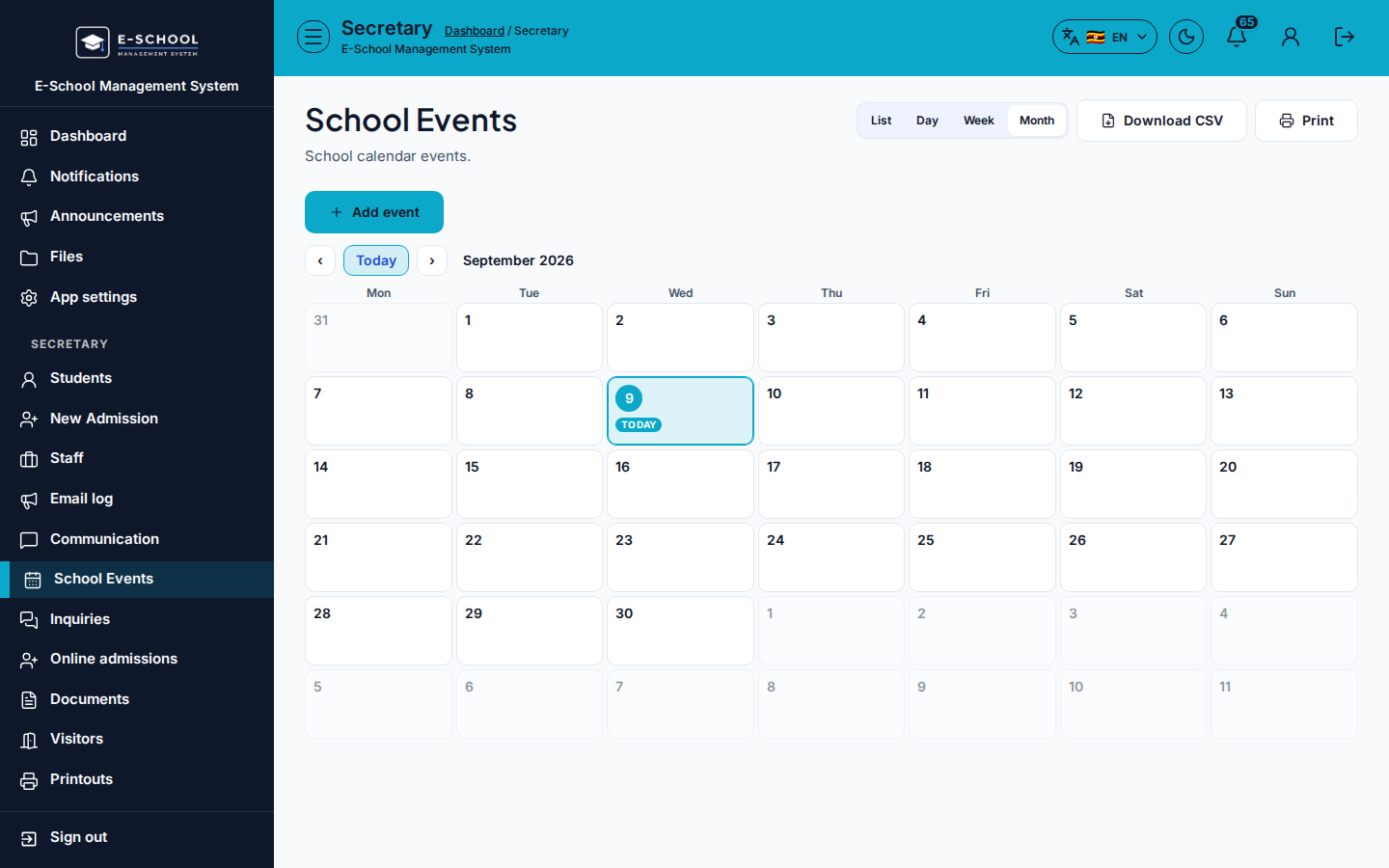
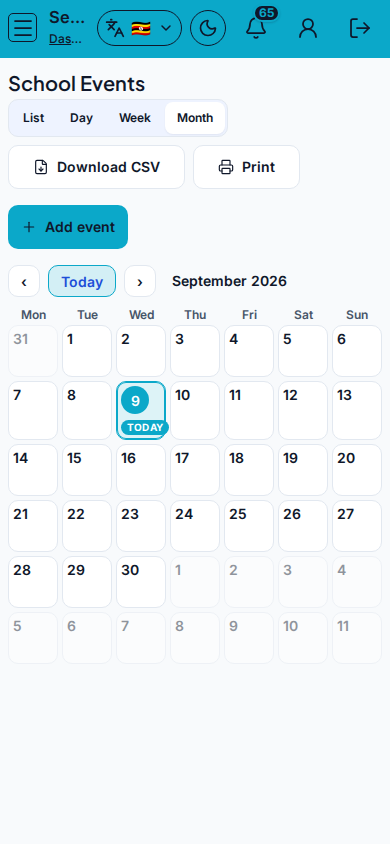
Steps
- Open School Events at
/secretary/eventsas SECRETARY. - Click Add event. Fill Title, Date, Location, Start/End time, Audience, Description, Notes, then save.
- Select a row to Edit or Delete.
- Download CSV or Print for notice boards.
- Follow up with Announcements or SMS when families need a push notification.
Fields and actions
- Add event / Edit / Delete
- Title, Date, Location, Start time, End time, Audience, Description, Notes
- Audience: All / Whole school / Students / Staff / Parents/guardians
- Download CSV / Print
Common mistakes
- Audience left as All when only parents should see it
- Printing before saving edits
- Duplicate events for the same date