Email log
School email send log: compose to guardians/students/teachers and track delivery status.
Who can use this
- SECRETARY
- ADMIN
Path
/secretary/email
Dependencies
- Outbound email configured for the school.
- Recipient pickers need learners/staff present.
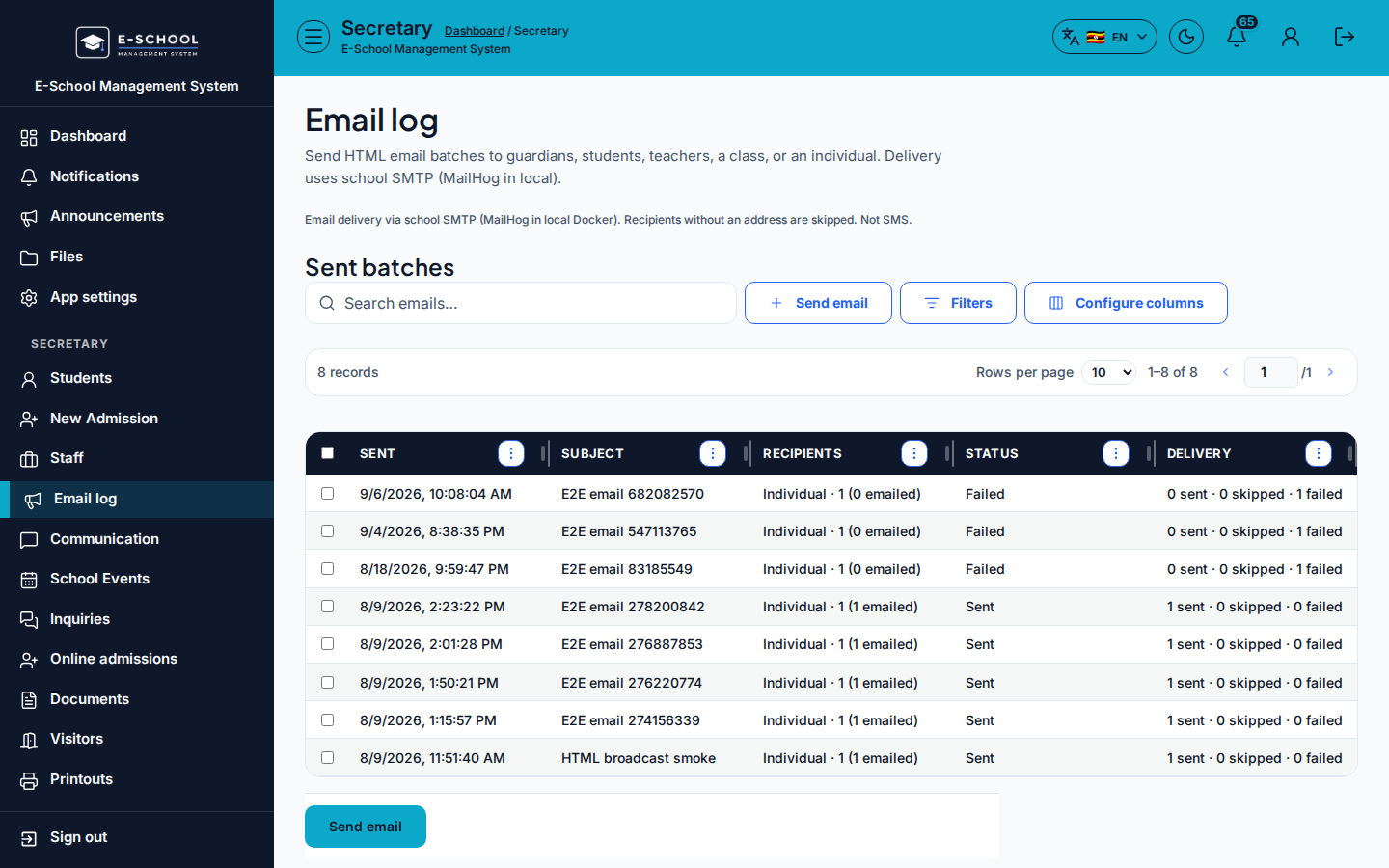
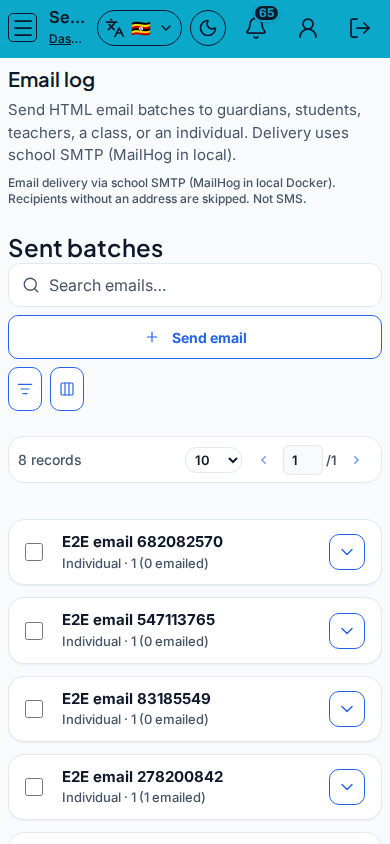
Screenshot
Steps
- Open Email log at
/secretary/emailas SECRETARY. - Click Send email. Enter Subject, Message, Recipients (with Class / Individual pickers as needed).
- Review Estimate, then Send email.
- Track Sent, Subject, Recipients, Status, Delivery in the table.
- Use SMS log when the audience is SMS-only.
Fields and actions
- Send email
- Subject, Message, Recipients, Class / Individual
- Columns: Sent, Subject, Recipients, Status, Delivery
Common mistakes
- Sending before confirming Individual recipient
- Mixing SMS and email expectations on one channel
- Ignoring failed Delivery status