Online admissions
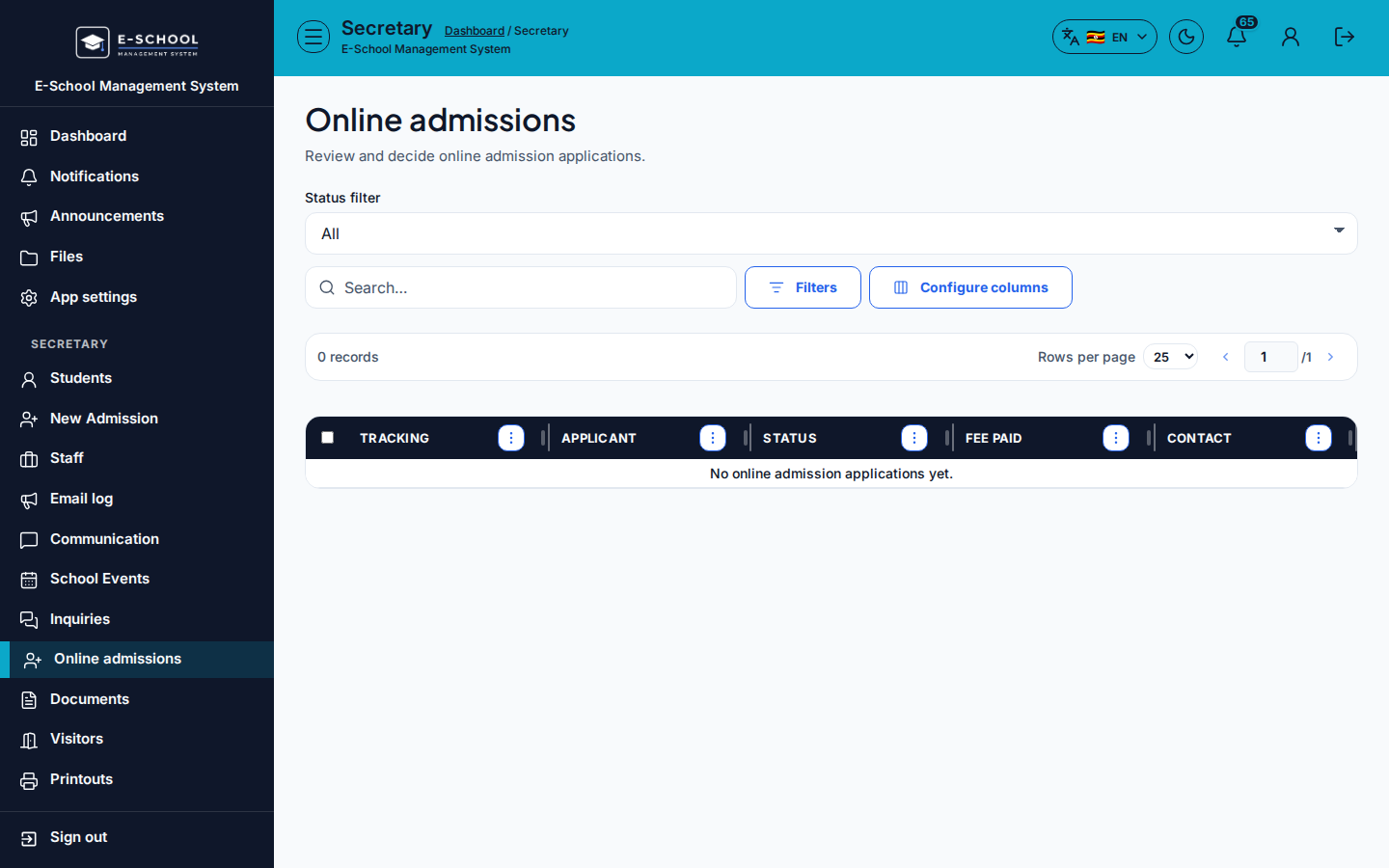
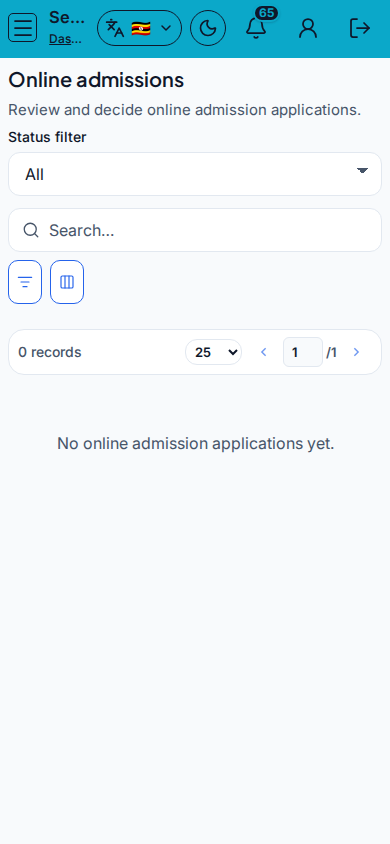
Online admissions queue: mark fees paid, approve, or reject applicants.
Who can use this
- SECRETARY
- ADMIN
Path
/secretary/admissions
Dependencies
- Online application intake enabled for the school.
- Prefer New admission / Admit for walk-in enrolments.
Screenshot
Steps
- Open Online admissions at
/secretary/admissionsas SECRETARY. - Filter by Status. Review Tracking, Applicant, Status, Fee paid, Contact.
- Mark paid when the application fee clears, then Approve or Reject.
- After approve, continue learner setup (class, subjects) on Students / Admit flows as required.
- Do not approve without confirming identity documents offline.
Fields and actions
- Status filter
- Mark paid / Approve / Reject
- Columns: Tracking, Applicant, Status, Fee paid, Contact
Common mistakes
- Approving before fee paid when policy requires payment
- Rejecting without recording a contact note
- Forgetting post-admit subject registration