Documents
Generate letters/certificates from templates for a student or staff member.
Who can use this
- SECRETARY
- ADMIN
Path
/secretary/documents
Dependencies
- Templates exist (Document templates).
- Person must exist in students or staff lists.
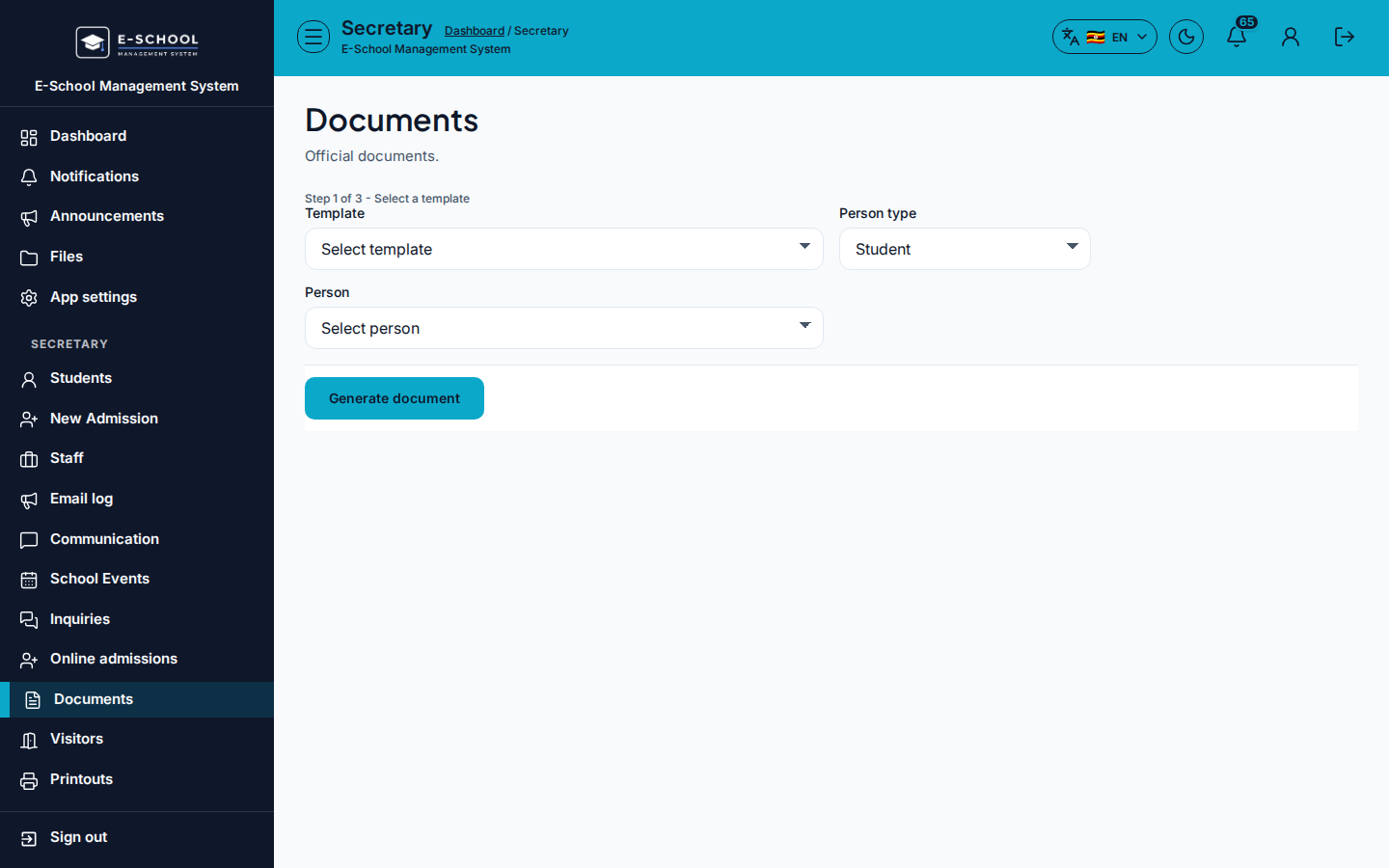
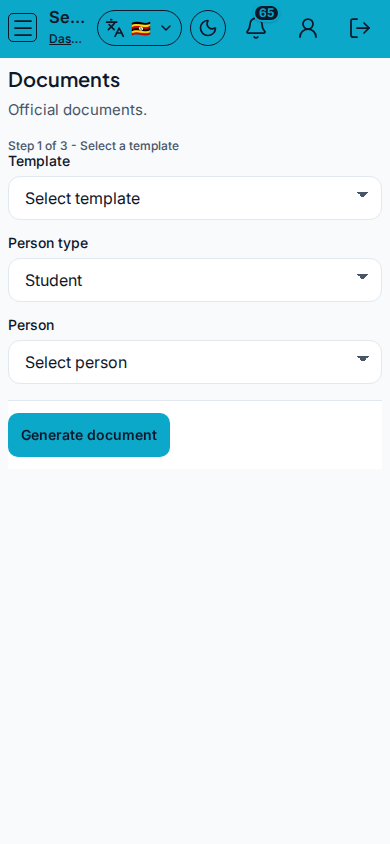
Screenshot
Steps
- Open Documents at
/secretary/documentsas SECRETARY. - Choose Template, Person type (Student / Staff), and Person.
- Click Generate document, then Print preview when ready.
- Use Manage templates / Edit templates to fix template problems.
- Download CSV / Print for logs when shown.
Fields and actions
- Template, Person type, Person
- Generate document / Print preview / Manage templates / Edit templates
- Download CSV / Print
Common mistakes
- Wrong person type (staff vs student)
- Generating before templates exist
- Skipping Print preview