Communication
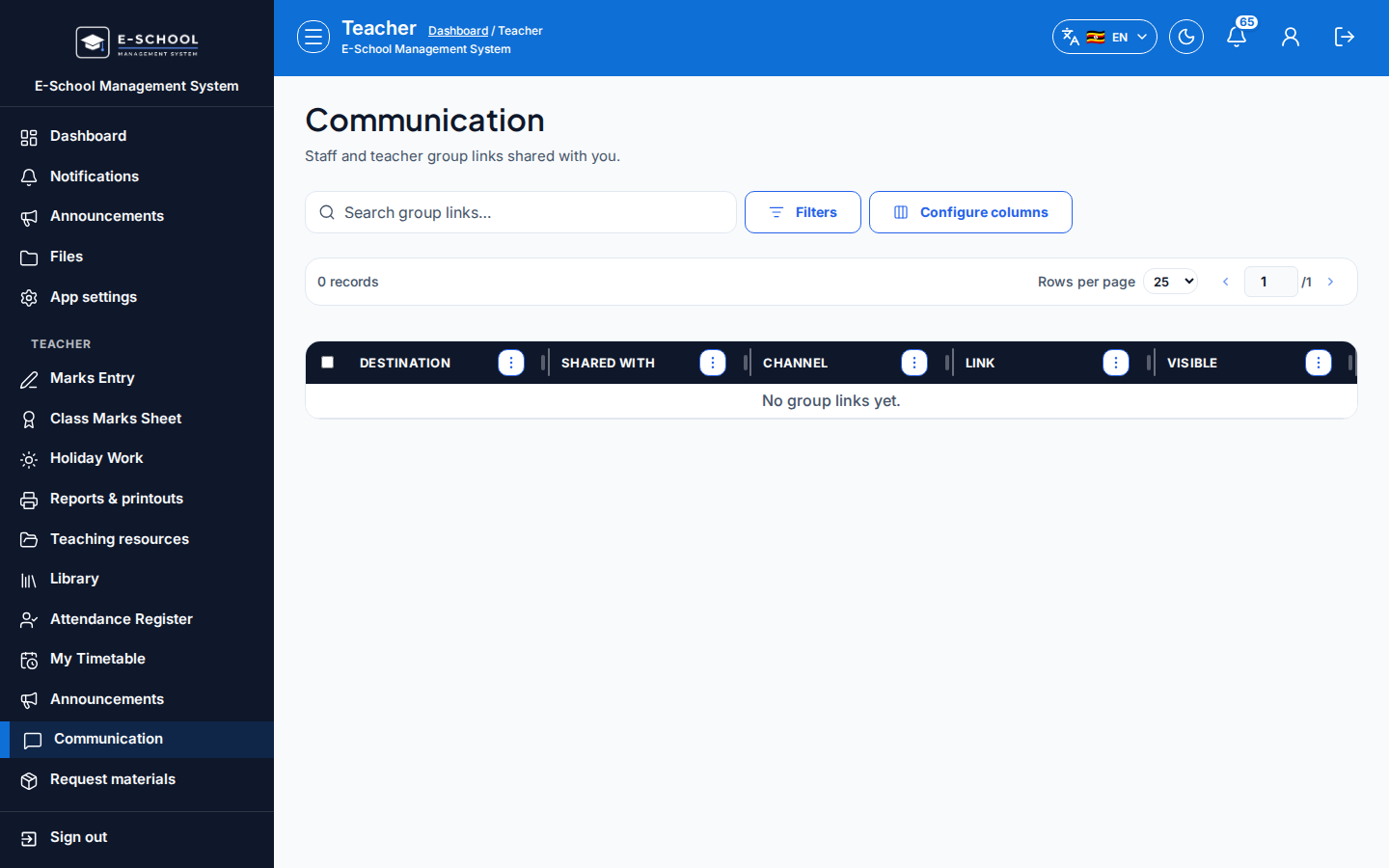
Read-only group links for teachers (WhatsApp/other destinations shared by admin).
Who can use this
- TEACHER
- ADMIN
Path
/teacher/communication
Dependencies
- Admin created Visible group links under Communication.
- Teachers open links; they do not edit SMS rates here.
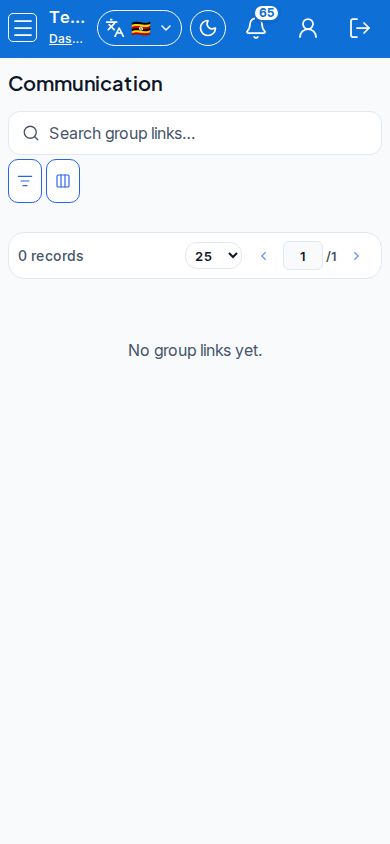
Screenshot
Steps
- Open Communication at
/teacher/communicationas TEACHER.
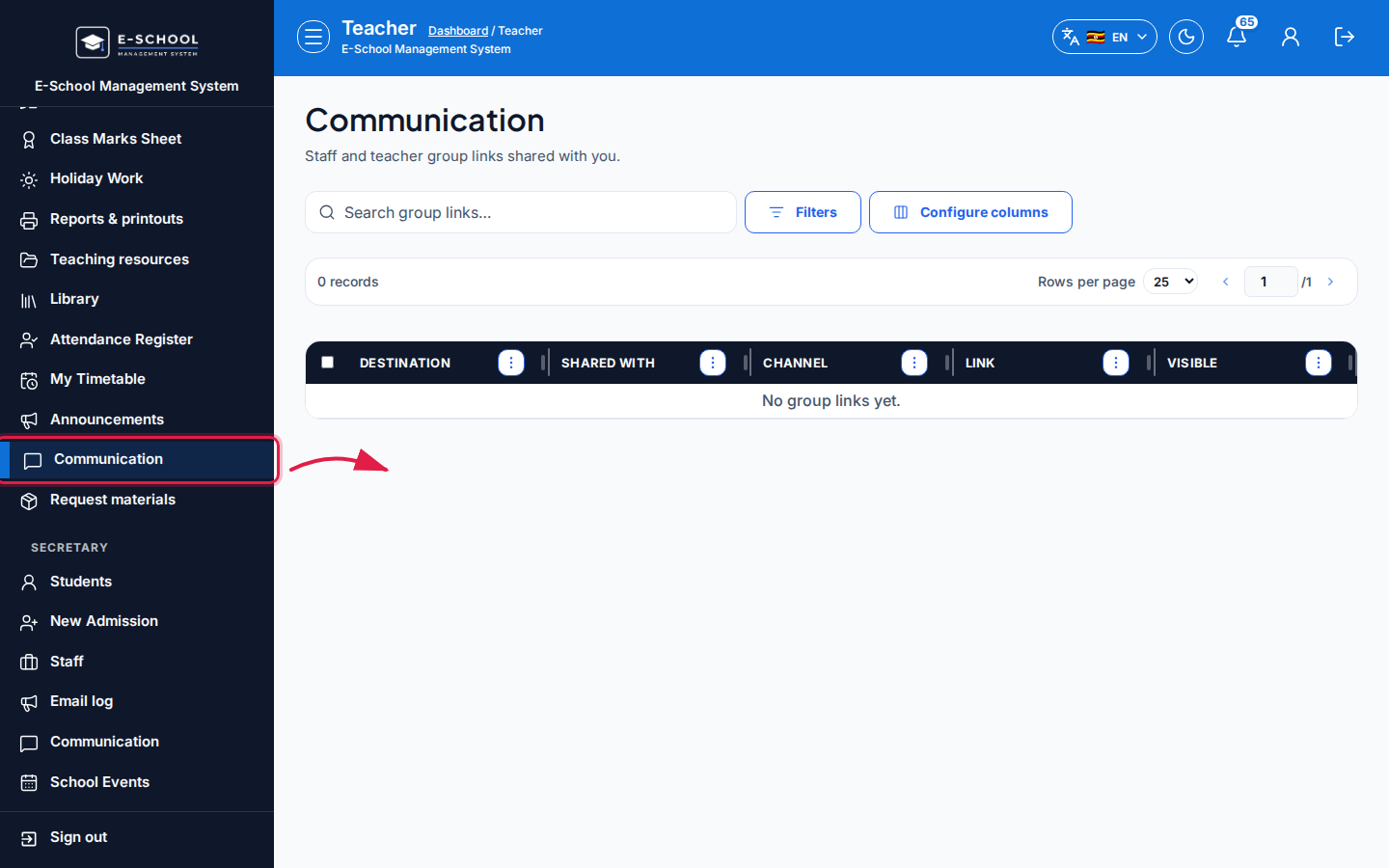 Desktop - focus for step 1
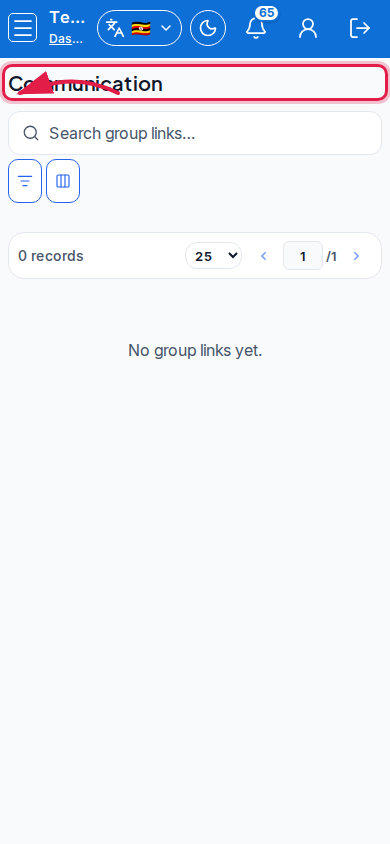 Mobile - focus for step 1
- Open the Group links list and use Open on the destination you need.
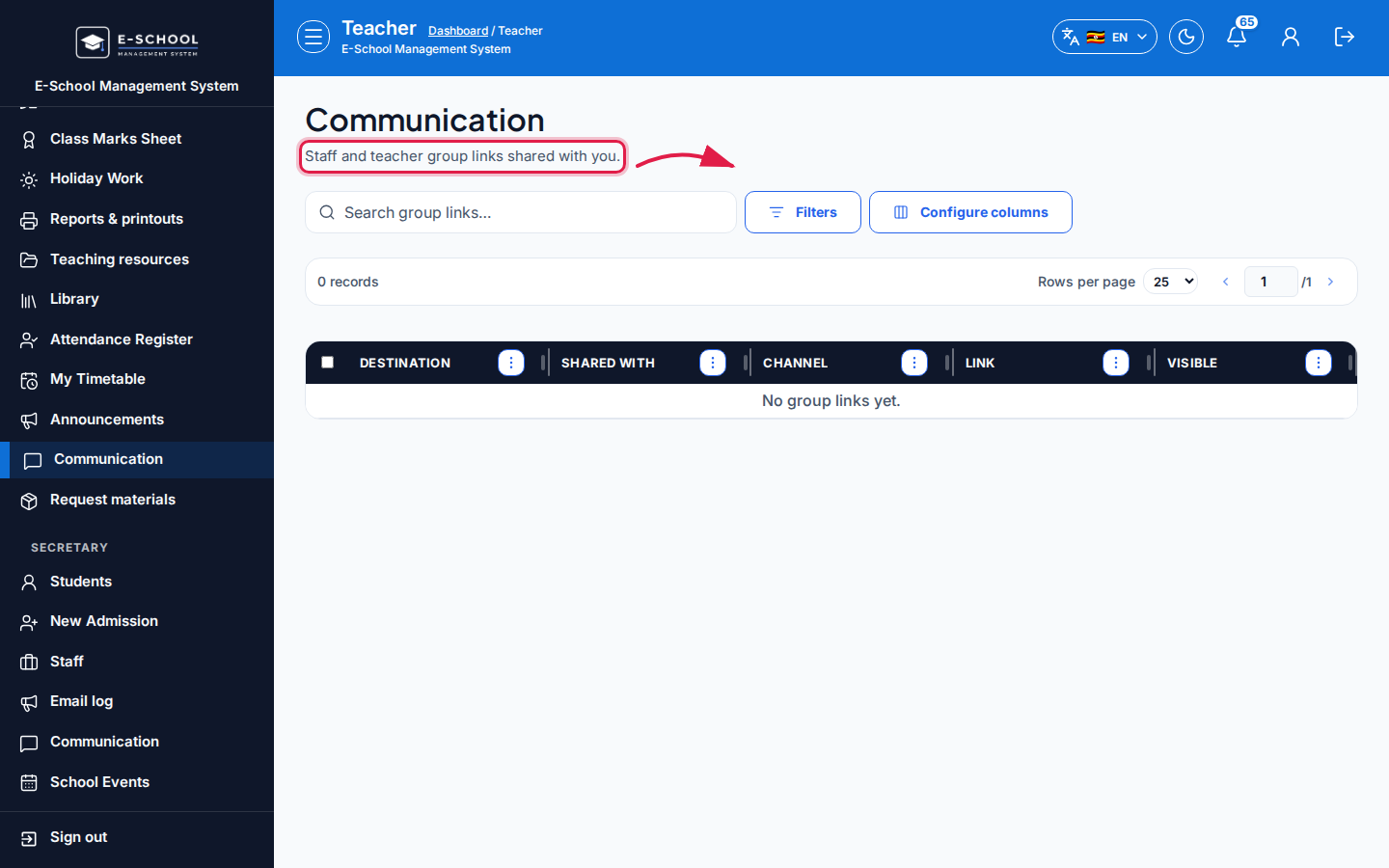 Desktop - focus for step 2
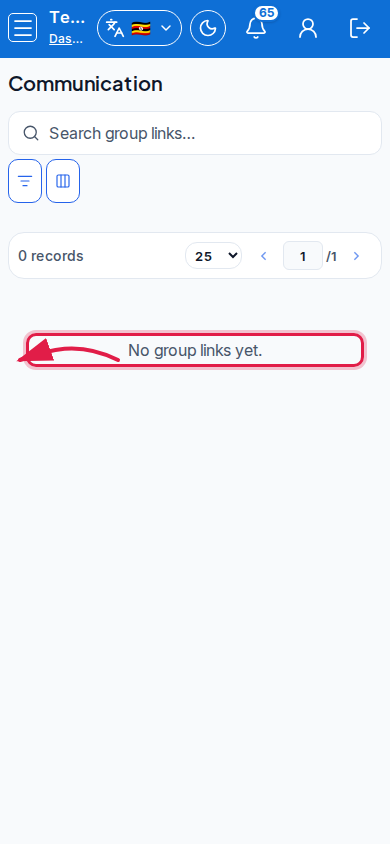 Mobile - focus for step 2
- Confirm Shared with / Channel before sending parents to the URL.
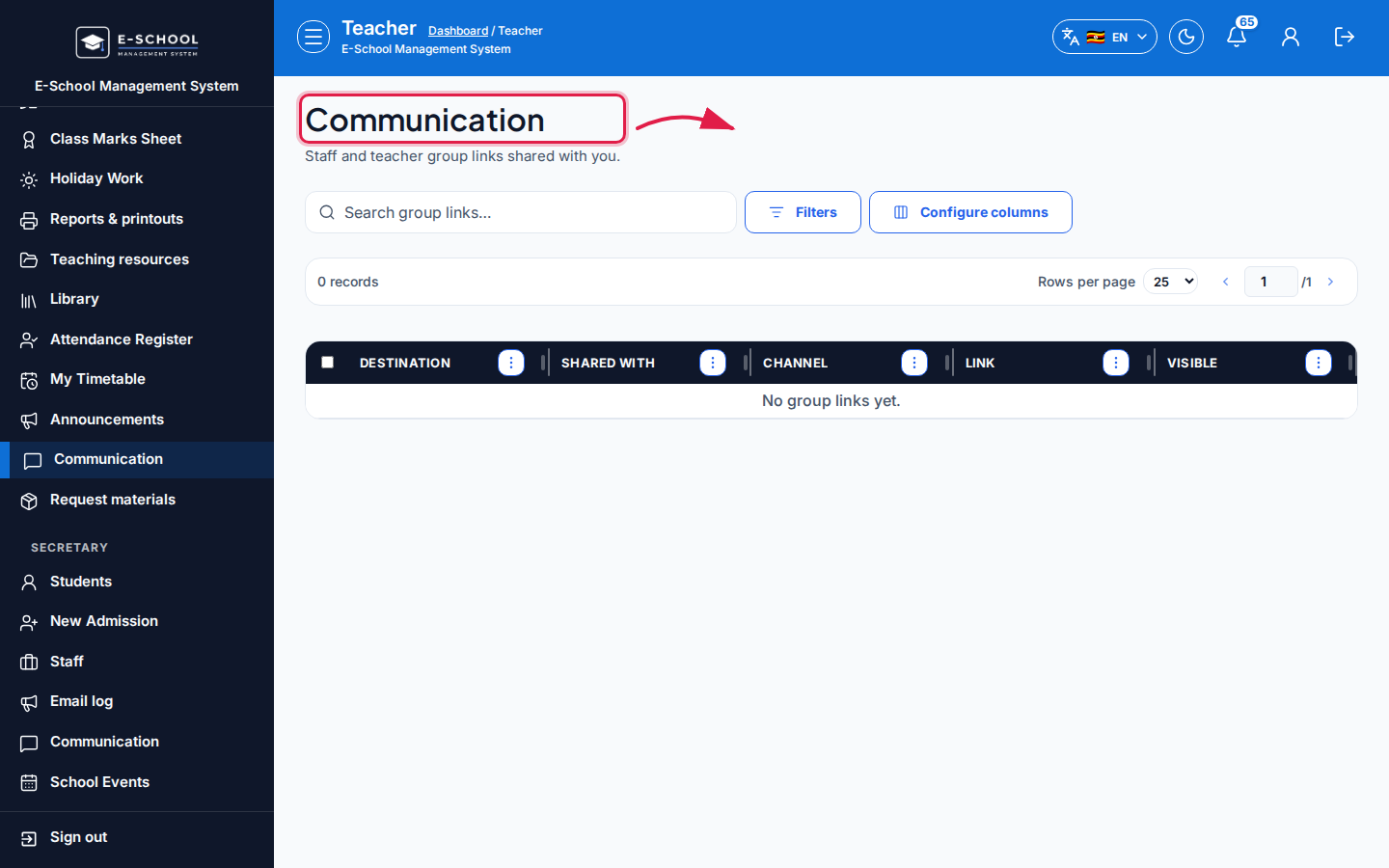 Desktop - focus for step 3
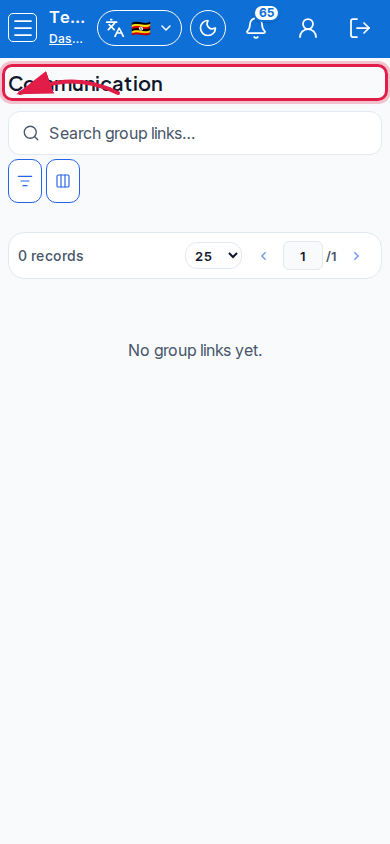 Mobile - focus for step 3
- Publish class news under Announcements when you need an in-app post.
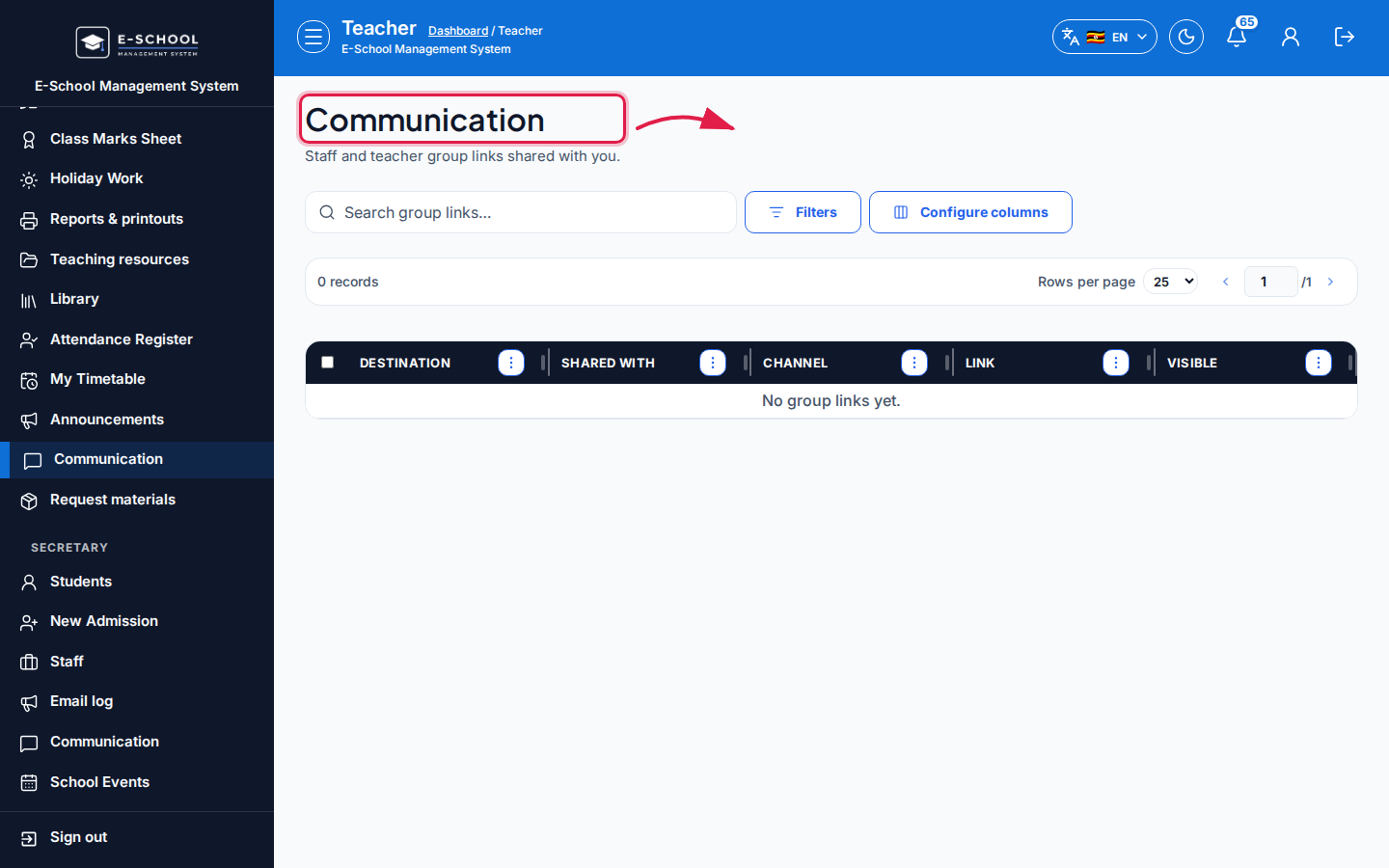 Desktop - focus for step 4
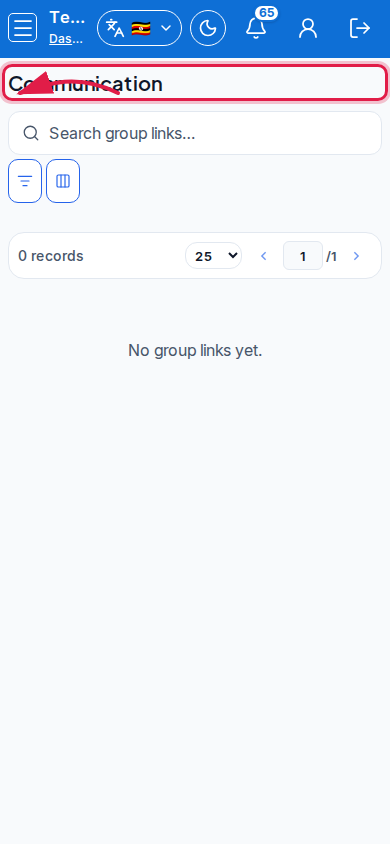 Mobile - focus for step 4
- Ask admin if a required link is missing or not Visible.
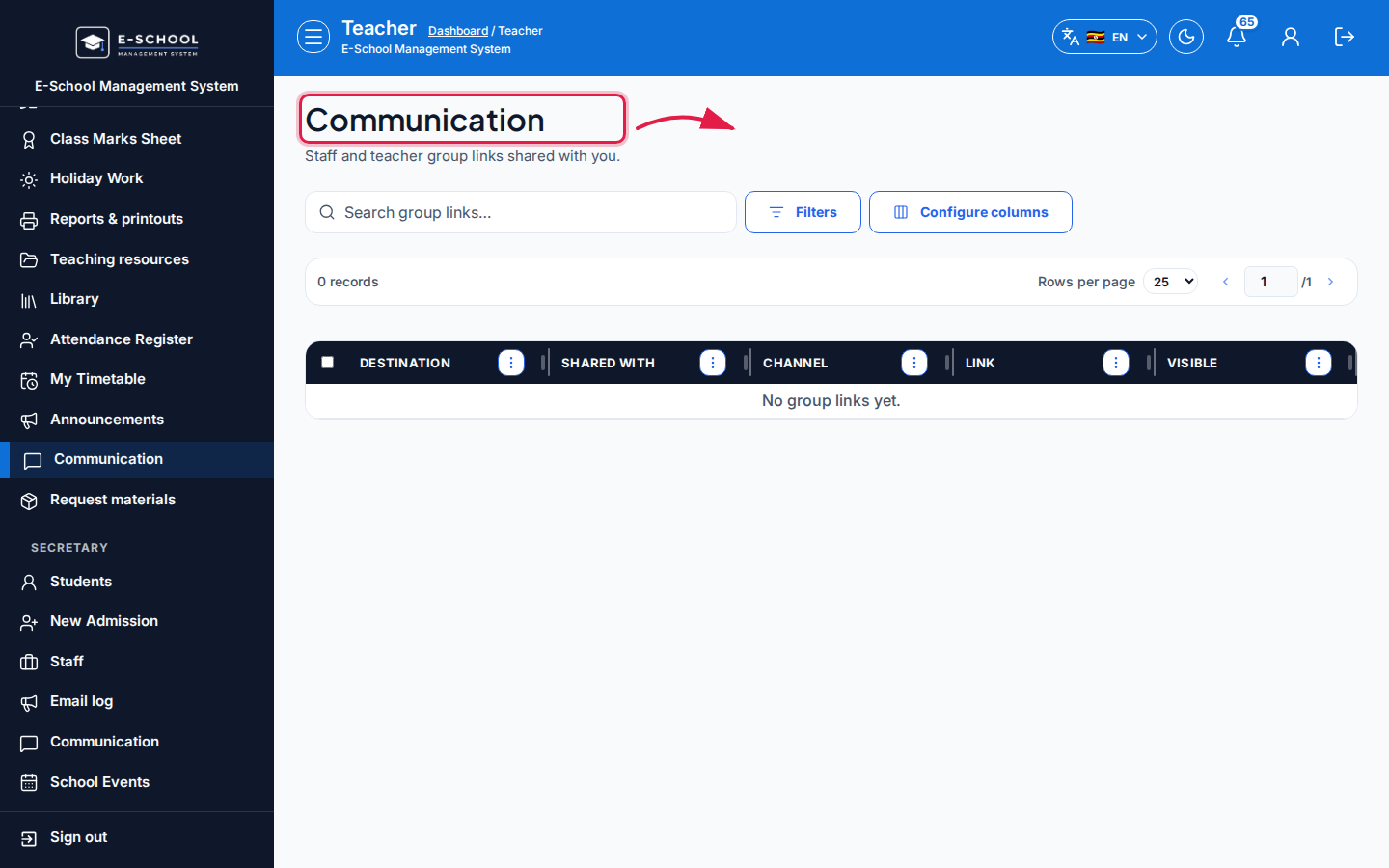 Desktop - focus for step 5
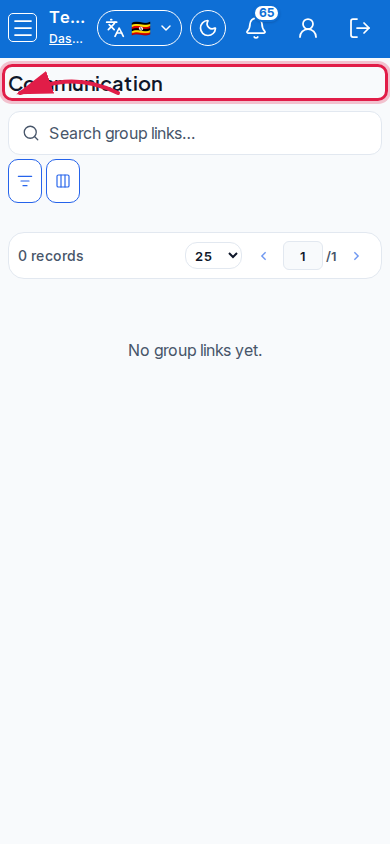 Mobile - focus for step 5
Fields and actions
- Group links (read-only): Open
- Columns: Destination, Shared with, Channel, Link, Visible
Common mistakes
- Expecting SMS compose here
- Sharing a link that is not Visible to parents