Class Marks Sheet
Spreadsheet-style class marks sheet with autosave status for a class and term.
Who can use this
- TEACHER
- ADMIN
Path
/teacher/marks-sheet
Dependencies
- Class/term selected; assessments exist.
- Use per-exam score entry for single-exam submits.
Screenshot
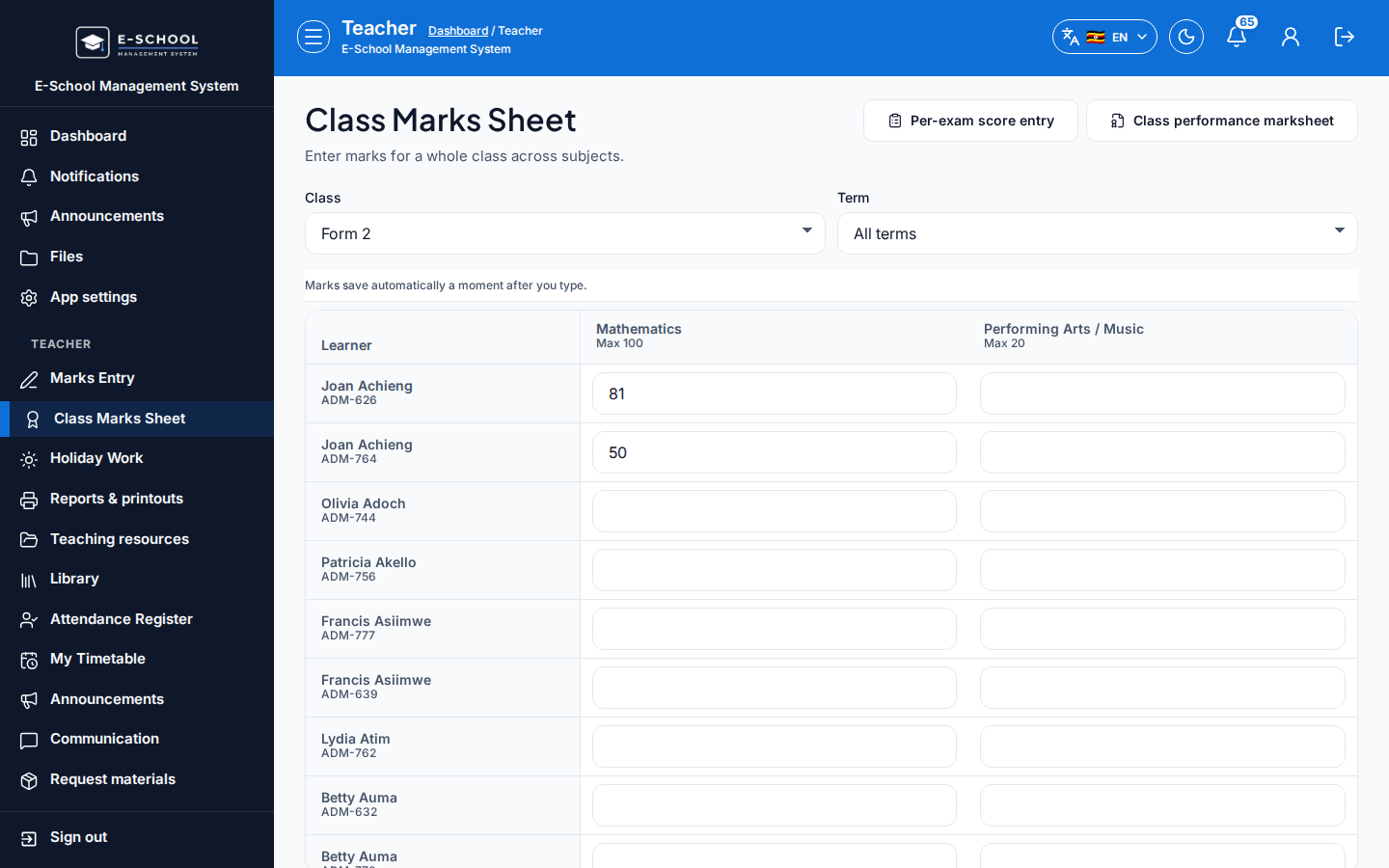
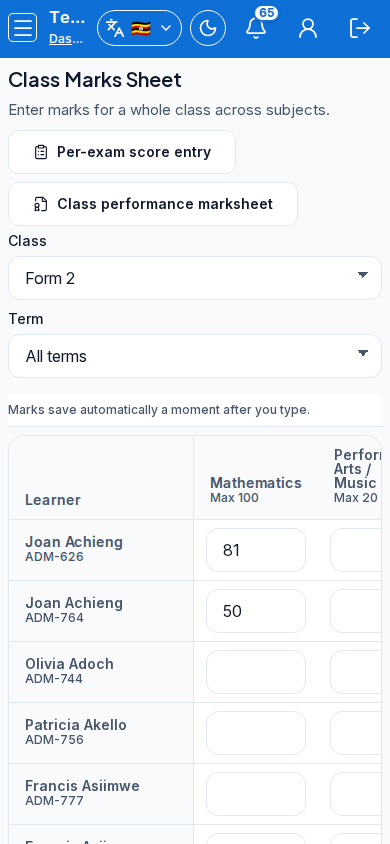
Steps
- Open Class Marks Sheet at
/teacher/marks-sheetas TEACHER.
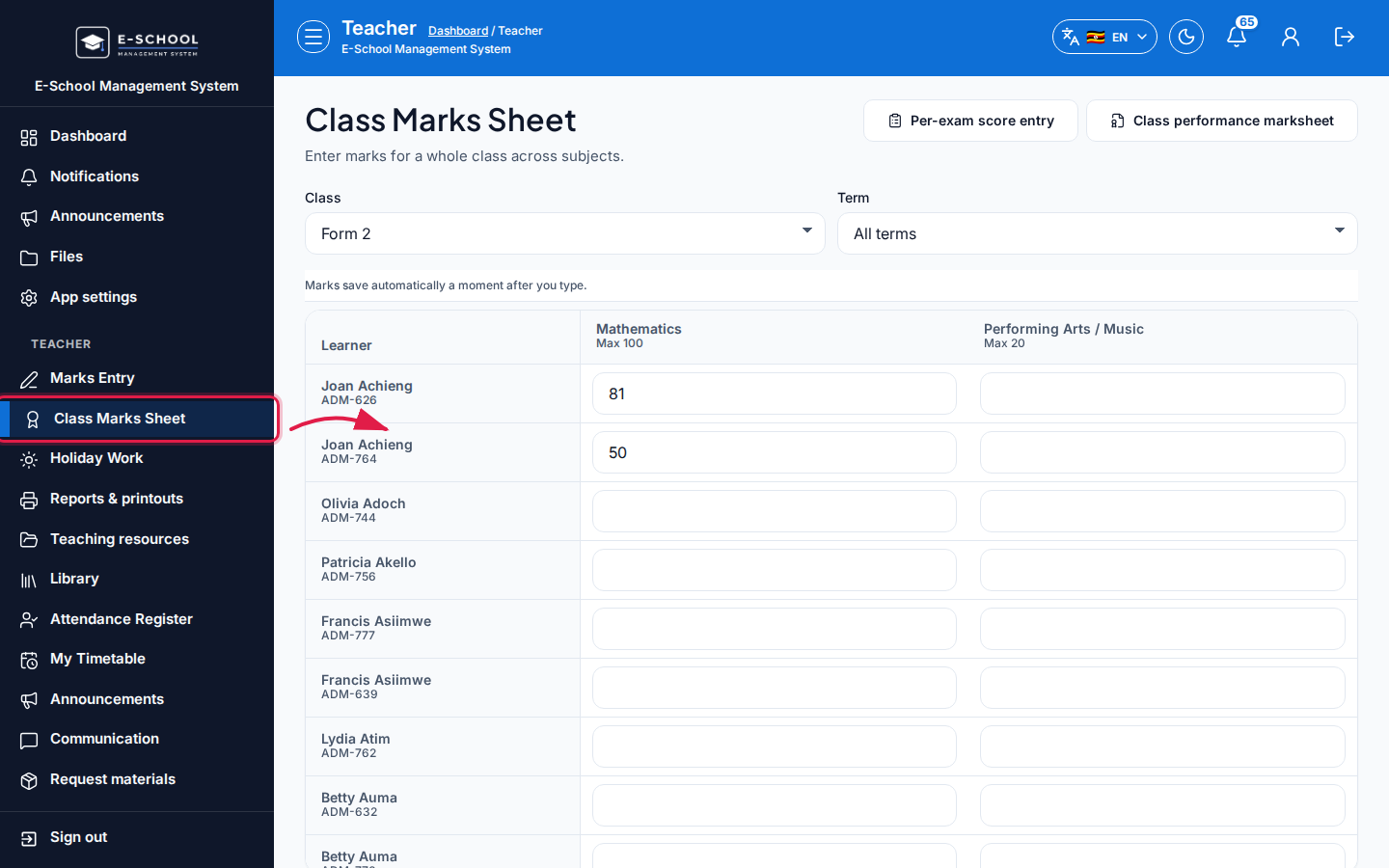 Desktop - focus for step 1
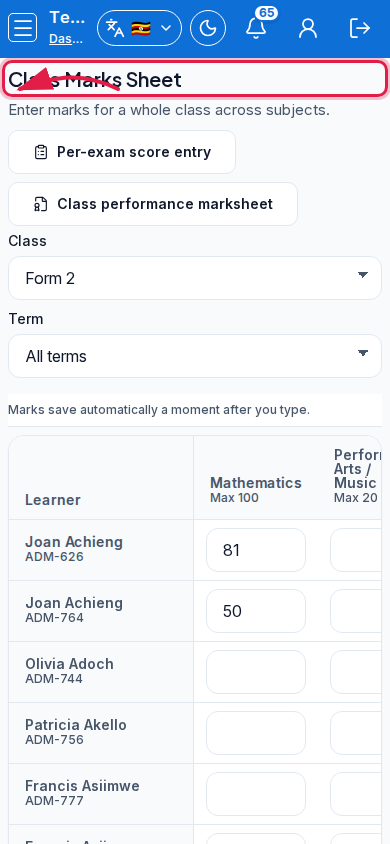 Mobile - focus for step 1
- Select Class and Term (All terms when needed).
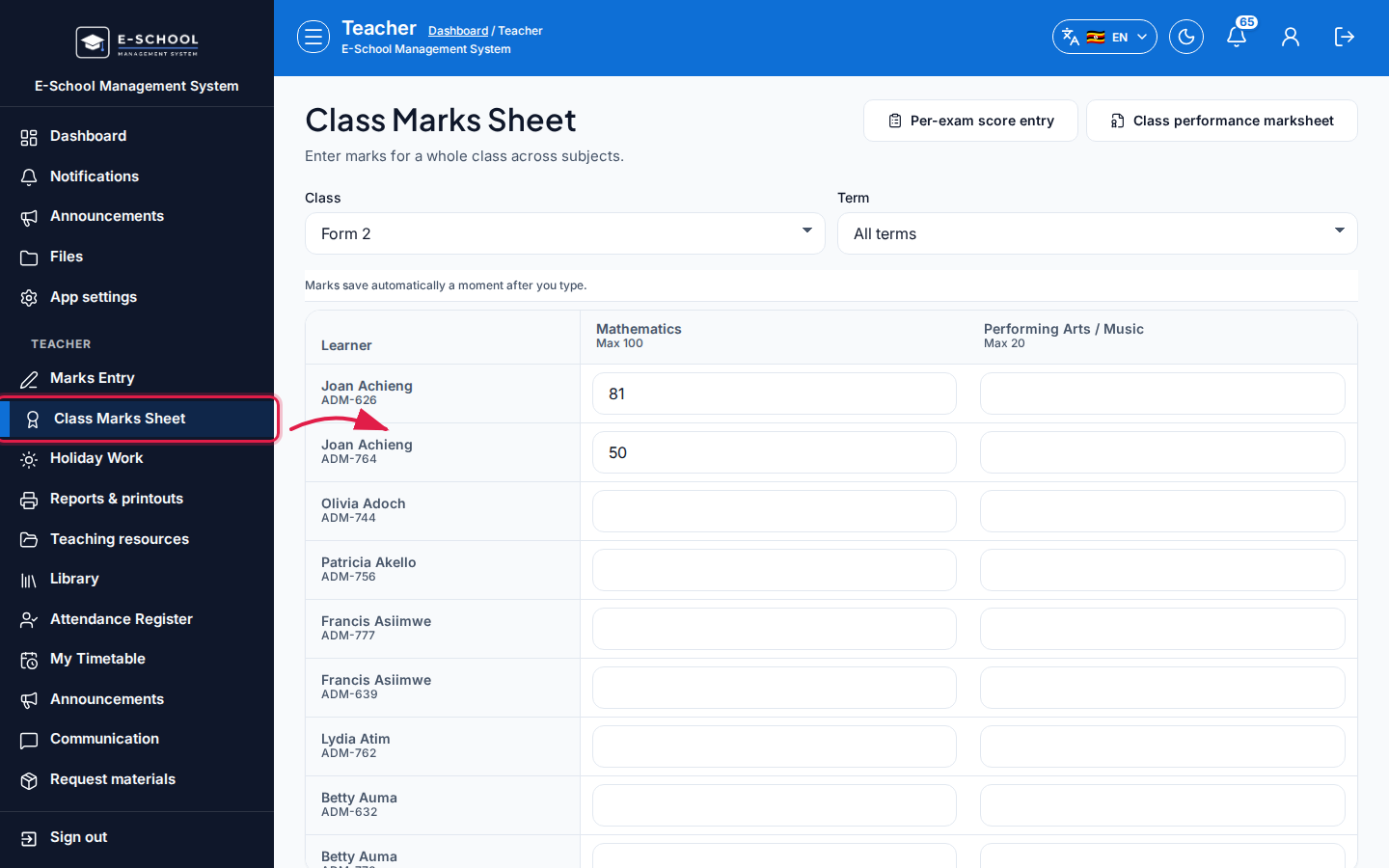 Desktop - focus for step 2
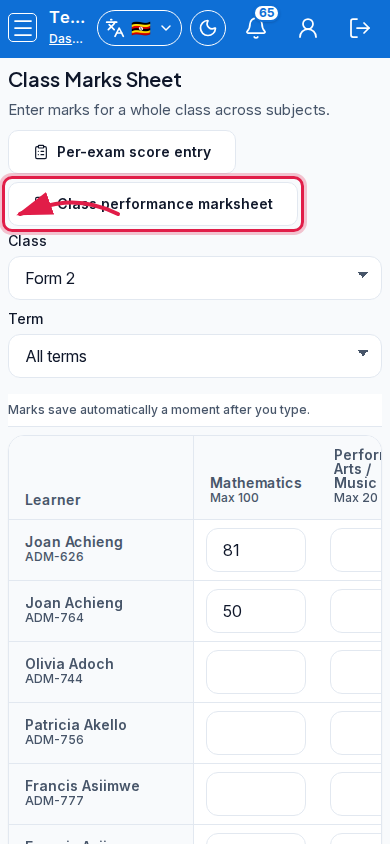 Mobile - focus for step 2
- Enter marks in the grid. Watch status: Unsaved marks / Saving / All marks saved.
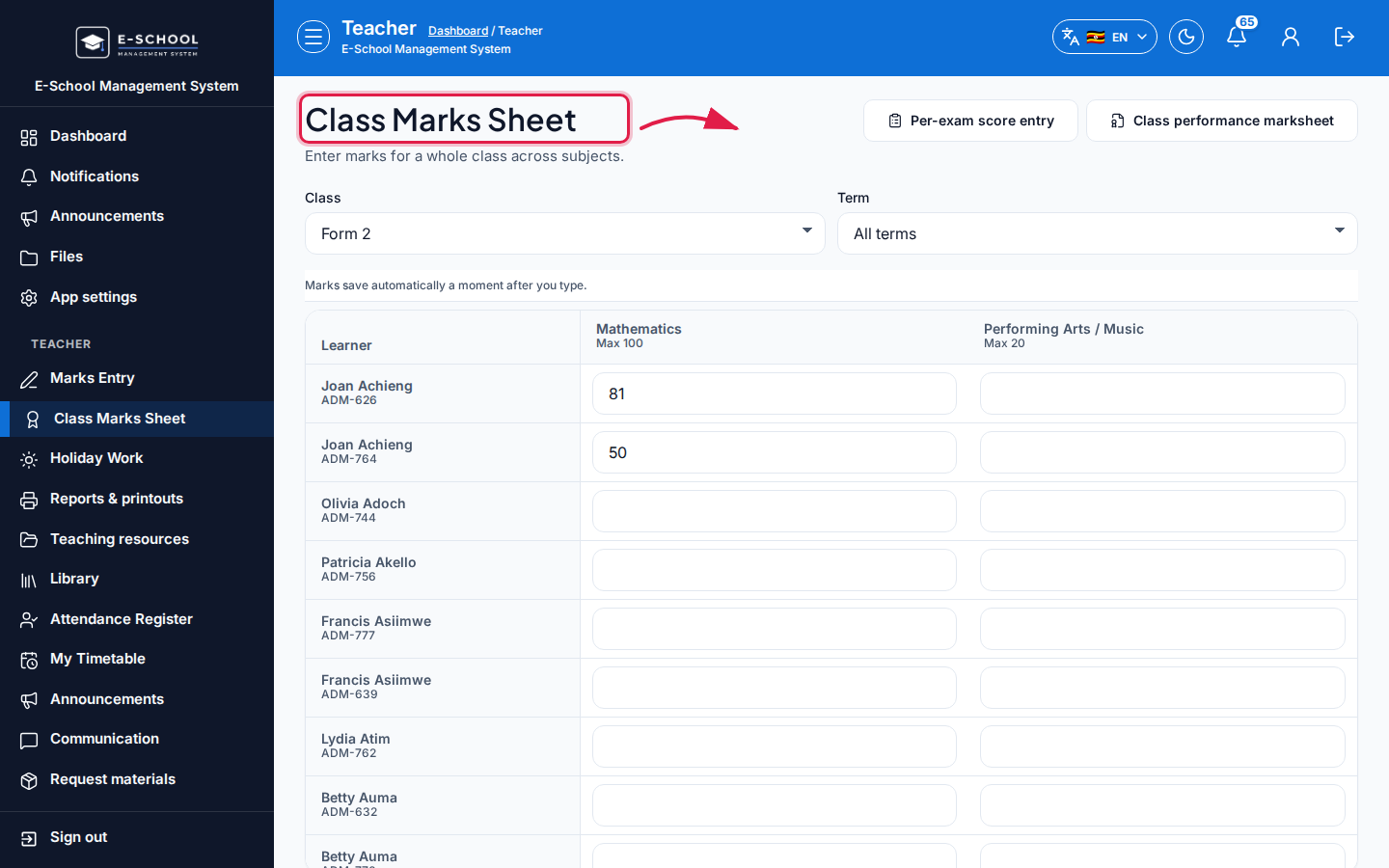 Desktop - focus for step 3
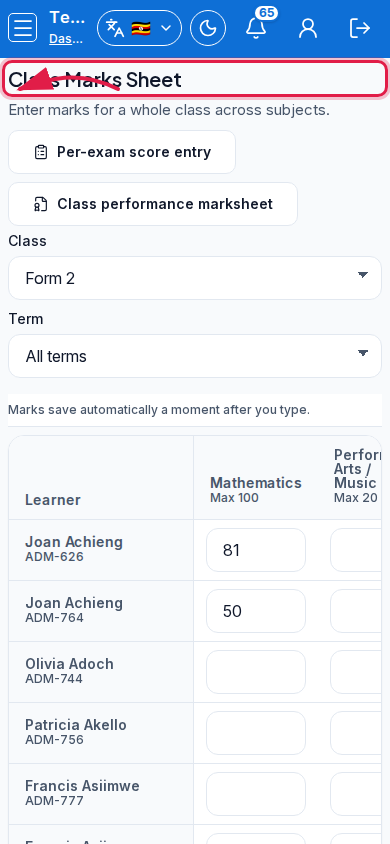 Mobile - focus for step 3
- Use links to Per-exam score entry or Class performance marksheet as needed.
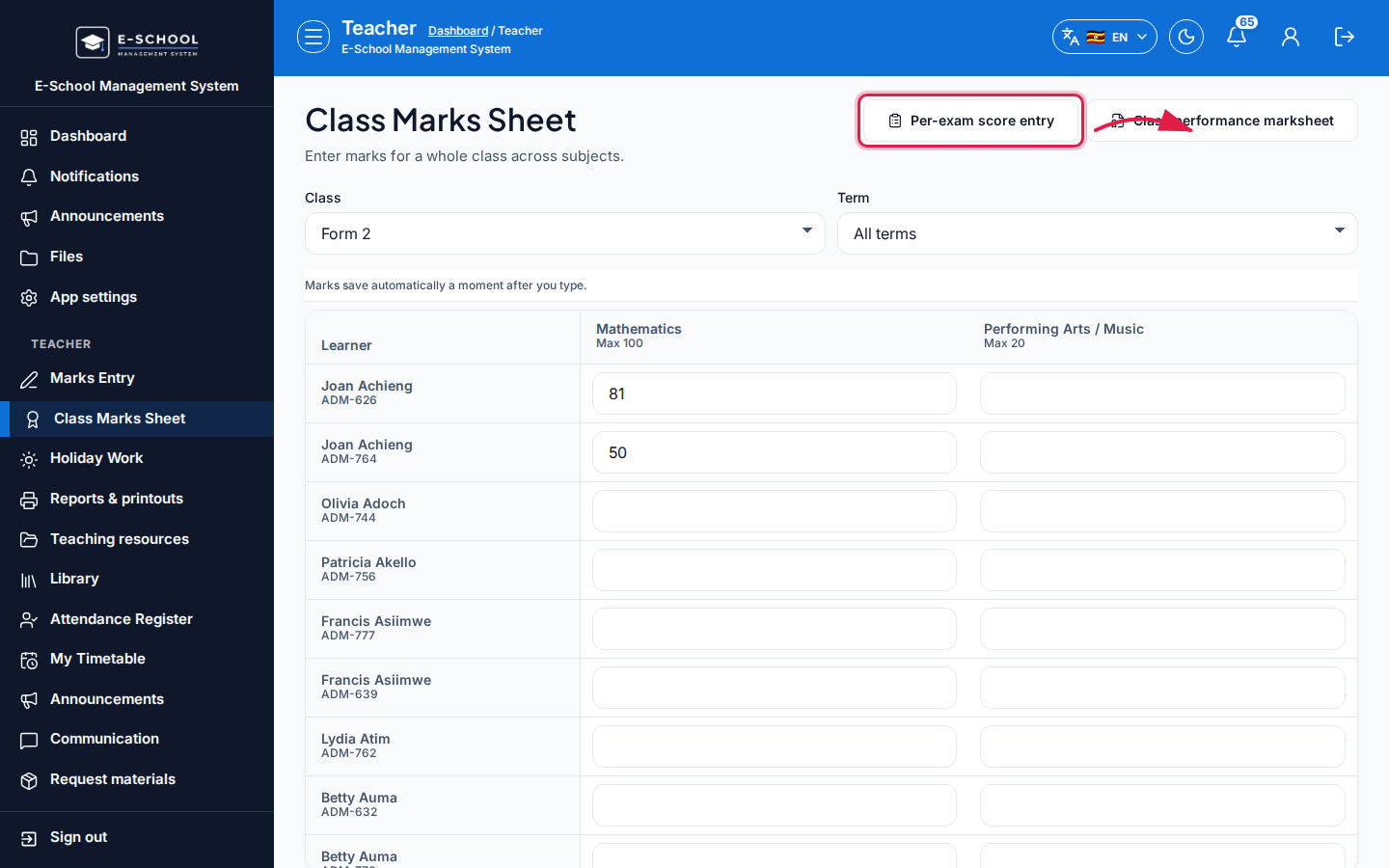 Desktop - focus for step 4
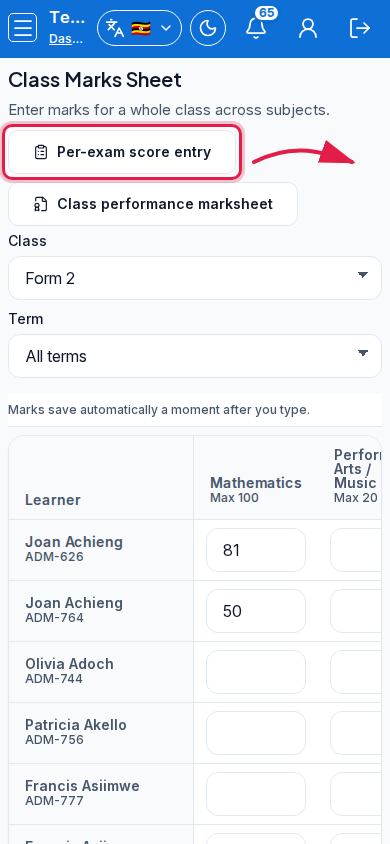 Mobile - focus for step 4
- Do not navigate away during Saving marks…
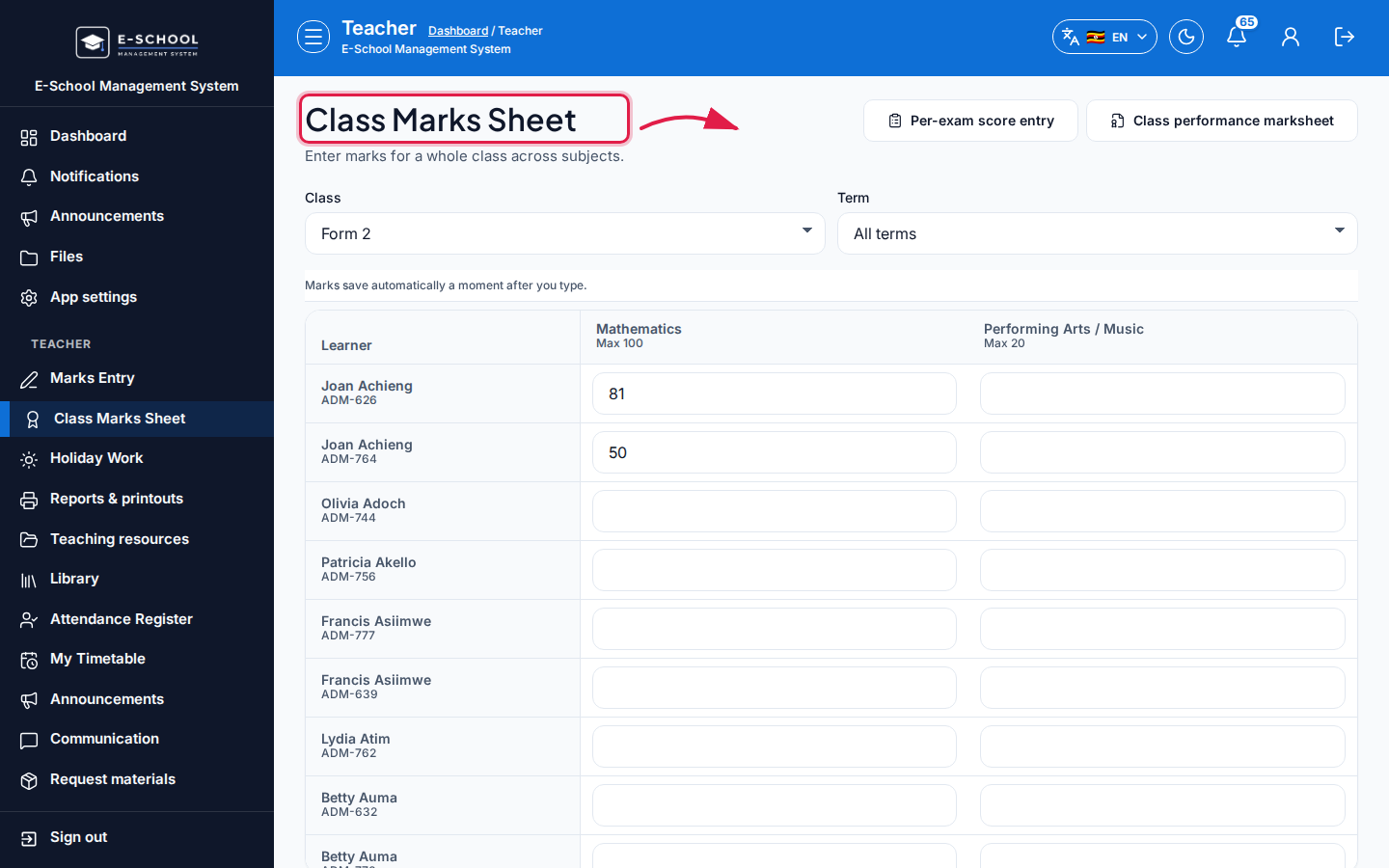 Desktop - focus for step 5
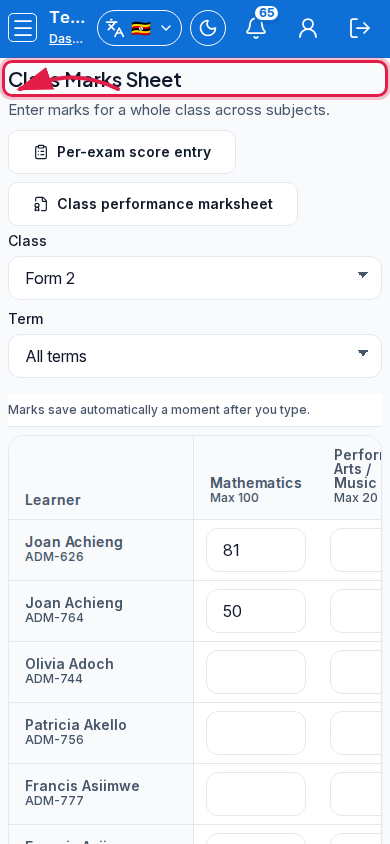 Mobile - focus for step 5
Fields and actions
- Filters: Class, Term
- Learner grid
- Status toasts: Unsaved / Saving / All marks saved
- Links: Per-exam score entry, Class performance marksheet
Common mistakes
- Leaving during Saving marks…
- Wrong class/term combo
- Expecting Submit dialog here (autosave sheet)