Announcements
Teacher-published class or school announcements visible in the messages feed.
Who can use this
- TEACHER
- ADMIN
Path
/teacher/announcements
Dependencies
- Teacher has class context for class-scoped posts.
- Prefer clear titles; body is shown in the shared announcements list.
Screenshot
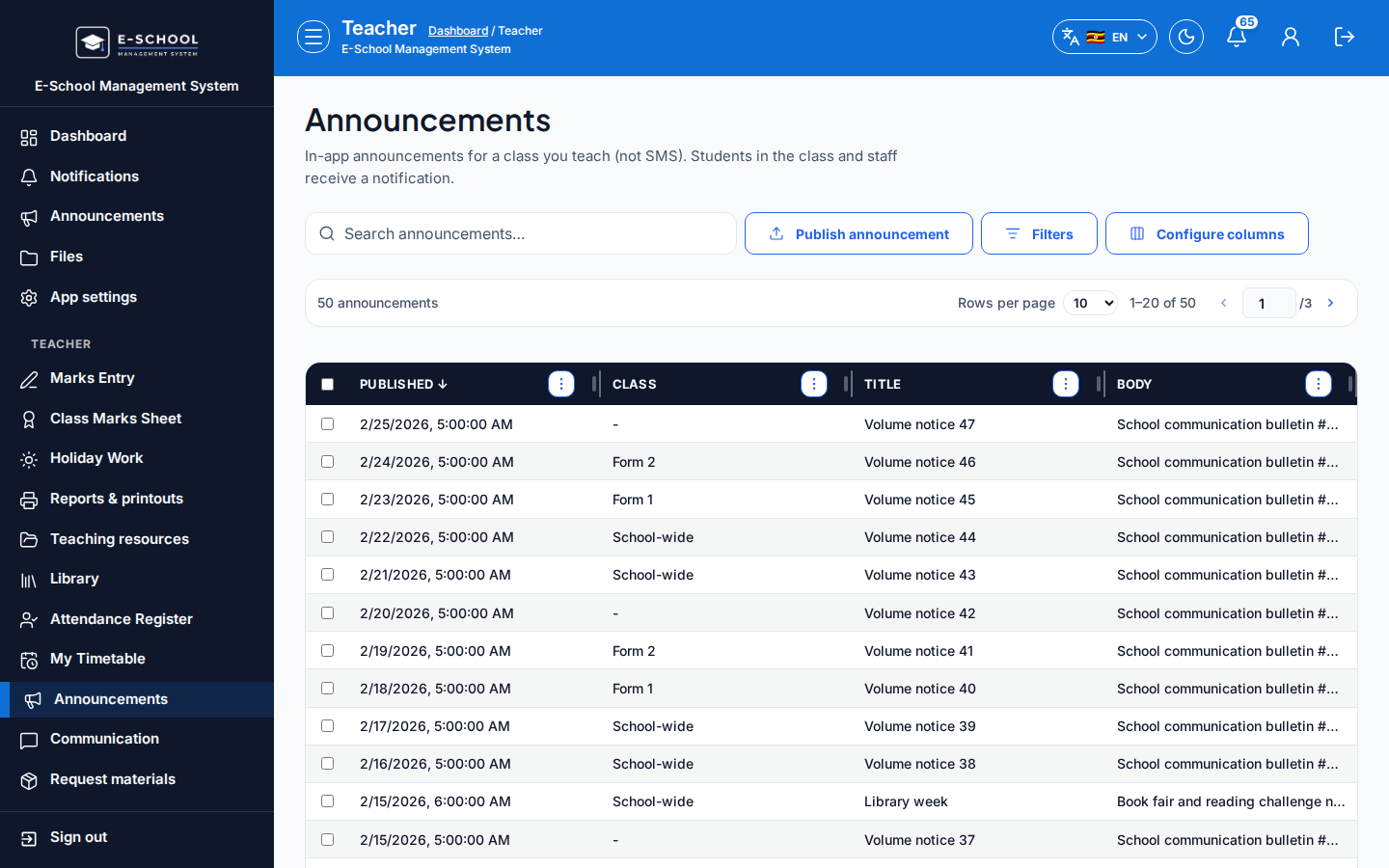
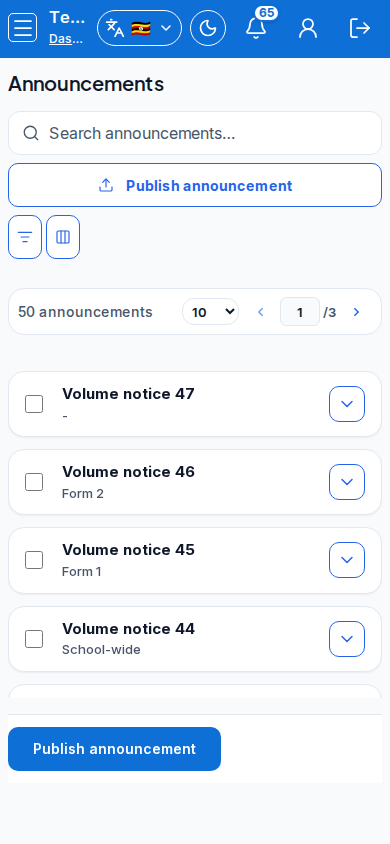
Steps
- Open Announcements at
/teacher/announcementsas TEACHER.
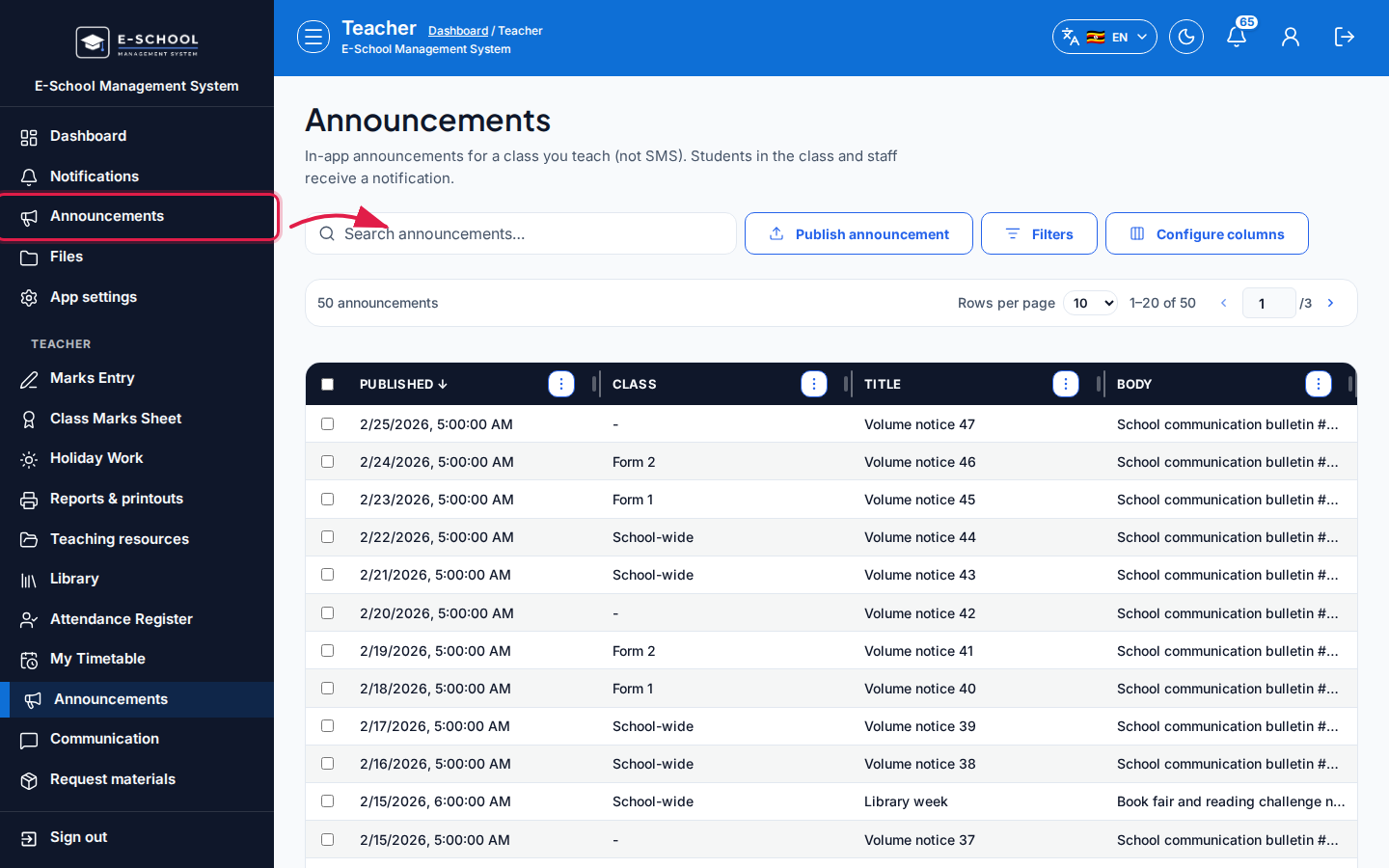 Desktop - focus for step 1
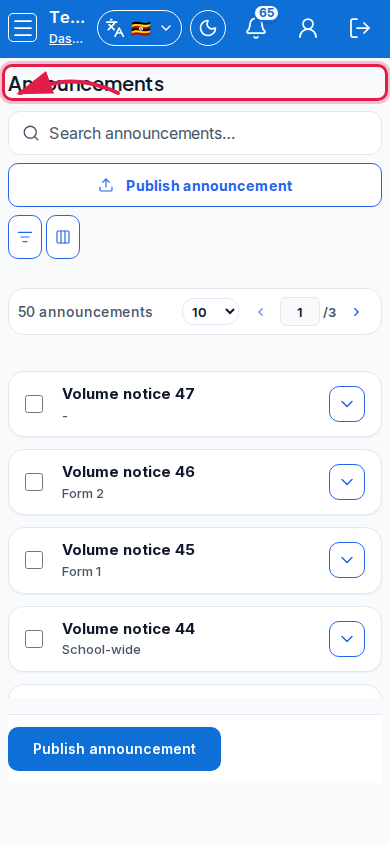 Mobile - focus for step 1
- Click Publish announcement. Set Class, Title, Body, then Publish.
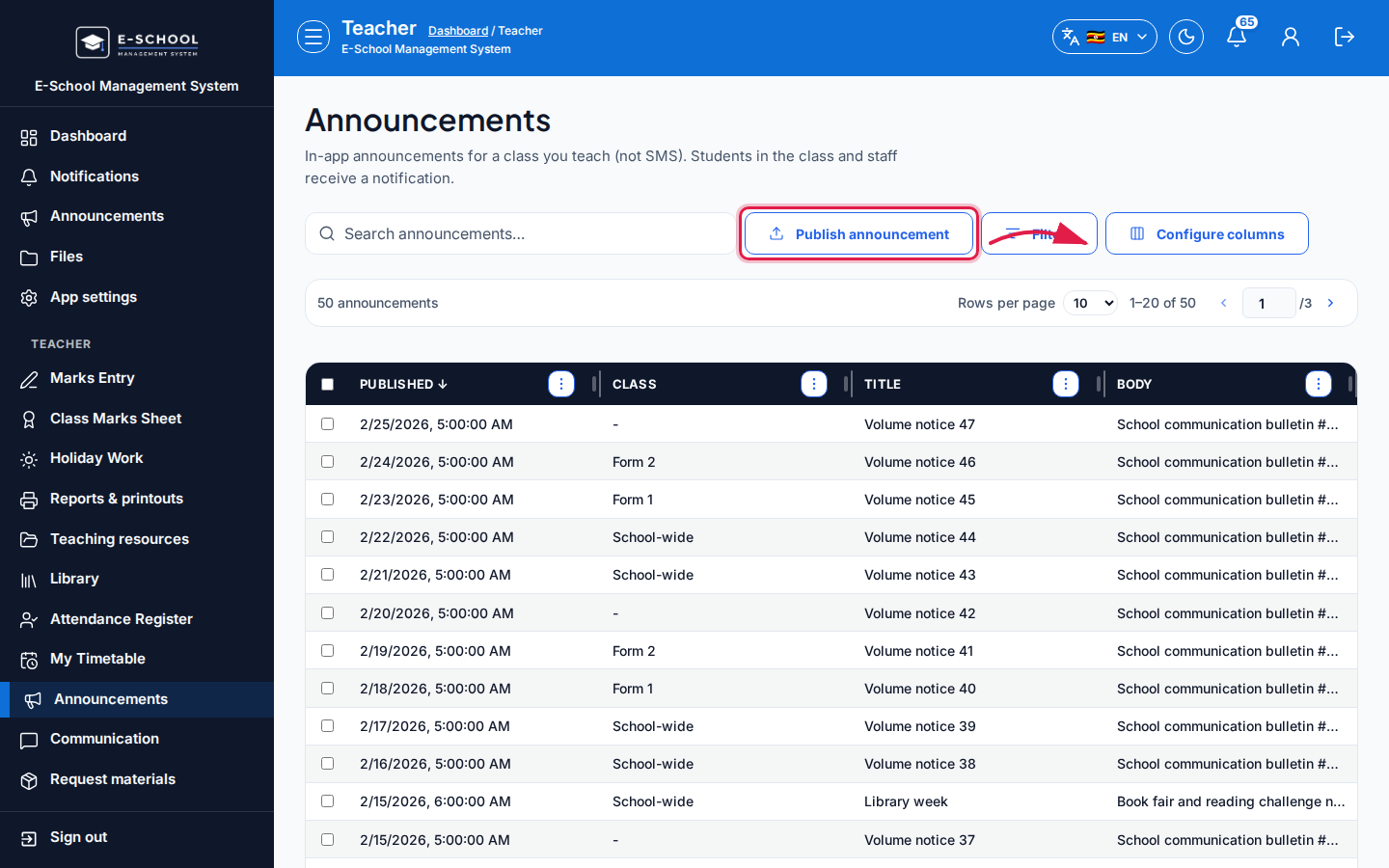 Desktop - focus for step 2
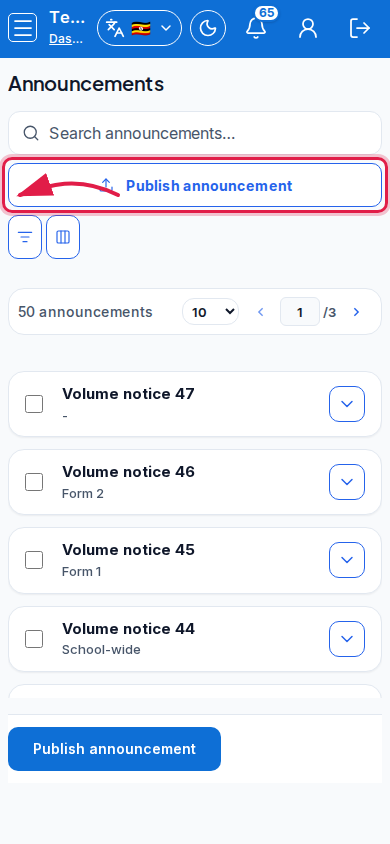 Mobile - focus for step 2
- Review Published, Class, Title, Body in the table.
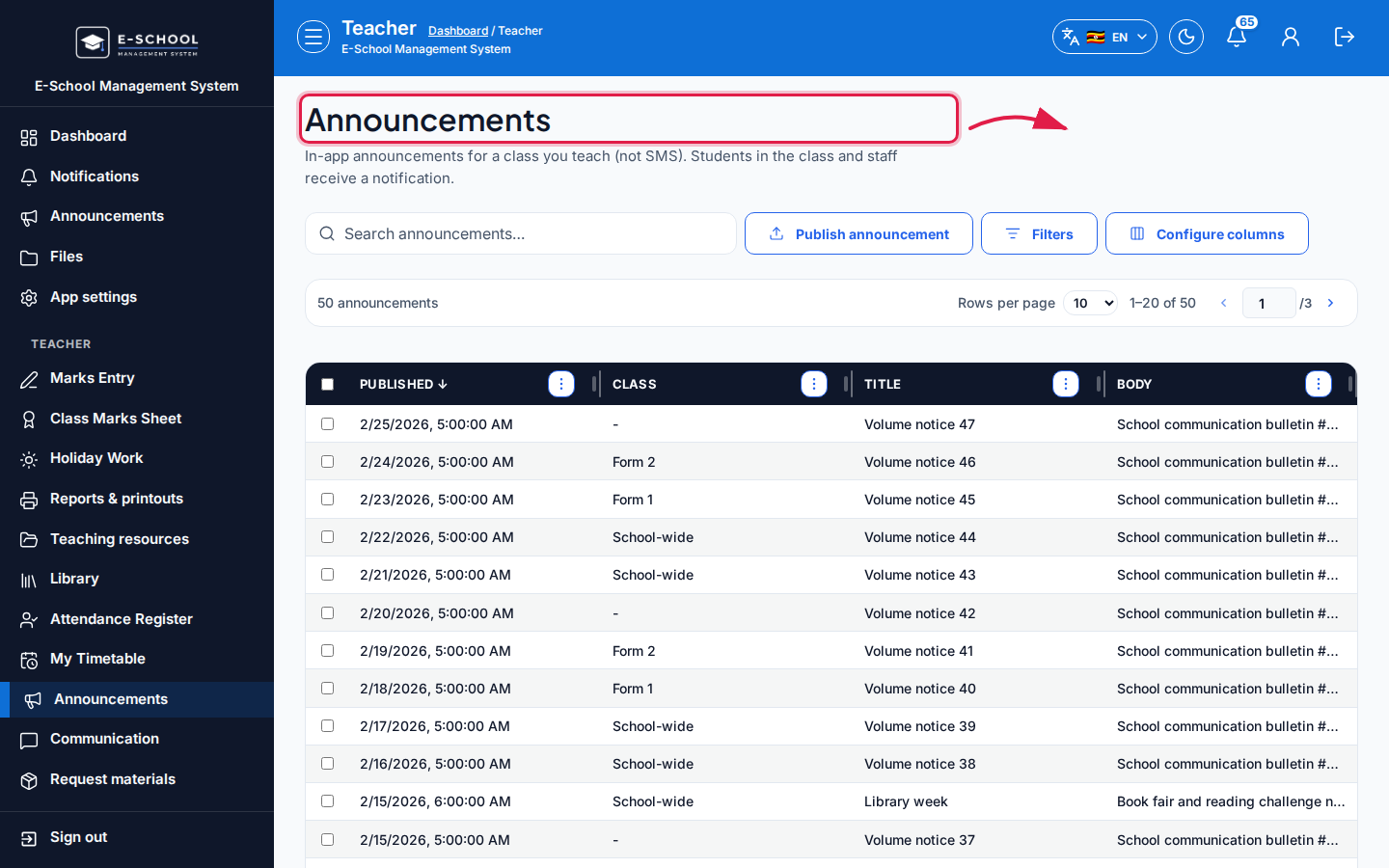 Desktop - focus for step 3
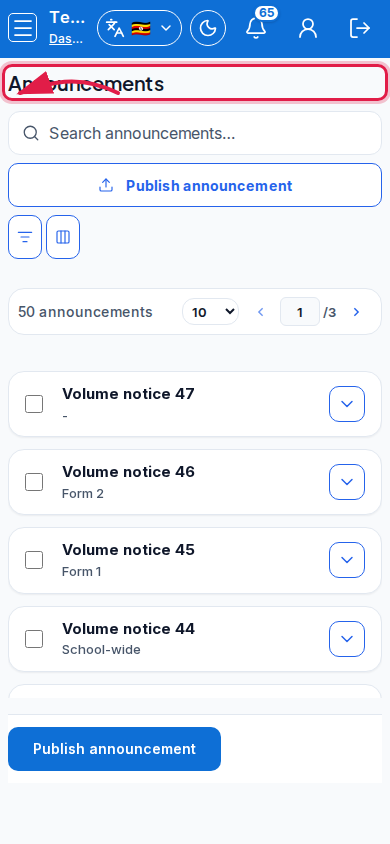 Mobile - focus for step 3
- Use Communication group links for WhatsApp-style channels instead of long announcement threads.
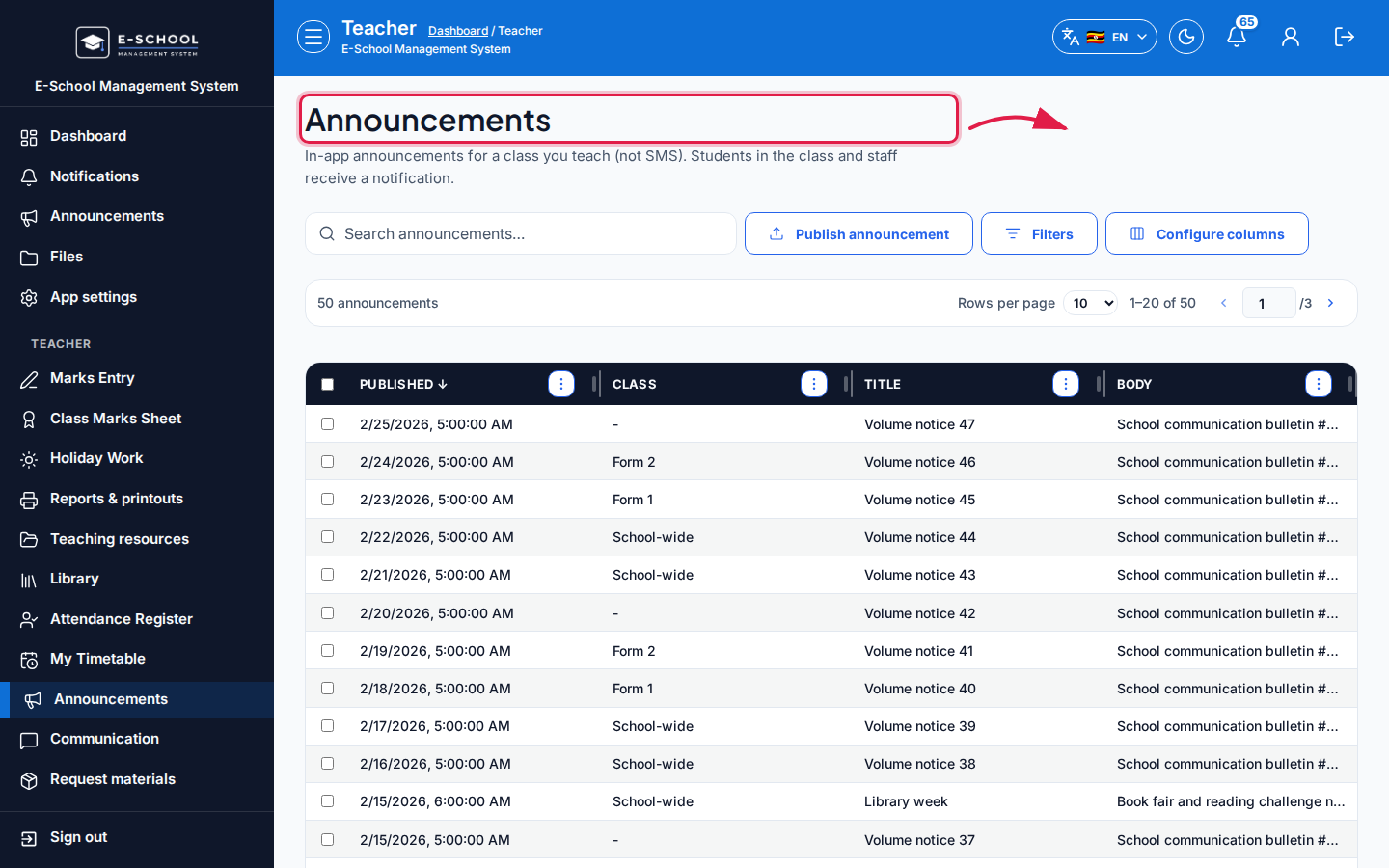 Desktop - focus for step 4
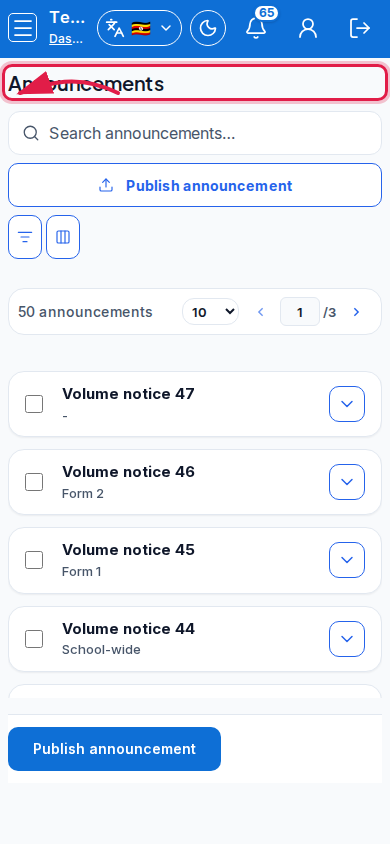 Mobile - focus for step 4
- Avoid publishing sensitive marks or personal data in Body.
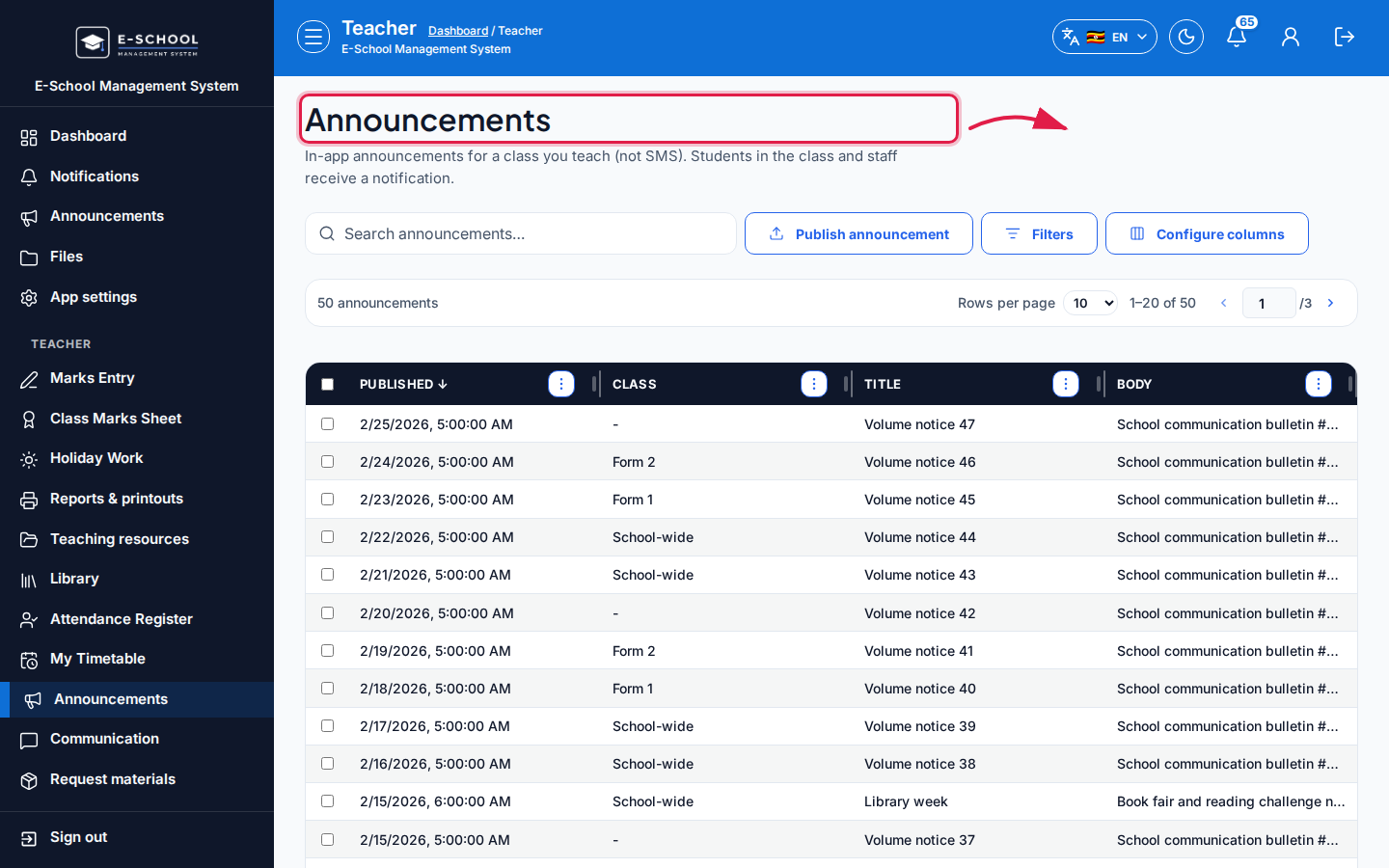 Desktop - focus for step 5
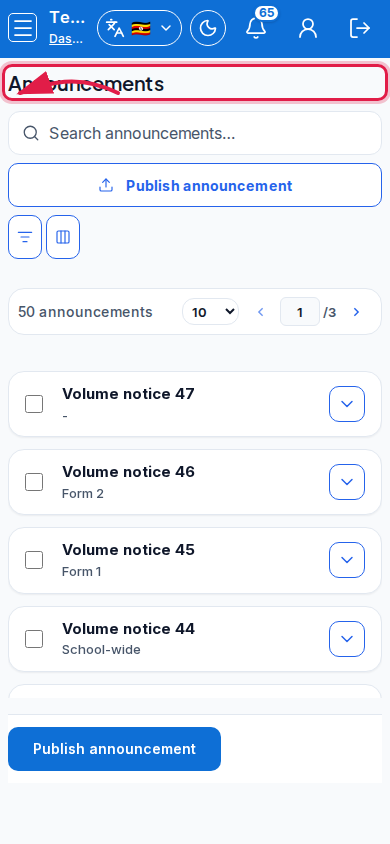 Mobile - focus for step 5
Fields and actions
- Publish announcement
- Class, Title, Body
- Columns: Published, Class, Title, Body
Common mistakes
- Posting personal student issues in a class announcement
- Omitting Class when only one stream should see it