Files
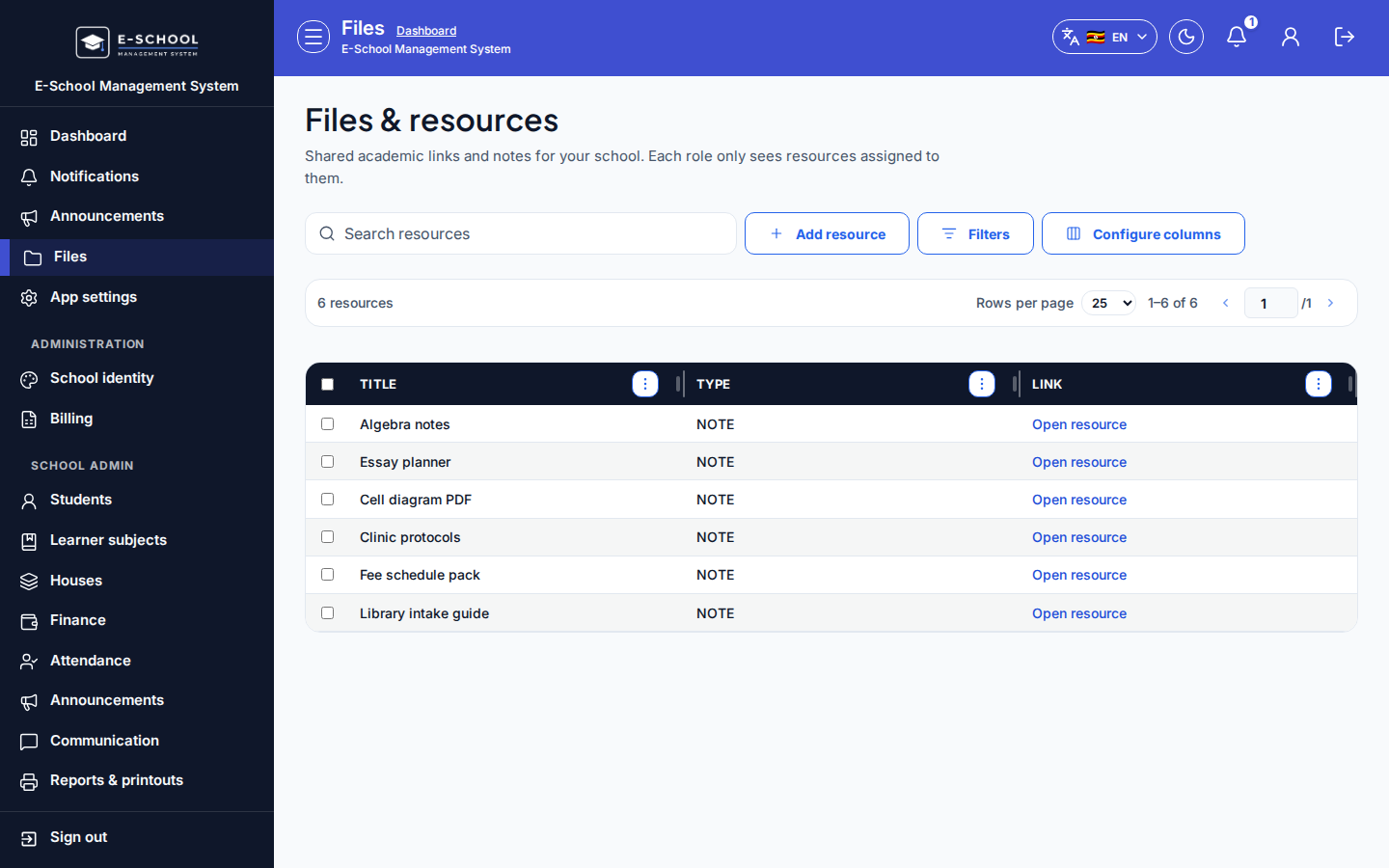
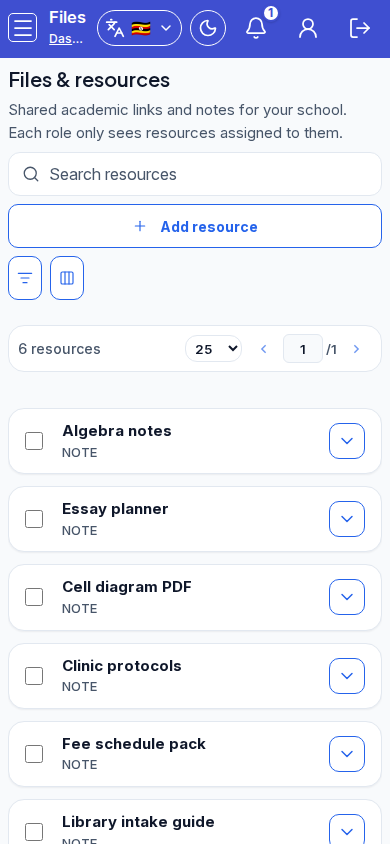
Shared files and academic resources visible by role; permitted users can add resources.
Who can use this
- ADMIN
- TEACHER
- STUDENT
- FINANCE
- SECRETARY
- LIBRARIAN
- NURSE
- PARENT
Path
/files
Dependencies
- Uploaders need permission; learners need portal access to open files.
- Prefer Admin resources for school-wide academic packs.
Screenshot
Steps
- Open Files & resources at
/files. - When permitted, Add resource: Title, Type (Note, Past paper, Marking guide, Tutorial), Visible to, File or link, then save.
- Open a row with Open resource.
- Use Admin resources link for the fuller academic catalogue.
- Keep visibility tight (Admin only) for draft materials.
Fields and actions
- Add resource (when permitted)
- Title, Type, Visible to, File or link
- Columns: Title, Type, Link / Open resource
Common mistakes
- Uploading with Students visibility before vetting
- Broken external links
- Expecting holiday work packages here (use Holiday work)