Announcements
Shared announcements feed. Admin, teacher, and secretary can publish; other roles read.
Who can use this
- ADMIN
- TEACHER
- STUDENT
- FINANCE
- SECRETARY
- LIBRARIAN
- NURSE
- PARENT
Path
/messages
Dependencies
- Publishing roles: ADMIN, TEACHER, SECRETARY.
- Class-scoped posts need an existing class.
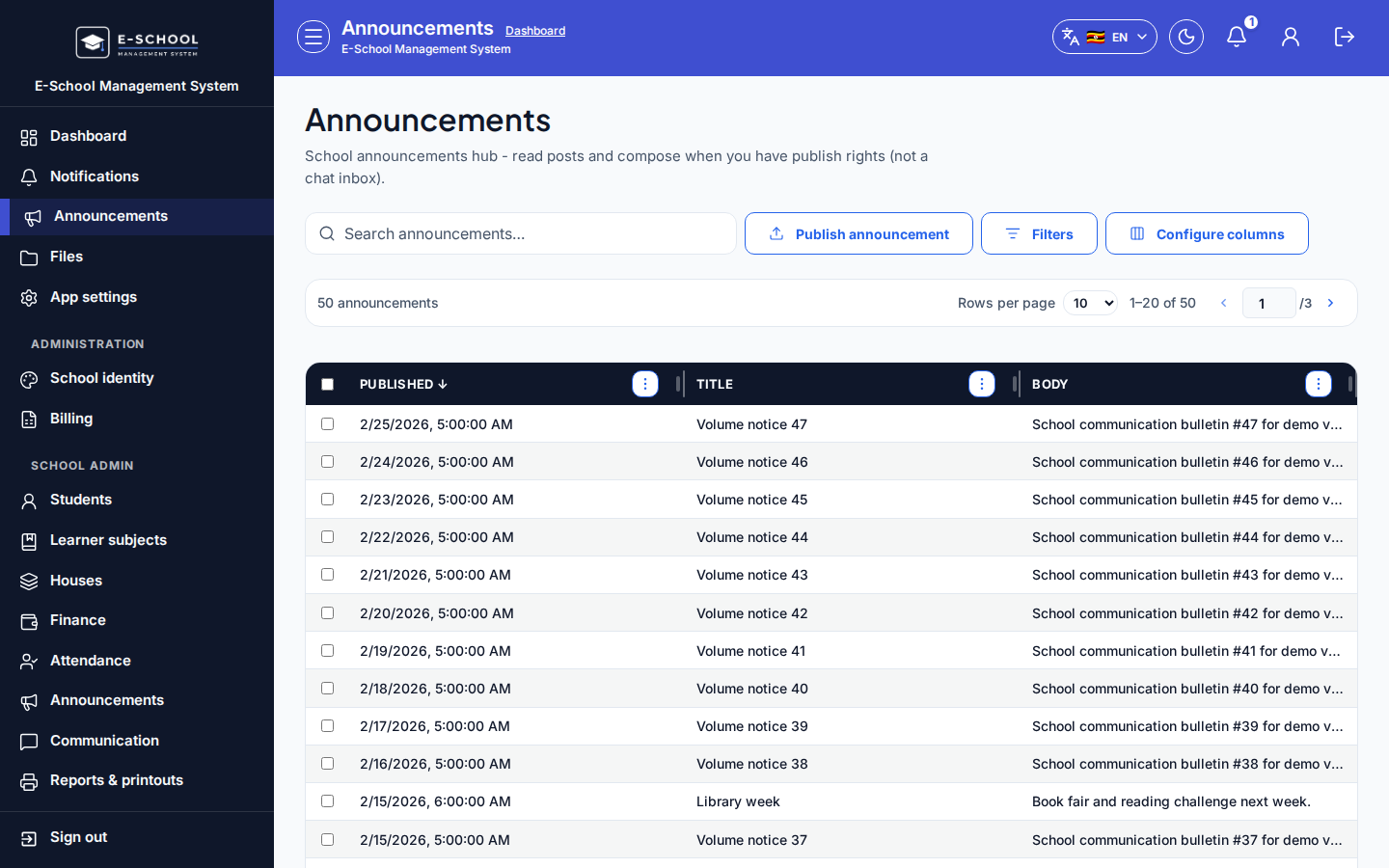
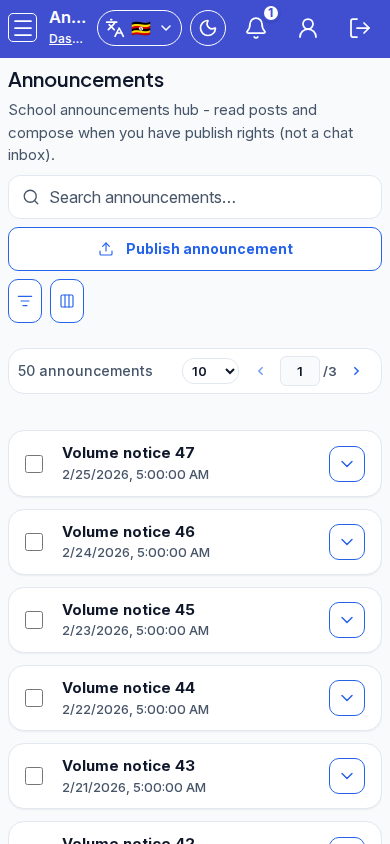
Screenshot
Steps
- Open Announcements at
/messages. - If permitted, click Publish announcement. Set Class or School-wide, Title, Body, then Publish.
- Search the list by title/body. Read-only roles only view published rows.
- Admins can jump to Open Communicate for the full announcements tool.
- Do not rely on this feed for private one-to-one messages.
Fields and actions
- Publish announcement (when permitted)
- Class / School-wide, Title, Body
- Columns: Published, Title, Body
Common mistakes
- Parents expecting private replies here
- Publishing school-wide when a single class was intended