Billing
School SaaS subscription: trial/status, plan period, card or mobile money payment, and cancel/resume.
Who can use this
- ADMIN
Path
/settings/billing
Dependencies
- Platform billing plan assigned to the school tenant.
- School admins manage trial and plan here - not school fee billing under Finance.
Screenshot
Steps
- Open Billing at
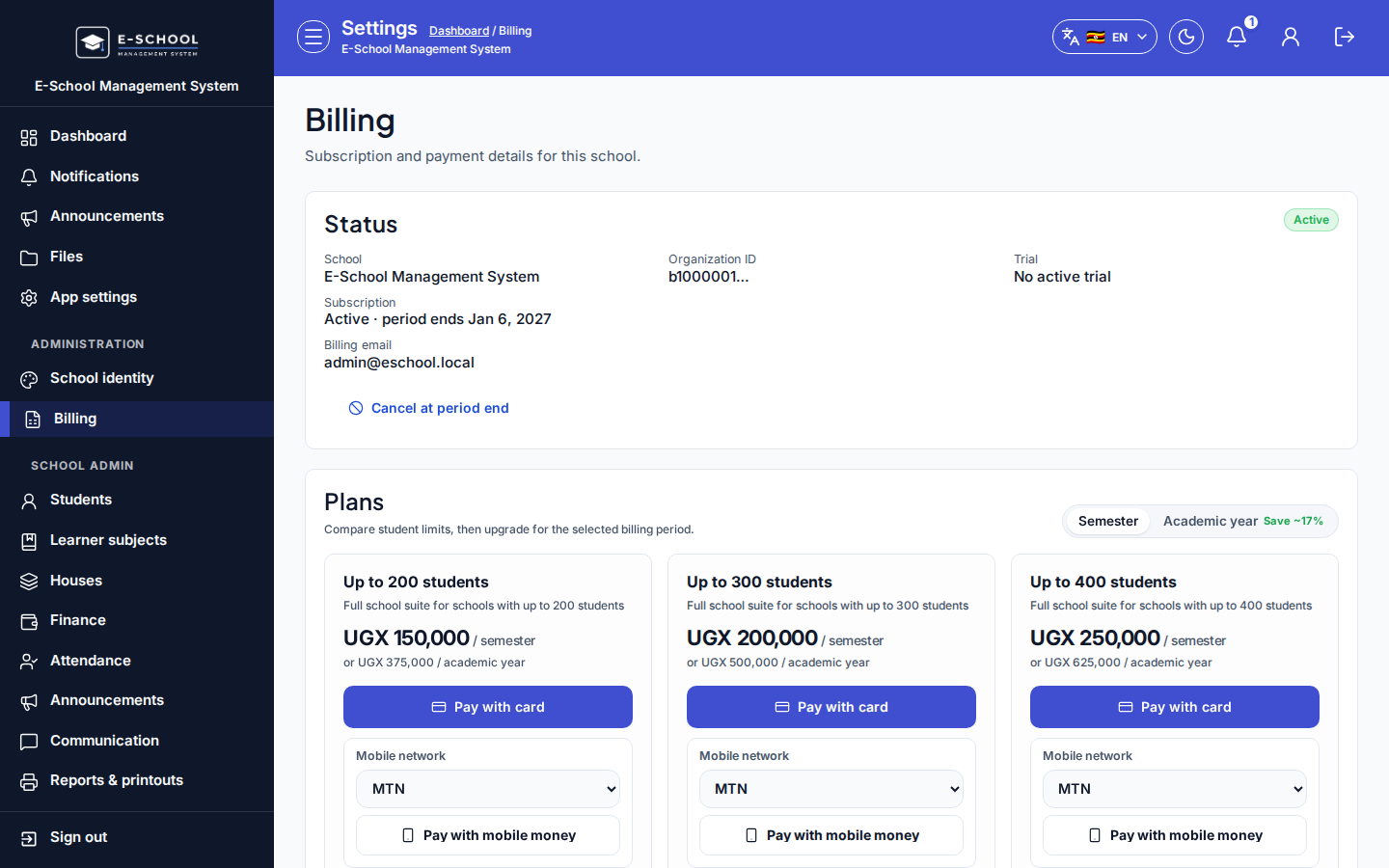
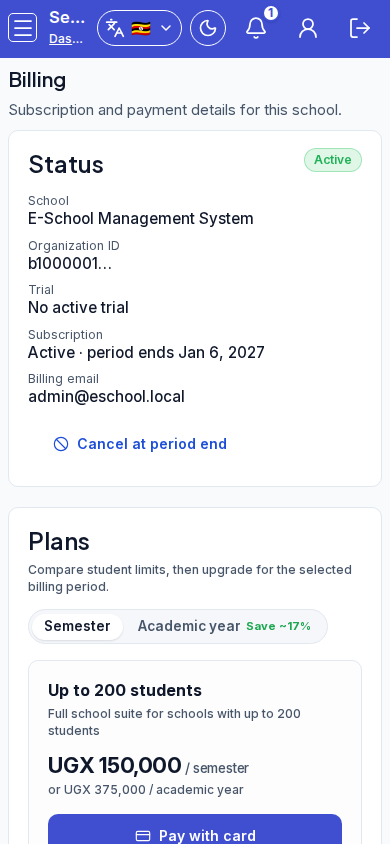
/settings/billingas ADMIN. - Review Status badges (subscription, access level, trial) and school / organization / billing email stats.
- Under Plans, toggle Semester or Academic year (Save ~17%), then Upgrade, Pay with card, or Pay with mobile money (MTN / Airtel).
- Expand Other payment options (installments) and Request installment plan when needed.
- Use Manage in Stripe, Cancel at period end (confirm dialog), or Resume subscription as appropriate.
Fields and actions
- Status panel: Manage in Stripe, Cancel at period end, Resume subscription
- Plans: Semester / Academic year, Upgrade, Pay with card, Pay with mobile money
- Other payment options (installments) / Request installment plan
Common mistakes
- Confusing this page with learner fee billing under Finance
- Cancelling at period end without confirming access end date
- Paying mobile money without selecting MTN or Airtel