Academic Resources
Learner view of academic resources shared by the school/teachers.
Who can use this
- STUDENT
- ADMIN
Path
/student/resources
Dependencies
- Resources published with Students visibility.
- E-learning quizzes/videos may appear under E-Learning.
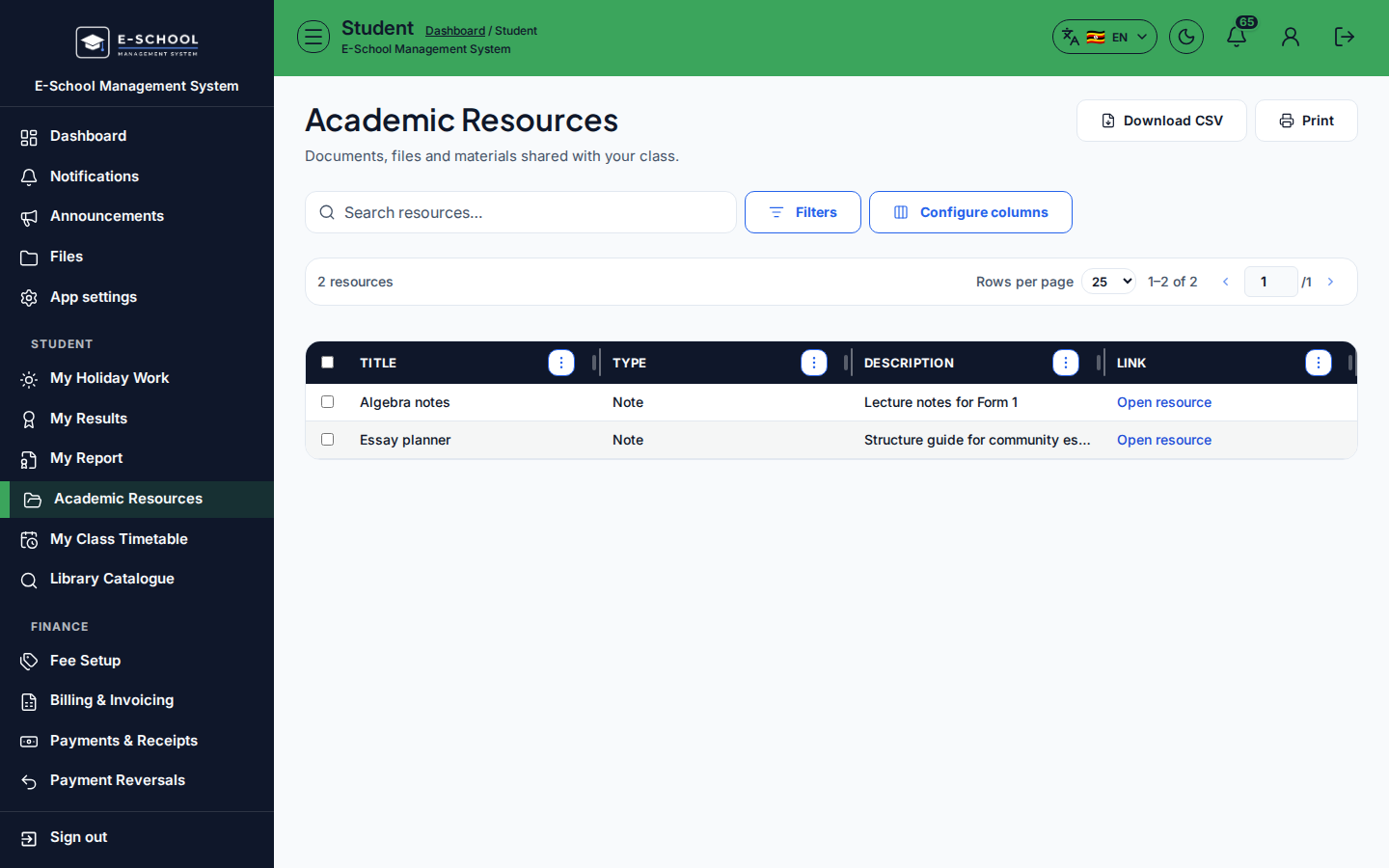
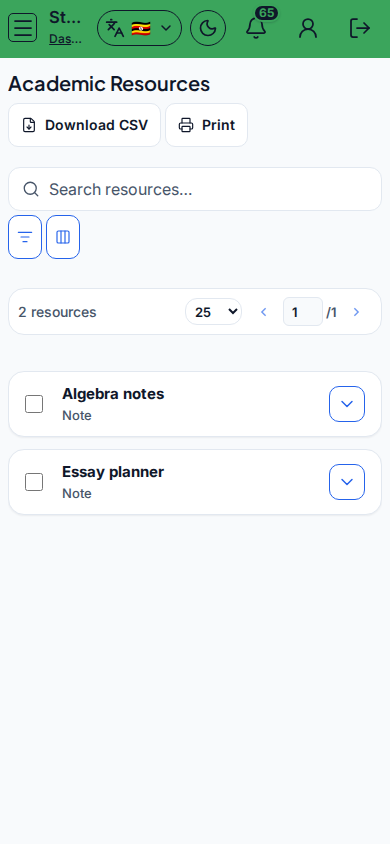
Screenshot
Steps
- Open Academic Resources at
/student/resourcesas STUDENT. - Browse Title, Type, Description. Click Open resource.
- Download CSV / Print if you keep an offline index.
- Use E-learning / Open e-learning for quizzes, videos, and courses.
- Ask a teacher if an expected past paper is missing.
Fields and actions
- Columns: Title, Type, Description, Link
- Open resource / Download CSV / Print
- CTA: E-learning
Common mistakes
- Looking for holiday packages here (use Holiday work)
- Expecting edit rights on school files