Messages
Read-only school messages/announcements for parents.
Who can use this
- PARENT
Path
/parent/messages
Dependencies
- School staff published announcements.
- Child picker on other parent pages; messages are typically school-wide.
Screenshot
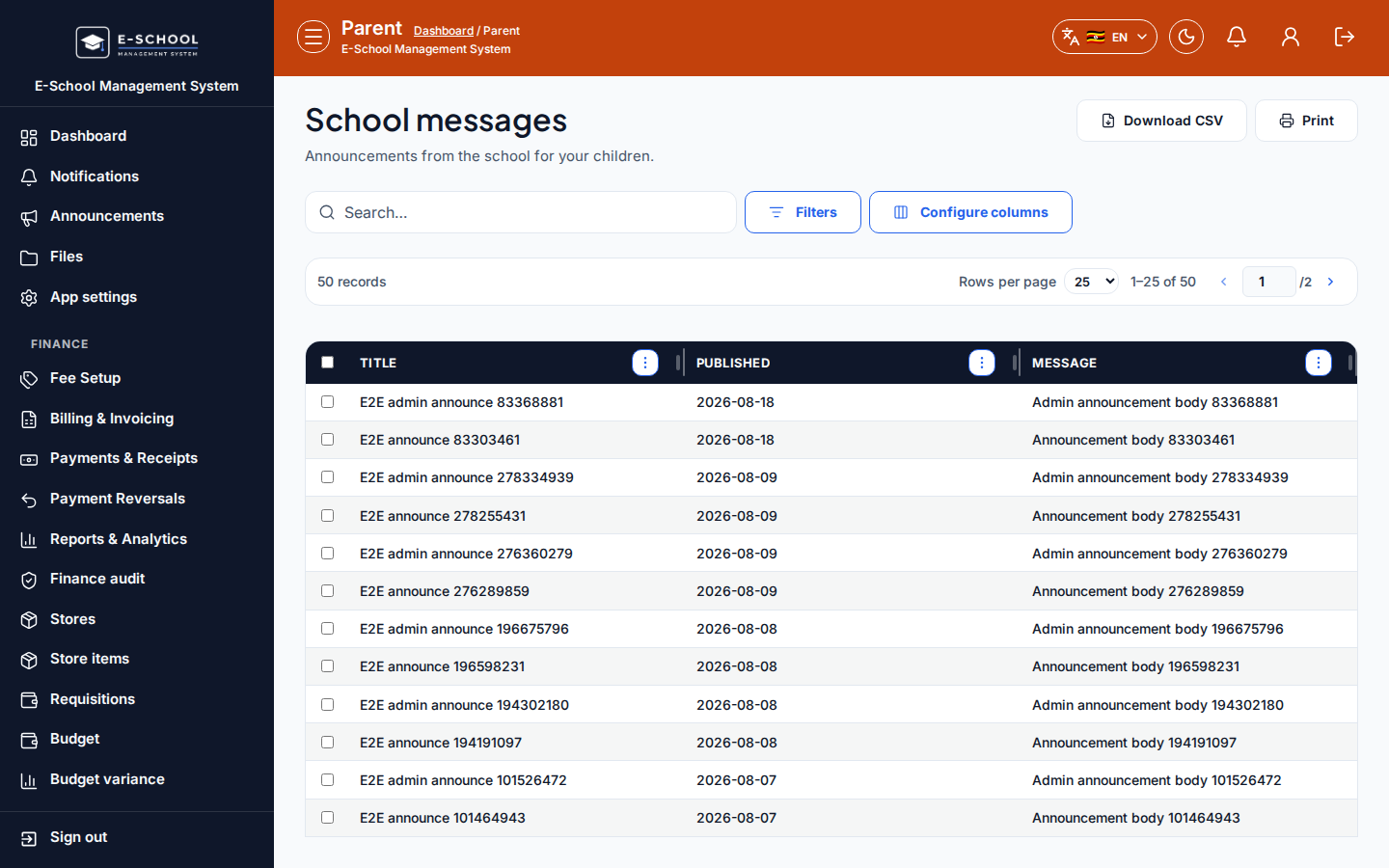
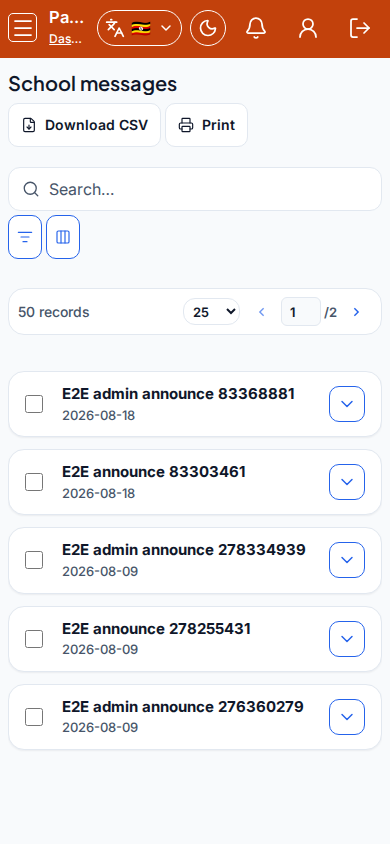
Steps
- Open School messages at
/parent/messagesas PARENT. - Read Title, Published, Message rows.
- Download CSV or Print when keeping a home copy.
- Use Profile / Parent home if you expected child-specific fee notices instead.
- Contact the office for private replies - this feed is not a chat thread.
Fields and actions
- Columns: Title, Published, Message
- Download CSV / Print
Common mistakes
- Expecting private two-way messaging
- Missing fee alerts that live under Notifications or Fees