Print selected report cards
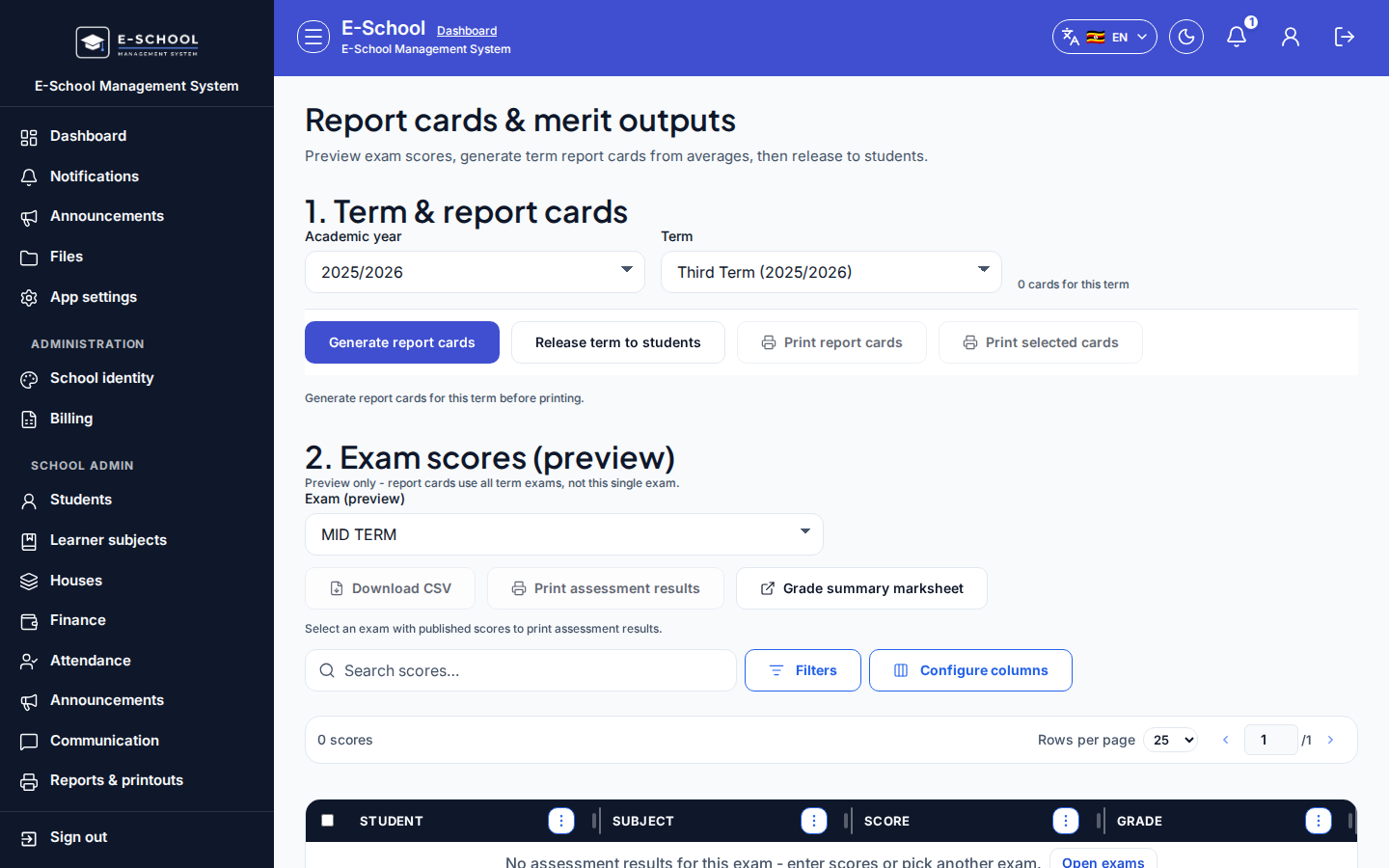
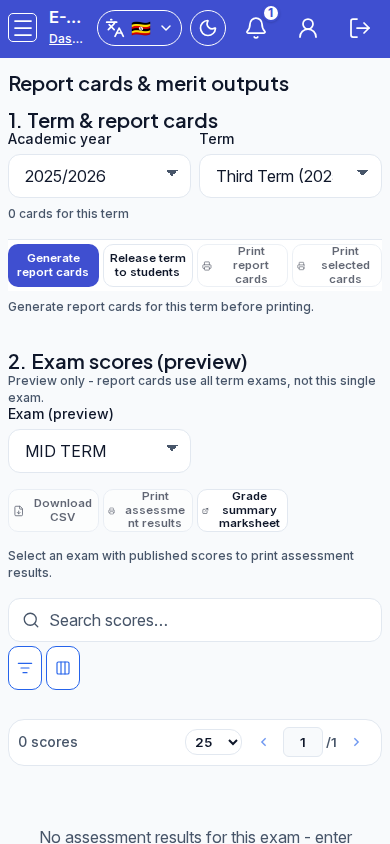
Print only the learners selected in the generated cards list (not the whole term dump). Control label: Print selected cards (report-cards-print-selected).
Who can use this
- ADMIN
Path
/admin/report-cards
Dependencies
- Cards already generated for the selected academic year and term (Generate report cards).
- At least one row selected in the generated list; Print selected cards stays disabled until a selection exists.
- Prefer releasing the term when parents/students should see the same results in the portal.
Screenshot
Dialog appears when
After generation, select one or more rows in the generated cards table, then click Print selected cards. Use Print report cards when you want every ready card for the term instead of a subset.
Steps
- Generate cards for the term (Generate report cards).
- In the generated list, select the learner rows to print.
- Confirm the selection hint shows how many cards are selected.
- Click Print selected cards (disabled when nothing is selected).
- Use the browser / print preview to finish; cancel if the wrong rows were ticked.
Fields and actions
- Generated cards table row selection
- Print selected cards
- Print report cards (all ready for the term)
- Selection hint (N card(s) selected)
Common mistakes
- Clicking Print selected cards with zero selection (control disabled / empty message)
- Printing the full term with Print report cards when only a few learners were intended
- Printing before release when families expect the portal to match paper
- Printing empty-looking cards because subjects or marks were never ready