My Class Timetable
Read-only class timetable for the signed-in learner.
Who can use this
- STUDENT
- ADMIN
Path
/student/timetable
Dependencies
- Learner enrolled in a class with published timetable slots.
- Subjects and rooms come from admin timetable.
Screenshot
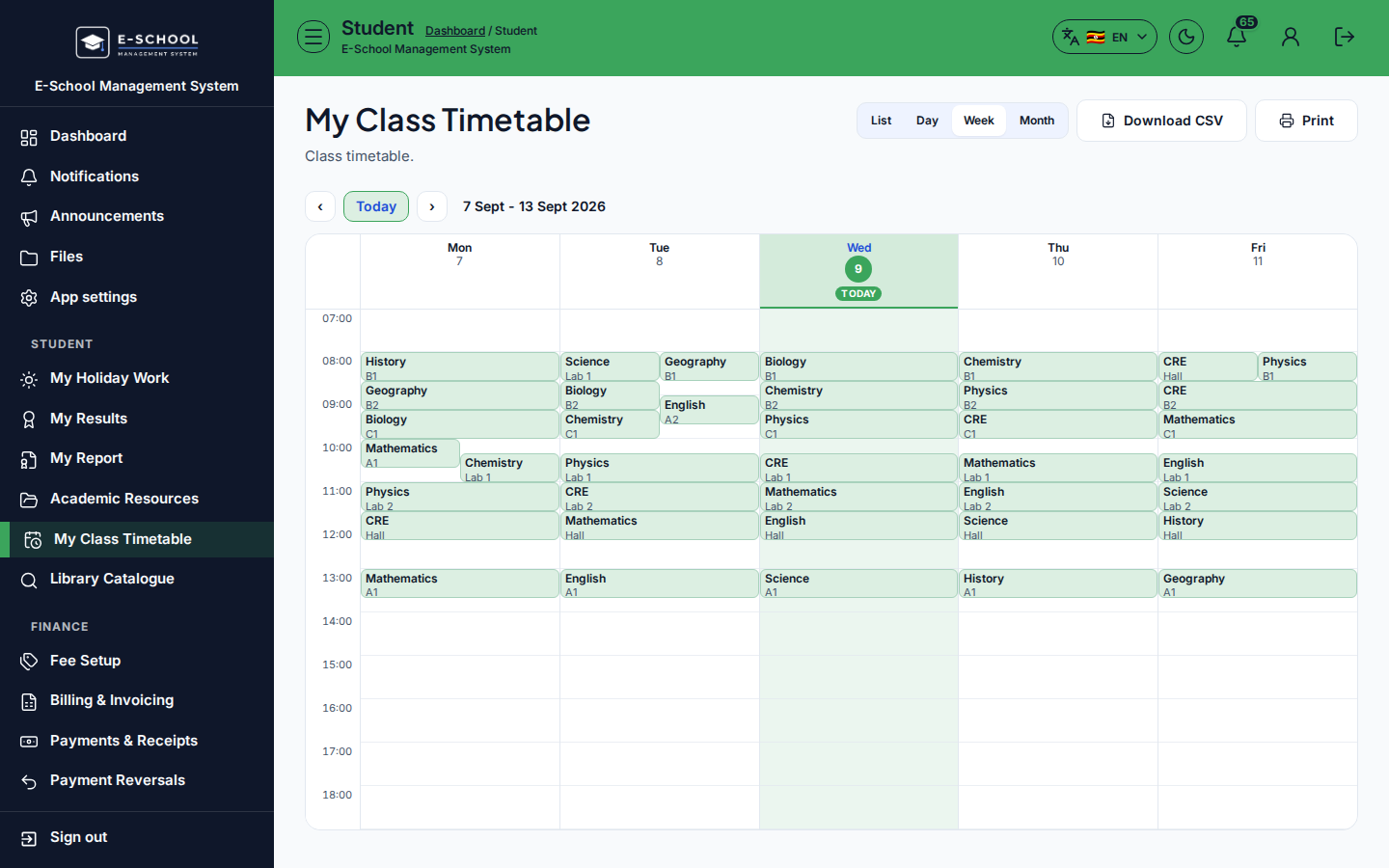
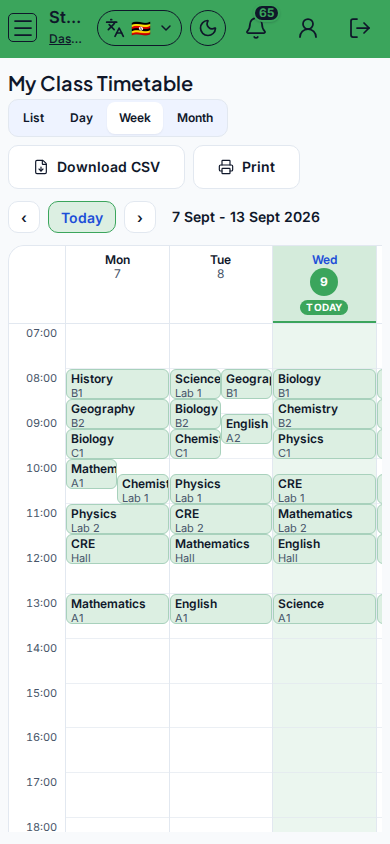
Steps
- Open My Class Timetable at
/student/timetableas STUDENT. - Switch List / Week / Day.
- Review Day, Period, Subject, Room. Search if needed.
- Download CSV or Print for the week.
- If empty, open academic resources or ask the office - the class may lack published slots.
Fields and actions
- View: List | Week | Day
- Columns: Day, Period, Subject, Room
- Download CSV / Print / Search timetable…
Common mistakes
- Expecting personal electives when only class slots exist
- Confusing empty timetable with a holiday