Fees
Student fee statement tab: totals, payment code, and status.
Who can use this
- STUDENT
- ADMIN
Path
/student/fees
Dependencies
- Invoices generated for the learner.
- Pay at the school office unless online pay is enabled.
Screenshot
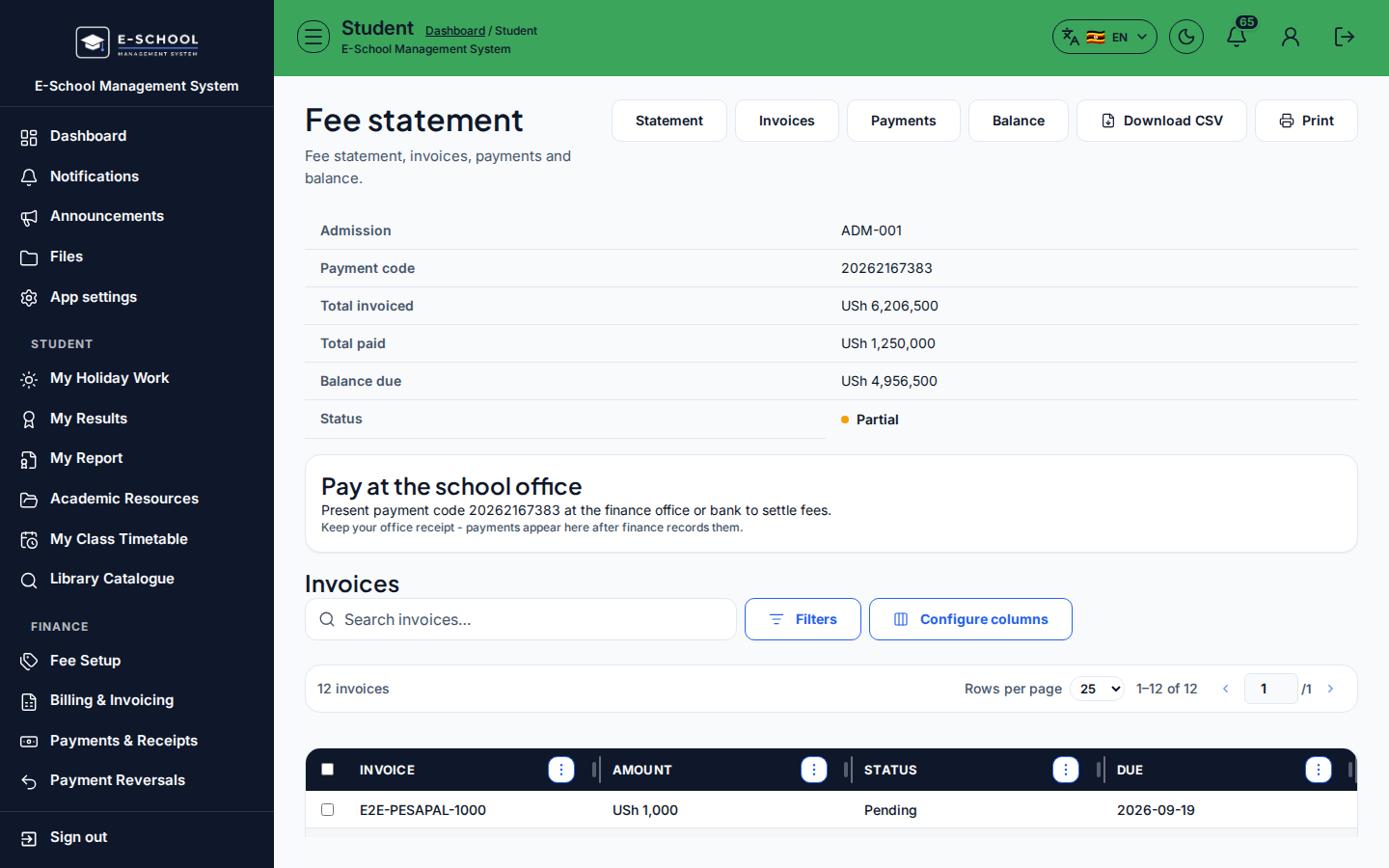
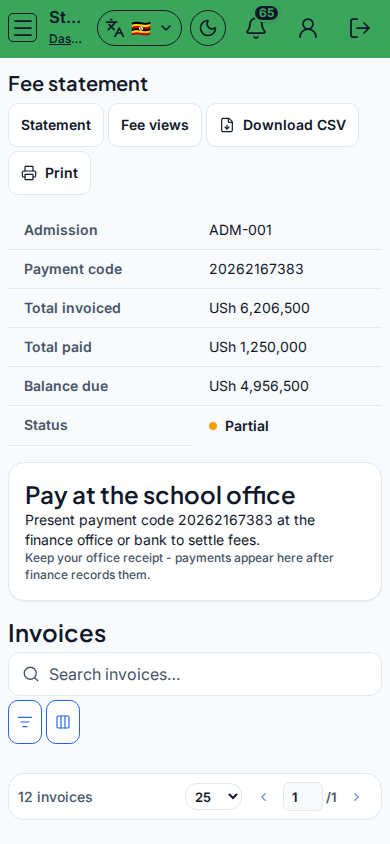
Steps
- Open Fees / Statement at
/student/feesas STUDENT. - Review Admission, Payment code, Total invoiced, Total paid, Balance due, Status.
- Switch sibling tabs Invoices, Payments, Balance as needed.
- Use Pay at the school office guidance / View balance.
- Quote Payment code at the cashier.
Fields and actions
- Nav tabs: Statement, Invoices, Payments, Balance
- Admission, Payment code, Totals, Status (Outstanding/Settled)
- Pay at the school office / View balance
Common mistakes
- Sharing password instead of Payment code
- Looking only at Invoices when Balance is clearer