E-Learning
Learner e-learning catalogue: videos, quizzes, and courses with attempt recording.
Who can use this
- STUDENT
- ADMIN
Path
/student/elearning
Dependencies
- Teachers published Quiz/Video/Course resources.
- Attempts require answering before Submit.
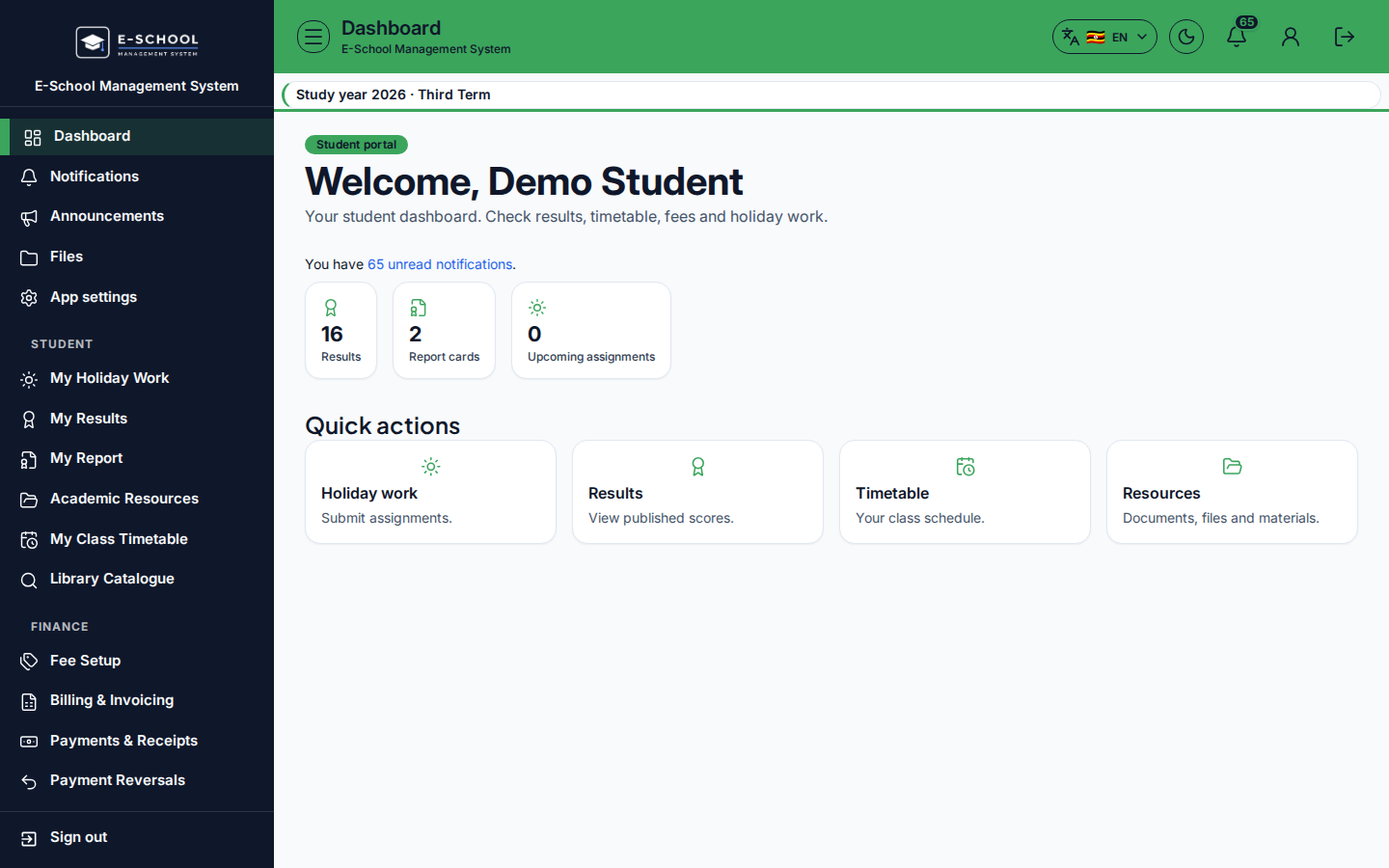
Screenshot
Steps
- Open E-Learning at
/student/elearningas STUDENT. - Filter Category: All e-learning / Video / Quiz / Course.
- Open resource for materials. For quizzes, Record attempt, answer fields, then Submit attempt.
- Review Title, Type, Link columns for what's available.
- Return to Academic Resources for non-e-learning files.
Fields and actions
- Category filter: All / Video / Quiz / Course
- Open resource / Record attempt / Submit attempt
- Quiz: Your answer, Your response, Short answer or notes
Common mistakes
- Closing the quiz dialog without Submit attempt
- Filtering Video and missing Quiz homework