Balance
Student balance due summary with outstanding/settled status.
Who can use this
- STUDENT
- ADMIN
Path
/student/balance
Dependencies
- Invoices and payments posted.
- Payment code used at the office.
Screenshot
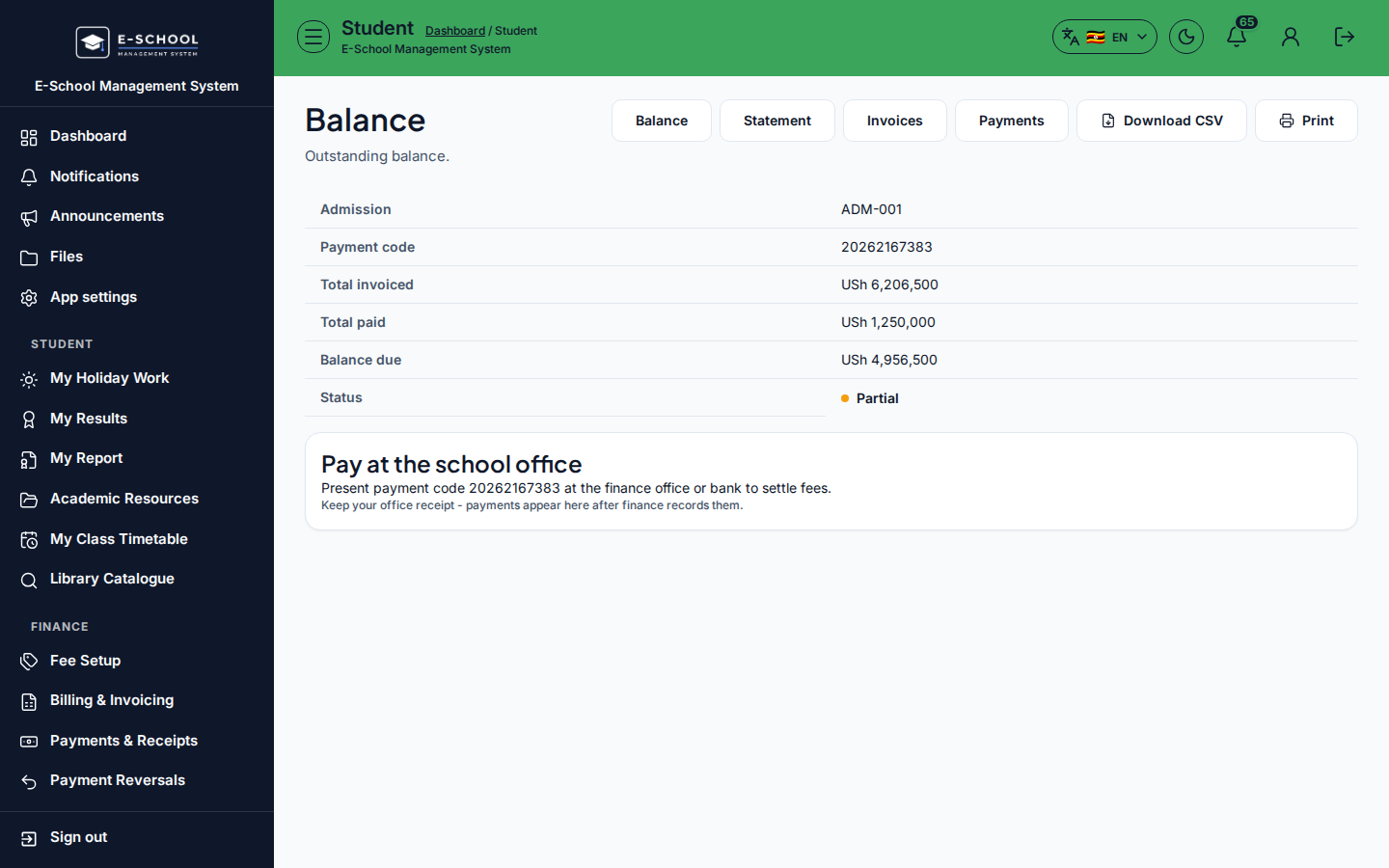
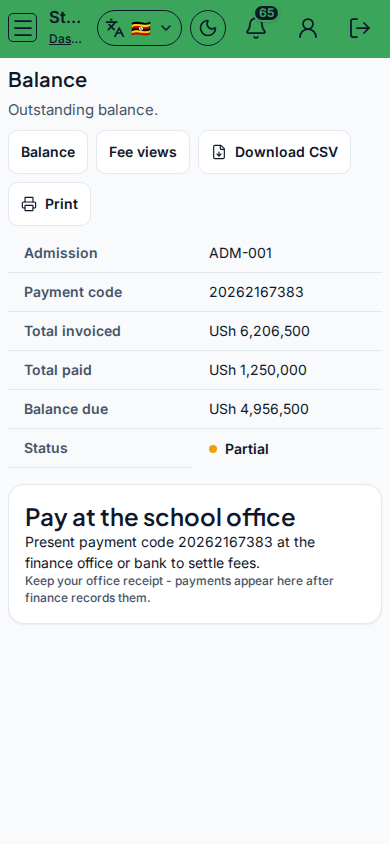
Steps
- Open Balance at
/student/balanceas STUDENT. - Read Balance due and Status (Outstanding / Settled).
- Jump to Statement/Invoices/Payments tabs for detail.
- Pay at the school office with Payment code.
- Refresh after the cashier posts.
Fields and actions
- Balance due, Status
- Fees nav tabs
- Pay at the school office
Common mistakes
- Stale balance before cashier posting
- Ignoring Payment code