Attendance
Read-only attendance summary for the selected linked child.
Who can use this
- PARENT
Path
/parent/attendance
Dependencies
- Parent account linked to at least one learner.
- School must have saved register marks for the child.
Screenshot
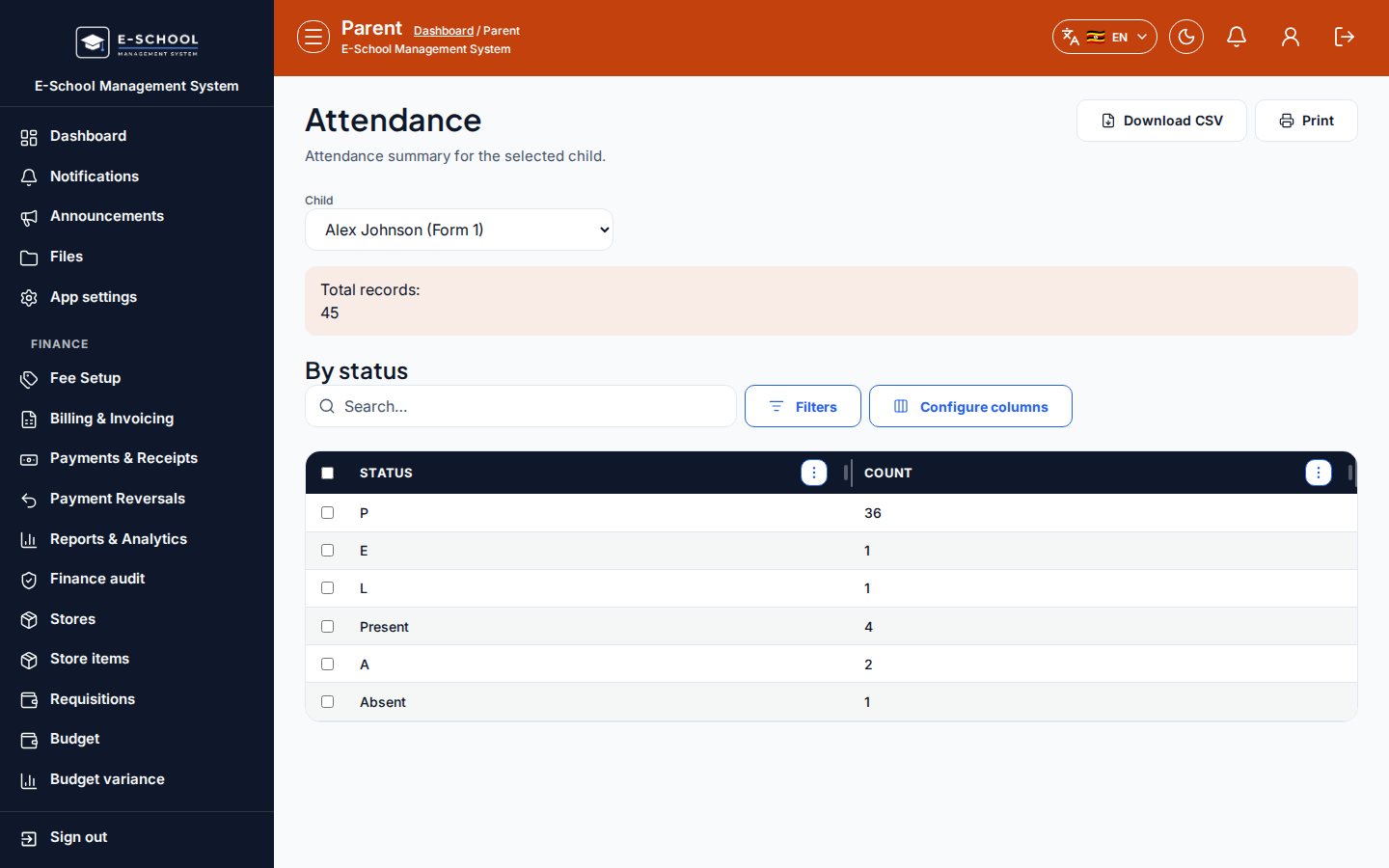
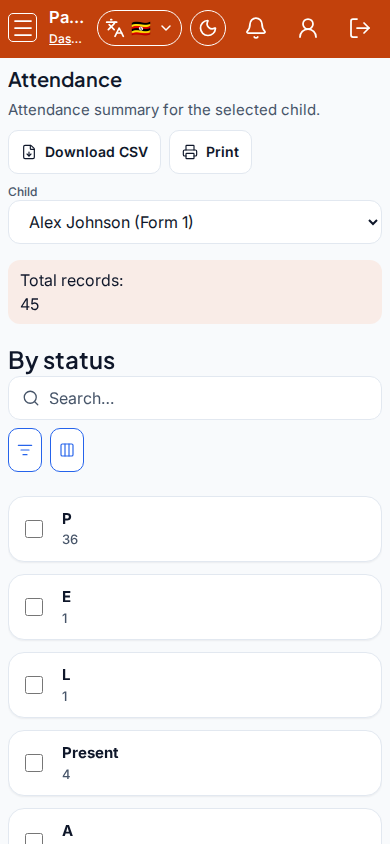
Steps
- Open Attendance at
/parent/attendanceas PARENT. - Choose Child if more than one learner is linked.
- Review totals and the status breakdown table (Status, Count).
- Use Download CSV or Print for home records.
- If No linked students or No attendance records, contact the school office.
Fields and actions
- Child picker
- Summary: Total records, By status
- Download CSV / Print
- Columns: Status, Count
Common mistakes
- Looking at the wrong child
- Expecting to edit marks from the parent portal
- Assuming no records means the child was absent (marks may not be entered yet)