Profile
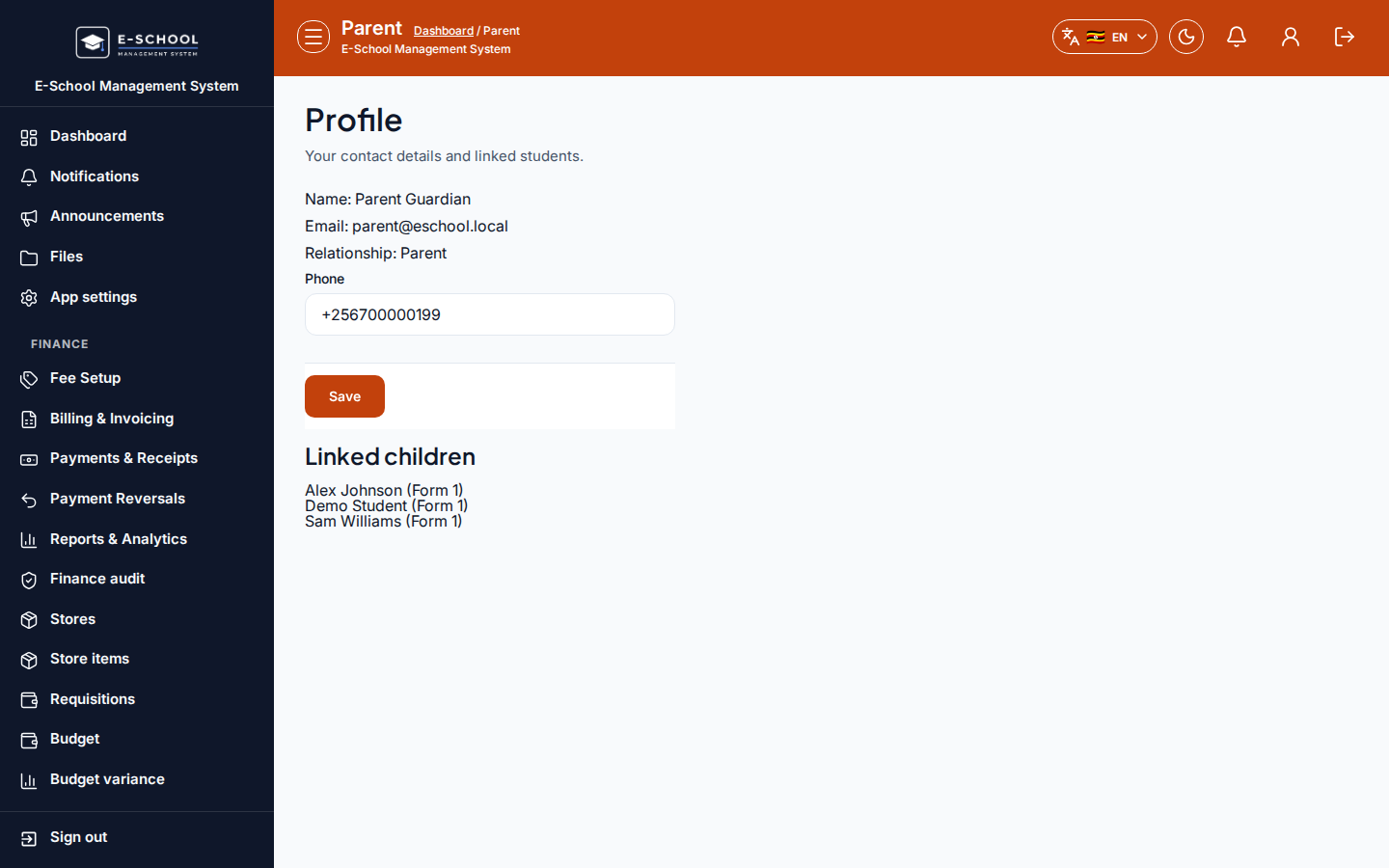
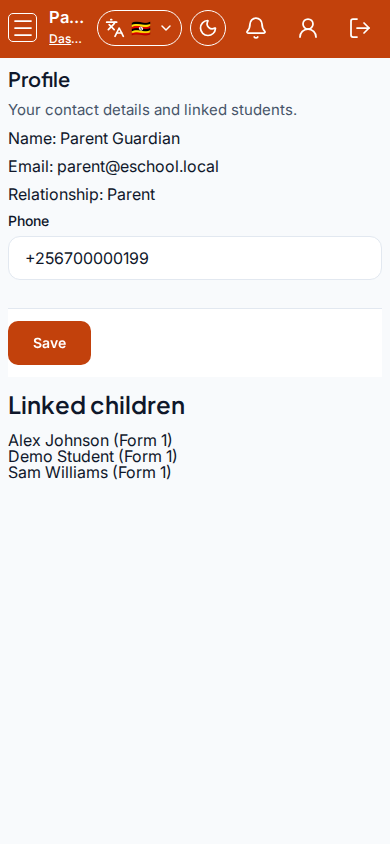
Parent contact profile and the list of linked children for this portal login.
Who can use this
- PARENT
Path
/parent/profile
Dependencies
- Parent account issued by the school (School ID + User ID).
- Children must be linked by the office before fee/results shortcuts work.
Screenshot
Steps
- Open Profile at
/parent/profileas PARENT. - Review read-only Name, Email, and Relationship.
- Update Phone, then Save.
- Check Linked children (with class names). If empty, contact the school office - do not invent links here.
- Use parent home shortcuts for fees, results, and attendance per child.
Fields and actions
- Read-only: Name, Email, Relationship
- Editable: Phone
- Save
- Linked children list
Common mistakes
- Using admission number at login instead of User ID
- Expecting to add children from this page
- Leaving without Save after editing phone